@gravitysquirre1 Of cloud sync, yes, we’re working on it 🙌, but not iCloud, the reasons for that were outlined in one of the tickets in our GitHub repository
There's a new beta for v4.7.1! (link to join: https://t.co/wnOdoxOdbS)
What's new:
– Possible fix for playback stopping after finishing a chapter on mp3 volumes
– Fix WatchOS corner complications
– Fix CarPlay icons in the Now Playing screen
v4.7.0 is out!
– You can now export and share your bookmarks and notes
– There is a new gesture-based screen accessed via the Player, that allows playback control by tapping or swiping anywhere on that screen
– Fix themes list display
https://t.co/SzqnLNz0vB
v4.6.3 is out!
What's new
– New setting to enable or disable restarting a finished book if it was autoplayed.
v4.6.2 introduced a change to autoplay, where finished books won't be considered for autoplaying. The new setting brings back this consideration
https://t.co/SzqnLNQ3xB
There's a new beta for v4.6.2! (link to join: https://t.co/wnOdoy5OAs)
What's new:
– Library tab for CarPlay
– Fix playback starting ahead of chapter in volume books
– Autoplay in settings now controls folders behavior
– Improved performance when searching next item (autoplay)
@ebalaskas Keep in mind that progress is kept separately for a volume vs folders and items, so you’ll have to check where in the book you are, so you can jump straight to the point in the volume. With volumes, you can use the chapter function, it will show you each folder item as a chapter
@ebalaskas Hi @ebalaskas ! You can get that with the volume feature, If that folder only has books (no nested folders) you can combine it into a single volume, swipe left on the folder to access the options menu, and from there you can convert back and forth between volume and folder (1/2)
@GroovyJedi Hi there! Not yet, you'd have to encode the artwork into the file prior importing it, so the app can parse it. It is a feature that we have in our pipeline, though we don't really have a ETA on when we'll get to it
v4.6.1 is out!
What's new:
– Updated translations
– Fixed CarPlay not autoplaying the most recent item when selected
– Fixed crash on app start for some users
Don't forget to check the new things from v4.6.0:
– Revamped CarPlay controls
– New settings for player controls
@Aezz07 Not yet, we're working on it as part of our next major version focused on cross device sync (v5.0.0) but we're still in the early stages of all the changes needed 👍
V4.6.0 is out!
What's new:
– Revamped CarPlay with more controls in the now playing screen
– New settings for player controls in the app
– Fix alerts not having the proper theme
– Fix crash when importing files from within a folder
The new beta for v4.6.0 is out! (link to join: https://t.co/wnOdoy5OAs)
Key points:
– New CarPlay implementation
– More settings for player controls that modifies the player screen
– Fix alerts not having the proper theme
– Fix crash when importing files from within a folder
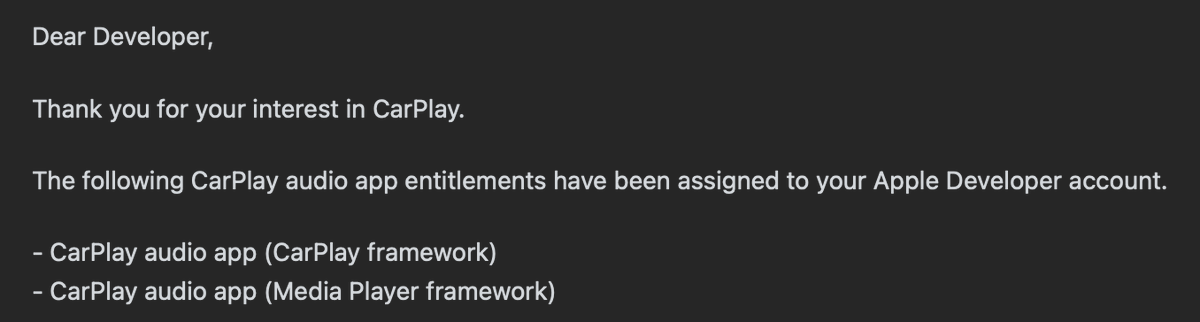
🎉 We finally got our approval to use the iOS 14 CarPlay APIs!!, look forward to our next release with our entire CarPlay implementation reworked after a brief public beta 😁
V4.5.0 is out!
What's new:
– The Watch app has been rewritten
– Proper support for rectangular complications in the Watch
– Pausing no longer has a 1-sec delay
– Disk access is optimized, resulting in better battery life
– Fix speed label being truncated in some translations
@DrStrangeer1 Hi! You should be able to by tapping the '...' button in the top right corner, choose the option 'Select', and after you're done selecting, tap the 'Open' button. The download will begin, and the screen won't be dismissed until it's done (that's how Files app behaves)
We have a new beta for our upcoming v4.5.0! link to join https://t.co/wnOdoy5OAs
We rewrote the watch app to have:
- A custom Now Playing view
- A chapter list for the current book
- Playback controls to modify the speed rate, and boost volume
- Rectangular complications
@gxndyhm The only problem would be spacing 🤔, do you know of an app that provides both skip intervals and skip chapter controls? Just to see the layout and take some inspiration from