Passionate self employed senior software architect and developer on .NET / Azure technologies, specializing in scalable and high performance API designs.
@mkristensen There’s a fundamental shift going on when even supposedly senior developers use prompts for even trivial and simple tasks that are easily solved by hand in minutes; we’re witnessing decades worth of skills degenerating before our eyes.
@mkristensen AI features once again for yet another update, just an utter focus on AI, always. Is this really what professional .NET developers are looking for in an IDE?
Am I the single developer left writing code by hand?
@Dave_DotNet I prefer using Moq with AutoMocker (Moq.AutoMock nuget package) because I can reduce a little bit of the boilerplate. It becomes more apparent if you have a couple of dependencies.
🐘💻 PostgreSQL just got a glow-up in VS Code! Now you can query, design, and manage your DBs without leaving your favorite editor. It’s like giving your SQL superpowers a cozy new home.
Check it out 👉 https://t.co/Hcq7xVLjSi
#PostgreSQL#VSCode#DevTools
Big news for https://t.co/YC6q2hDewo — the core layout and rendering library behind https://t.co/yBSx36PTQX — it is going completely open source (MIT) and joining the OpenJS Foundation @openjsf ✨
We merged a C# 14 feature into VS 17.14p3: Null-conditional assignment
Permits assignment to occur conditionally within a `a?.b` or `a?[b]` expression.
Example: `x?.P = M();`
Spec: https://t.co/tsMrPKHTW3
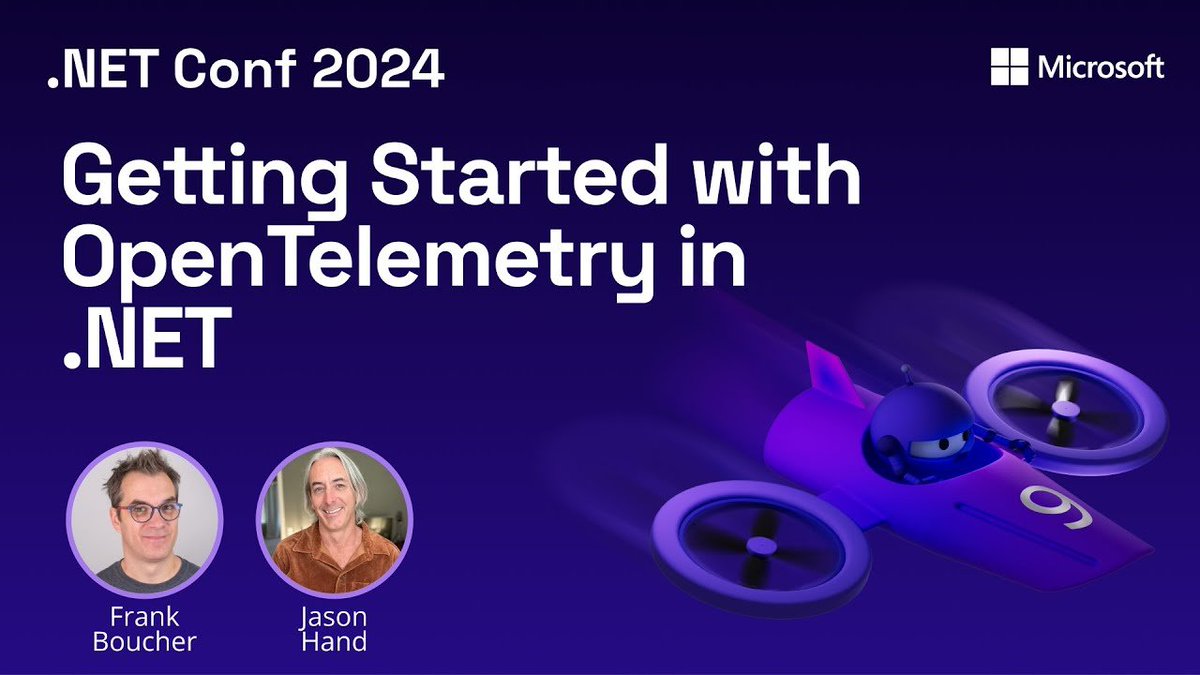
In this #dotNETConf session on demand, we show you how to instrument a .NET Blazor application to use OpenTelemetry and #dotNETAspire to help us visualize what is really happening in our application. Check it out. 🎥 https://t.co/xBaXkX83lA
Microsoft’s new MCP SDK allow you to build an AI agent server in C# 😱
It plugs into @GitHubCopilot , talks to real APIs & replies with actual data.
Check out @JamesMontemagno's full guide here: https://t.co/BMR7NPktbx
RT if you're building one! #dotnet#CSharp#MCP#Copilot
Here is the pattern that will make your life easier.
You can register Minimal APIs automatically ⬇️
When building APIs in .NET, keeping the Program.cs file clean and maintainable becomes increasingly important as your project grows.
Minimal APIs simplify creating lightweight endpoints, but manually registering every endpoint in Program.cs can lead to repetitive code.
IEndpoint interface: a pattern to organize and automatically register Minimal APIs in a modular and scalable way.
This approach separates API logic from the core application configuration and enables the automatic discovery of API definitions.
Here’s how you can implement this pattern step by step:
𝟏. 𝐃𝐞𝐟𝐢𝐧𝐞 𝐭𝐡𝐞 𝐈𝐧𝐭𝐞𝐫𝐟𝐚𝐜𝐞
Start by creating the IEndpointDefinition interface. This will act as a contract for registering endpoints.
𝟐. 𝐈𝐦𝐩𝐥𝐞𝐦𝐞𝐧𝐭 𝐭𝐡𝐞 𝐈𝐧𝐭𝐞𝐫𝐟𝐚𝐜𝐞 𝐢𝐧 𝐘𝐨𝐮𝐫 𝐄𝐧𝐝𝐩𝐨𝐢𝐧𝐭 𝐂𝐥𝐚𝐬𝐬𝐞𝐬
Each group of Minimal APIs can be defined in its own class, implementing the IEndpointDefinition interface.
𝟑. 𝐂𝐫𝐞𝐚𝐭𝐞 𝐚𝐧 𝐄𝐱𝐭𝐞𝐧𝐬𝐢𝐨𝐧 𝐟𝐨𝐫 𝐀𝐮𝐭𝐨𝐦𝐚𝐭𝐢𝐜 𝐑𝐞𝐠𝐢𝐬𝐭𝐫𝐚𝐭𝐢𝐨𝐧
To keep the Program.cs clean, move the registration logic to a separate method. This method scans the assemblies for all classes implementing IEndpoint and registers them automatically.
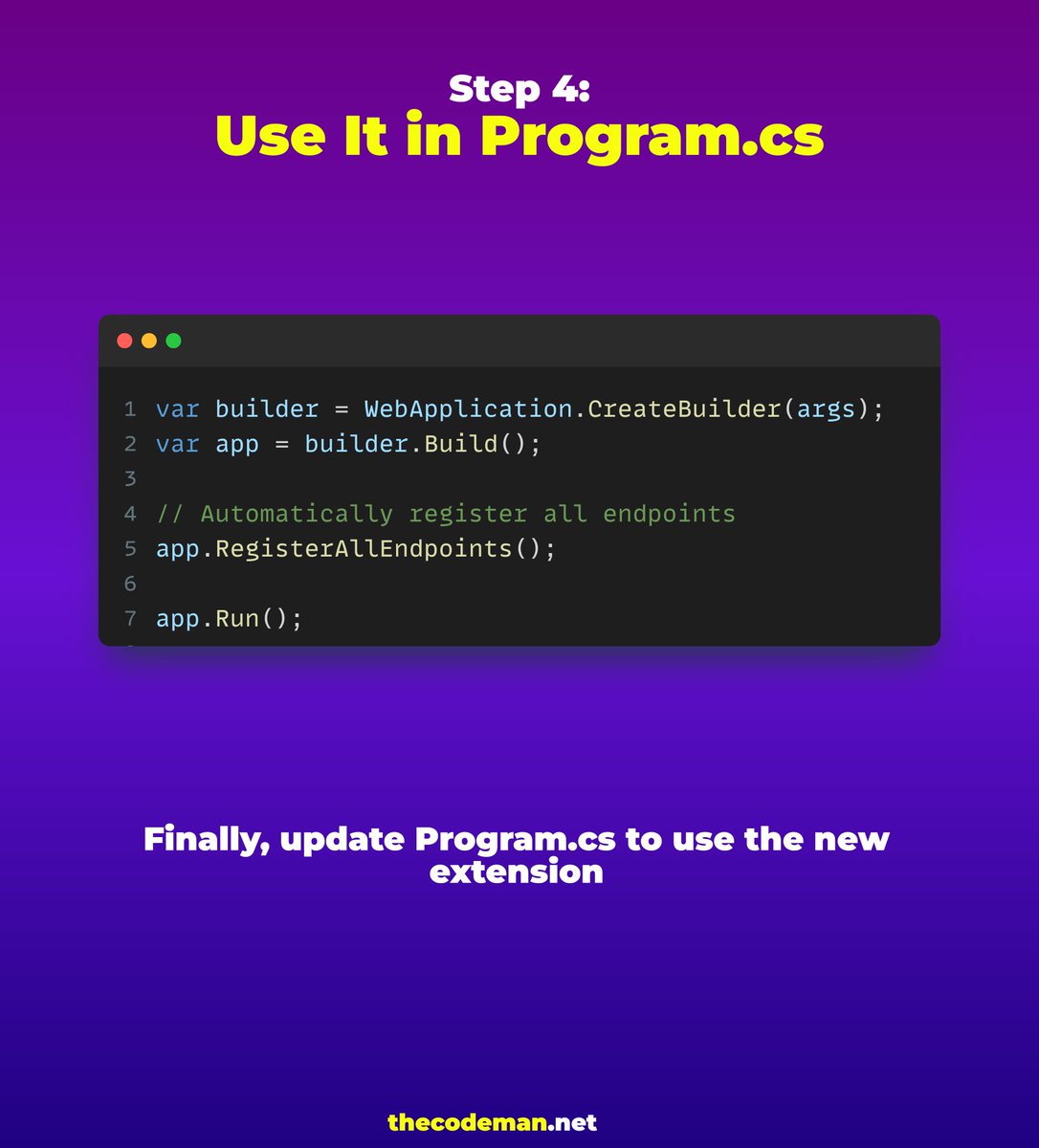
𝟒. 𝐔𝐬𝐞 𝐈𝐭 𝐢𝐧 𝐭𝐡𝐞 𝐏𝐫𝐨𝐠𝐫𝐚𝐦.𝐜𝐬
Finally, update Program.cs to use the new extension.
With this setup, adding new APIs is as simple as creating a new class that implements IEndpoint. There’s no need to modify the Program.cs anymore.
Get the Source code for free: https://t.co/v4lHR6fzlr
#Dotnet
@davidfowl Well, judging from a search on the topic, there's ample evidence of other devs getting caught; basically just wondering if supporting string-based enums could or should be part of the default project template(s).
JsonStringEnumConverter (apparently) isn't added to the default serialization options used by #aspnet .. and it caught me off hand (again) today; @davidfowl is there a particular reason it's left out of the built-in extensions?
.NET 9 is great, but let's not forget the awesome features of the previous versions.
The C# compiler uses the Range struct to support a range operator '..'
Since .NET 6, the Take method from IEnumerable<T> supports the Range type.