After several rounds in beta, BucketMate for iOS is officially live on the App Store! 🎉
Your S3 buckets, directly on your iPhone 📱:
• Native: fast, lightweight, and efficient
• Everything you love about the macOS app is right here
Try it: https://t.co/nnNgCSLBAH
@nekkio Yes! We’ve been working on support for object versions and delete markers. We still have a few edge cases to handle and some testing to complete, but we expect to release it in about two weeks
BucketMate is now available on the Mac App Store too! 🎉
It’s actually been there for about a month, but I forgot to add it to the homepage 😅
Submitting to the App Store was quite a journey, so if you prefer installing from there, this one’s for you 🤝
New day, new BucketMate release 🚀
Version 1.3 is here with more improvements to make working with S3 faster and easier.
See what’s new 👇
https://t.co/qST8CmZy2I
🎉 New release just landed! 🎉
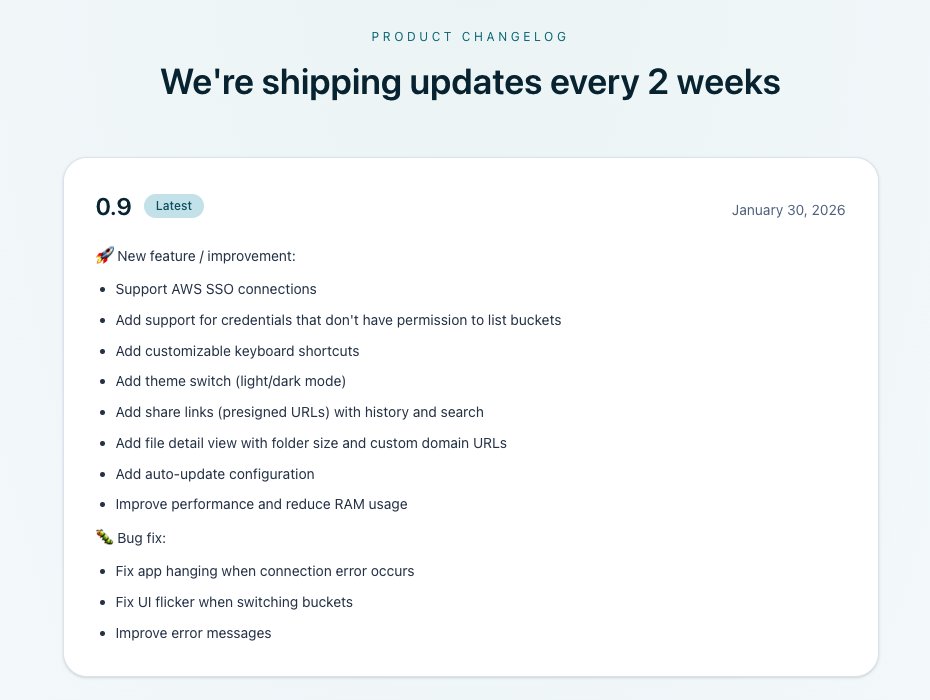
- Support added for AWS S3 connection with SSO login
- Added share links (presigned URL) for quickly sharing files with someone
- Improved performance and reduced RAM usage
- Supported theme switch (light/dark/system)
So much to come !!
New release 0.8
- Support Intel Mac with Universal build
- Includes a lot of improvements for access large buckets that have a lot of files
- Fix multiple upload issues
Keep shipping 🫡
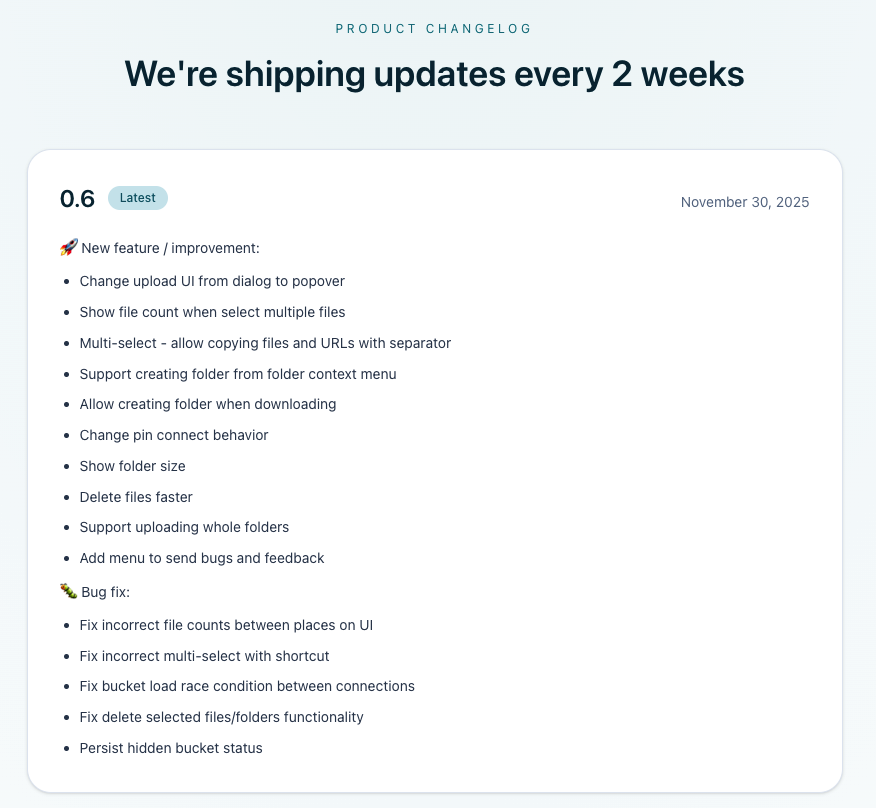
Our 0.6 release adds many new features and fixes some really annoying issues.
> Plus, the DMG file size is now only 7.4MB, a benefit of being a truly native macOS app 🫡
> Next release is coming in 2 weeks