hello reality, here's my wholygram: be kind, co-create with joy, learn & share. love tech, ai, science, history, evolution, consciousness, coffee, &🐱 of course
@Nicolascole77 "There's a page that aches for a word which speaks on a theme that is timeless".
Today is the primordial gasp.
Silence is no longer golden.
LLM Knowledge Bases
Something I'm finding very useful recently: using LLMs to build personal knowledge bases for various topics of research interest. In this way, a large fraction of my recent token throughput is going less into manipulating code, and more into manipulating knowledge (stored as markdown and images). The latest LLMs are quite good at it. So:
Data ingest:
I index source documents (articles, papers, repos, datasets, images, etc.) into a raw/ directory, then I use an LLM to incrementally "compile" a wiki, which is just a collection of .md files in a directory structure. The wiki includes summaries of all the data in raw/, backlinks, and then it categorizes data into concepts, writes articles for them, and links them all. To convert web articles into .md files I like to use the Obsidian Web Clipper extension, and then I also use a hotkey to download all the related images to local so that my LLM can easily reference them.
IDE:
I use Obsidian as the IDE "frontend" where I can view the raw data, the the compiled wiki, and the derived visualizations. Important to note that the LLM writes and maintains all of the data of the wiki, I rarely touch it directly. I've played with a few Obsidian plugins to render and view data in other ways (e.g. Marp for slides).
Q&A:
Where things get interesting is that once your wiki is big enough (e.g. mine on some recent research is ~100 articles and ~400K words), you can ask your LLM agent all kinds of complex questions against the wiki, and it will go off, research the answers, etc. I thought I had to reach for fancy RAG, but the LLM has been pretty good about auto-maintaining index files and brief summaries of all the documents and it reads all the important related data fairly easily at this ~small scale.
Output:
Instead of getting answers in text/terminal, I like to have it render markdown files for me, or slide shows (Marp format), or matplotlib images, all of which I then view again in Obsidian. You can imagine many other visual output formats depending on the query. Often, I end up "filing" the outputs back into the wiki to enhance it for further queries. So my own explorations and queries always "add up" in the knowledge base.
Linting:
I've run some LLM "health checks" over the wiki to e.g. find inconsistent data, impute missing data (with web searchers), find interesting connections for new article candidates, etc., to incrementally clean up the wiki and enhance its overall data integrity. The LLMs are quite good at suggesting further questions to ask and look into.
Extra tools:
I find myself developing additional tools to process the data, e.g. I vibe coded a small and naive search engine over the wiki, which I both use directly (in a web ui), but more often I want to hand it off to an LLM via CLI as a tool for larger queries.
Further explorations:
As the repo grows, the natural desire is to also think about synthetic data generation + finetuning to have your LLM "know" the data in its weights instead of just context windows.
TLDR: raw data from a given number of sources is collected, then compiled by an LLM into a .md wiki, then operated on by various CLIs by the LLM to do Q&A and to incrementally enhance the wiki, and all of it viewable in Obsidian. You rarely ever write or edit the wiki manually, it's the domain of the LLM. I think there is room here for an incredible new product instead of a hacky collection of scripts.
Just discovered @getwebstudio 🔥The most customizable site builder for designers, developers and teams. Alternative to: Webflow, Framer, SwipePages, PageMaker. https://t.co/099s281iVN
Prompt Engineers earn up to $150,000/year.
But it's not easy.
That's why you need this "Prompt Engineering -Complete Guide" to enhance your skills.
✅ Next 48 hrs, it's FREE!
To grab it:
1. Follow @opentoolsai (so we can DM you)
2. Repost (much appreciated)
3. Reply "PROMPT"
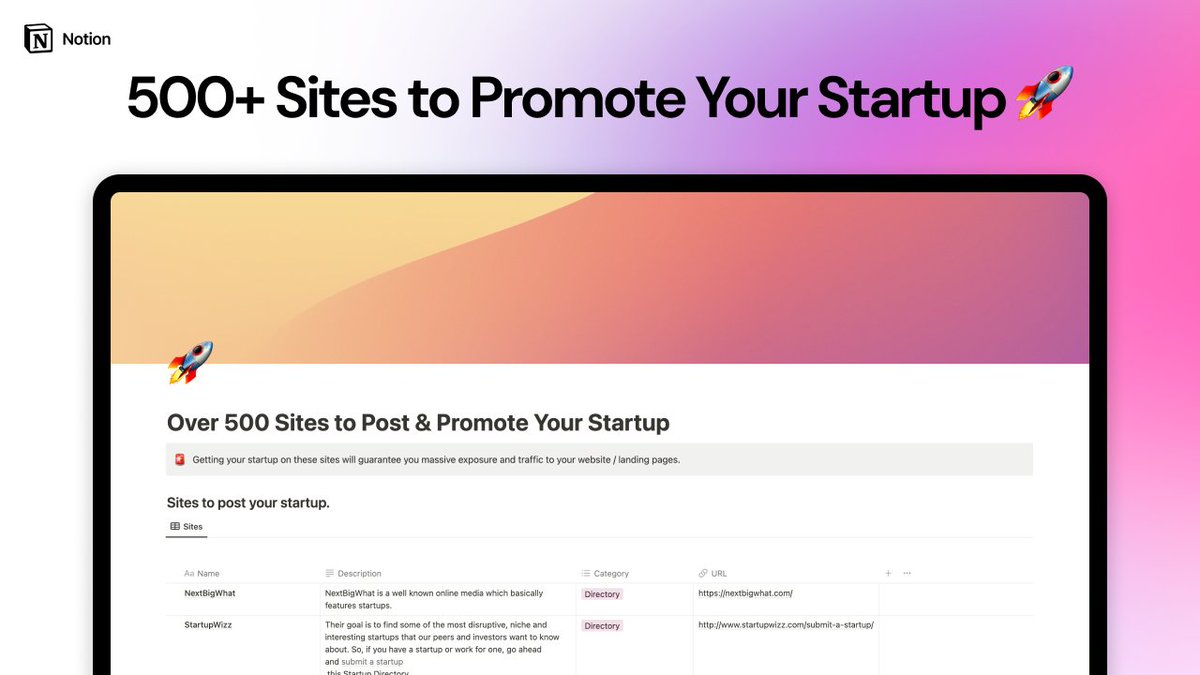
I made this huge Notion template 🚀
500+ Sites to Launch Your Startup or Product.
✅ Twitter communities
✅ Sub Reddits
✅ Blogs
✅ Directories
✅ Groups
And more...
Reply 👋 and RT if you would like it for FREE 🎉
It is free only for the next 24h ⚠️
Google is slowly killing blogging.
Blogging used to be about providing off the cuff updates, sharing unique perspectives, and interacting with blog comments!
Now Google has forced bloggers to make everything SEO optimized, long form, and tightly focused around a single keyword. If you don’t bow to Google’s will, you don’t get traffic!
Now, with the Helpful Content Update, they’ve gone so far as to say that “unhelpful” articles on your site can penalize your ENTIRE site! This is ludicrous.
If you wrote about a personal update or something just “fun”, does this now make your entire site “unhelpful”?
So, we have moved “blogging” in the traditional sense away from our site and onto social media. Twitter, LinkedIn, Facebook, or wherever is now where you get the real “blog” updates.
You no longer get that on blogs, no more true insights, because heaven forbid Google deems a post as unhelpful and penalizes your entire site.
The ironic thing? Google ranks Reddit extremely well BECAUSE people are providing off the cuff comments and doing what bloggers used to do!
So, Google is killing the individual bloggers, but sending tons of traffic to a major corporation (Reddit) instead, because Reddit users are doing what bloggers used to do.
Thanks for crushing traditional blogging, Google.
(PS - what you just read is the type of thing I used to write on my blog, but I can’t do that anymore…).
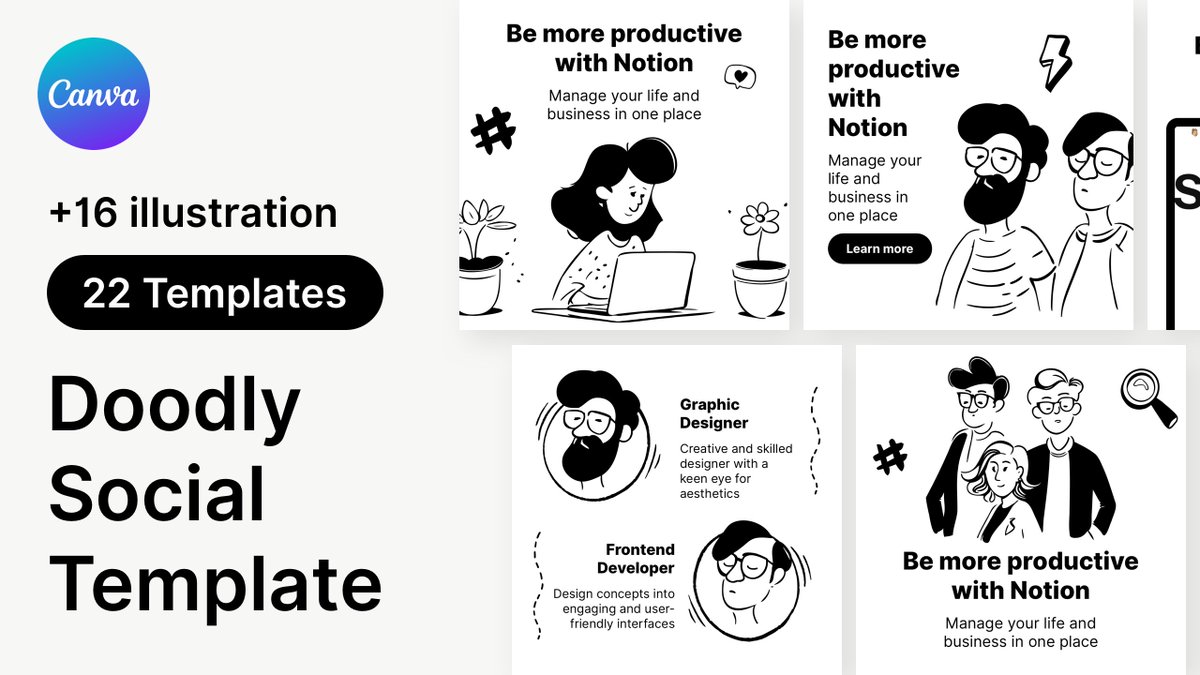
I created Notion Style Social Post in Canva and Illustrations 🙌
- 11 Instagram Post and Story
- 16 Illustrations in Hand drawn Notion style
Normally cost is $5 but next 24h only it's totally Free 🎉
RT, Like & Reply "SEND" below and I will send you the link in DM ✅