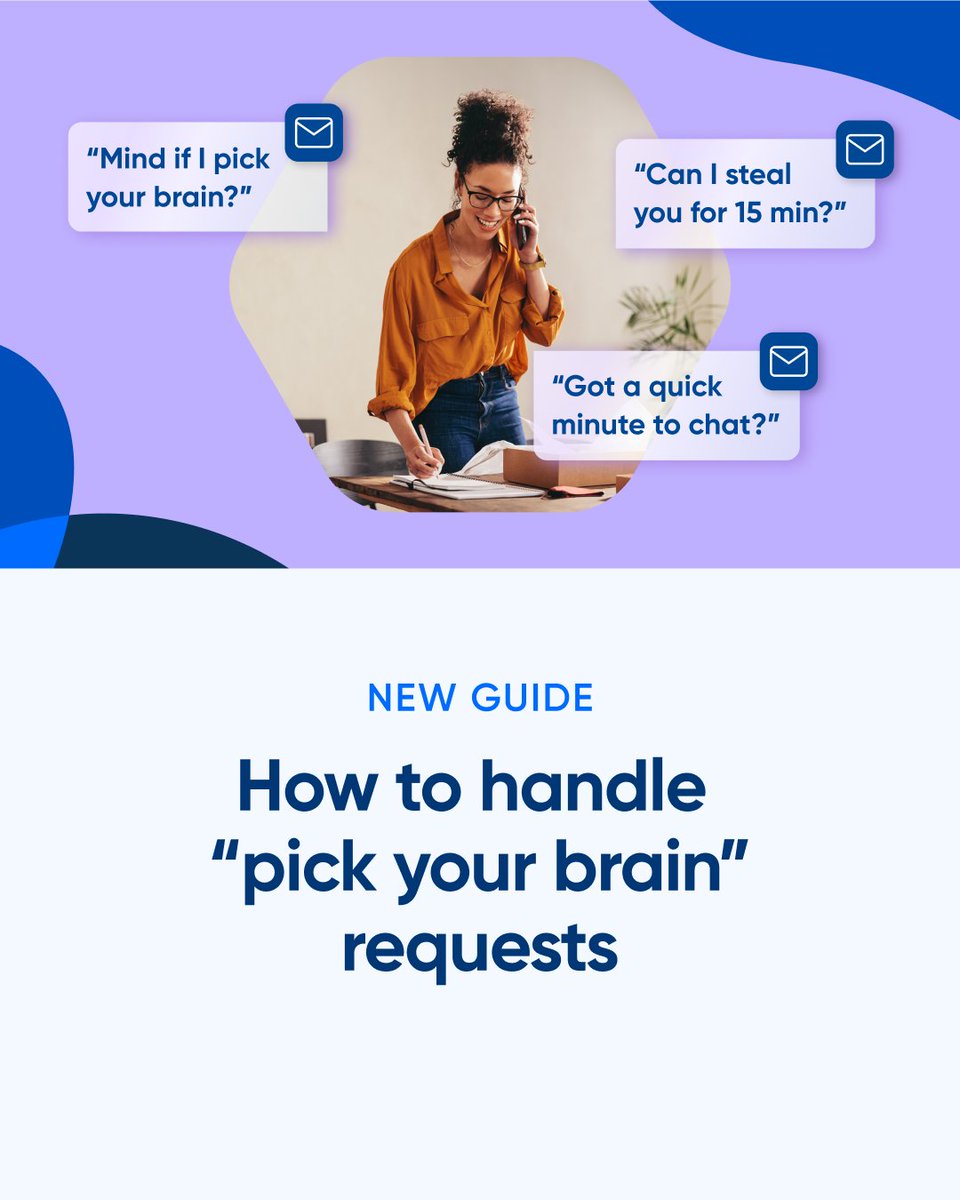
Not sure how to respond to “Can I pick your brain?” requests? You’re not alone.
In our new guide, solo business owners, consultants, coaches, and creators share:
- How they respond to these requests
- When/how they charge for meetings
- And more!
➡️ https://t.co/LruGqcsg89
Spending hours on discovery calls with people who aren't ready to buy? We're hosting a workshop with @typeform and @calendly to fix that. March 10 at 1 PM EDT.
Register here for free 👉 https://t.co/otsOdzxOZl
@loveciara1 Hi there. Can you DM us the email associated with your account and we can look into this and have our team reach out? https://t.co/pPD5bz3w3H
We ship weekly so your team moves daily.
Here's what's new in Zapier 👇
1. Admin Center now live for Team and Company plans
2. Find Zaps, Tables, Interfaces directly in Automation Search
3. Better visibility into filter results
4. Improved webhook handling & reliability
5. Upgraded integrations & new features across @Calendly, @Google Calendar, @Jira, @SlackHQ and @NotionHQ
Which update will save you the most time? 👀
We are ruthless about testing & curating the ideal software stack at my AI company.
Here is an exhaustive list I built with our team:
Quick context:
- We do AI engineering-as-a-service & AI transformation for midmarket enterprises.
- Our team breakdown is 75% engineers, 10% technical strategists, 5% marketing, 5% ops, 5% management
Daily operations:
• @HubSpot - source of truth for marketing/sales
• @OpenAI - use gpt5 pro as my daily driver
• @SlackHQ - team comms
• @NotionHQ - central knowledge hub
• @typeform - lead capture
• @zapier - lots of Hubspot <> app connectors
• @stripe - electricity for internet money
• @mercury - my ride-or-die for banking
• @ashbyhq - our HR recruiting platform
• @Calendly - call scheduling
Marketing & content:
• @figma - site/newsletter/software design
• @webflow - @tenex_labs' website built on it
• @beehiiv - powers our weekly newsletter
• @capcutapp - when I try to pretend i'm an influencer
• @RiversidedotFM - tech for our applied AI show
• @LumaHQ - all-in-one calendar for our show
• @HeyGen_Official - AI avatar for social videos
• @elevenlabs - custom voice trained on me
Engineering:
@langchain - agent framework
Ghostty (@mitchellh) - supercharged terminal
@vercel - cloud AI platform/UI elements
@OpenAI - API + codex
@openrouter - model-switching
@AnthropicAI - API + Claude Code
GCP - all infra stuff
@awscloud - all infra stuff
@linear - less shitty Jira
@coderabbitai - QA/PR reviewer
@cursor_ai - AI-native IDE
@PyTorch - ML framework
@nvidia - training custom models
@Raspberry_Pi - running edge models
@runwayml - fine-tuned models
P.S. if you're one of these companies & aren't yet a channel partner of ours, plz DM me.
I'd love to work with you.
@RileyWatkins21 We appreciate you reaching out and apologize for the friction in your day, Riley! While we work to understand how widespread this might be, shoot an email over to support@calendly(dot)com and our team will be happy to help 💙
@richardbrien Thanks, Richard, and we’re so sorry for the friction this might be causing to your day! Until we can understand how widespread this might be, shoot an email over to support@calendly(dot)com and our team will be happy to help 💙
@IAMRUBY We appreciate you reaching out and apologize for the friction in your day! Until we can understand how widespread this might be, shoot an email over to support@calendly(dot)com and our team will be happy to help 💙
@Jingg_n_Tonic@chilipiper Hey Jing, we're so sorry about that. That's not the experience we want you to have and we want you stick around. Can you DM us the email associated with your account using the below button and we'll see what we can do to help 💙 https://t.co/pPD5bz3w3H
Your @Calendly meetings just got smarter.
With the new Calendly app in the Kit App Store, you can automate…
📲Book call → enter sales sequence
🤝Complete session → get testimonial request
💰Purchased coaching call → onboarding flow
Automate the workflow, focus on the conversation.
How does a time management pro handle client scheduling?
Elizabeth Grace Saunders (@RealLifeE) shares how she created a scheduling experience that matches her message and values.
Read her full story → https://t.co/rShurPTslv
"We were able to interview 60 people in one week using features like Round Robin."
See how the @TryHuntr team created a better scheduling experience, booked 60+ interviews in 5 days, and cut scheduling emails by 75% → https://t.co/dhOdMOEMt4
We love a “pick your brain” request...until your calendar’s full of them!
Sound familiar? We’ve got you.
Check out our guide packed with expert tips on setting boundaries, charging for your time, and replying with confidence (and a Calendly link, of course).
Check out the full guide: https://t.co/xNunDqPsGa
"My sales team's pipeline is full" = music to our ears! 🎶
We love how @1up__AI handles client bookings with Calendly:
"Very quickly, we were able to create use case-specific Calendly links. Within minutes, we had immediate value, and by day ten, our calendars were fully optimized."
Get the full story → https://t.co/fRDs5yETSP
Tired of bouncing between Calendly and your inbox to get a meeting booked? Now you don’t have to.
With new built-in email actions, you can:
👉 Share your scheduling link in a personalized email
🔁 Nudge invitees if they haven’t booked
📅 Send a reschedule request
Learn more: https://t.co/hPW6a4cCGD
Safari users, the wait is over. Calendly for Safari is here! 🧭🎉
You can now access Calendly in one click from anywhere on Safari.
✅ Instantly find and share your scheduling links
✅ View and manage meetings and contacts
✅ Offer available time slots via email
✅ Book meetings on the spot
✅ Integrate with key tools like Gmail, LinkedIn, and more.
https://t.co/ULk2qQYbbL
A few reasons small businesses 💙 Calendly (and why you will too):
1. Reduced no-shows with automated reminders
2. Paid meetings with our payment integrations
3. Hours saved on scheduling
4. No more double booking
See the full list: https://t.co/MAJIEAlQRw
Streamlining scheduling is more than just convenient: it can help you avoid dropped leads.
By using Round Robin with time-zone-based routing, 1up saw:
- 50% drop in no-shows
- 40% boost in international bookings
- 28% more demos attended
Full story: https://t.co/NZvPpK3oHG
No one likes no-shows. Here are a few ways to reduce them:
1. Send multiple reminders. (Even better, automate them!)
2. Charge for your time. No one wants to skip a meeting they’re paying for.
3. Send a combo of text & email reminders.
4. Make it easy to reschedule. (Hey, it's better than getting ghosted)
💡 Pro tip: When no-shows do happen, use our new "No-Show Workflows" — when you mark a no-show in Calendly, Workflows can automate rebooking emails.