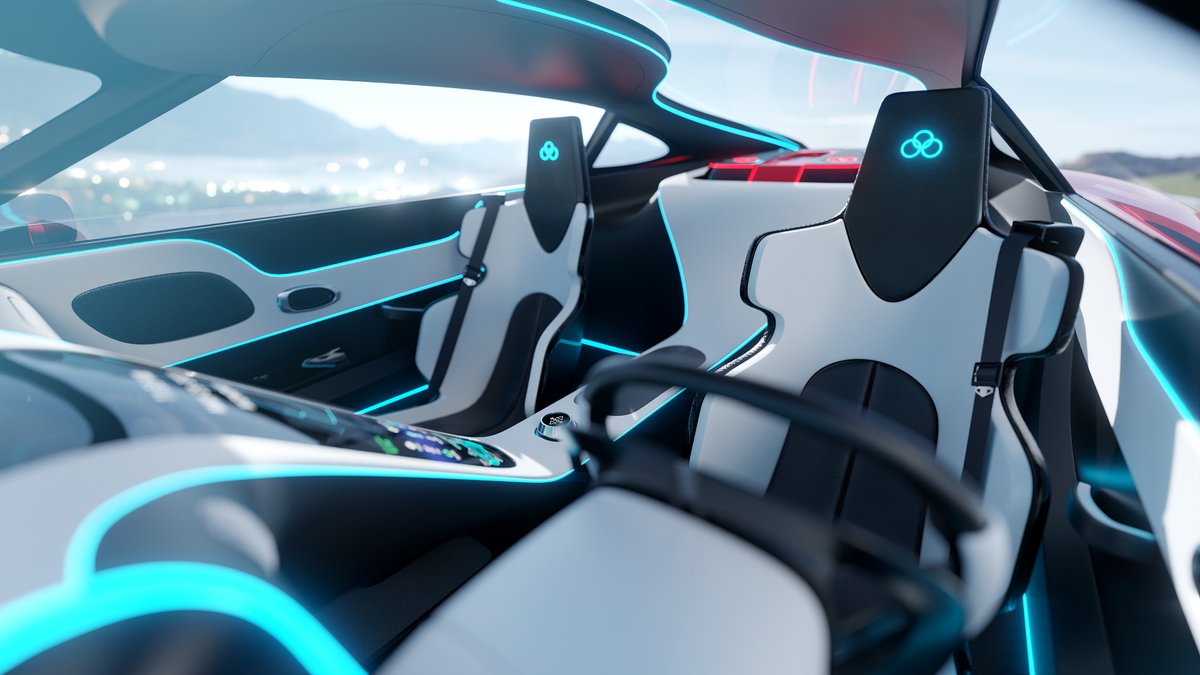
Check out 3D Cars: Inside and Out, a complete step-by-step guide to car creation in #Blender. My past training has been studied by designers from industry giants like Hyundai, Volvo, Ford, and many others, and now it's even better.
Find out more here -> https://t.co/nwy1p3KKzl
@PMccordic I've been watching Science Max every night with my daughter for at least a year now, now she wants to be a scientist and talks like Sal whenever she sees a lever or hears anyone improperly say something is flying instead of gliding. Thanks for making this series!
Hey, to download the latest updates you just have to visit the download page on Flipped Normals where you download the course. All the files here are the latest files. To see what files may have changed since you last accessed the download page, check out the Changelog file in the download list, then you'll know what updates have occurred and what files you may want to re-download in order to have the latest version.
Quick 3D Cars course update, 45 hours of subtitles is no joke, but almost finished! Just reviewing the English subtitles now and they'll be published next week. Other language translations shouldn't take too long after since they'll be automatic translations.
3D Cars Course Update: Added an update text file outlining a few changes to Blender since the course was released. Nothing major, just a few simple things to keep in mind if you're using Blender 4.2.
Check out the course here - https://t.co/nwy1p3KKzl
@BroMordekai The course was recorded with Blender 3.6, but the relevant changes since then are so minimal I would recommend using 4.2 just so you're using the most updated version of Blender.
My site's been down for 3 days. They hard shutdown one of their servers and it corrupted databases on the VPS's on that server, including mine. The experience with customer service to get updates and restore a backup has been sickening. I've been with LW for 12 years and the support has been legendary until now. It's actually shocking what has happened.
@DungCao1011xx Hey, here's an older tutorial on making blueprints. It's not something I do a ton of, so I'm sure there's better techniques out there, but this video has some of the techniques I use to draw blueprints in blender.
https://t.co/sgi3W3yGAg
Check out 3D Cars: Inside and Out, a complete step-by-step guide to car creation in #Blender. My past training has been studied by designers from industry giants like Hyundai, Volvo, Ford, and many others, and now it's even better.
Find out more here -> https://t.co/nwy1p3KKzl
@thisnorthernboy This is awesome, man I wish I still had my renders from when I started Blender to show how hilarious they were by comparison haha, seems like you're a natural.
I put a lot of extra work into outlining this one to really hit the mark with beginners. The right progression, the right pace, the right topics and all, so it's great to hear, really. Blender is incredible when you get past the learning curve, but yeah getting to that point can be painful especially with tutorials that overly complicate things or just don't click.
@thisnorthernboy @Blender@udemy That's really awesome it's all clicking with you and you're loving Blender so much, and thanks for the shout out and for getting the course!
I think they did it to make it more compatible with geometry nodes. And it looks like there's 2 methods for this now, both a downgrade that will cause everyday annoyance.
1) We can Right Click and choose Shade Smooth by Angle. This method doesn't add a modifier, it just smooth shades and some edges are visibly marked as sharp which is annoying to look at and annoying if you want to change the shading later on. This method also only works with the original mesh and doesn't take modifiers into account, so this will not work right with something like a bevel modifier.
2) For a more universal use that takes modifiers into account and doesn't visibly mark edges as sharp, we need to manually add in the Smooth by Angle modifier. Annoying, complicates the modifier stack, and if we add additional modifiers in after adding this in, we need to move this modifier to the bottom of the stack to have it affect everything.
I get that they're excited about geometry nodes and all, but development for that should not affect the usability of basic tools.