25 Linux commands every DevOps engineer should know, and when you actually use them:
1. top / htop: see what's eating CPU and memory right now
2. ps aux: list every running process with ownership
3. lsof -i: see which process owns which port
4. ss -tulnp: active connections and listening sockets
5. netstat -rn: routing table, useful when traffic goes nowhere
6. tcpdump: capture actual packets when curl lies to you
7. strace: trace system calls, last resort debugging
8. dmesg -T: kernel messages, OOM kills show up here
9. journalctl -b -1: logs from the previous boot
10. df -h / du -sh: disk usage before you get a "no space left" alert
11. free -m: memory overview including buffers and cache
12. vmstat 1: real-time CPU, memory, IO snapshot
13. iotop: which process is hammering disk
14. uptime: load averages, quick node health check
15. who / last: who logged in and when
16. curl -v: full HTTP request/response including headers and TLS
17. dig / nslookup: DNS resolution debugging
18. traceroute / mtr: packet path and where it breaks
19. iptables -L: firewall rules, often the silent culprit
20. systemctl status: service state, last logs, exit codes
21. crontab -l: scheduled jobs, often forgotten until they break
22. find / -name: locate files across the system
23. tar -xvf / gzip: compress, extract, move things around
24. chmod / chown: permission fixes, classic junior task
25. env / printenv: check what environment variables are actually set
You don't need to memorize all of them.
But if one of these saves you 20 minutes during an incident, it was worth knowing.
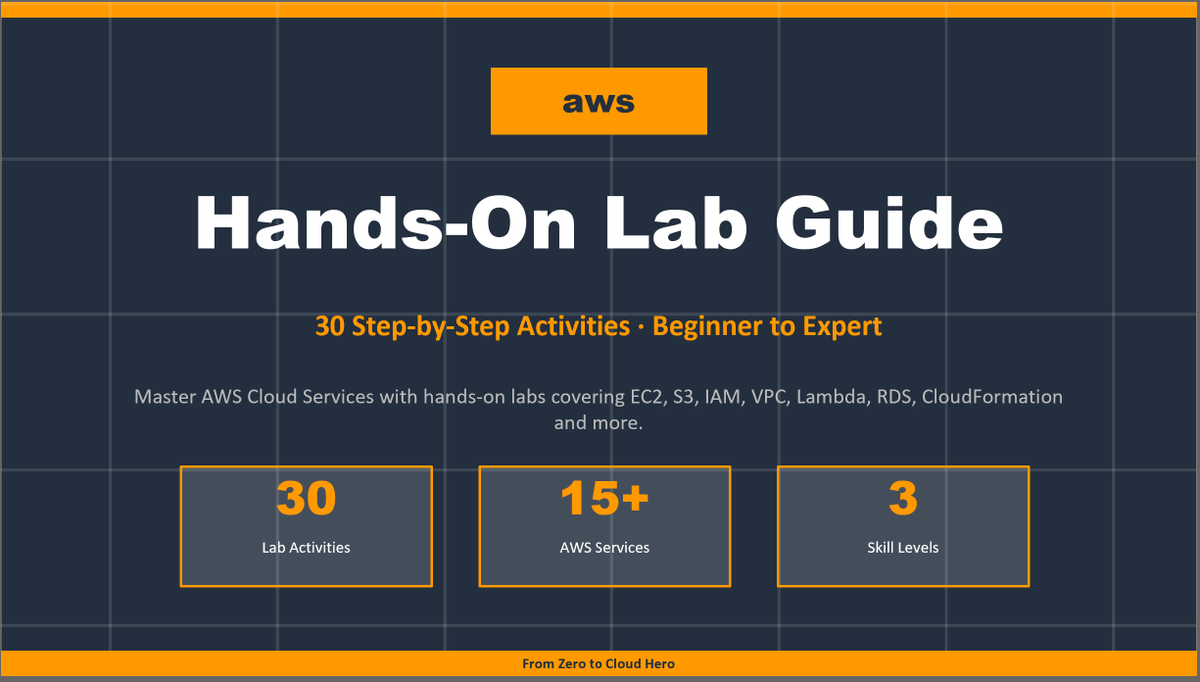
🚀 AWS Hands-On Lab Guide (Giveaway)
> 30 Practical Labs
> Beginner → Advanced
> Real-world focused. No fluff.
This is build to take you
From Zero → Cloud Hero ☁️
And yes… I’m giving it away for FREE.
To get it:
1️⃣ Follow me @techyoutbe
2️⃣ Like this post
3️⃣ Comment “AWS-Hands-on-LABS”
4️⃣ Repost so others can benefit
I’ll share the guide link after 24 hours ⏳