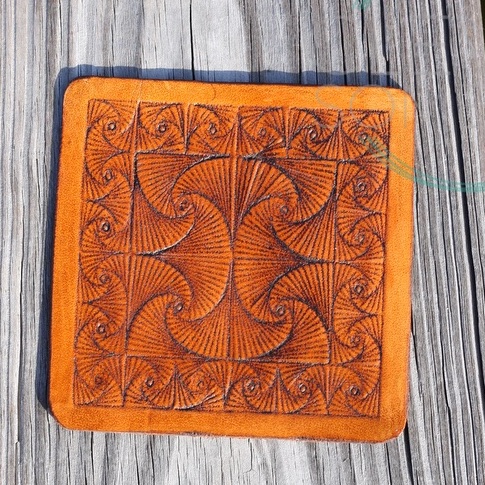
@HerridgeAngie The dark parts of the image are supposed to be transparent when engraved since engraving appears light on dark. Join Cricut Engraving with Cleversomeday group on Facebook for tons of info and help with your specific photo.
🚀 Cuttle is now open for signups! https://t.co/dgBGSNT8dt
A design tool for digital cutting machines, Cuttle combines vector editing with precision snapping, live modifiers, parameters, reusable components, and scripting.
@daeken If I'm correctly understanding what you are trying to do, using a dummy shape plus keeping the mat loaded is how to keep layers aligned between runs. It's way more complicated than it needs to be, but it is at least possible. https://t.co/hPjbBRLmRv
Cricut Now Wants Users to Pay Extra for Unlimited Use of the Cutting Machines They Already Own https://t.co/x7x50NTJu5 via @gizmodo#plottertwitter@OfficialCricut
@johnbentcope @helenleigh Yes, uploading to their cloud is not optional. You must upload an image to their server before you can send it to your machine. Even if you plan to use the Cricut "offline," you have to upload the image to their server first, then download it back to your own computer first.
Question for @OfficialCricut ? If my SVG fails to load or run due to a Design Space bug like the white ring of despair, does it still count against my 20 per month?
Sneak peak at something that will launch soon for #plottertwitter community. Will you be excited about tons of free SVGs for plotters? Want to beta test? Reach out and spread the RT this!