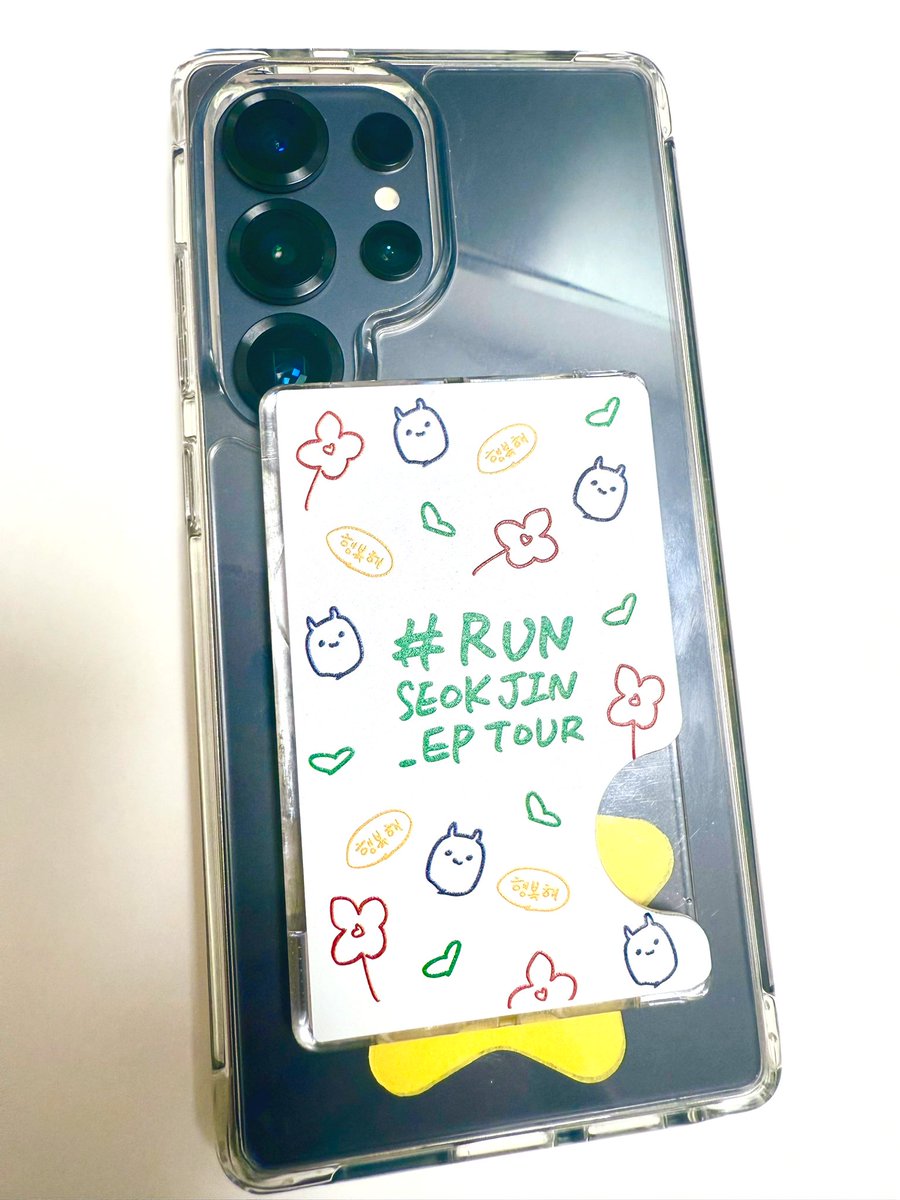
I want to share what devices I was using during Jin US Tour, since a lot of people are asking, just in case it’s helpful. I’m using the Samsung Galaxy S25 Ultra. There’s a “Pro mode” under the “More” tab in the camera app. I’m not a professional, so this is just for your reference!🥰
Top right settings:
•Set to UHD 60fps – for better quality and clearer screenshots
•Enable HDR – helps with clarity, especially for concerts
•Set Sound Capture to “rear” – so it picks up more direct audio from Jin on the stage. But if you are really close to B stage, it did terrible jobs capturing Jin singing🥲, main stage however is fine.
Bottom settings:
•ISO – I usually use 50 to 200, depending on how bright the stage is, higher ISO may cause overexposure
•Shutter Speed – I leave it on Auto
•EV (Exposure Compensation) – I didn’t touch this
•Focus – set to Auto Focus (Center) since we only have one Jin standing on stage
•White Balance (WB) – adjust based on stage lighting, but I usually go with 3800K for cooler tones and better skin details
Zoom Notes:
•Once you start recording, you can’t switch between lenses (UW = ultra wide, W = wide/normal, T = telephoto, ST = super telephoto)
•Choose your zoom lens before starting, but ST 5x is still good even you are at barricade hahaha it’s just my preference😂
Additional Tip:
•Sometimes the camera app crashes unexpectedly while recording under pro mode. It happened to my friend too, so it might be a software glitch. Just a heads-up cause that’s how I lost a valuable soundcheck video😭