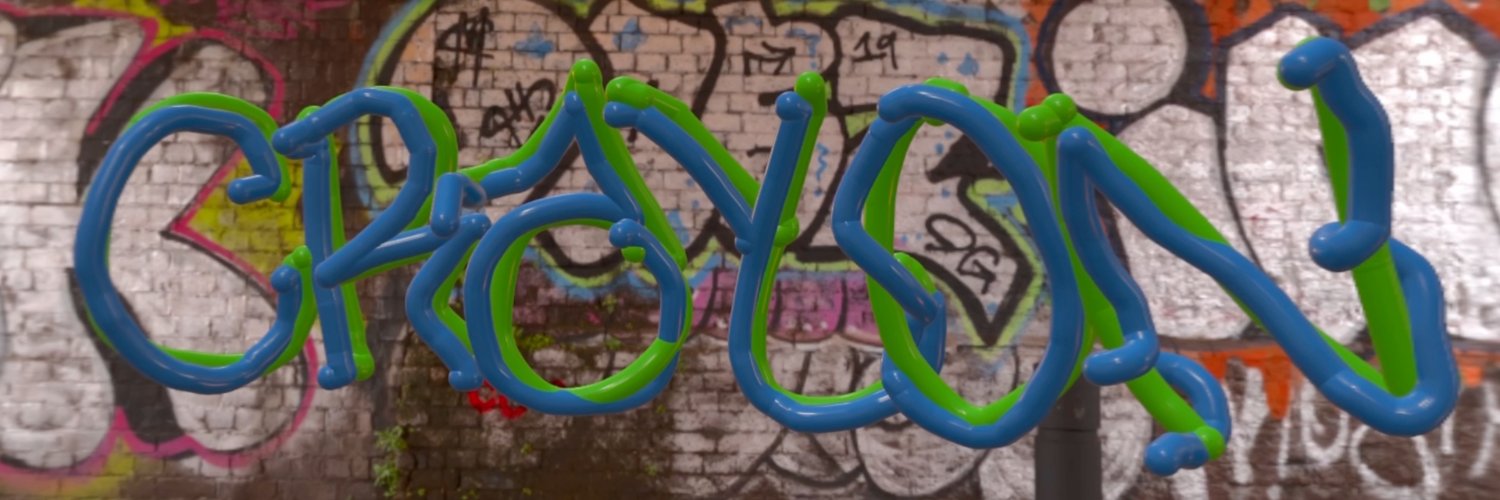
🖍️🖍️Crayon is now available on the App Store🖍️🖍️
Sketch in 3D. Paint with friends. Import custom assets. Bring your imagination to life.
Download today for our 50% launch discount!🎉
https://t.co/09RMYH6lUr
So, let’s talk about the new Logitech MUSE — the first spatial drawing accessory for Vision Pro. I have mixed feelings about it.
First of all, if you buy one today (you can, for $129.99), you’ll probably be a bit disappointed, as there aren’t many apps that support the pen yet.
But thanks to the team behind Crayon — one of the few apps already updating their software to support the pen — and because they gave me early access to their beta, I was able to test it out for you.
Here’s what I love: the pen connects easily, is very precise when drawing, and actually having something haptic in your hand feels great. As you can see, I had a lot of fun trying it out.
What I don’t like is that there’s currently no native visionOS integration — at least not yet. I really wish apps like Freeform or Notes supported the pen, but for now, we’ll have to wait and see what developers come up with.
Crayon is already doing a fantastic job, and their update launches on November 7. I’ll keep you guys updated over the next few months as more apps start adding support.
Introducing Spatial Builders, my new series showcasing the developers behind the best visionOS apps and the ideas shaping Apple Vision Pro!
Episode 1 features Carson, the creator of Crayon, covering her dev journey, app inspiration, visionOS 3.0 wishes, and more. Full vid link👇
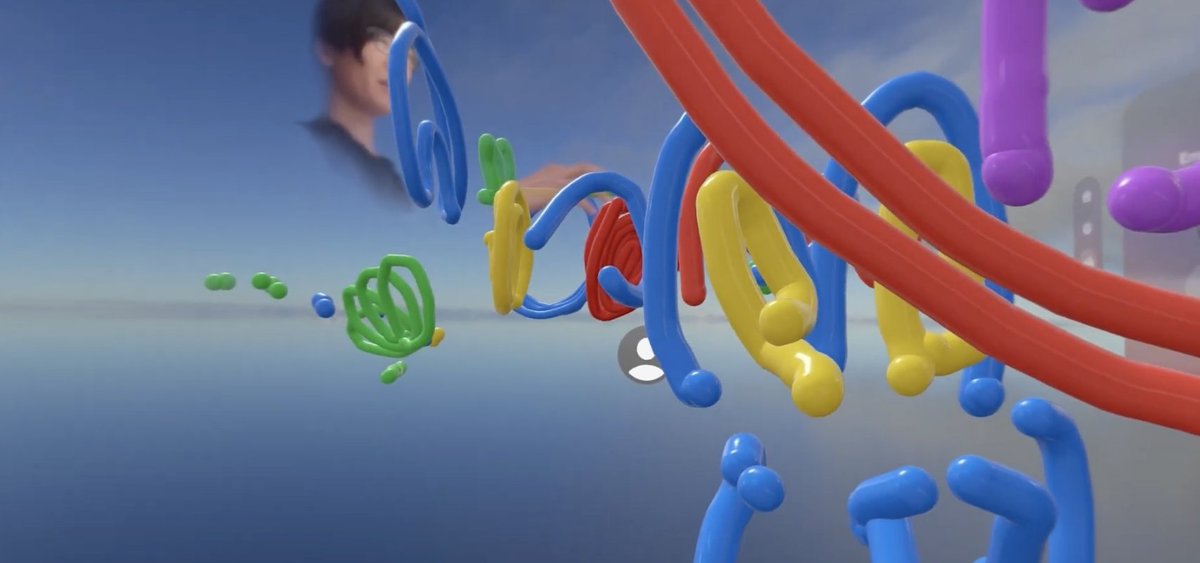
I might just have gotten a glimpse into the future of collaborative art-making – introducing @crayonar, a 3D drawing app for Vision Pro that also supports SharePlay and has quickly become my favorite tool for working with others via FaceTime.
I can easily see this being used to create mixed-reality artworks, where artists collaborate from opposite sides of the world or digitally enhance physical locations together in real time.
It’s also a game-changer for productivity, enabling better teamwork even when everyone is in the same place. Imagine using it to collaborate on mind maps, annotate construction sites, or plan layouts for commercial spaces.
Sure, you can play Tic-Tac-Toe together without the headset, and we mostly used it for making silly jokes—but think about the possibilities this app TRULY unlocks.
A big shoutout to @carsonlevine14 and @hunter_spatial for crafting such an incredible and well-made app!
I give it 4.5/5 Visions 🥽🥽🥽🥽🥽
Incredibly honored that @crayonar, a 3d sketching app I worked so hard on with @carsonlevine14, has been featured on the front page of the Vision Pro App Store!
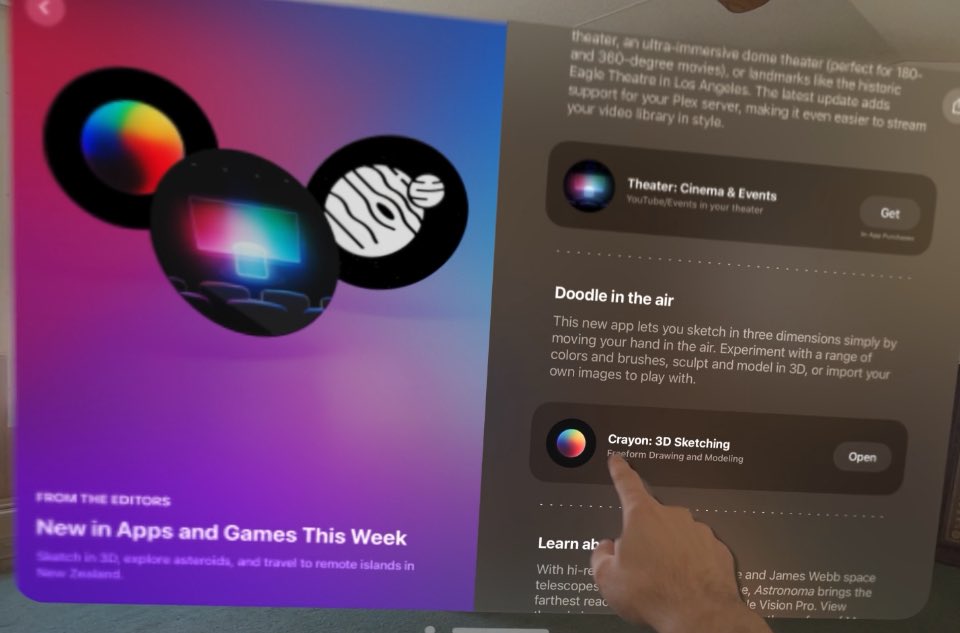
Incredibly honored that Crayon has been featured on the App Store as one of the best new apps for Apple Vision Pro.
Crayon started as a final project for a class in grad school back in 2021-- I wanted to feel like Harold and the Purple Crayon. Using an old ManoMotion SDK for primitive mobile hand tracking, I caught a glimpse of how XR could make anyone a magician.
When the Vision Pro came out last year, I knew it was time to revisit the project. And after endless iteration on the experience, I finally feel like Harold.
https://t.co/TbX1NI7kka
Enormous shoutout to
@hunter_spatial of https://t.co/7HpD2WNohW, a top-tier Apple developer with extraordinary expertise in SharePlay.
Without his contributions, Crayon 3.0 would not be NEARLY as awesome as it is. Check him out!!!!
@ikkou Thank you so much for giving it a whirl! FYI There are more environments if you scroll down in the main menu window! :) let me know if you have any feedback!
Quick demonstration of the shape, material, and inspector tools in our upcoming spatial 3d drawing and modeling app @crayonar. A native app for quick and easy 3d model creation/exporting from directly inside the Vision Pro. Available soon
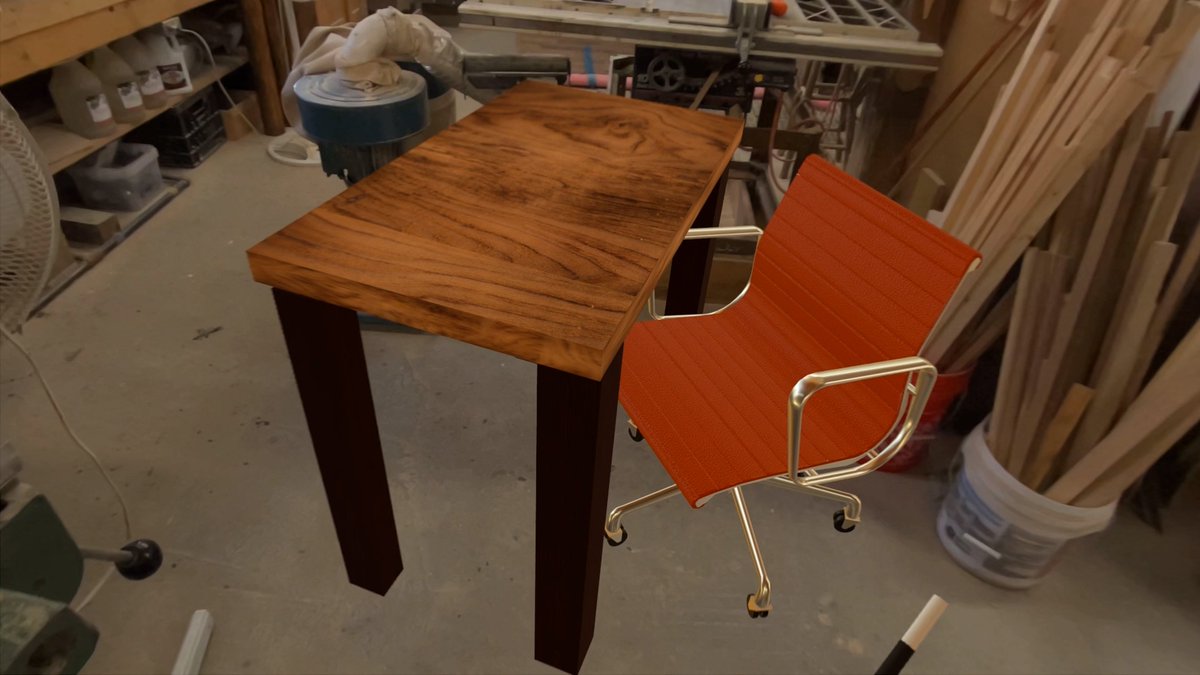
Spatializing interior design concepts has never been easier. This is just one of the many exciting use cases of Crayon 2.0.
@crayonar coming soon to Vision Pro.