How to Install a macOS Virtual Machine on Mac | UVM
Choose macOS, pick a version, and let UVM install it. Verified with Sequoia 15.6.1. Installation waiting is condensed; AI narration.
#Mac#macOS#UVM
Run one SSH command on two servers from a Mac. Enable input broadcast in DartShell, type df -h / once, and compare each server’s disk usage. Real app demo; AI opening and voice. #SSH#Mac#DartShell
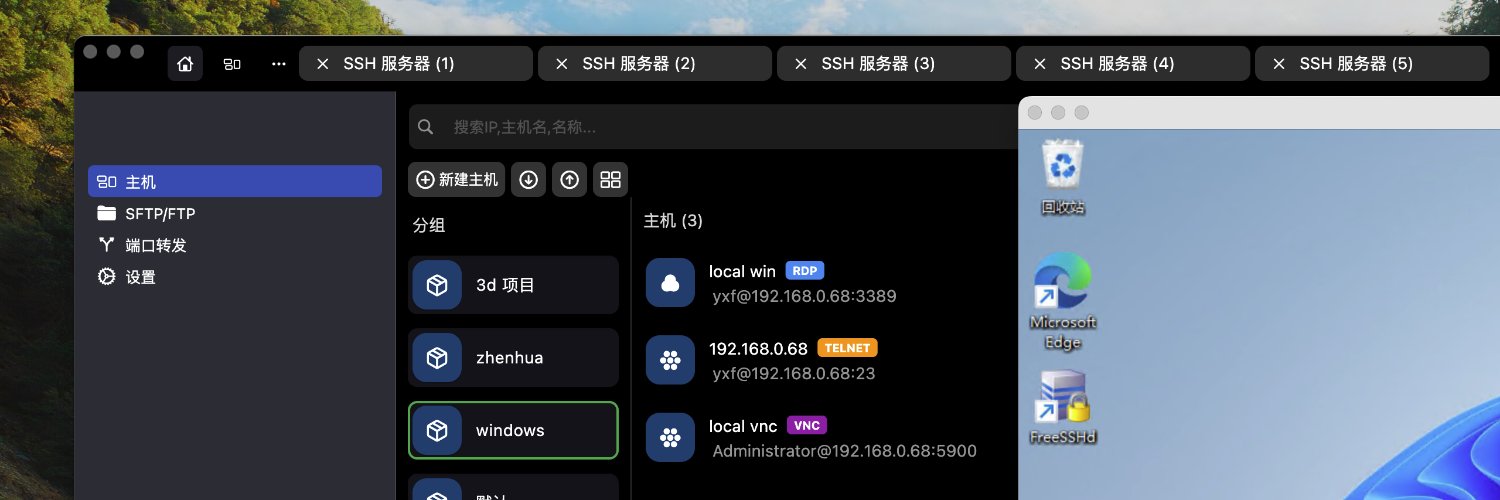
Manage 2,000+ server profiles on one Mac with DartShell. Use nested groups, search by name or IP, filter by protocol and color, and apply one authentication profile across groups. #DartShell#Mac#DevOps
Meet DartShell: an all-in-one Mac terminal for server work. SSH into Ubuntu, browse remote files over SFTP, and check live server status in one app. Watch the 63-second demo. #DartShell#Mac#DevOps
Separate Vocals on Mac
Split vocals and instrumentals with UVR Vocal Remover. Import a song, choose a folder, and start processing. Fully offline on your Mac. Hear the same excerpt before and after.
#MacApps#VocalRemover#MusicProduction
Introducing UVM, Install Windows on Mac in One Click
UVM handles the setup: choose Windows 11, keep the defaults, and let it install.
Real software walkthrough; waiting time is condensed.
#Mac#Windows11#UVM
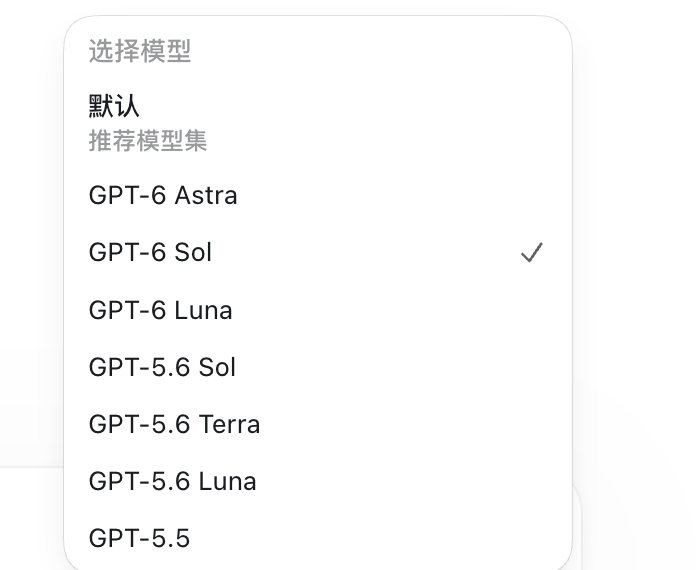
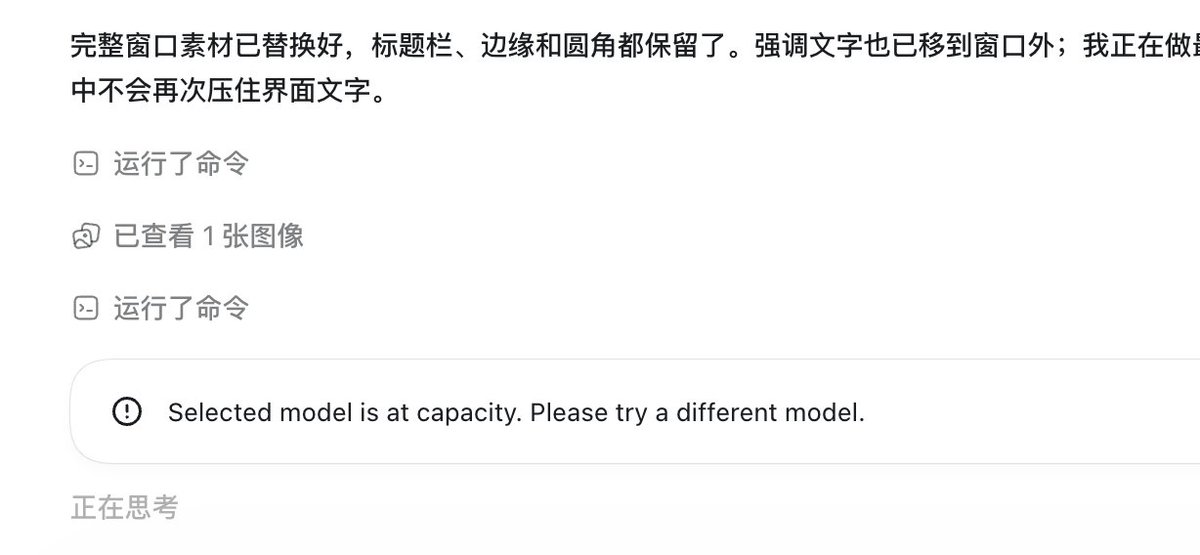
@thsottiaux unexpected status 404 Not Found: The model `gpt-6-sol` does not exist or you do not have access to it., url: https://t.co/qdXcHjIRiA, cf-ray: a3f53a043d3837c1-SJC, request id: b5e34544-2db0-4390-b01a-6d8057f78ef2