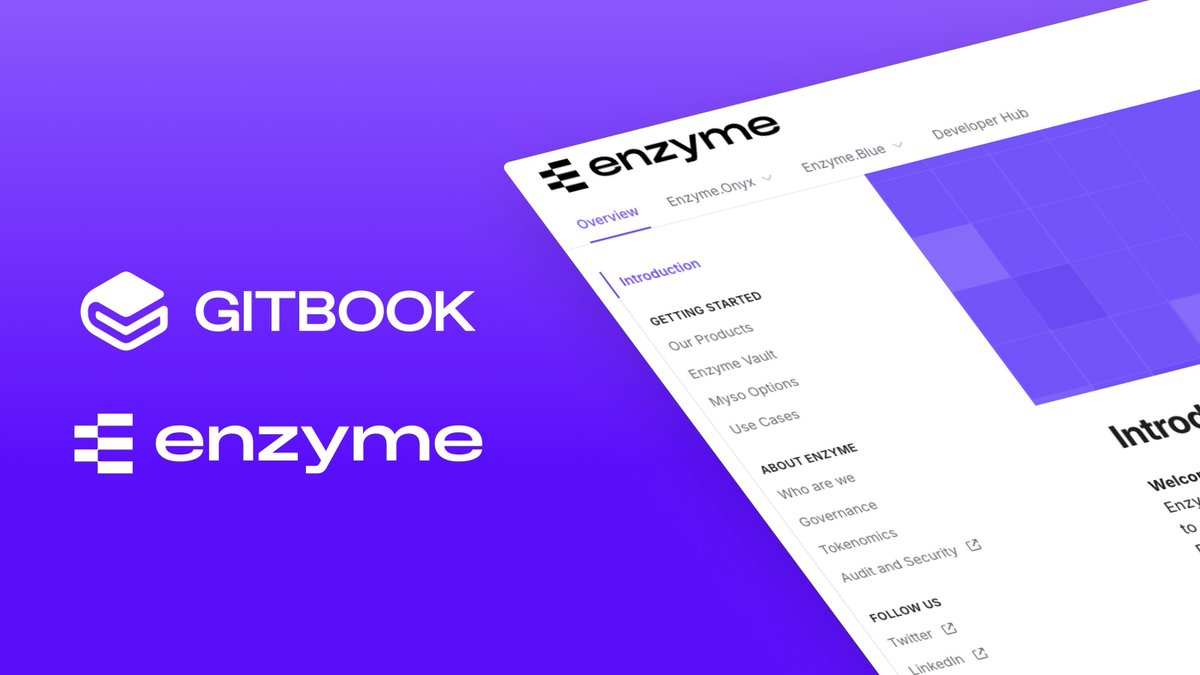
Congrats to @enzymefinance on launching their new docs!
Their new GitBook-powered docs give teams a clearer path to integration — with cleaner structure, smarter search, and content that scales as quickly as their protocol.
Explore the new docs → https://t.co/Xn3ibpPhA8
✨ It's here! The State of Docs Report 2025 is live — packed with insights from industry experts on key trends, AI’s impact, and actionable advice to level up your docs strategy.
Dive in and see why docs matter more than ever 👉 https://t.co/5Oc8rDRurv
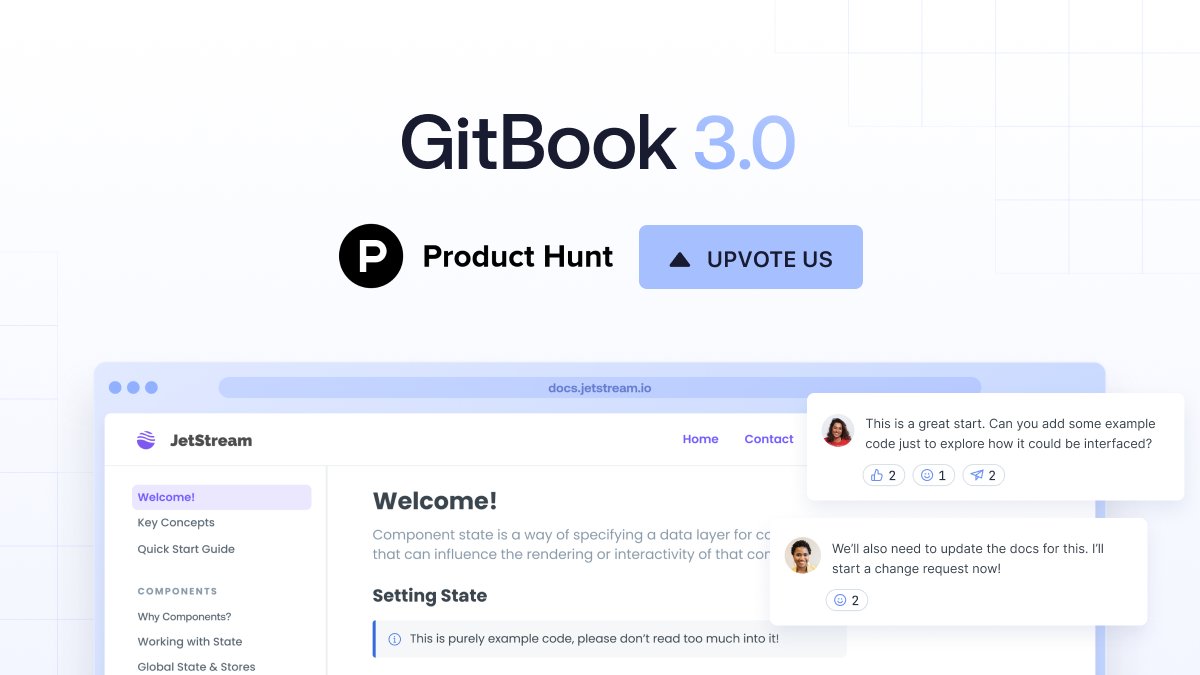
We're live! We’ve been working hard to make GitBook a game-changer for your team’s technical knowledge. So today, we’re thrilled to announce the all-new GitBook on ProductHunt 🚀 Check it out & share your feedback - we'd love to hear it!
https://t.co/839a73anBd
Today we’re introducing GitBook Lens, a semantic search tool powered by AI. Simply tell Lens what you want — it’ll scan your documentation and summarize the results in seconds. Find out more: https://t.co/tkbavf7mpD
So incredibly proud of the @GitBookIO team for shipping GitBook 3.0! It’s one of our biggest releases to date and the first time we’re live on @producthunt in years. We’d love your support - https://t.co/UtJZIMCEv4
Introducing Smart Components, a new standard for interactive component design. From full navigations and buttons with multiple states to nested hover effects, design components with infinite permutations in just a few clicks—no code required.
Read more — https://t.co/wTDvOGzzte
Just Launched: The 2020 State of Prototyping report by @Design_Week and Framer offers an unprecedented look at global industry trends. As demand for better digital experiences accelerates, how are senior leaders rising to the challenge? Find out — https://t.co/VoYrNghEtL
Pages have just landed in Framer. You can use pages to organize your designs across multiple canvases within a Framer project. Set up different pages solely for experimentation, importing, or final designs. Learn more about this new feature — https://t.co/IQpJzPK3BU
94% of senior design professionals say prototyping paves the way to more innovative products.
This and more in the first-ever State of Prototyping industry report by @design_week (in partnership with Framer). Launching soon, get a first look — https://t.co/2pGfeHlxKC
Interactions Highlights make previewing prototypes much smoother. Now Framer makes it obvious which elements viewers can click, tap, swipe, or engage with. Simply enable Interaction Highlights in the Share panel to get started. Learn more — https://t.co/v73LKW0TEO
🚀 Framer Motion 2 is here!
With the new layout animation API, anyone can automatically animate between layouts and even completely different components. Dive into the docs to see what's new: https://t.co/Wqi59CcTdq
A brand new @unsplash integration means you can access their library of 1,900,000 images using Image Fill in the properties panel. Search by keyword or color to conveniently add royalty-free visuals to your prototypes. Now in Framer Web — https://t.co/OBLXyCqAlA
Heyoo Twitter!
@viktorrenkema and I are going to do a Live Stream Q/A session later today at 17:00CEST (in about 4 hours) to answer any questions you have or show some seriously cool things you can do in @framer web.
Join us in Discord here: https://t.co/Gmz9P1ut2k
Framer Web is here. It’s free, collaborative, no-code prototyping. Work fast with premade components and interactions from the Insert Menu. Visually perfect Magic Motion animations. Share links, thread feedback, and hand off animations. Get it for free — https://t.co/wzL9ywEO7T
Introducing the brand new @figmadesign importer, available in Framer Web. Turn your static designs into interactive prototypes faster than ever before. Read the full announcement — https://t.co/PLYFagj6Yr
Need something to hit that lazy/productive sweet spot? Tune into @framer Live tonight, hosted by our own @mattgperry and @iKettles. You'll learn, laugh, and maybe even cry (happy tears)
https://t.co/UFoFCZo8F5