@jschwabish@NolanHaims @DataRevelations @julieterberg@echosvoice I recommend Bluetooth clickers. Doesn't use a port and no interference from USB3 signals. I use the Logitech R500s because it is simple. Can't walk as far away from laptop but never had an issue.
When things don’t add up in a data visual used in a financial presentation it introduces doubt in the mind of the viewer. If this visual is not correct, what else may not be correct? Inspire confidence with your visuals (not like this example).
Layoffs due to a slowing economy will result in fewer financial professionals doing the same (or more) work to create monthly financial reports. Here are 5 tips to get the reporting done in less time: https://t.co/4XBZmIjLH4
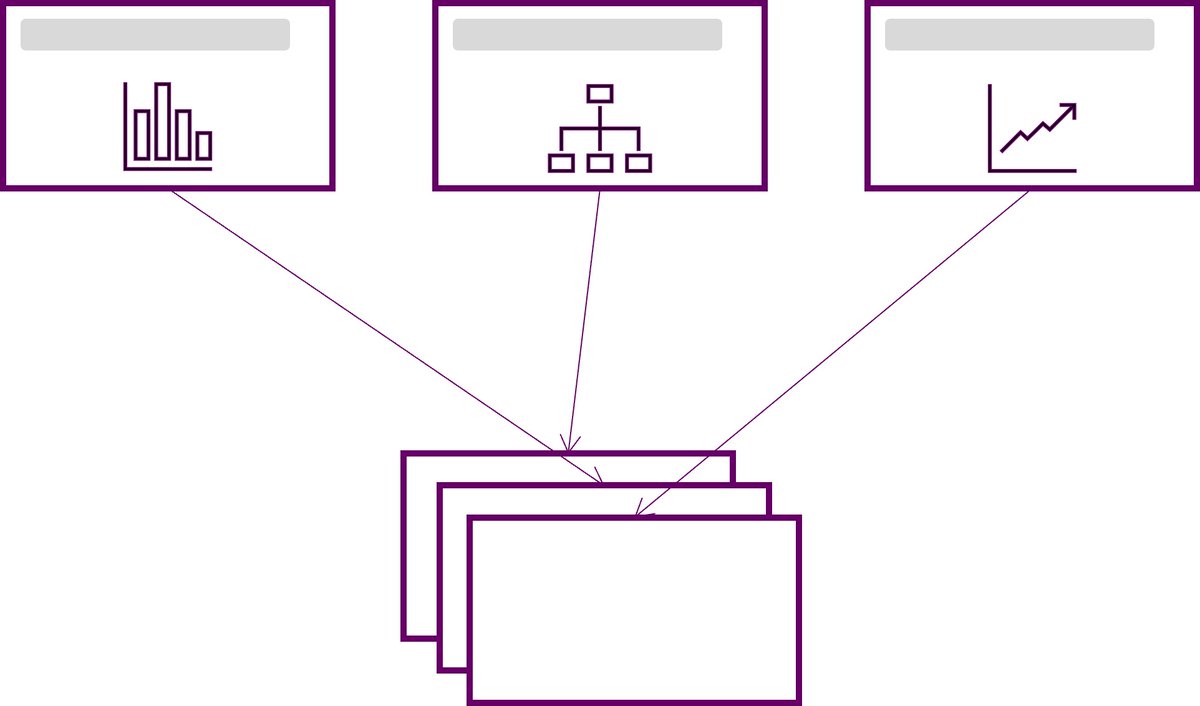
Do you do group presentations at work or in school? Want to make pulling the slides from each person together easier at the end? Here are 5 tips to make creating and delivering group presentations easier: https://t.co/WPoXBhfW6K
Demonstrating software, explaining code or training people how to use a system or web app? Make it easier for others to see menus, formulas and text by using the Windows Magnifier when you present. Video on how to use it, settings and best practices: https://t.co/p7hEiEA5c7
Need some inspiration for your data visualizations? Check out these before and after charts, submitted by AFP members from their typical variance reporting packages, and made over by @daveparadi and Ron Monteiro, CPA, CMA.
Creatin…https://t.co/O1VklzloJU https://t.co/Om2vL2JUqV
Want to switch your video from the right side to the left side of your slides when using Teams Presenter modes? Now you can! And resize your video too. Here’s a video that shows you how: https://t.co/GszD8FwBDw
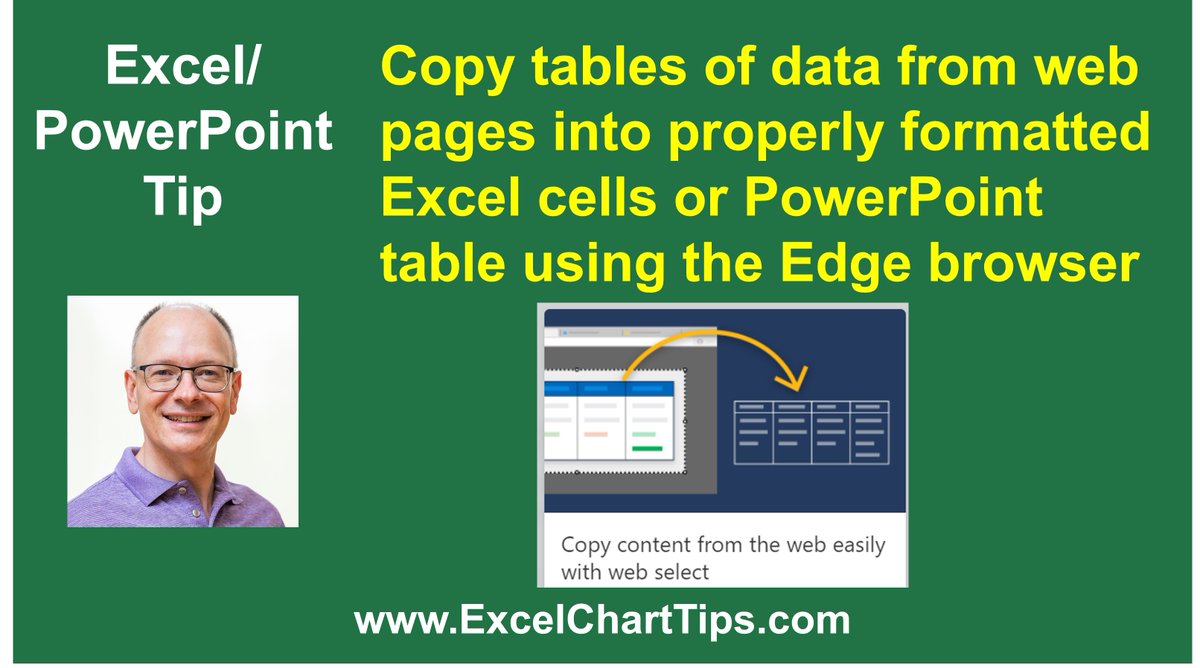
Save time copying tables of data from web pages into Excel or PowerPoint with the new Copy Content feature in @MicrosoftEdge. This video shows you how easy it is: https://t.co/aN917gdw5r
Want your Zoom or Teams attendees to get the most out of attending your meeting? Help them by providing them with viewing and participation guides. Here are the first three guides I’ve published with more to come: https://t.co/02IGCDPkkz
I’m attending the Microsoft MVP Summit this week. While I can’t share any of the great new features we are learning about, a bonus to attending is learning from fellow MVPs about features already in the product that I wasn’t aware of or using. #MVPBuzz
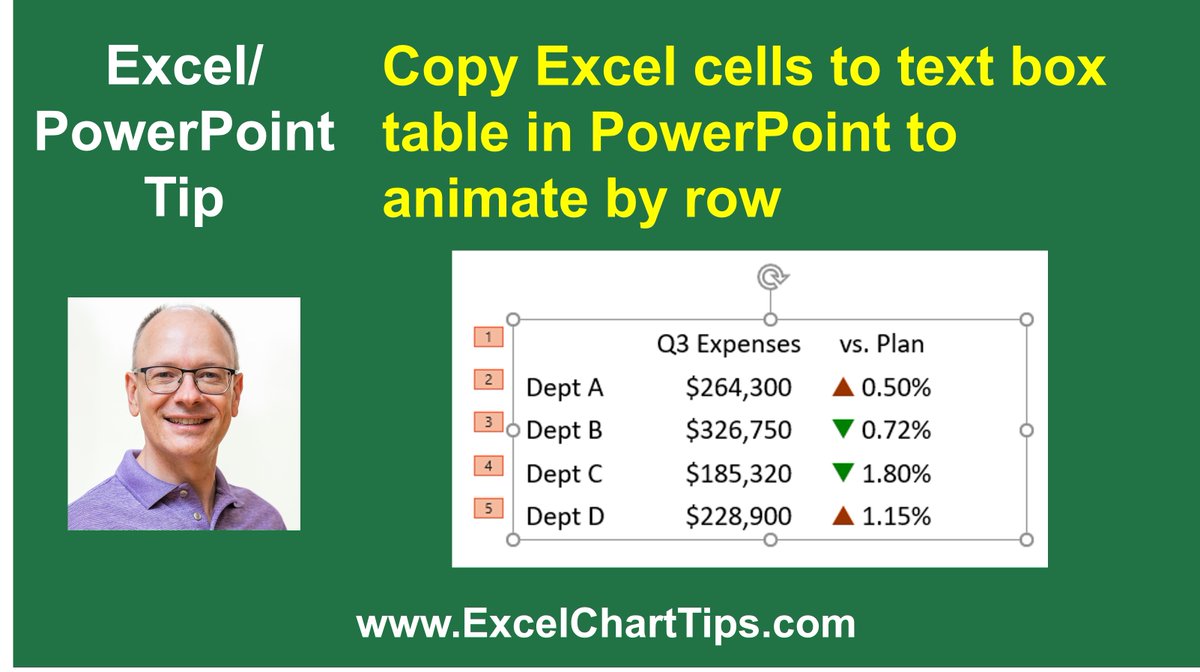
If you want to copy cells from #Excel to #PowerPoint and animate the table on the slide row by row, this video shows you a way to do it using a text box table: https://t.co/ew5NHFEaz7. Also works to round trip PowerPoint tables so they can be animated by row.
@MicrosoftEdge Glad you like the article. I've been using Edge for at least 3 years. It is always improving. As a Microsoft MVP I may try to attend the Edge MVP Summit session next Thursday.
Here’s a way to show your webcam on your desktop using @MicrosoftEdge so you can present in Teams or Zoom with your video beside your slides: https://t.co/mh2Unz1VSa
@MicrosoftEdge The awesome PDF annotation tools are the one feature most people have never heard of. I have a whole video of ways to use Edge in Teams and Zoom meetings: https://t.co/IeROufVb38
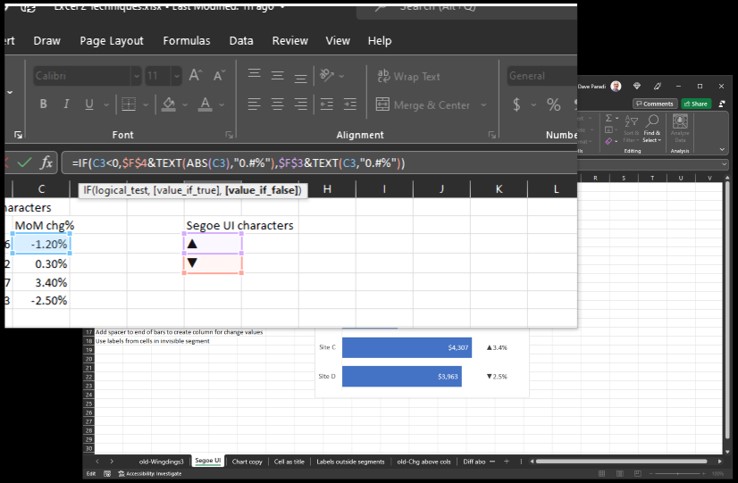
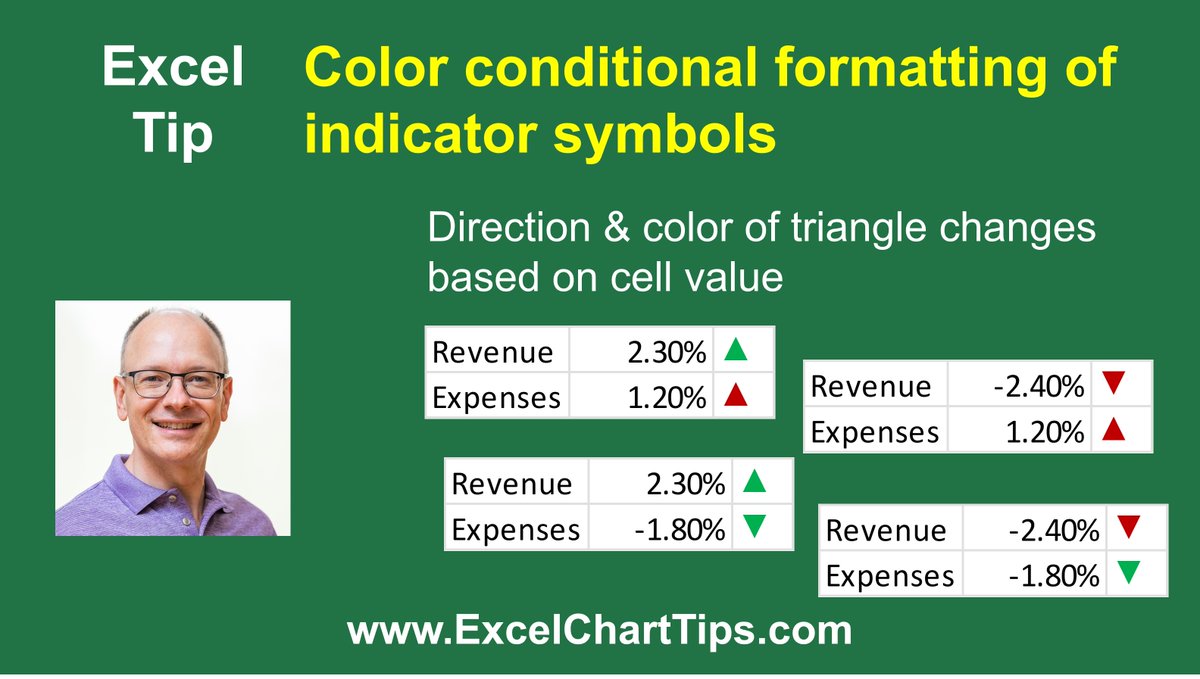
Combine formulas and conditional formatting rules in #Excel to automatically select the right directional indicator and color based on cell value. Video at: https://t.co/g5fiEVSR5U
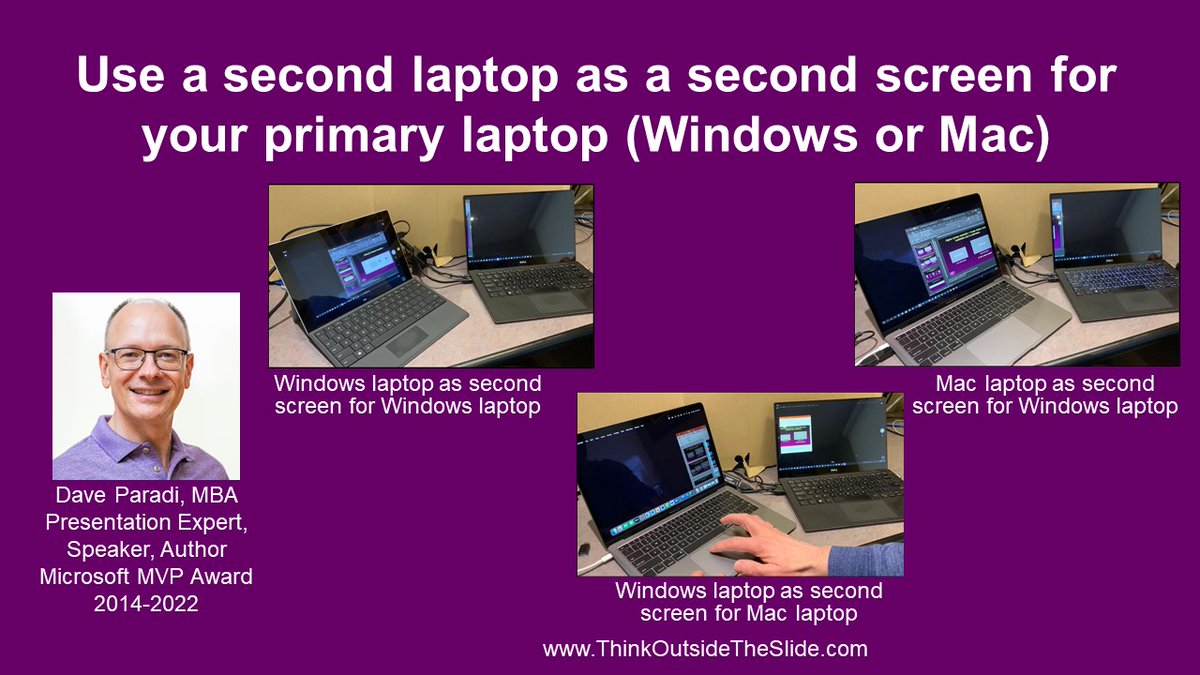
Need a second screen but don’t have a monitor? Do you have a second laptop? With a video capture device you can turn that second laptop into a second screen for your primary laptop. Works with any combination of Windows and Mac laptops. Video here: https://t.co/PPMAOEvoyh
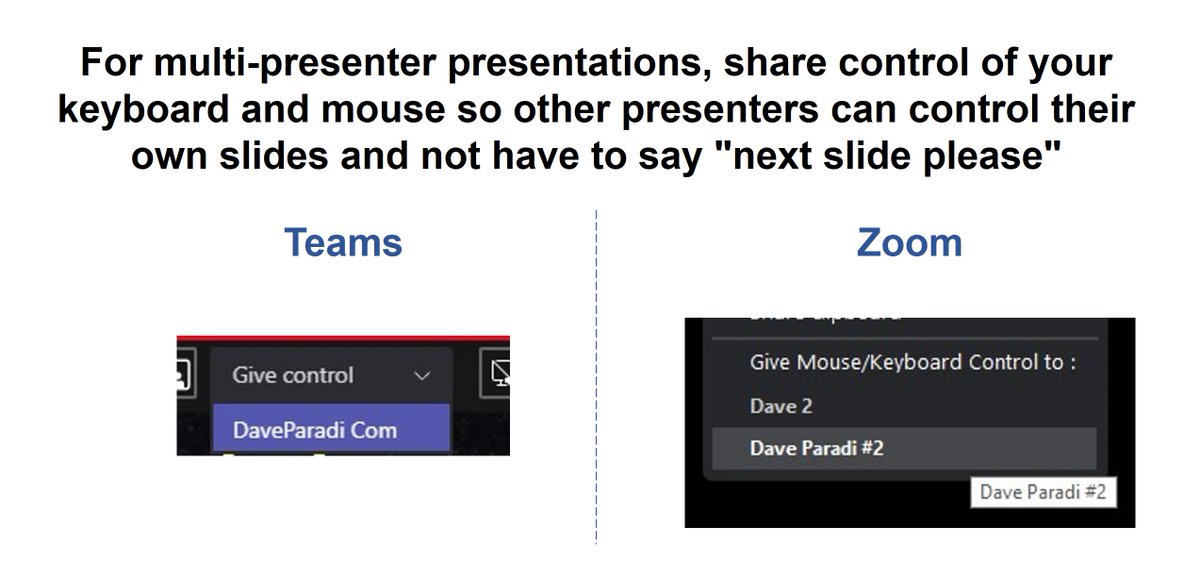
No more “next slide please”. Here’s how to share keyboard and mouse control with other presenters in Teams and Zoom to make multi-presenter presentations better for the audience. Article and videos for Teams and Zoom: https://t.co/ZmbvCI1Mpo