The Ultimate YouTube Guide to master AI for Finance
100 videos featuring the top experts on AI for finance
👉 Comment "YouTube" and I'll send you the full collection for free
First 100 comments only so don't wait.
Most finance professionals learn AI from random YouTube videos.
No structure, no clear starting point, and hours lost searching.
I watched hundreds of AI for Finance videos
and handpicked the 100 best ones across 10 categories.
Then I put them all in one place.
Here's what's inside the 10-collection box set:
1. ChatGPT for Finance - models, analysis, presentations
2. Claude for Finance - Excel, Cowork, financial modeling
3. Gemini for Finance - automation, dashboards, forecasting
4. AI in Excel - agent mode, formulas, data cleaning
5. Claude in Excel - FP&A, dashboards, scenario planning
6. AI PowerPoint - board-ready slides from raw data
7. Claude Cowork - automation, reporting, reconciliation
8. AI Dashboards - CFO-ready visuals in minutes
9. AI Comparisons - ChatGPT vs Claude vs Copilot vs Gemini
10. Finance YouTube Videos - the best finance fundamentals
Each collection is curated.
Each video is there for a reason.
This is the structured learning path I wish existed
when I started using AI for finance 3 years ago.
I've trained 10,000+ finance professionals on AI.
Companies like Mercedes-Benz, KPMG, and Rakuten pay me $10,000+ for workshops.
This collection is free.
👉 Comment "YouTube" and I'll send you your copy!
♻️ Repost so your finance team gets access too
Debt modeling shouldn't be a manual grind. It should be a strategic tool.
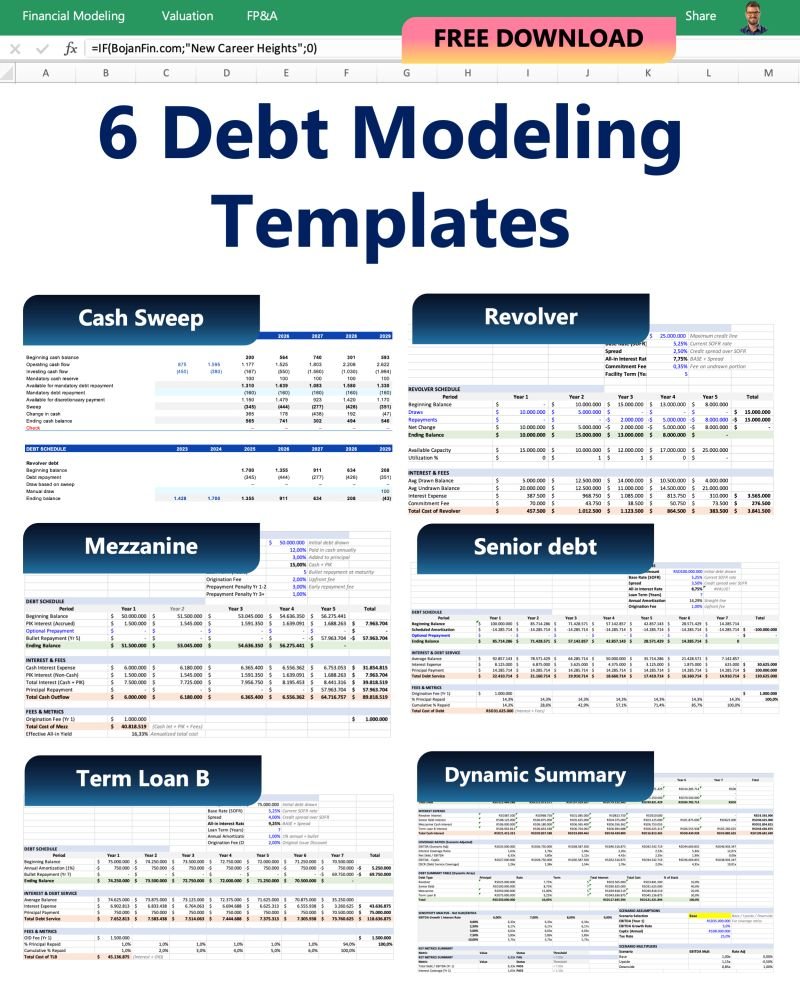
To help you move faster, I’m giving away 𝟲 𝗣𝗿𝗼𝗳𝗲𝘀𝘀𝗶𝗼𝗻𝗮𝗹 𝗗𝗲𝗯𝘁 𝗠𝗼𝗱𝗲𝗹𝗶𝗻𝗴 𝗧𝗲𝗺𝗽𝗹𝗮𝘁𝗲𝘀 for juniors that I use to stay precise:
1. 𝗖𝗮𝘀𝗵 𝗦𝘄𝗲𝗲𝗽: Automate excess cash application.
2. 𝗥𝗲𝘃𝗼𝗹𝘃𝗲𝗿: Dynamic liquidity modeling without the circularity headaches.
3. 𝗦𝗲𝗻𝗶𝗼𝗿 𝗗𝗲𝗯𝘁: Clean, scalable amortisation structures.
4. 𝗠𝗲𝘇𝘇𝗮𝗻𝗶𝗻𝗲: PIK and warrant logic.
5. 𝗧𝗲𝗿𝗺 𝗕: Institutional-grade bullet and repayment scheduling.
6. 𝗗𝘆𝗻𝗮𝗺𝗶𝗰 𝗦𝘂𝗺𝗺𝗮𝗿𝘆: The "CFO View" that aggregates it all.
When practice this, I owe you the truth.
Templates are great, and you need to know how to build models like thiese, but they won't stop you from becoming a "Traditional Finance" dinosaur as AI starts taking over modeling entirely.
If you’re tired of the manual grunt work and worried about falling behind the AI curve, maybe it’s time to stop just "downloading" and start "transforming."
If you want these templates, just drop a comment and I’ll send it to you.
(Important: follow me so I can DM you!)
Month-end closing happens every single month.
While AI can automate a huge chunk of the process, typing the exact same prompts and instructions from scratch every 30 days is exhausting.
Worse, it leads to inconsistent reporting.
That’s why you need a custom-built Skill embedded directly inside Claude.
When month-end arrives, you simply upload your financial files—or connect Claude directly to your accounting software—and trigger the Skill. Your entire closing workflow kicks off instantly, eliminating 99% of manual errors.
I could have just given you my static skill files, but month-end procedures aren't one-size-fits-all. Every company operates on a different chart of accounts, accounting framework, and reporting deadline.
So, I built a more flexible solution.
I created a Master Prompt designed specifically for Month-End Closing. You just plug in your company's accounting framework and specific closing requirements, then paste it into Claude.
Claude automatically generates 12 tailored Closing Skills for your exact process.
If you want these Skills, just drop a comment and I’ll send it to you.
(Important: follow me so I can DM you!)
I've waited 20 years for this. Just built the Accounts Payable tool!
In one session. With Claude.
No developer. No code knowledge. No consultant.
Everything I need to manage AP: invoices, payments, vendors, KPIs, alerts: sitting in one command center on my desktop.
Updating itself every time my Excel file changes.
Here's exactly how I built it 👇
I put all data about payables in one folder, like opening balance, invoice list and other data in excel.
Then I made one prompt in Claude Cowork.
—
What Claude built:
→ Dashboard — total outstanding AP, aging buckets, DPO, % overdue, top vendors by exposure
→ Invoice Processing — pending approvals, processing time per invoice, exception flags
→ Payment Management — upcoming payments by week, discount opportunities, late payment risk
→ Vendor Management — top vendors, concentration risk, payment behavior by vendor
→ Date toggles in the header — Today / Month End / Quarter End / Custom
→ Refresh button that re-reads the Excel and rebuilds everything
→ Recommendations and action plans, generated from the data itself
The Excel file stays my source of truth.
The command center stays live.
—
It was that the data was scattered — in tabs, in reports, in emails, in someone's head.
The value of a tool like this isn't speed. It's clarity.
When you can see every overdue invoice, every payment due next week, every vendor on the watchlist, you stop reacting and start managing.
The AP team that used to chase numbers can now make decisions.
If you've spent years building AP processes inside Excel — try this once.
You won't go back.
If you want this prompt and datasets, just drop a comment and I’ll send it to you.
(Important: follow me so I can DM you!)
An audit is not one big task. It is dozens of small procedures, done in the same order, to the same standard, every engagement.
Most of that is process you repeat from memory and re-explain to Claude every single time.
So I packaged the process into 12 audit skills. Install once, and Claude has the methodology available for your audit workflows.
Here is how they map to the engagement:
𝗣𝗹𝗮𝗻 𝘁𝗵𝗲 𝗮𝘂𝗱𝗶𝘁
→ materiality-sampling. Materiality, benchmarks, and sample design.
→ analytical-review-flux. Risk assessment and substantive analytics.
→ audit-workpaper-builder. Excel workpapers, lead schedules, and tie-outs.
𝗧𝗲𝘀𝘁 𝘁𝗵𝗲 𝗵𝗶𝗴𝗵-𝗿𝗶𝘀𝗸 𝗮𝗿𝗲𝗮𝘀
→ journal-entry-testing. Management override and completeness testing.
→ revenue-recognition-audit. Revenue fraud risk and five-step model testing.
→ going-concern-assessment. Cash flow testing and stress scenarios.
𝗔𝘂𝗱𝗶𝘁 𝘁𝗵𝗲 𝗯𝗮𝗹𝗮𝗻𝗰𝗲 𝘀𝗵𝗲𝗲𝘁
→ ar-aging-ecl-review
→ inventory-count-valuation
→ fixed-assets-capex-audit
→ cash-bank-audit
→ accruals-provisions-review
𝗧𝗲𝘀𝘁 𝘁𝗵𝗲 𝗰𝗼𝗻𝘁𝗿𝗼𝗹𝘀
→ sox-icfr-testing
Two things make skills different from a prompt library.
They are available when the workflow requires them. No searching through old prompts saved on the last engagement.
And they preserve the standard. The same methodology, workpaper structure, and review approach across files.
One rule sits above all of it.
The skill runs the procedure and drafts the workpaper. The evidence, judgment, and sign-off stay with you.
Setup takes two minutes. Settings, Capabilities, Skills, upload.
Comment "SKILLS" and I’ll send you the 12 Audit Skills pack, just drop a comment and I’ll send it to you.
(Important: follow me so I can DM you!)
I built 12 accounting skills for Claude. Every one runs US GAAP and IFRS in parallel.
Here's why I did it.
Technical accounting isn't a knowledge problem anymore. It's a consistency problem. You know how to account for a lease. So does your colleague. But you apply it slightly differently, document it slightly differently, and three months later nobody can reconstruct why.
Now add AI to that.
You prompt Claude for a lease calculation. It gives you something reasonable. Next month you prompt again, phrased differently, and get a different structure. Neither one carries your policy elections.
That's not a workflow. That's a lottery.
Skills fix it.
You write the methodology once. Claude loads it automatically every time the task matches. Same definitions. Same checks. Same output format — for you and anyone on your team.
So I wrote 12 of them, covering the areas where judgment actually lives:
Leases, revenue recognition, income tax, financial instruments, fixed assets, accruals and prepaids, AR, inventory and costing, internal controls, technical memos, policy adoption, and close orchestration.
And here's the part that took the longest.
Each one puts US GAAP and IFRS side by side, in a comparison table near the top — so the divergence is visible before you start work, not discovered halfway through.
𝘾𝙤𝙢𝙢𝙚𝙣𝙩 “𝘼𝙘𝙘𝙤𝙪𝙣𝙩𝙞𝙣𝙜” I’ll sent you download link you the pack.
(Important: follow me so I can DM you!)
Unzip it. Drop the folders into your skills directory.
Your standards now travel with the tool.
AI built the model in 20 minutes. The verification sheet caught 3 assumption errors before anyone saw the output.
That's the point. Not speed. Trust.
Here's what most people get wrong about AI in financial modeling.
They focus on the build. They forget the audit.
A model without a verification layer is just a formatted guess. Especially when AI builds it.
Let me show you what I mean.
I prompted Claude to build a full net working capital model. 12-month projections. Every line item. Three scenarios — Base, Upside, Downside — controlled by a single dropdown using CHOOSE.
Historical parameters calculated first. Then uploaded as baseline assumptions. Then projections built on top.
The model worked. Structurally clean. Scenarios switching correctly.
But here's what made it actually usable.
I asked for a dedicated verification sheet.
Differences between the last projected period and the last actual period. In percentage terms and absolute terms. Across every category.
Plus variation indicators. Variances. Quality-of-movement metrics.
So when DIO drops 14% in the upside case — I can see whether that's logical against the historical range.
When DPO jumps — I can trace it back to the assumption that drove it.
When total NWC moves — I can see exactly which lines pushed it up and which pulled it down.
That's the audit trail.
Not a check that says "BALANCED." A layer that answers: does this movement make business sense?
AI builds fast. But fast without verification is just fast toward a wrong answer.
The verification sheet is not optional. It's the whole game.
Want this set that includes: Excel input data, Finished model and prompt for Claude / ChatGPT/Copilot in Excel?
Just drop a comment and I’ll send it to you.
(Important: follow me so I can DM you!)
Most people use Claude.
Very few actually know how to get the most out of it.
That's why I put together this Claude Prompt Library with prompts for different models and real-world use cases.
It covers Opus 5, Sonnet 5, Fable 5 & Haiku 3.5, with prompts for research, coding, content, strategy, business, UX, creativity, and more.
Instead of starting from a blank chat every time, you can start with a prompt designed for the job.
I'm sharing it with the first 4500 people only.
Once the limit is reached, I'll stop sending it.
How to get
Follow me (so I can DM you)
Like + RT
Comment "CLAUDE"
I'll DM it while the giveaway is still open.
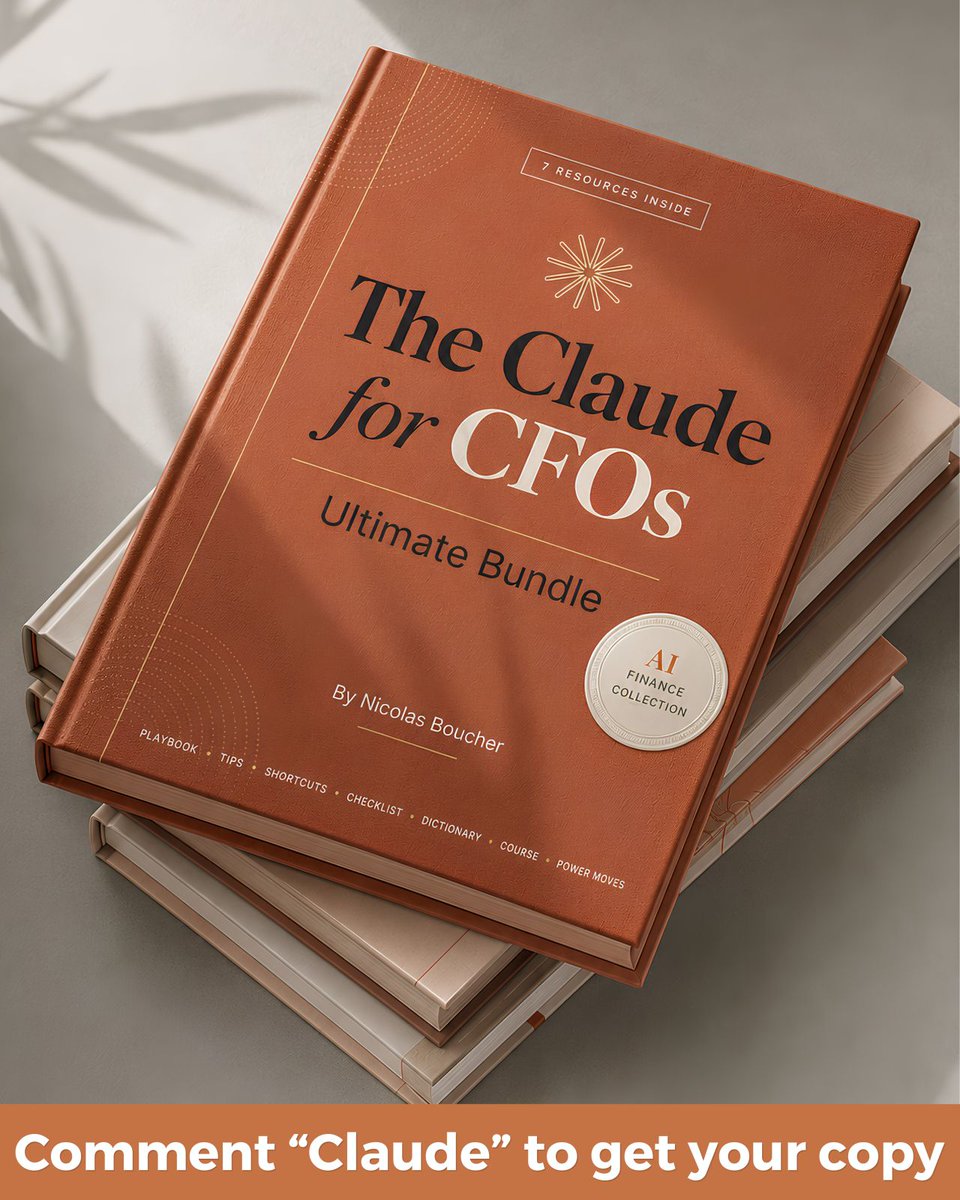
The Claude for CFOs Ultimate Bundle (everything you need to master Claude in Finance)
👉 Comment "Claude" and I'll send you the full bundle
I'm limiting this to the first 100 comments, so move fast
Every time, I hear the same thing from CFOs and controllers:
"Nicolas, I know Claude is powerful, but I don't know where to start"
So I put together the exact bundle I wish every finance team had since day one:
📘 Claude Finance Playbook
How to build financial models in Excel, use Voice Mode from your phone, and create interactive scenario planners
📋 Top 100 Claude Tips
100 prompts for Excel, Cowork, dashboards, and best practices you can use today
⚡ Top 100 Claude Shortcuts
The fastest way from prompt to finished output, no wasted steps
✅ Claude Checklist
So you never skip a step when building a model or a report
📖 Claude 101 Dictionary
Every Claude term explained in plain finance language
🎓 Claude AI Finance Course
A structured path to go from zero to confident, at your own pace
🔑 The Mega Claude Collection
Collection of Infographics and carousels about Claude
On top of that, this bundle covers the whole journey: understand it, use it, master it, teach it to your team
👉 Comment "Claude" and I'll send you all the resources
Bonus: you'll also get a free seat to my AI Finance Masterclass
🔁 Repost so your finance team stops guessing and starts using Claude the right way