Thrilled to share this new course in the Microsoft Educator Center: @SharePoint in the classroom!
Learn how to use pages, lists, and document libraries to maximize productivity while creating engaging experiences for students & staff.
https://t.co/i34sOfNfv8
@LevelUpEdTech You should be able to use powershell (linked in the doc). My colleague let me know the UI option may not yet be available in large tenants
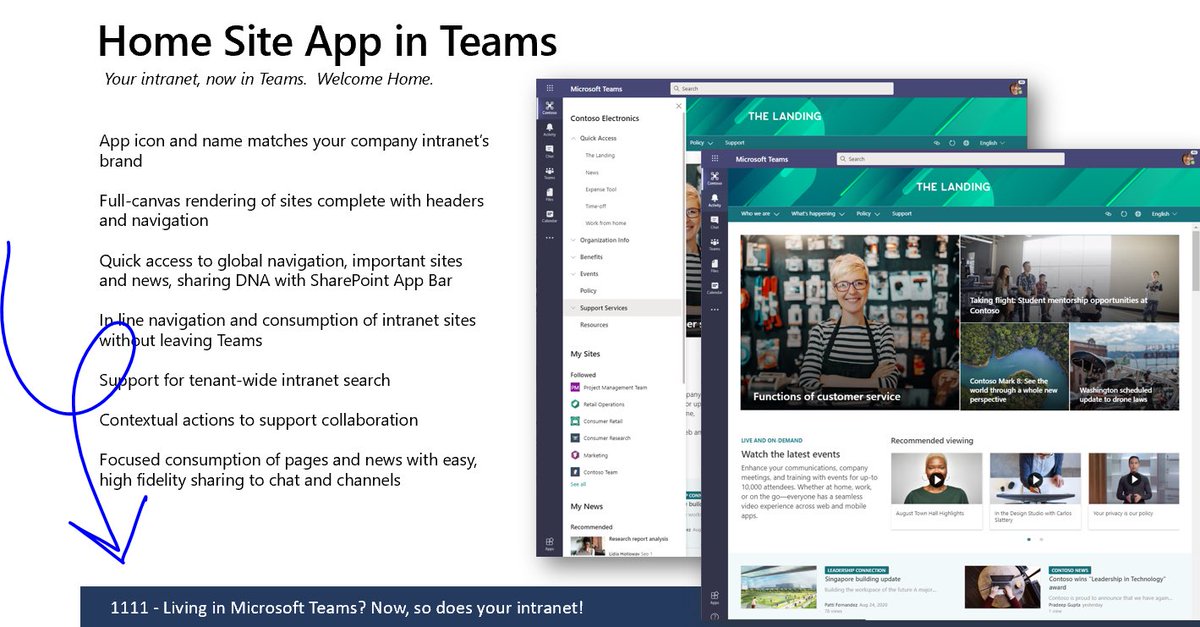
. @andyhaon and I with the latest on your modern intranet: https://t.co/Jl3HvZ9DNs
Watch this for the overview.
And keep an eye out for related deep dives specified in the slides, like so:
You’re invited to our live #MicrosoftTeams webinar! Register for the educator or IT track to learn best practices, ask questions, and prepare for the upcoming school year. Sign up today and tune in August 11 & 12 – you won’t want to miss it! https://t.co/i8yqMyuo1C
SO excited to launch #SharePoint site templates built for (and with direct feedback from) school leaders, educators and students!! To help you get started, we’ve included step-by-step guidance on how to customize the templates and bring them into @MicrosoftTeams 🏫
[Announcing] Site templates for schools and universities in the #SharePoint look book. Inform and engage students & staff with #SharePoint sites. Check them out today: https://t.co/BxKuksvz2Z
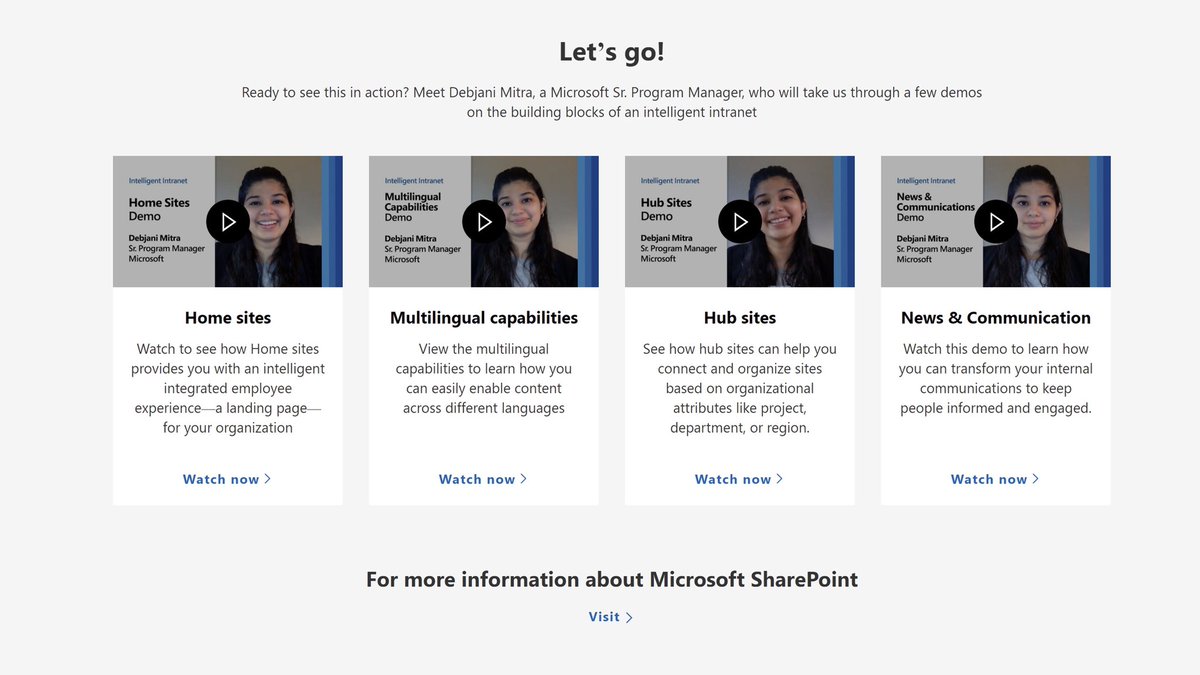
Need help planning your intranet transformation? Look no further! Here’s a handy 4-stage approach for you, incl demos by yours truly: https://t.co/FOa6tBXMcP. Let’s goo!
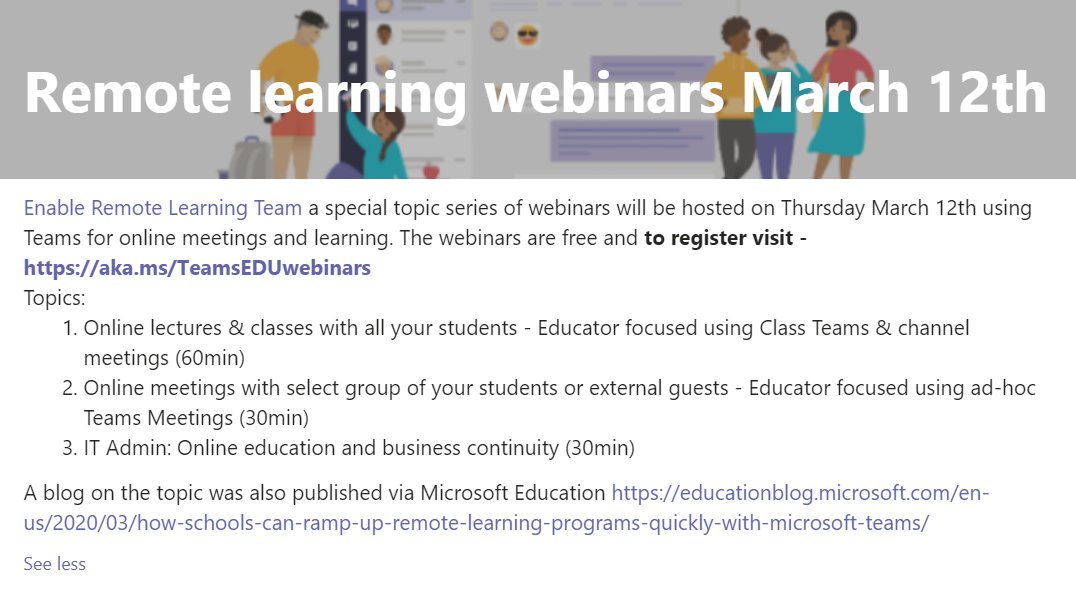
Join our free #RemoteLearning webinars to learn how to use the free @MicrosoftTeams platform for online learning
📅 Thurs, March 12th, 8am, 8:30am and 9:30am
Sign up here: https://t.co/2Q4uGSXCII
Details below 👇
6 new videos on key topics to get the most out of #MicrosoftTeams for Education! Check out
✅ Teams & LMS
✅ Custom apps and bots
✅ Shift workers using Teams
✅ Teams + @MSPowerAutomate
✅ Integrate @SharePoint Online
✅ Skype 4 Biz to Teams migration
👉https://t.co/8bTxtadSx9








![SharePoint's tweet photo. [Announcing] Site templates for schools and universities in the #SharePoint look book. Inform and engage students & staff with #SharePoint sites. Check them out today: https://t.co/BxKuksvz2Z https://t.co/nypfk5xG6Z](https://pbs.twimg.com/media/EerOqz1WsAI-P-R.png)