【Nano Bananaを使って最速でベストな構図を探す方法】
1枚1枚画像生成しながら良い構図を探している人、本当に時間勿体ないです。
実はNano Bananaはグリッド画像形式を使えば、9構図分を一気に出力できます。
AI動画用の参照素材にもばりばり使えるのでぜひ試して���てください。
▼プロンプト
<instruction>
Analyze the input image composition. Identify the key subjects and their environment.
Generate a coherent 3x3 grid "Contact Sheet" showcasing 9 different cinematic shots of these subjects.
**Crucially, overlay stylish, modern, and cinematic Japanese text labels at the bottom of each panel.**
Adjust standard shot types to fit the content:
Row 1 (Establishment):
1. Extreme Long Shot (ELS): Subjects appear small within a vast environment. [Label text: "大遠景"]
2. Long Shot (LS): Complete subject visible from top to bottom. [Label text: "全身"]
3. Medium Long Shot (MLS): Framed from knees up. [Label text: "ニーショット"]
Row 2 (Core Coverage):
4. Medium Shot (MS): Framed from waist up. Focus on interaction. [Label text: "ウェストアップ"]
5. Medium Close-Up (MCU): Framed from chest up. [Label text: "バストアップ"]
6. Close-Up (CU): Tight framing on the face. [Label text: "アップ"]
Row 3 (Details & Angles):
7. Extreme Close-Up (ECU): Macro focus on **specific body features or jewelry (e.g., an ear with an earring, an eye, or a hand). Do not focus on plain fabric or object textures.** [Label text: "ディテール"]
8. Low Angle Shot: **Extreme low angle shooting upwards from the ground to create a dynamic, towering perspective.** [Label text: "ローアングル"]
9. High Angle Shot: Looking down on the subject from above. [Label text: "俯���"]
Ensure strict consistency: same subjects, clothes, and lighting.
**The text overlays must be written clearly in a sleek, professional Japanese font, avoiding generic styles.**
</instruction>
A professional 3x3 cinematic storyboard grid containing 9 panels with **stylish Japanese text labels**.
The grid displays specific subjects from the input image across a comprehensive range of focal lengths.
Top Row: Wide environmental shot ("大遠景"), full view ("全身"), knee shot ("ニーショット").
Middle Row: Waist-up ("ウェストアップ"), chest-up ("バストアップ"), face close-up ("アップ").
Bottom Row: **Macro accessory/body detail** ("ディテール"), **dynamic extreme low angle** ("ローアングル"), high angle ("俯瞰").
All frames feature photorealistic textures, consistent cinematic color grading, and correct composition with corresponding **modern Japanese typography**.
Nano Banana Proで遊ぼう
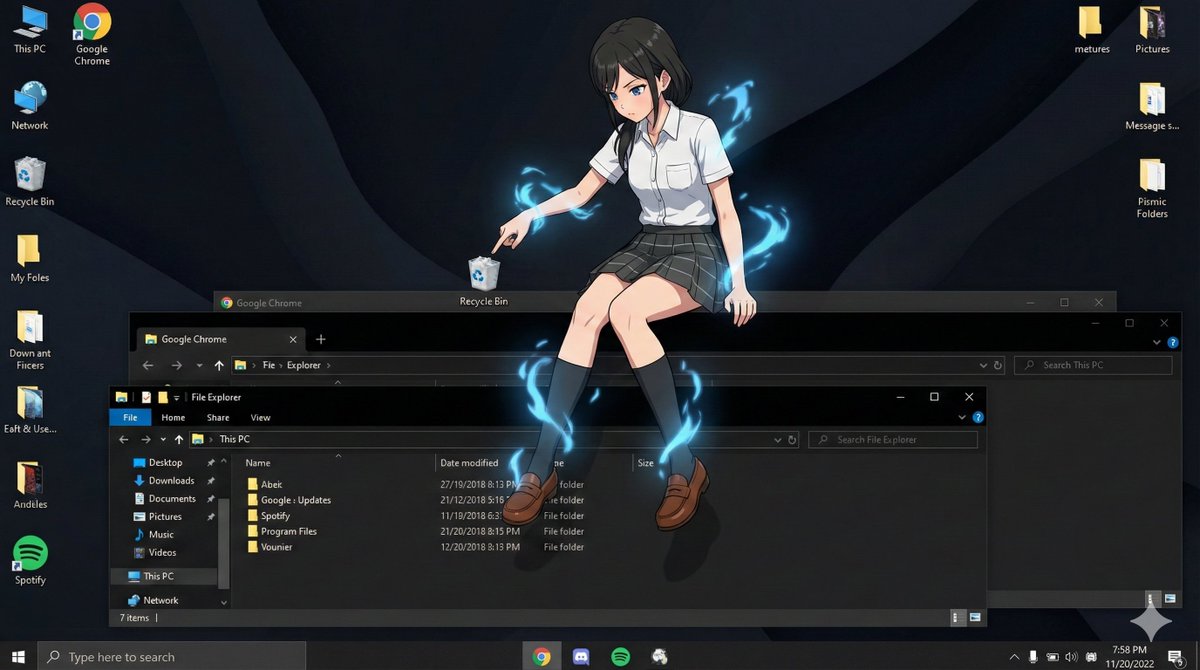
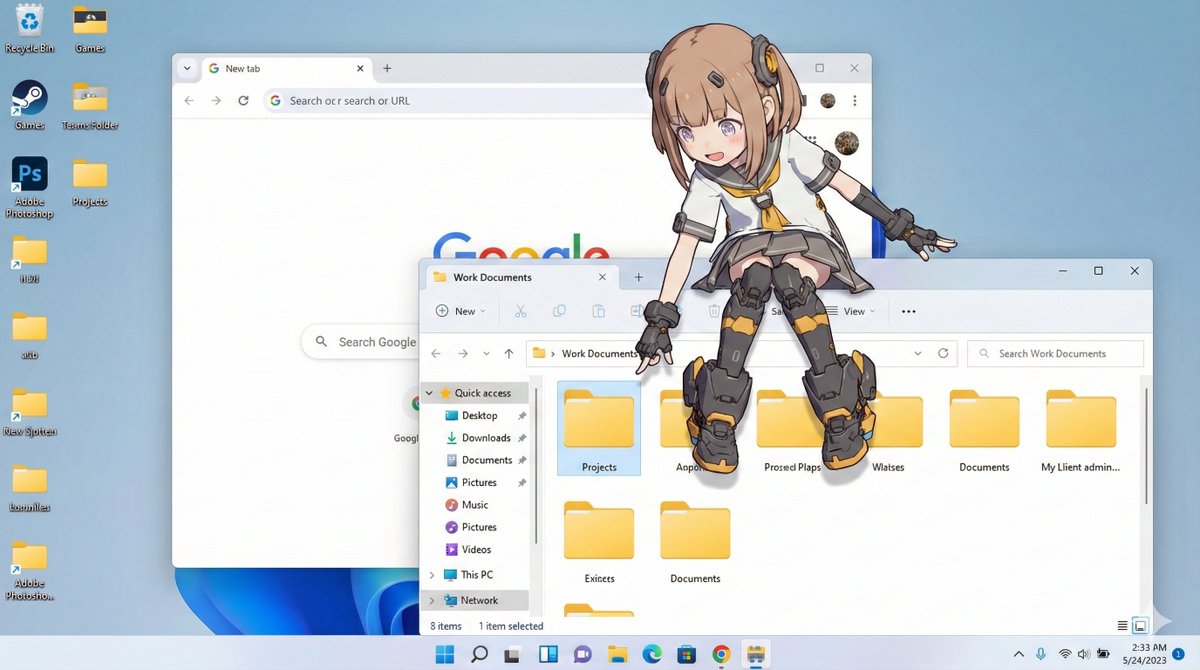
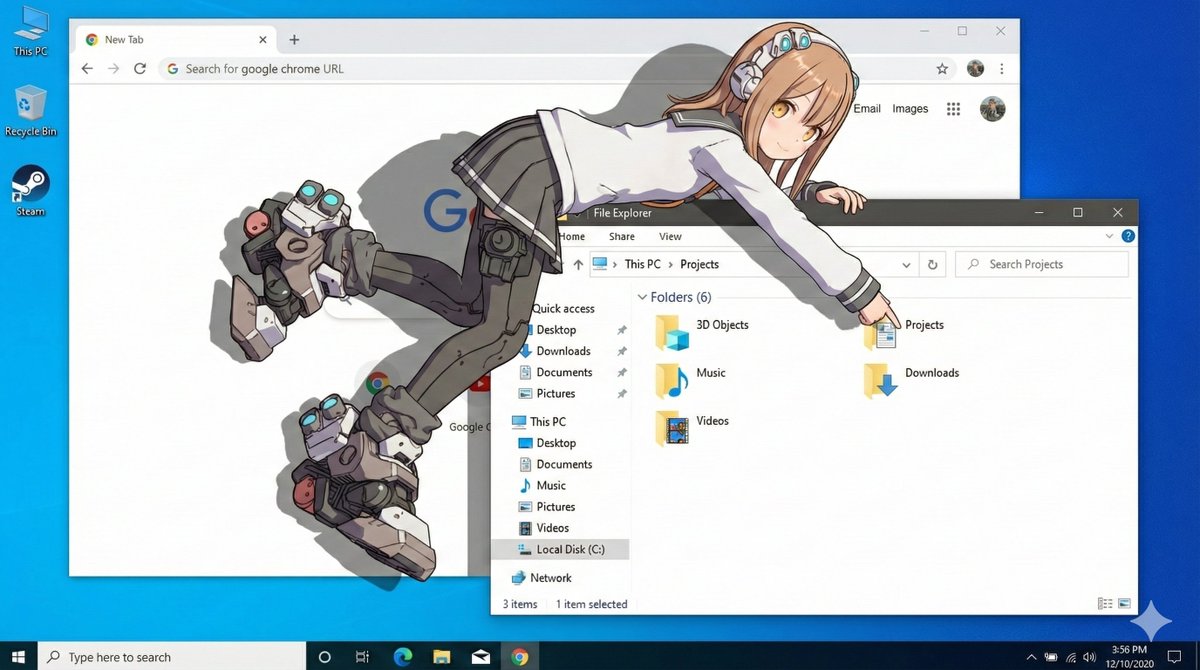
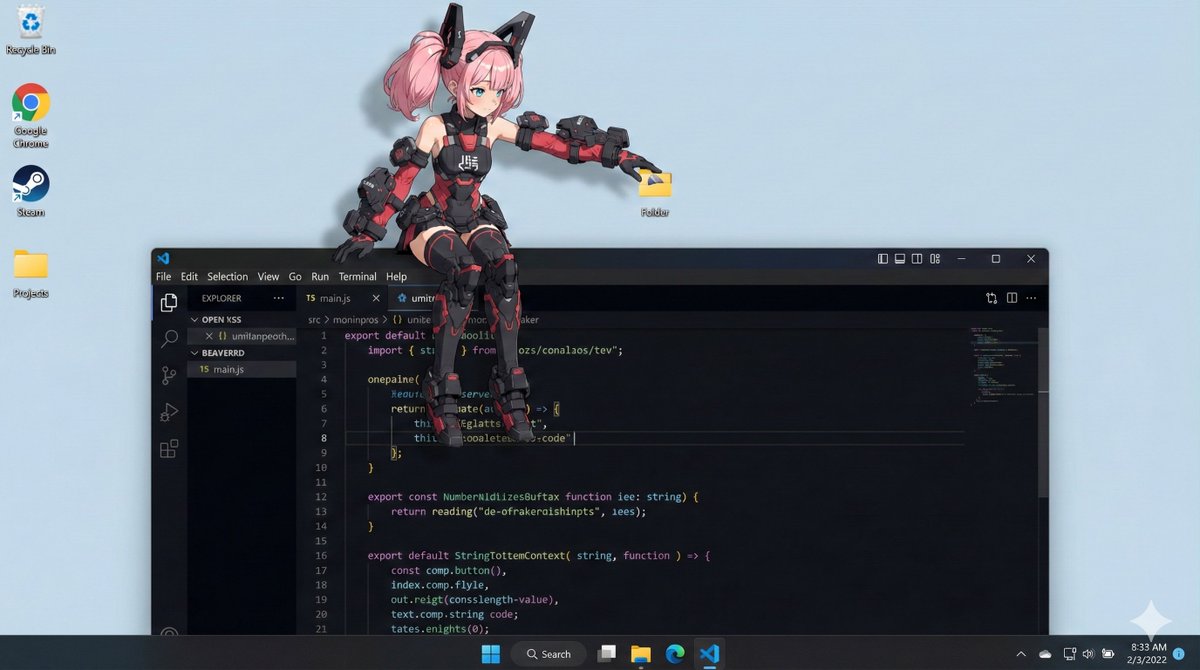
【デス���トップマスコット化プロンプト】
⠀
参照画像のキャラクターを
デスクトップマスコット化して
PC画面に配置した画像を生成する
プロンプトです。
⠀
キャラクターがウィンドウの上に
寝そべったり、腰かけたり
アイコンを触ったりします。
OSをWindows風/macOS風から
選択できます(リプ欄で説明��。
⠀
お気に入りのイラストを
デスクトップマスコットに
しちゃいましょう!
⠀⠀
プロンプト:
os_environment:
- Choose one: "Windows 11 style desktop" or "macOS Sonoma style desktop"
- If not specified, let the model choose the most natural OS UI
- Use authentic UI elements based on the selected OS
subject:
- A character based on reference image A
- Rendered with semi-3D, anime-style shading
- Clear solid shadows and highlights defining volume
- Appears as a desktop mascot overlay interacting with real OS UI
composition:
- A realistic computer desktop in 16:9 aspect ratio
- Include authentic-looking application windows and icons
- Character positioned naturally on or around these UI elements
action:
- Allow the model to freely choose mascot-like behaviors such as:
- lying across the top edge of a window
- sitting on a window frame
- touching, inspecting, or reacting to icons
- peeking from behind folders or apps
- Actions should feel physically grounded and slightly playful
location:
- Displayed on a real OS-style desktop (Windows/macOS)
- Show recognizable UI elements (e.g., Chrome window, folder icons, taskbar/dock)
- Icons and windows appear authentic but used only as background elements
style:
- Semi-3D anime shading (soft cel-shaded look)
- Defined shadows instead of rim lighting
- Clean digital rendering that blends naturally with real desktop UI
camera_lighting:
- Neutral frontal or top lighting to create solid, directional shadows
- Soft ambient light to keep color harmony with the desktop
- Screenshot-like straight-on camera angle
colors:
- Desktop in cool OS-like tones
- Character colors follow reference A accurately
- Shadows emphasized for 3D volume
text:
- None unless needed
edit_instructions:
- Use reference A for character accuracy
- Emphasize 3D-like volume with clear shadow planes
- Ensure the character appears layered above real desktop UI elements
- Keep real UI assets unmodified and only as contextual background
references:
A: "Character appearance reference"
extras:
- high resolution
- realistic OS UI rendering
- clean compositing and precise layer separation
- allow creative mascot-like movement








![tkvtk's tweet photo. 【Nano Bananaを使って最速でベストな構図を探す方法】
1枚1枚画像生成しながら良い構図を探している人、本当に時間勿体ないです。
実はNano Bananaはグリッド画像形式を使えば、9構図分を一気に出力できます。
AI動画用の参照素材にもばりばり使えるのでぜひ試して���てください。
▼プロンプト
<instruction>
Analyze the input image composition. Identify the key subjects and their environment.
Generate a coherent 3x3 grid "Contact Sheet" showcasing 9 different cinematic shots of these subjects.
**Crucially, overlay stylish, modern, and cinematic Japanese text labels at the bottom of each panel.**
Adjust standard shot types to fit the content:
Row 1 (Establishment):
1. Extreme Long Shot (ELS): Subjects appear small within a vast environment. [Label text: "大遠景"]
2. Long Shot (LS): Complete subject visible from top to bottom. [Label text: "全身"]
3. Medium Long Shot (MLS): Framed from knees up. [Label text: "ニーショット"]
Row 2 (Core Coverage):
4. Medium Shot (MS): Framed from waist up. Focus on interaction. [Label text: "ウェストアップ"]
5. Medium Close-Up (MCU): Framed from chest up. [Label text: "バストアップ"]
6. Close-Up (CU): Tight framing on the face. [Label text: "アップ"]
Row 3 (Details & Angles):
7. Extreme Close-Up (ECU): Macro focus on **specific body features or jewelry (e.g., an ear with an earring, an eye, or a hand). Do not focus on plain fabric or object textures.** [Label text: "ディテール"]
8. Low Angle Shot: **Extreme low angle shooting upwards from the ground to create a dynamic, towering perspective.** [Label text: "ローアングル"]
9. High Angle Shot: Looking down on the subject from above. [Label text: "俯���"]
Ensure strict consistency: same subjects, clothes, and lighting.
**The text overlays must be written clearly in a sleek, professional Japanese font, avoiding generic styles.**
</instruction>
A professional 3x3 cinematic storyboard grid containing 9 panels with **stylish Japanese text labels**.
The grid displays specific subjects from the input image across a comprehensive range of focal lengths.
Top Row: Wide environmental shot ("大遠景"), full view ("全身"), knee shot ("ニーショット").
Middle Row: Waist-up ("ウェストアップ"), chest-up ("バストアップ"), face close-up ("アップ").
Bottom Row: **Macro accessory/body detail** ("ディテール"), **dynamic extreme low angle** ("ローアングル"), high angle ("俯瞰").
All frames feature photorealistic textures, consistent cinematic color grading, and correct composition with corresponding **modern Japanese typography**.](https://pbs.twimg.com/media/G7FOk1macAAoPPa.jpg)