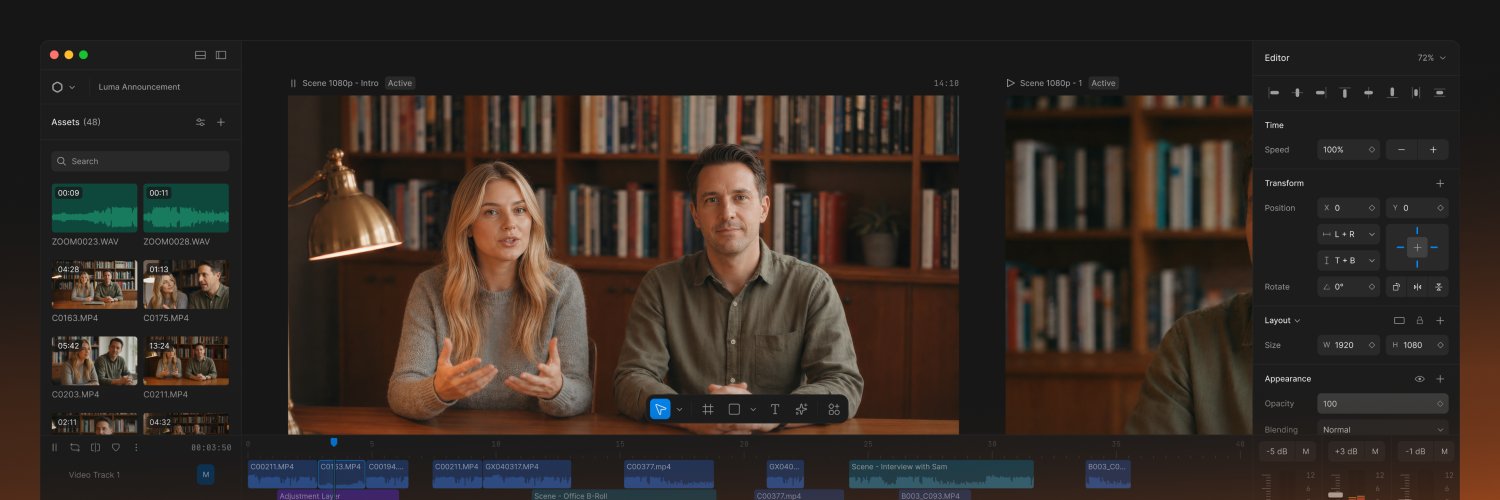
this video made with Diffusion Studio
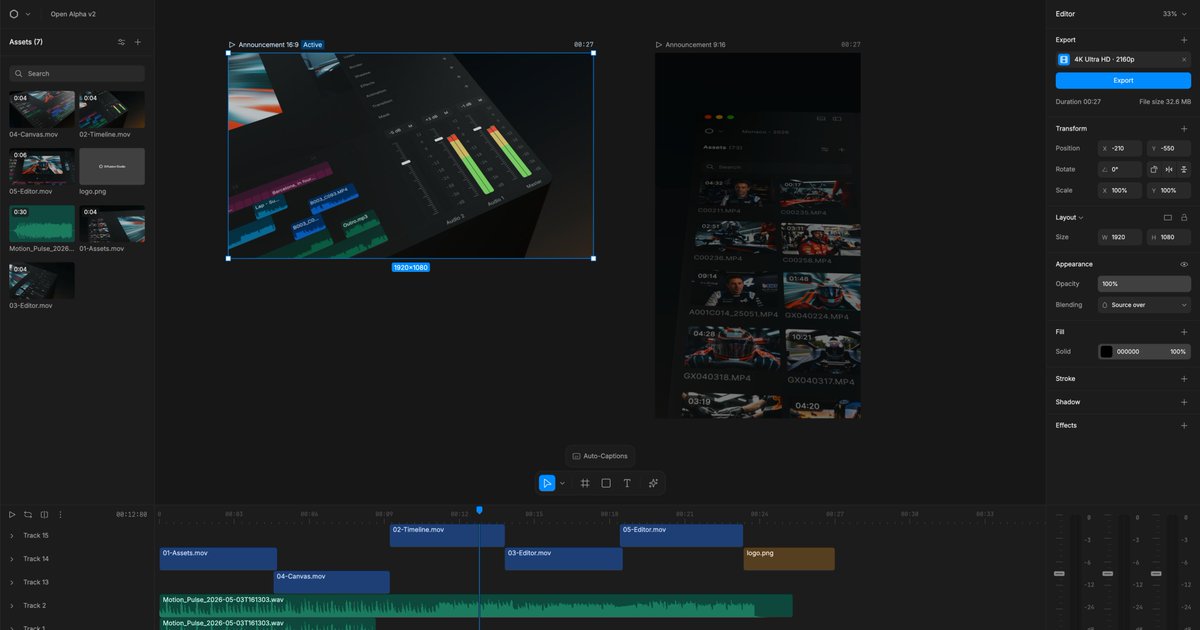
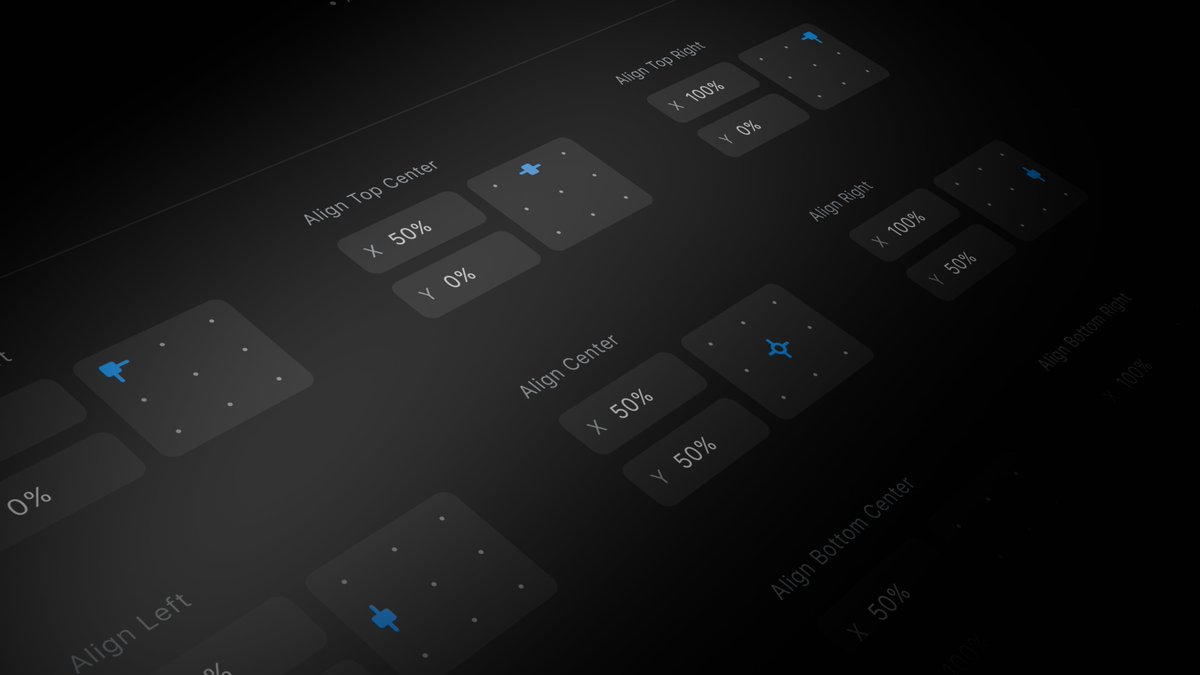
adjusting the aspect ratio and tweaking the layout for it took less than 2 mins
one project, multiple explorations, every aspect ratio on one infinite canvas
never been this easy
@BILLYBENS0N@dorukkavcioglu There is an infinite canvas in the center or the UI. You can put all your assets on it and draw multiple scenes (like frames in figma)
Editing was overdue for a rethink. We built it the way design tools work
@diffusionhq is now in Open Alpha
An infinite canvas for designing, editing, exploring, generating, and exporting
Runs in your browser and locally
video editing is stuck in 2005, time for something new
introducing diffusion
the first infinite canvas for video and motion graphics
like figma, but for editing
People kept asking under my viral tweet: if it's not Cursor for video editing, what exactly are we building?
Short answer: the missing pieces. I.e. the VS Code for video editing.
In Sep 2025 we hit reset. We gathered everything we'd learned and started a full redesign. That included migrating the front end from React to SolidJS. A tech deep dive is coming.
The new redesign is on track to ship in the next two months. It needs to hit a few core goals:
- Low floor, high ceiling pro NLE
- Local first webapp & Electron native
- Runs hardware accelerated/ GPU backed in chromium
- Ships with most table-stake features required for professional editing
- Native Media Gen integrations
- Basic chat based editing
Phase 2 (Q2 2026) will bring:
- A highly extensible plugin API
- Multiplayer
- Color grading
- Pro grade asset lib (sfx, b-roll etc.)
- Viral WebGPU shaders: dither, ascii, liquid glass etc.
Some editors don’t believe a real pro NLE can live in the web. We’re about to prove it can run faster and feel better than the native apps people rely on today.
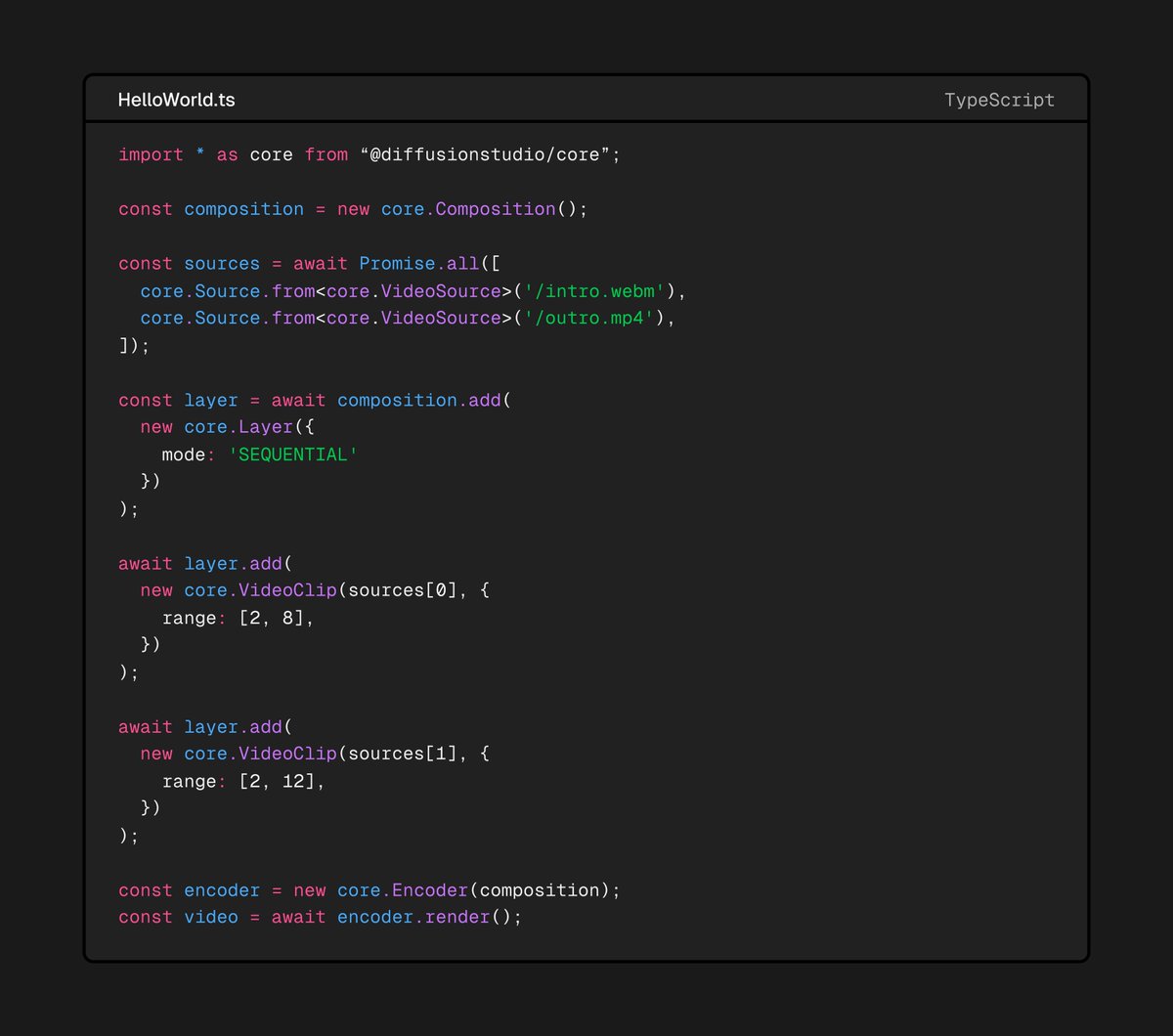
Introducing Diffusion Studio Core v4. A fast, browser based video compositing engine powered by WebCodecs.
We built it for our own pro non linear editor. Now you can use it as the foundation for your own timeline based app.
GH below 👇
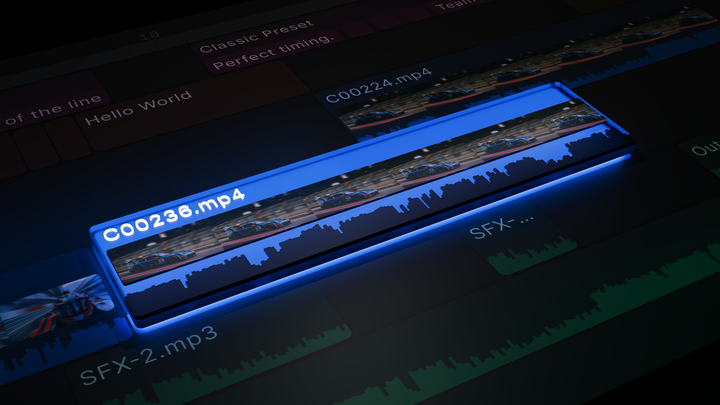
Just shipped v0.21.0 of Diffusion Studio Pro, featuring the new Captions Clip.
You can cut and trim it like any video clip and apply different templates to each section.
Here is a quick look at how it works 👇
Diffusion Studio Pro 0.16.0 introduces markers, which you can now add and select to define your export range.
We've also added the option to render audio only, or video without audio.
Free professional-grade video editing, in your browser. No login required.
Introducing Diffusion Studio Pro: The internet’s first and best browser-native video editor.
Link Below - Comment "DSPRO" to get the JSON prompt template.
Diffusion Studio Pro is no joke. Even if you take out all the AI integration (which is insane), you're still left with a very capable, modern, 100% client-side video editor web app. I know because I actually helped develop it!
Don't sleep on it 👀