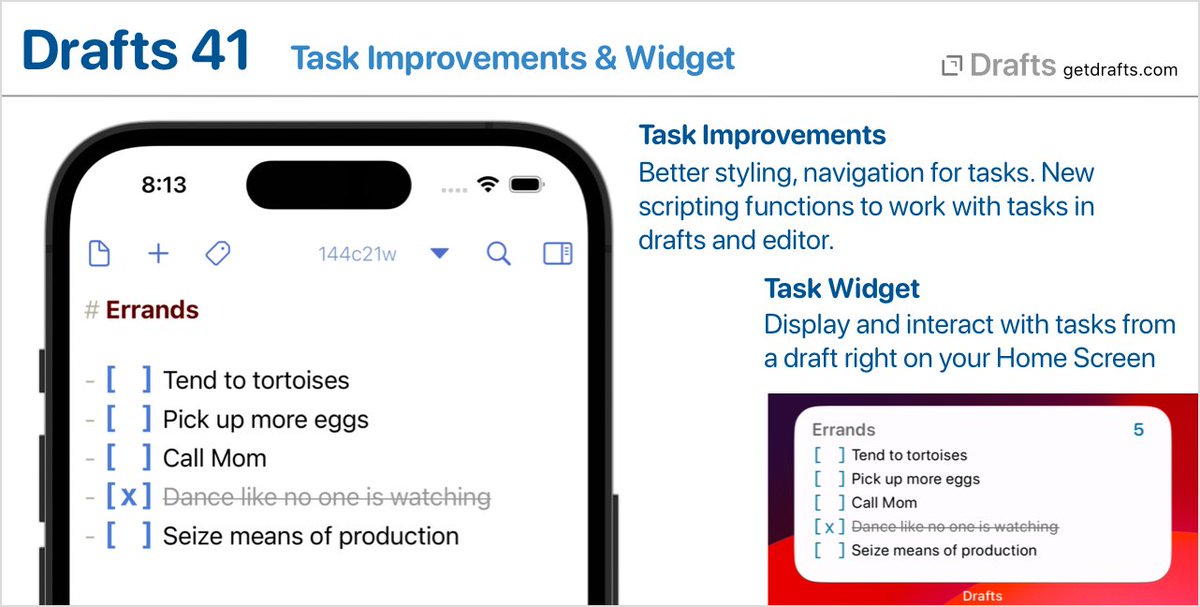
@nadirsol Not sure exactly what you are asking. There are actions (examples in default “Editing” action group) that toggle task status of lines. It’s just text though, you only need to type [ ] to get a task.
Drafts 42.1 is out. Mostly bug fixes, but also:
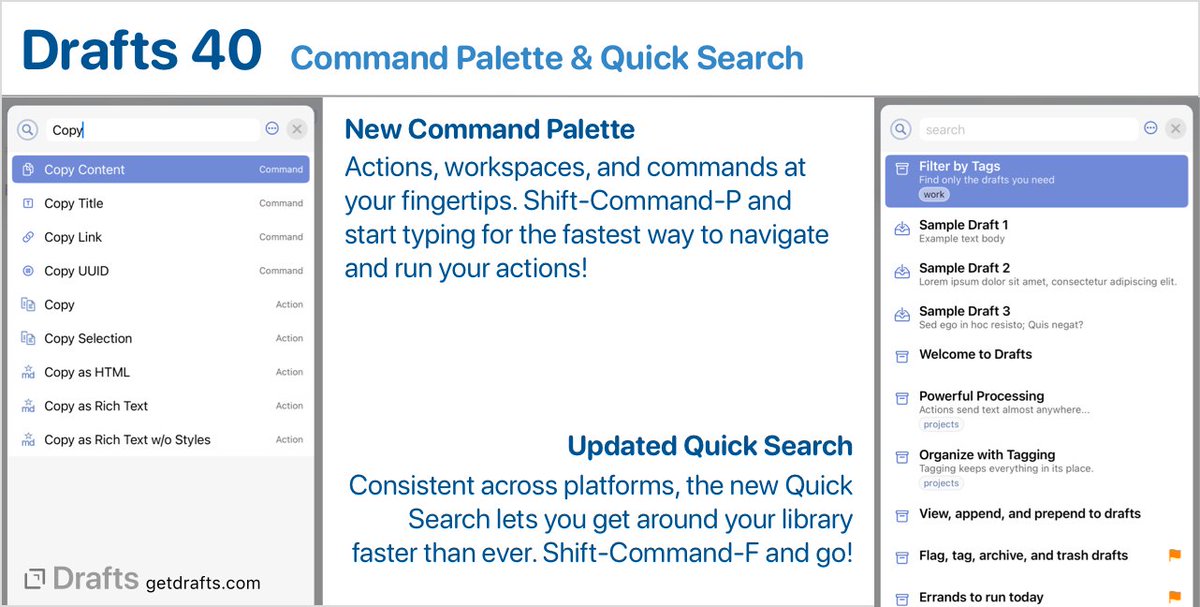
- Actions and Action groups have a new visibility option to hide them from search and the command palette.
- The “Only Current Tags" option in the tag filtering pane is back by popular demand.
Details: https://t.co/GiokY2P4LP
TIP: Have several drafts you use as scratchpad, or running list, and want a quick way to open them? The "Go to Bookmark" action is your friend. Works great with widgets, too! https://t.co/NXj20UX7Nj
SCREENCAST: Tags & Tag Filters
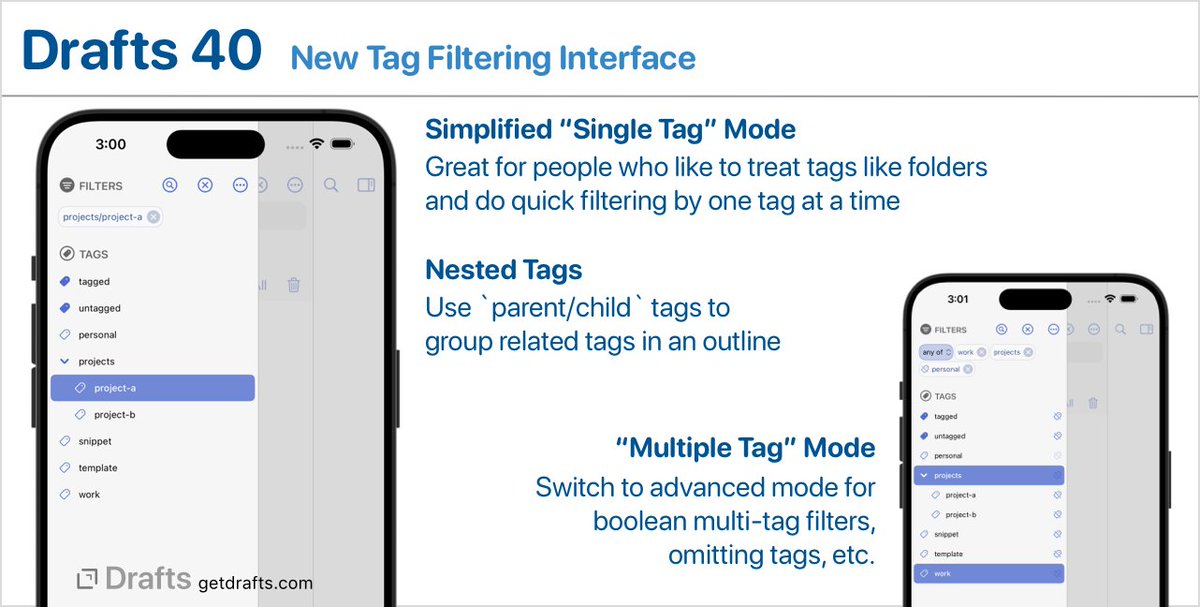
Quick walkthrough of tags and tag filters in Drafts, including coverage of the new filter modes in Drafts 40. Looking to use tags more effectively, you will hopefully find something useful here...
https://t.co/BBlggnp4Ge
I built a @draftsapp action to replicate @readwise Daily Review feature.
It pulls random highlights from your account and you can add notes, add/remove tags, import, discard and favorite the highlight directly from Drafts without opening Readwise at all.
⬇️
@mivozmimundo Actions can each have a keyboard shortcut assigned to them. Edit the action to assign shortcuts to the actions would like to have accessible from the keyboard.
ALERT: As of today, Twitter has suspended Drafts' access to the Twitter API. Actions that directly integrate will no longer function. To post to Twitter, install an action that sends text to the Twitter native app. More information: https://t.co/lDYYpCmfMM
TIP: Using Drafts as a Text Snippet Library.
Step-by-step setup with actions, a workspace, and even a shortcut to manage and retrieve reusable text snippets. Great walkthrough to get familiar with a variety of Drafts features: https://t.co/GEWJik5YEM