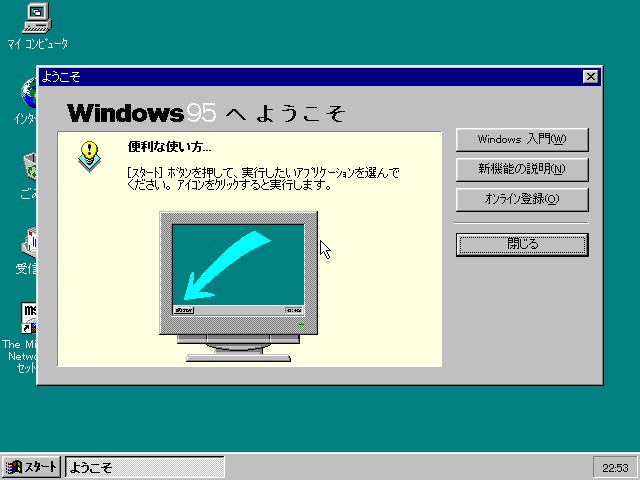
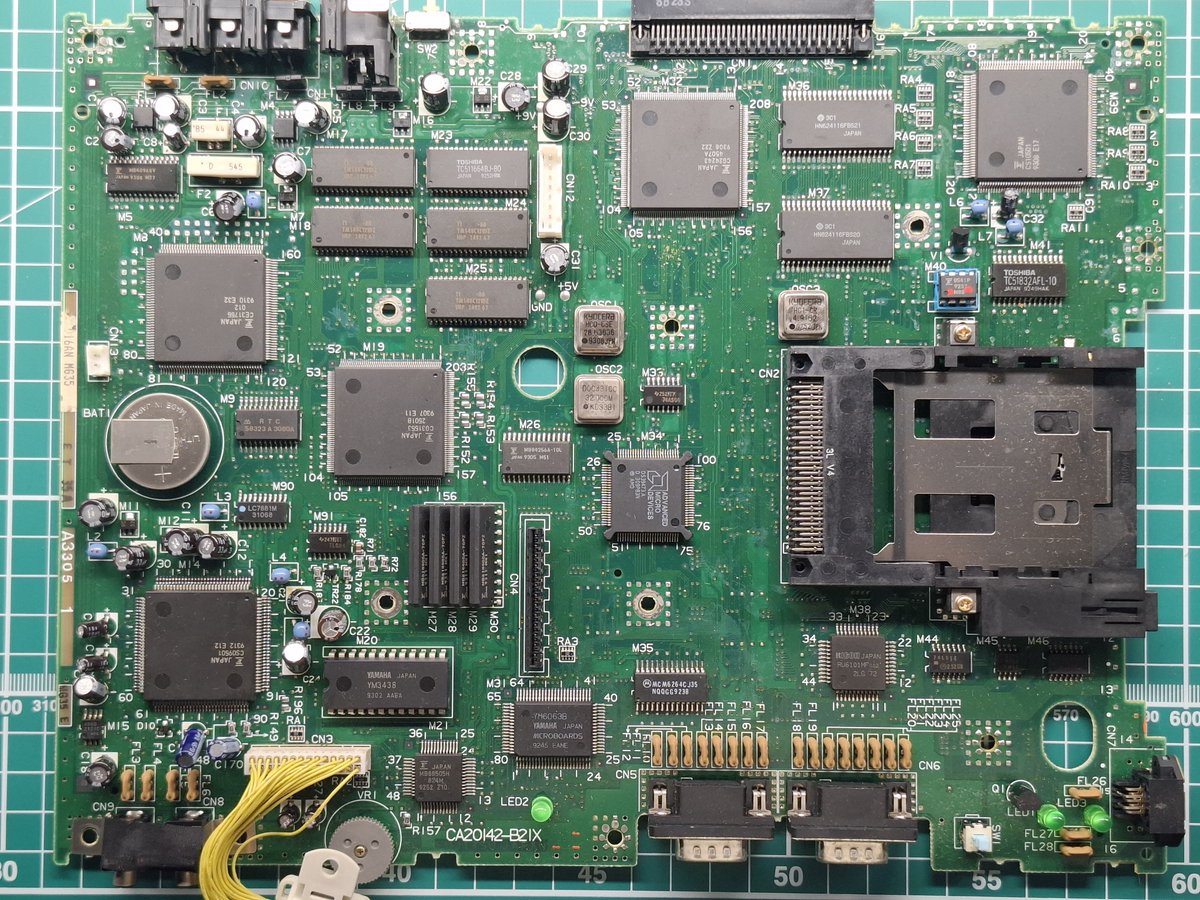
@choskee In order to fix it I need to reproduce it first. What are your hardware settings? If you copy and paste here your "Emulator > Machine > Summary" it would be very helpful. It is better to use "Auto" for all settings, Geartowns tries the best settings for each game.
@yama23238 Thanks for your comments here. I was able to find a bug in FPU code affecting only the Windows build. My dev machine is a Mac so it went unnoticed. It will be fixed in the next release.
@choskee It's not the MX BIOS. 24kHz modes output 640x400. Default 4:3 aspect ratio stretches it. 31kHz (640x480) is already square at 4:3. Set Video > Aspect Ratio > Square Pixels (1:1 PAR), for dot-by-dot. Real MX monitor probably presented 24kHz screens letterboxed at 31kHz
@noprejudices101@BIGBULLapp Yes, you can. Emulator handles 10 seconds of frame by frame rewind history. Agents can access it via MCP server and can roll back any change
@hone2bones Almost. I have so many tests and they have so many result values that I'm using QR codes so I don't have to note them down manually. So to gather results all at once I just take a photo of the QR and then parse the photo in my laptop with a script
@Q_Tee0 There are many good emulators for those systems already so I may not add anything better if a I create a new one. C64 and MSX are interesting systems though.