@JoakimL37743256 Yeah! I don't see why it wouldn't work on other machines that can run 7.1P6. There's still a bit of a question about whether it came programmed from the factory, or if a special version of Apple Backup created it. Working on sharing this fancy recovery partition with everyone!
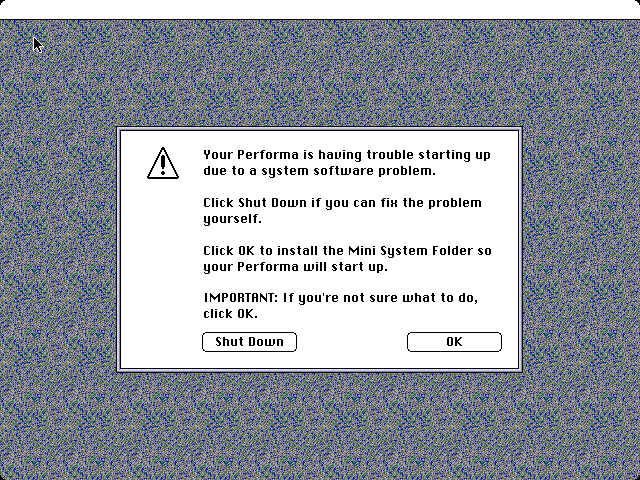
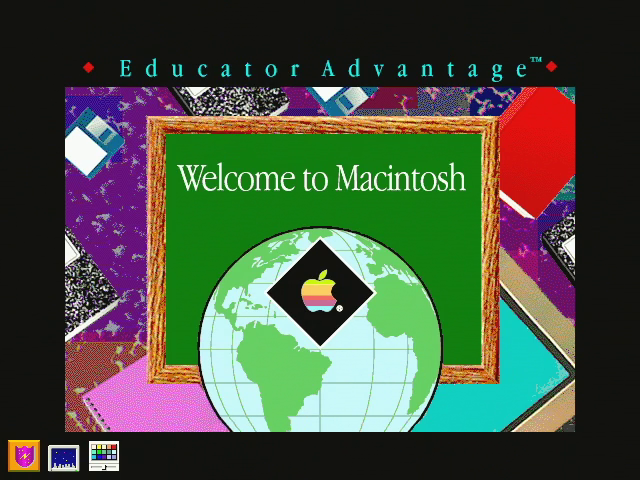
So this happened today. Bet you've never seen this screen before. This is from a Performa 550. More details later...and of course software preservation!
And here's my writeup on it. In summary, the Classic II had a ROM bug that should have made it unable to boot...except an undocumented 68030 instruction accidentally saved the day! https://t.co/awl697ujlM
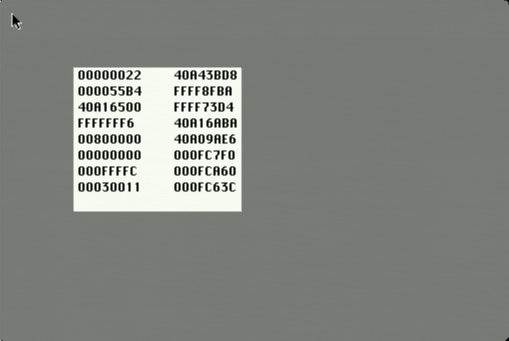
Here's a sneak peek at some of the ROM hacking craziness I've been doing with the Mac Classic II that I recently bought. I've got an interesting story to tell, blog post about it hopefully coming in the next few days.
Did you know that the Welcome to Macintosh screen is technically a system error dialog? It's also known as dsGreeting. The "ds" stands for deep shit. I'm not kidding...
Fixed this microphone. All it needed was a new USB port, but I mangled it while taking it apart. Really really low quality PCB. I promise I’m not that careless. My repair was 100% successful!
I did something dumb and spent way too much money fixing a webcam with broken electronic focus control. I learned a lot though! https://t.co/Uh0kok77sj
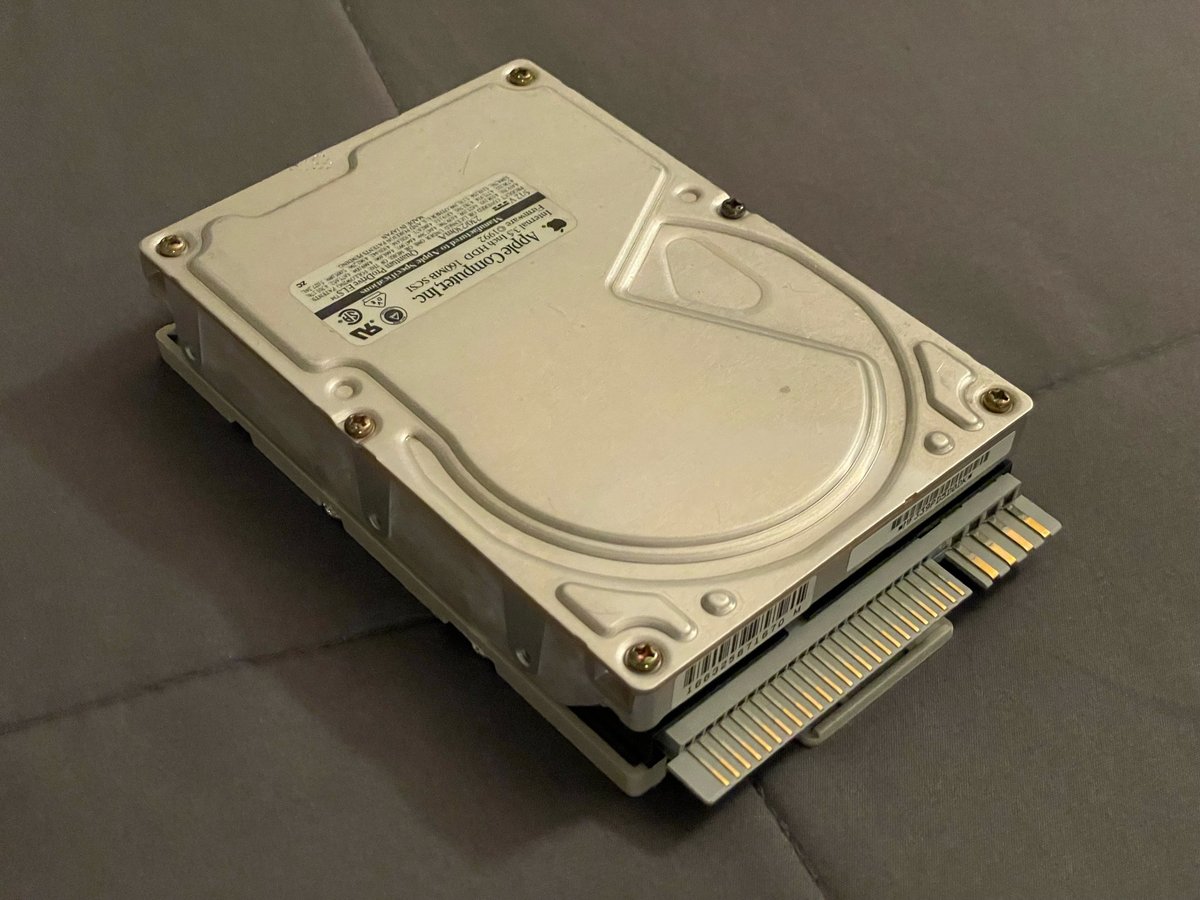
Does anybody happen to have a Mac Performa 550 with a hard drive that has never been reformatted? This blog (in French) talks about how they came with a hidden recovery partition that would be deleted if you reformatted. It hasn't been preserved AFAIK. https://t.co/ZhK0dyhdQ9
If you're recapping a Mac LC III, make sure to install C22 backwards from what the silkscreen says. Apple screwed up. Here's my write-up about the issue. https://t.co/HI9K1qK06z
@MJShanley3 See https://t.co/IJwJ5LK2K7, it looks like this may be your best bet to get a copy of all of the original software that would go with one of these machines. Includes the splash screen and bundled software.
@TheEisenfaust@Mac84tv So, it turns out that I don't think I have anything that hasn't already been archived. Restoring 694-0239 from Volume 2 of the Market Software Series results in the same splash screen and software: https://t.co/KpFffBSicH
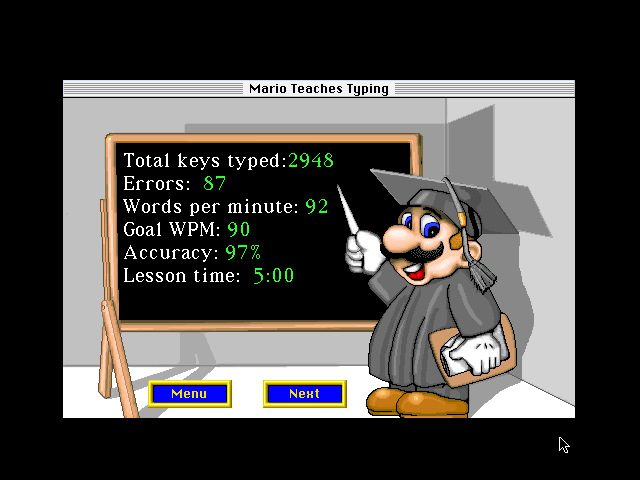
Anybody ever seen this Welcome to Macintosh screen before? I just recapped an LC II that still had its original hard drive, and this is how it booted up! Looks like some kind of Apple program from the '90s for teachers.
@TheEisenfaust@Mac84tv So, it turns out that I don't think I have anything that hasn't already been archived. Restoring 694-0239 from Volume 2 of the Market Software Series results in the same splash screen and software: https://t.co/KpFffBSicH
@slomacuser You're right, it's a file called Startupscreen in the System Folder. It's not just a PICT file though; it's a file of type SCRN and creator PIXR with a PICT resource inside. The hard drive also has a file with a monochrome version of the image (type/creator SCRN/8BIM).
@TheEisenfaust@Mac84tv Will do! There are someone's personal files on this drive so I won't post the entire hard drive image, but I will definitely make an archive of the splash screen file and any other stuff I find on the drive related to the Educator Advantage program.