You can play it and open it in Studio here: https://t.co/EIxRXMTOps
If poking around in Studio, you'll need to enable the AvatarAbilities CharacterController Library beta feature first
Want to make Roblox animations in Blender? Well, animator @Smokiixx from Illegal Soccer, Draw Me!, Overkill & more is here to help.
Their first video covers
🦴 Control rigs
🍞 Baking animations
🦿 IK systems
Give it a watch below.
https://t.co/qplZNaJL0q
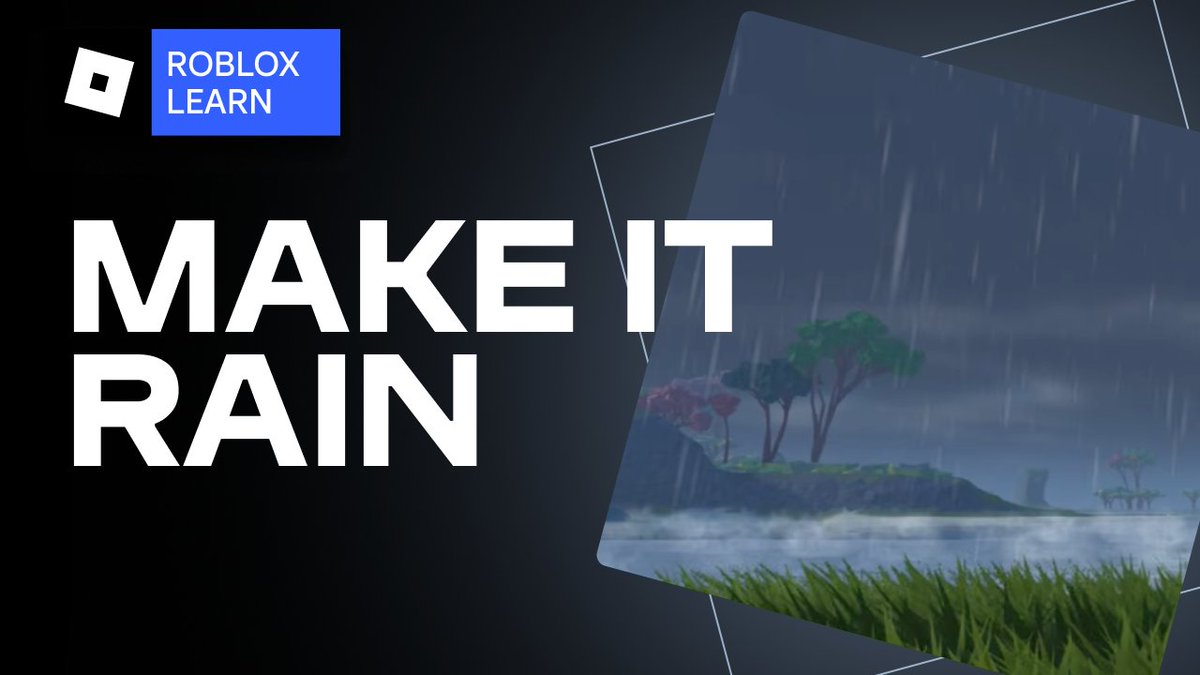
Let’s talk about the weather 🌧️ Our latest video shares tips for creating rain, from a 2D overlay and particle emitters to a full dynamic weather system.
Watch, learn, then show us the rain in your game.
https://t.co/Pqk14Heak2
It's been a while, but we're back... with a new name! Consider this your go-to place for:
🔨 Feature updates
🎮 Creator/game spotlights
📖 Tips and learning resources
So... what are you building today?
I connected two completely separate Roblox games, running on separate live servers, through one real-time spatial portal!
⚽ As you can see, we are kicking a soccer ball through from one Roblox game to another Roblox game.
Each side receives just enough live world/player data to reconstruct what’s happening on the other side, so you can physically look into the other game, see players moving and chatting, and even send objects through the portal into the other experience.
📡 The two servers are only exchanging state at around 7–8Hz, so a lot of the challenge was making that relatively low-frequency data still appear smooth and responsive through interpolation/prediction on the client.
It isn’t a video, screen capture, or a pre-rendered trick - both games are genuinely linked live. This was ridiculously difficult to get working lol.
Coming soon: Roblox Everywhere. Your favorite Roblox games as their own apps on PC, mobile, and console.
Cross-play is on by default, so you can play with friends who are already on the Roblox app.
While playing around with 2D functionality in Studio I ended up making a level editor to customize your sprites during playtests.
Select sprites and change their position, scale, rotation and collision during a playtest. When you're done, it writes the saved layout back into the Edit DataModel so the next session starts from those changes #roblox #robloxdev
Two other thoughts I'm noodling on:
- Automatically updating art assets: so if you make a change to one of your sprites, it can get automatically updated in Studio, and you just alt tab between photoshop and playtesting to get the look you want
- Terraforming: which is basically just this plugin but as a gameplay system, which would let players edit and customize the ground plane
Can even place new sprites during playtest too. Just start playtesting and then place your assets and start making your world. It really does feel like interactive photoshop #roblox#robloxdev