Tip Tuesday! When presenting in Google Slides, PowerPoint, or Keynote, press B on your keyboard to pause and show a black screen. Press W to pause and show a white screen. Pressing any key resumes your presentation.
💻📱🤖🎙️
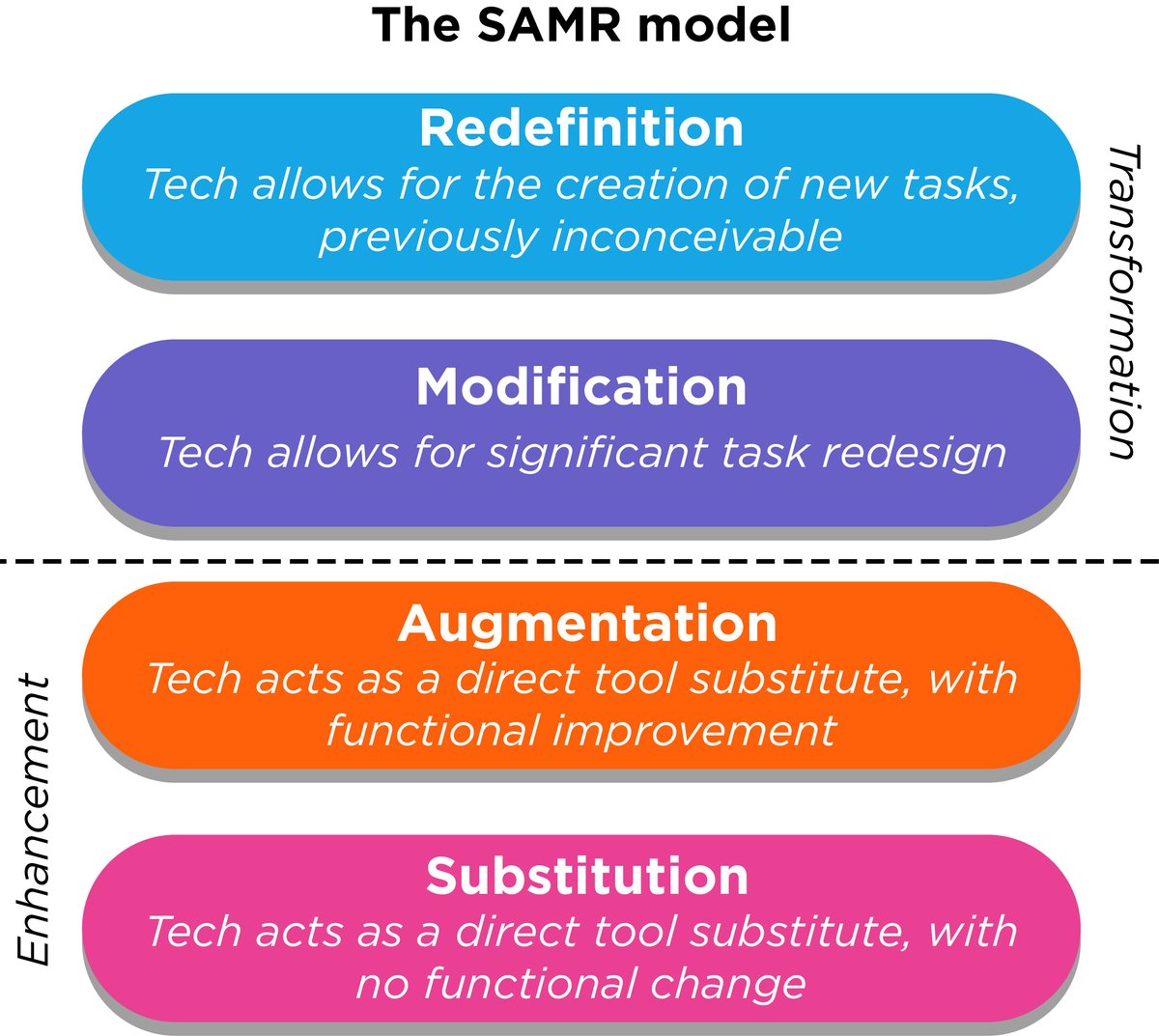
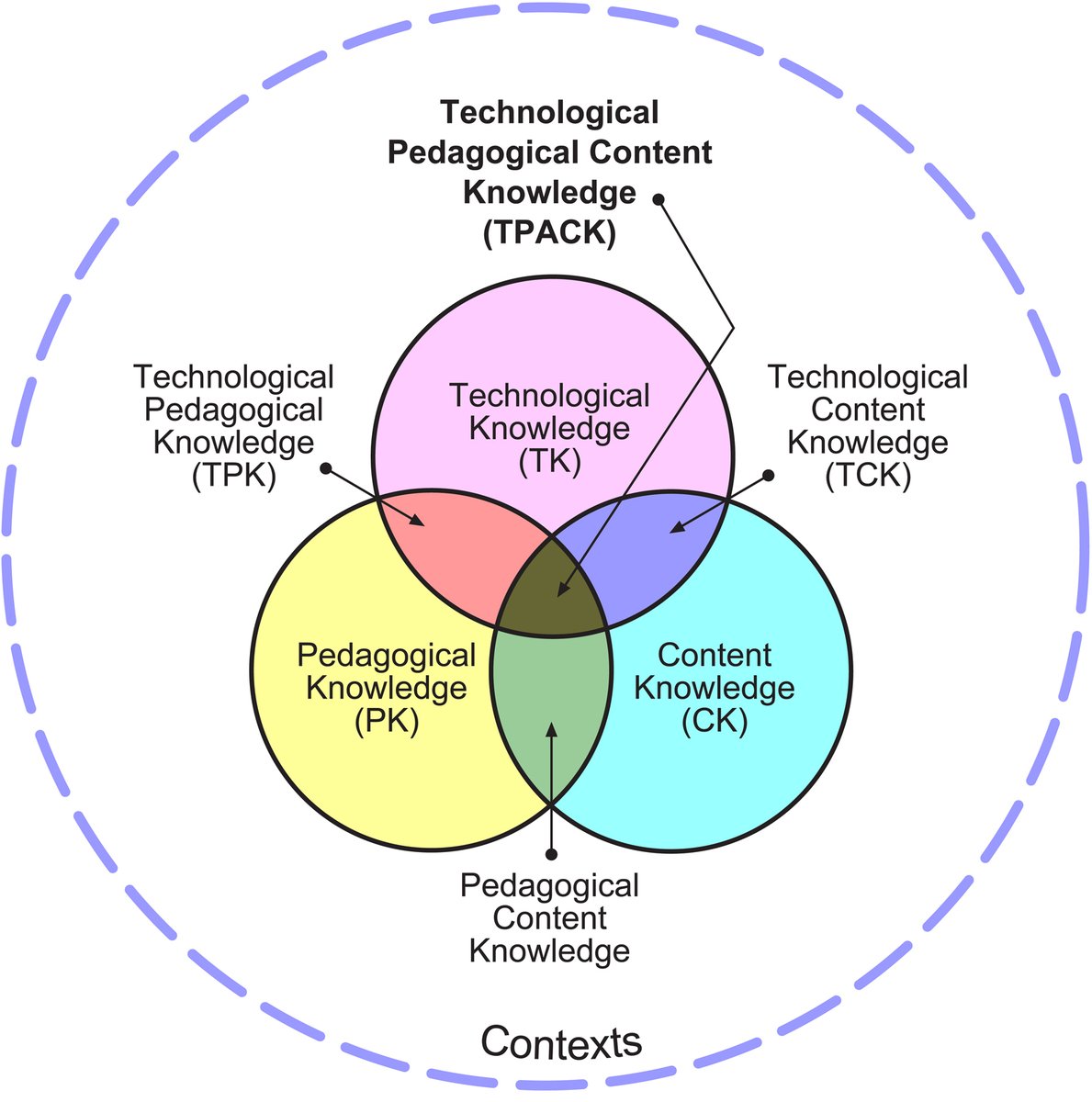
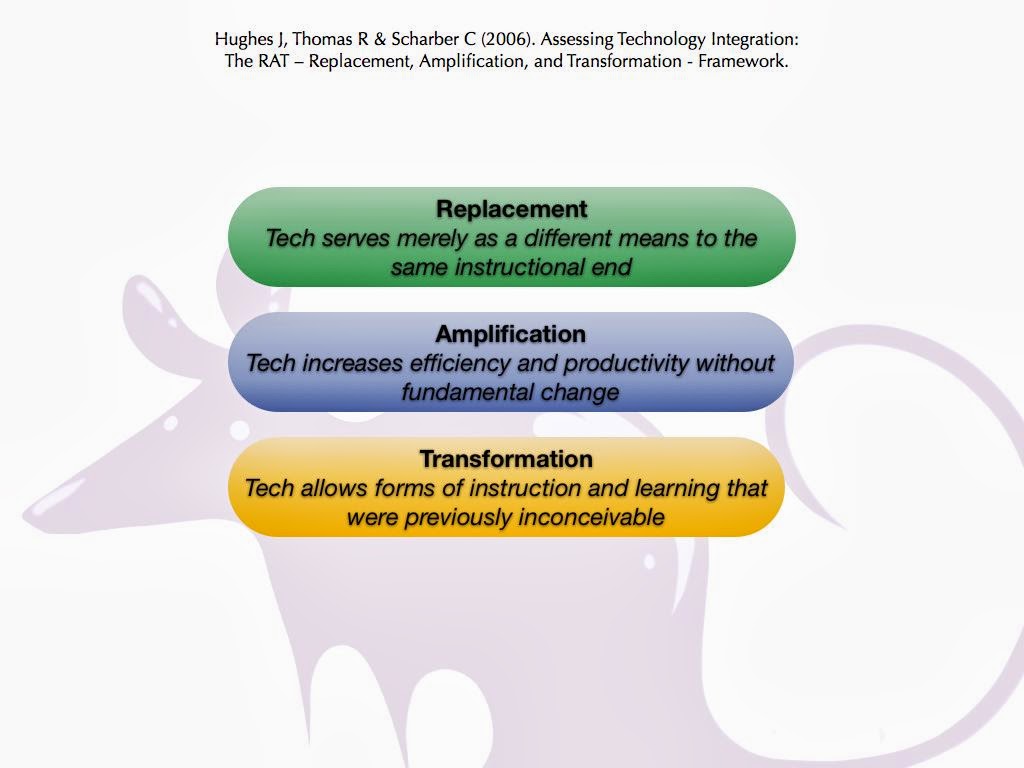
Technology has never been more prevalent in education. With a growing technological influence in the classroom, now is a perfect time to take stock & reflect on the technology we are using & importantly how we are using technology to improve teaching & learning.
#edTech
Gauging if your students understand the "whys" behind a math concept can be tricky.
Blogging in math class can give us a window into their thinking.
Interested in getting started? Check out "Kids blogging 💻 in math class: Why and how" https://t.co/rsuvwKueVV
I might be a minute late to the game since I am just now realizing this but this update of being able to start a self-paced activity in Nearpod at a certain point in the slides is a game changer!!! Way to go @nearpod!! @LIBRARIESinRISD
I love this #ChoiceBoard for 2 reasons:
1) it breaks away from the 3x3 format that so many use (without much reason)
2) it has reasons for each of the 4 columns in a way that feels a lot like a HyperDoc.
#EdTech#EduTech#EduTwitter#TOSAChat
https://t.co/jsJBTr6okc
Today during #TheAnywhereSchool, we announced a slate of new features coming to #GoogleClassroom—like scheduling assignments across multiple classes and #GoogleMeet integration improvements. Read about them here: https://t.co/IDKjeywsgJ
OMG! The new update for how #googleClassroom sends notifications includes the course title!! THIS IS HUGE! I can now filter my Gmail messages by class!!! YES!!!
#googleEDU