From Sept I am offering unpaid placements to trainee / #ECT teachers but open all wanting to get experience in an #SEMH provision. You will take part in our daily CPD role playing scenarios of de-escalating pupils & engaging those reluctant to learn. Pls RT @MrTs_NQTs@prusapuk
Using AI in SEMH schools project update thread: This week using a local LLM I built, I've been designing a way to capture pupils’ SEMH progress and get insights to be able to provide better support for them. @PhoenixEdSarah@prusapuk
I have created a step by step video of how to build the Air:bit 2 drone from the brilliant @GoMakeKit , I like making these videos as this is the sort of video I want to see before I buy a product. Here is a snippet, full video can be watched here => https://t.co/694XCb0XJy
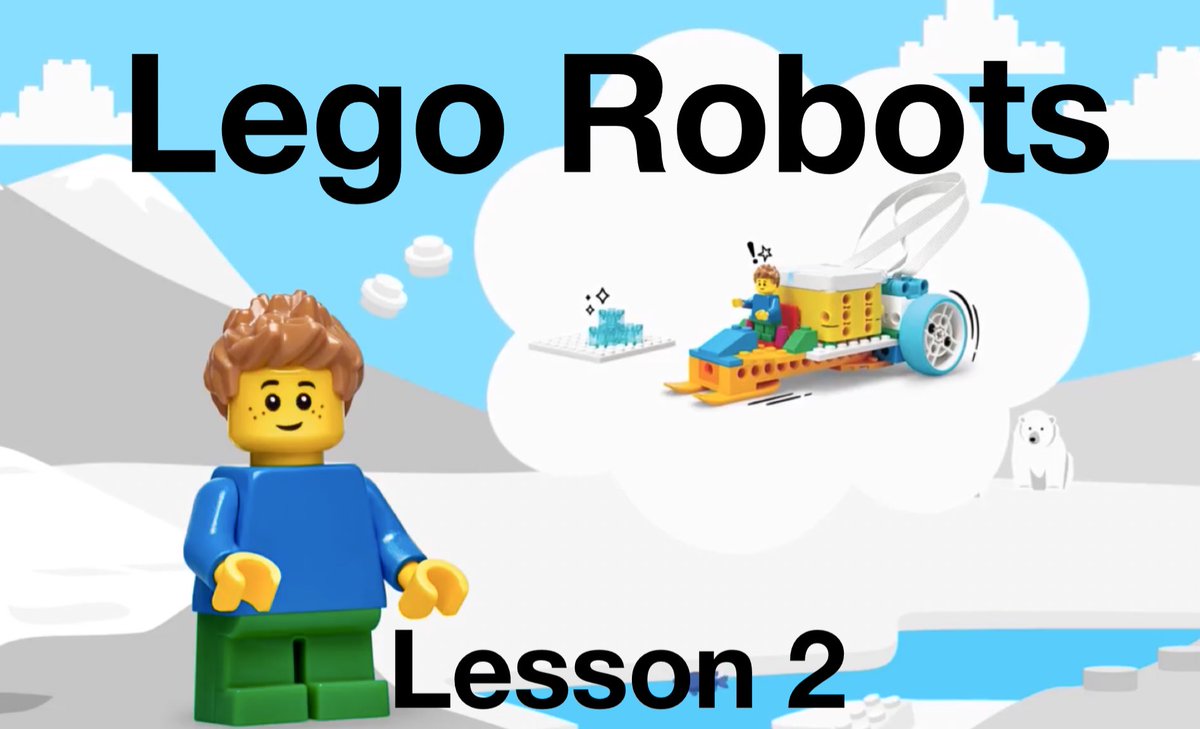
Next week in our Lego robotics session we are building and coding a cave car with a light to help Daniel navigate through a dark cave….here is the walkthrough video I will be sharing with my pupils. https://t.co/5EaU2SqhlP
Next week we are making a snow mobile in our Lego Spike Essential robotics class. Here is the walk through video I will be sharing with the pupils. https://t.co/oljRvZwRW3
Next week I will be teaching our first Lego robotics session & make this boat launcher with the Lego Spike Essential kit. I have also created a realtime video which I will show the kids a few days before to prep them. https://t.co/PfTVj71yRL
Here is the walkthrough for the Paddington Bear game made in ScrstchJr on the iPad. The full step by step tutorial is in the post below. #PaddingtonInPeru#PaddingtonEnPerú
I have created a Paddington Bear game in ScratchJr where @paddingtonbear needs to travel down the Amazon River avoiding crocs to find Aunt Lucy. Ideal for a code club to coincide with the new movie. Full tutorial in the link below. #PaddingtonInPeru https://t.co/9MqOCG88Bd
I created a quick tip video, showing in under 1 minute how to create & code a countdown timer in ScratchJr. This video is designed to be used as a reference for kids to refer to when creating their own computer games/projects in ScratchJr. https://t.co/qlTo17VeFO
I created a quick tip video, showing in under 2 minutes how to create & code a basic joypad in ScratchJr to move characters. This video is designed to be used as a reference for kids to refer to when creating their own computer games/projects in ScratchJr. https://t.co/1gfbeKpn1n
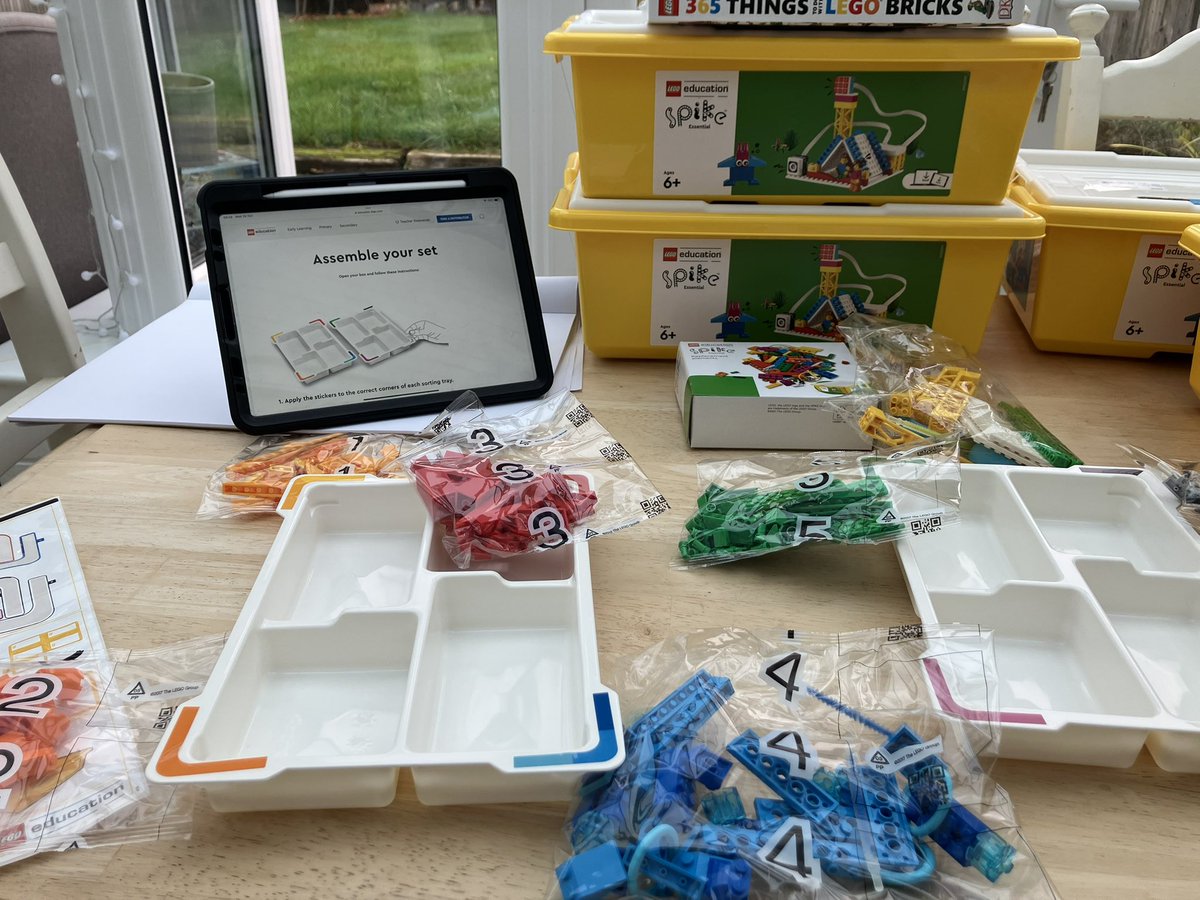
The quality of the follow along instructions of @LEGO_Education Spike Essential app to build & code projects is another level. Interested to see the impact on pupils when all the ‘normal’ barriers they face r seemly removed and they r free to achieve. @PhoenixEdSarah @BMAT_SEND
Planning to watch @DespicableMe 4 over half term, so I created a @Minions game in @ScratchJr . For the full follow along tutorial suitable for beginners pls click here => https://t.co/3qzn2wpzcS
New tutorial, ‘How to create a Fruit Ninja first person multi level game in ScratchJr’. Ideal for anyone running a @CodeClub. Message me if you want me to send you the full code file. #scratchjr#codeclub#fruitninja
https://t.co/X52k0pSHbi
I have now updated the resource page for the ScratchJr Pac-man game to include a walkthrough video, downloadable pdf with all the game code blocks, and the full tutorial video. Ideal for anyone running a @codeclub
Access it here https://t.co/SZJL03LnoW #scratchjr#pacman