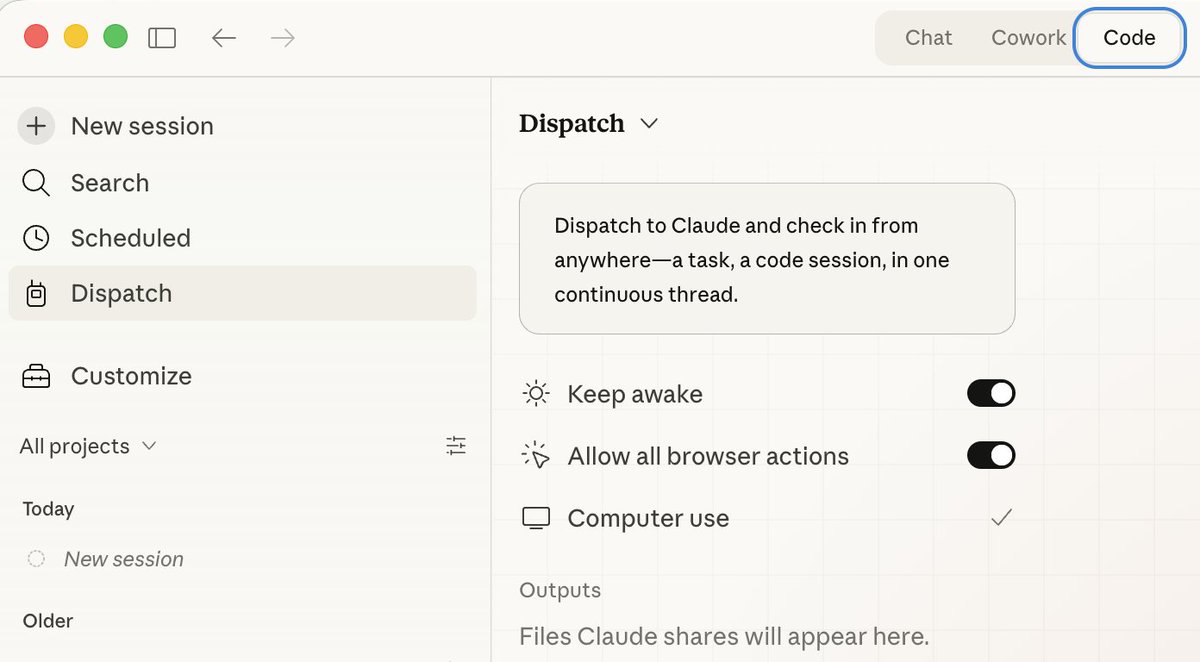
@claudeai Done! You'll need to restart Claude Code for it to take effect.
Is there a way to do this without command + q on desktop app? In terminal I could close session and restart session but for desktop app seems I have to quit entire app
Wow, this tweet went very viral!
I wanted share a possibly slightly improved version of the tweet in an "idea file". The idea of the idea file is that in this era of LLM agents, there is less of a point/need of sharing the specific code/app, you just share the idea, then the other person's agent customizes & builds it for your specific needs.
So here's the idea in a gist format: https://t.co/NlAfEJjtJV
You can give this to your agent and it can build you your own LLM wiki and guide you on how to use it etc. It's intentionally kept a little bit abstract/vague because there are so many directions to take this in. And ofc, people can adjust the idea or contribute their own in the Discussion which is cool.
@sharbel Customizable AI providers: Choose from OpenAI, Google Gemini, or Mistral (local LLM support coming soon)
Not 100% local yet but hopefully soon!
Is Dispatch supposed to be showing on Code tab? i still havent been able to get Dispatch working since last week. updated to latest desktop app and ios app but still nothing