i should never be sharing this but f*ck it
Gemini Omni + GPT Images 2 + tiktok is THE best combo for AI videos
i cracked the formula for generating videos that look hyper realistic & make your audience feel like "holy shit this person gets me"
i'm finally sharing my FULL system with you..
here's what you're getting:
- my prompting method for realistic voices (works every time)
- my realistic human movements & breathing trick (this is key for realistic videos)
- my exact method on how to make infinite length videos that maintain consistency
- how to get AI tools for dirt cheap (90% off)
RT + reply 'OMNI' and i'll send you the step-by-step system (must be following so i can dm)
Meet Dreamina Seedance 2.0 Mini: Built for quality and speed, at lower cost.
- ~30% lower cost than Dreamina Seedance 2.0
- 2× faster than Dreamina Seedance 2.0 Fast
- Comparable output to Dreamina Seedance 2.0 Fast
Launch offers:
- Pro users (existing & new subscribed before 6.21) enjoy 33% fewer credit usage with Mini-720P from June 15 - July 22
- Up to 60% off Pro plan purchased via CapCut App
This means Dreamina Seedance 2.0 Mini costs up to 55% less than Dreamina Seedance 2.0 with the limited-time offer.
Generate more, spend less, keep the quality. Now rolling out across all relevant CapCut features:
- App: AI Lab, AI Generator, AI Video
- Web: Video Studio, Design Studio (now enjoy motion design with video models)
- Desktop: AI Video, Edit Pilot
RT+comment in 5hr to get 200 free credits in your DM.
💡One of the biggest issues I’ve faced with short-form video is the constant repetition of shots from the reference environment.
Here’s a template to fix that: copy and paste it into ChatGPT along with your image, and then drop the output as a reference into Seedance 2 ⤵️
- - - - - - - - - - - - - - - - - - - - - - - - - - - - - - - - - - - - - -
WORLD/PLACE: identify and derive the environment/set from @.REF. give its NAME and ATMOSPHERE label; never alter its real architecture, layout, palette or materials.
STYLE: deduce from @.REF . Match the exact style and finish.
BOARD CANVAS: arrange all studies on a soft neutral canvas with generous negative space. Each study keeps its own in-world backdrop/painted sky as in the source — do NOT isolate scenes on flat white.
DESIGN DIRECTION: Do not create a standard set blueprint or floor-plan sheet.
Create a cinematic LOCATION identity board that feels like a high-end animation studio set bible mixed with an artbook layout.
Asymmetrical, elegant, visually memorable. Use large empty space, varied image scale and intentional imbalance.
Avoid grids, tiled catalog layout and repetitive same-size vignettes.
IMPORTANT LAYOUT RULE: Do not overlap any views.
Every study (wide shots, angle studies, texture swatches, prop studies, map) must have clear separation and breathing room.
No merged scenes, no cropped buildings, no stacked vignettes.
MAIN COMPOSITION (angle studies of the SAME location): Place one large hero ESTABLISHING WIDE slightly off-center as the visual anchor.
Around it, arrange smaller supporting angle studies with clean spacing: eye-level shot looking down the street, reverse angle (looking back), high-angle / near top-down of the layout, low-angle from street level, a corner/architectural detail vista, and one clean empty "stage" framing ready for a future character to be inserted.
Each view must read as the SAME place from a different camera, not a different town.
SPATIAL & MATERIAL LOCK (this is the consistency core): Preserve strict consistency across all views: same architecture and building shapes, same exact color palette, same handcrafted materials and textures, same key landmarks in the same relative positions, same lighting logic, same scale relationships between buildings, doorways, furniture and street.
USEFUL REFERENCE DETAILS: Make the set readable for future image and video generation: clear layout, clear landmark placement, clear palette, clear material/texture, clear lighting direction, and clear scale cues (how tall a future character would stand against doorways, lamppost and café furniture).
STUDY SECTIONS:
- MATERIAL & TEXTURE study: 3-4 close-up swatches of the signature materials (felted foliage, clay wall finish, cobblestone, fabric/flower texture).
- LIGHTING STATES study: 2-3 small variations of the same establishing view under different light (e.g. daylight, golden hour, dusk). Omit any that don't suit the world.
- KEY PROPS / LANDMARK study: isolated studies of the signature objects so they stay consistent across shots (e.g. lamppost, accent door, café table + cup, a tree type, a flower cluster).
- LAYOUT MAP: one small simplified top-down sketch showing where buildings, street, trees and landmarks sit.
- PALETTE: a small row of exact color chips.
TEXT DESIGN:
Add one stylish LOCATION ID block. Minimal, bold, art-directed. Use only:
NAME
TYPE / SETTING
CRAFT & MATERIAL SIGNATURE
PALETTE
KEY LANDMARKS
ATMOSPHERE
Use small handwritten-style labels only where helpful. Subtle editorial arrows/annotations allowed, kept minimal and elegant.
STYLE: minimal, cinematic, premium, artbook-like, tactile, useful for production.
The final image should feel like a set bible designed to help an AI model understand the location's layout, architecture, materials, palette, lighting and landmarks across multiple camera angles for consistent image and video generation.
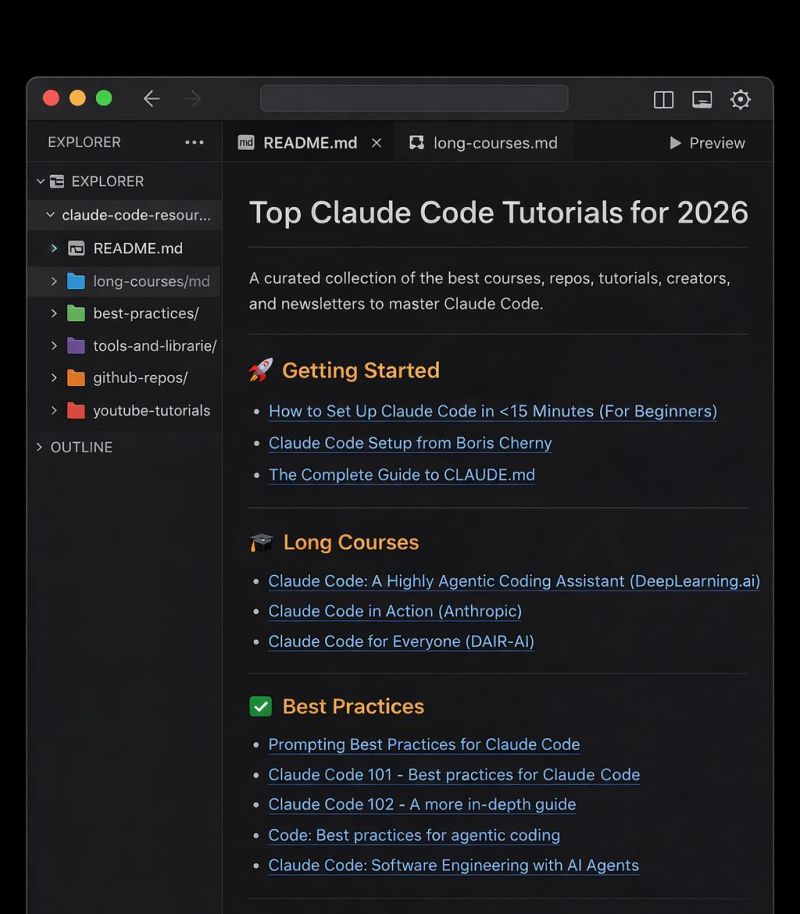
You won’t lose to AI.
You’ll lose to someone who mastered Claude Code first.
I put together every resource you need to go from curious about Claude Code to actually shipping with it.
This Includes:
🚀 3 Getting Started resources
📚 4 Long Courses
🧠 4 Best Practices guides
🛠 3 Tools & Libraries
🐙 8 battle-tested GitHub repos
📺 6 YouTube tutorials from builders actually using it
👥 6 creators worth following
📧 6 newsletters to stay sharp
This isn't theory. It's the exact stack people are using to build real products right now.
If you want Free Access
Like , RT
comment : Send
Follow Me is MUST so that i can DM you
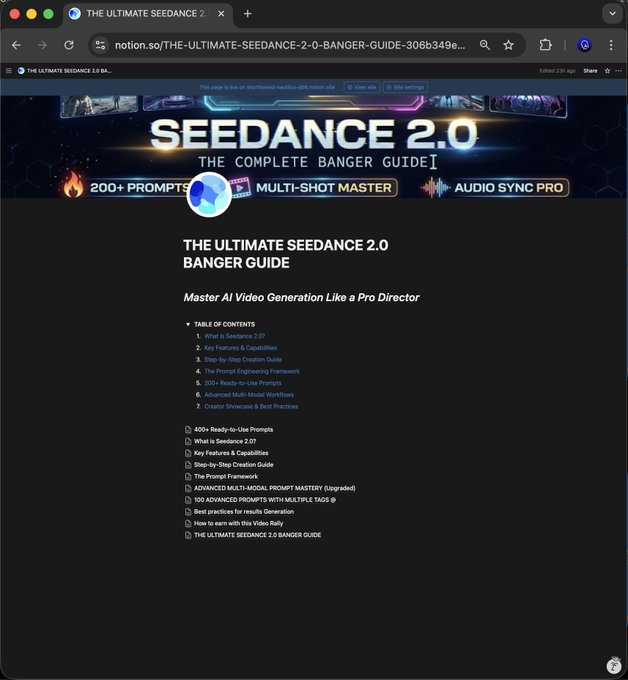
Seedance 2.0 is insane.
But watching videos won’t give you the edge.
Prompts will.
I built a 400+ VFX prompt playbook for cinematic AI videos.
$199 value.
Free for 24 hrs.
♻️ Repost & Like
💬 Comment “Video”
➕ Follow @Mahfuz_AI (DM access)
When the timer ends, it’s locked.
I built a Gemini agent called "Kling 3 Video Agent V.01"
Give it one image + creative instructions → it writes your prompts.
Remember: this agent helps you move faster, but YOU'RE still the director. It's just the tool.
Check the results below (zero edits from me).
RT + comment "AGENT" and I'll send you the setup.(kindly follow so I can dm)
Ultimate Prompt Library for UI 🔥
I’ve been quietly building something I wish existed when I started designing with AI.
A complete UI design prompt library that helps you master different visual styles: expressive, cinematic, minimal, premium, nostalgic, warm, technical (20+ design styles in total).
Each style includes:
👉 When to use it
👉 Key vocabulary that trigger the style
👉 Copy-paste prompts for real UI work
👉 Pro tips for next-level results
Comment "UI Library" + repost and I'll share the link with you
KLING 3.0 is LIVE UNLIMITED on Higgsfield.
Here's the walkthrough of Kling 3.0 crazy new capabilities - Multi-shot generations.
Kling is now an AI-driven "director" that understands scene coverage and composition, allowing the creator to generate seamless multi-shots in one go. See the thread for the prompt.
Right now - get UNLIMITED Kling 3.0 on Higgsfield!
For 12 hours: follow, like, retweet & comment = FREE 10 credits