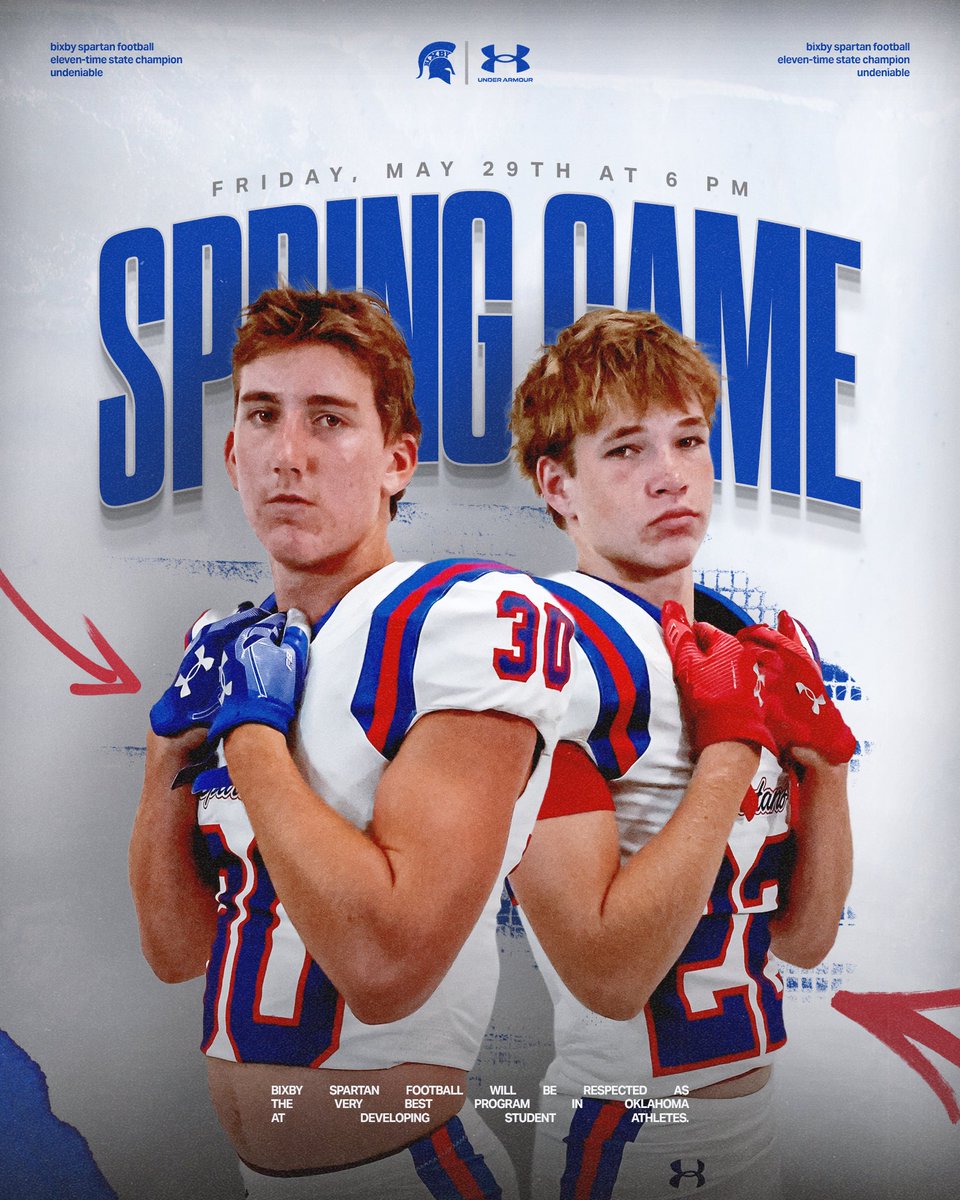
Shout out to @ethanroe for helping me with graphics and social media! Hit him up or take a look at his site here: https://t.co/BzeGMIRXyK
Appreciate the help Ethan!!!
Mark your calendars and get your first glimpse of the 2026 Spartans.
🏈 2026 Spartan Spring Game
📆 Friday, May 29th at 6 pm
📍 Lee Snider Field
🍕 Food Trucks & Sno Cones
🎟️ One Case of Gatorade
#BixbySpartans | #Undeniable
Three free tools designed for coaches trying to show off their players and build a stronger program online.
- Digital Prospect Sheet
- College Search Tool
- Recruiting X Post Builder
🔗 https://t.co/Bi9sePv3yj
No one will promote your program like you will!
Your program’s brand has never been about the tool you use.
If you’re a small staff short on time, find the tool that lets you post consistently.
Or if you have the resources, pay someone who knows which tools to use and let them work.
Stop chasing the perfect tool and build.
@tysonhutchins_ Spot on about the agents being able to work inside the apps.
Would have left by now if it weren’t for Photoshop.
Have you tried ‘computer use’ at all? Wonder if that becomes reliable within something like PS before Adobe implements anything useful.
Connected it to see everything it was capable of and was underwhelmed.
Seems like an extra step in a handful of processes that are already pretty simple.
Adobe for creativity + Claude 🤝
Now, Claude users can power their content with more than 50 Creative Cloud tools. Simply describe the outcome you want and let the assistant orchestrate workflows behind the scenes: https://t.co/G70cSsca8P
Another thing HS programs should be doing with Images 2.0:
Use it to generate a brand guide that is referenced for every graphic you generate.
It includes your logo, colors, team slogans, etc.
It won’t be perfect, but it’ll be better than looking exactly like everyone else.
What most HS programs should really be doing with Images 2.0:
Use it to upscale a high quality, transparent background version of your logo that can be used anywhere.
Team presentations, weekly newsletters, social profiles, etc.
No more excuse for a fuzzy old .jpg logo.
Next steps:
- upload the rest of the logos
- map the plugin to a shortcut/macro
- make it place the logo in the same spot as the the current (selected) one
Would everyone use this tool? No.
But the best part of tech today is that you can build things that fit your exact flow.
Real use of AI as a designer:
Using Codex to help build a PS plugin that finds logos in a local folder (still a WIP).
Didn’t want to upload hundreds of logos to a cloud library and have always wanted to try building a PS plugin.
Use AI to improve your workflow, not replace it.
What most HS programs should really be doing with Images 2.0:
Use it to upscale a high quality, transparent background version of your logo that can be used anywhere.
Team presentations, weekly newsletters, social profiles, etc.
No more excuse for a fuzzy old .jpg logo.
A designer in Photoshop is hands down still the best option for graphics.
But not every HS program can afford the time/money to make that happen.
So if you have to use Chat GPT: iterate, use team colors, and ditch the fog and stadium lights that are in every AI sports graphic.