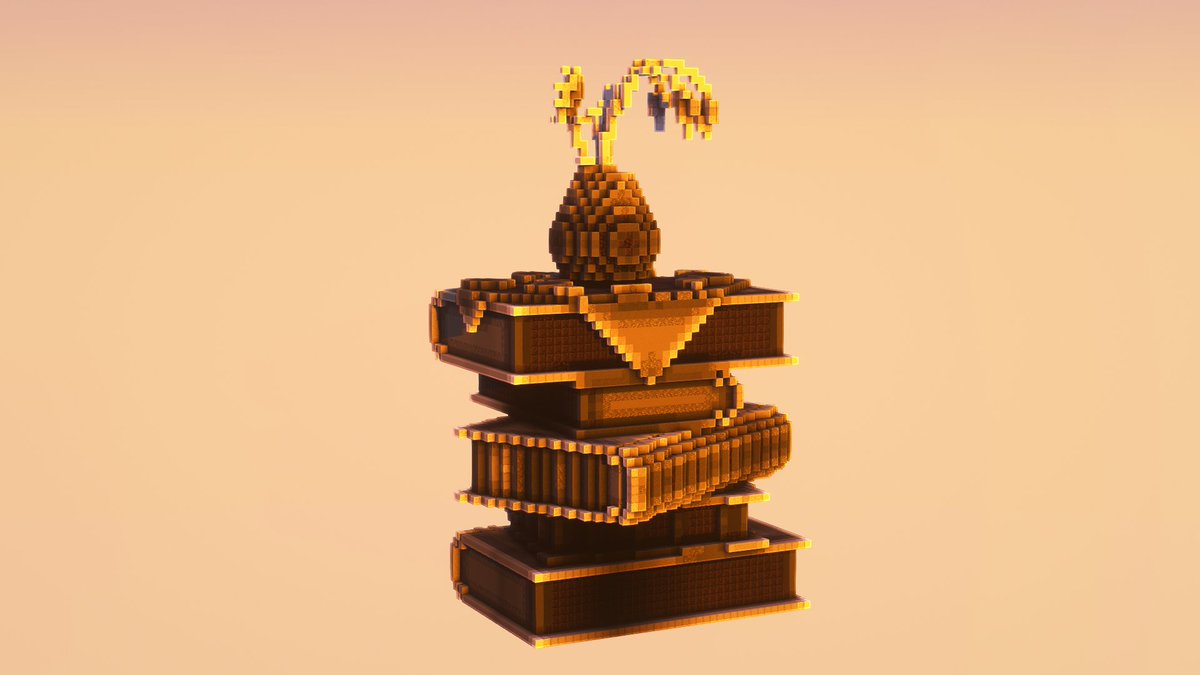
ezEdits is now available for supporters of our Patreon or Ko-Fi 🥳
https://t.co/DxubUWODX5
https://t.co/jE9jyk5Dpr
Remember to join the Discord
https://t.co/HxBPuxzWhV
With thanks from eztaK and Zeranny for your patience and encouragement 💜❤️
@eztaK_red made a tutorial for ezSplines that you can see over on his Youtube channel: eztaK 🥳
The ultimate Curve Building Tool | ezspline | ezEdits Tutorial
It's our 1 year anniversary!
~ Until the end of next week we are running a 30% first month discount over on Patreon ~
Thanks for all your support, there's more cool stuff to come! ❤️
A new guide for ezedits it's available! This was a lot to wrap my head around. I'm thankful to have it done and to provide another resource to you all.
https://t.co/9x7bOkSioP
#Minecraft
ezEdits 0.13.0 is out!
In collaboration with @Arcaniax, our structure commands and brushes now support Icospheres!
You will recognise these as Boulders from Arceon 🪨
Presenting: //ezspline structure
Lets you repeat and deform any shape, clipboard, or schematic along a selected path.
Now available in ezEdits v0.12.0!
@PlasticTasticc That's the axis alignment visualiser for the shapes.
In this video the shapes point toward the player (Player Relative) and are rotated based on Noise.
You can see a better example of it working in the previous tweet https://t.co/bYk2vSqEbf
In the next ezEdits update we will be adding the structure Place brush!
Comes equipped with a handy alignment visualiser, courtesy of display entities❇️