10 GITHUB REPOS THAT SHOULD BE ILLEGAL TO HAVE.
all free. all open-source. bookmark this for later.
1. Recordly — the free screen studio.
Open-source screen recorder with auto-zoom, smooth cursor, webcam overlay, styled backgrounds, and polished demos without a video editor. (AGPL-3.0)
https://t.co/aXHOMzGjj3
2. Stirling PDF — your entire PDF toolkit.
Self-hosted. Merge, split, sign, redact, OCR, convert, compress, 50+ tools. Runs locally, so nothing leaves your machine. (MIT)
https://t.co/BIXg2t65Pd
3. PhotoGIMP — turns GIMP into Photoshop.
Photoshop shortcuts, layout, and splash screen patched on top of GIMP 3+.
https://t.co/ZFapnmhNVM
4. Open Notebook — self-hosted NotebookLM.
Drop in PDFs, URLs, and YouTube links. Chat with them, summarize them, and even generate podcasts. Supports 18+ AI providers. (MIT)
https://t.co/aI8ZnHQnVi
5. Odysseus — PewDiePie's self-hosted AI workspace.
Chat, agents, deep research, docs, email, memory, and more. Local-first, your hardware, your data. (MIT)
https://t.co/0OMBoGo5NH
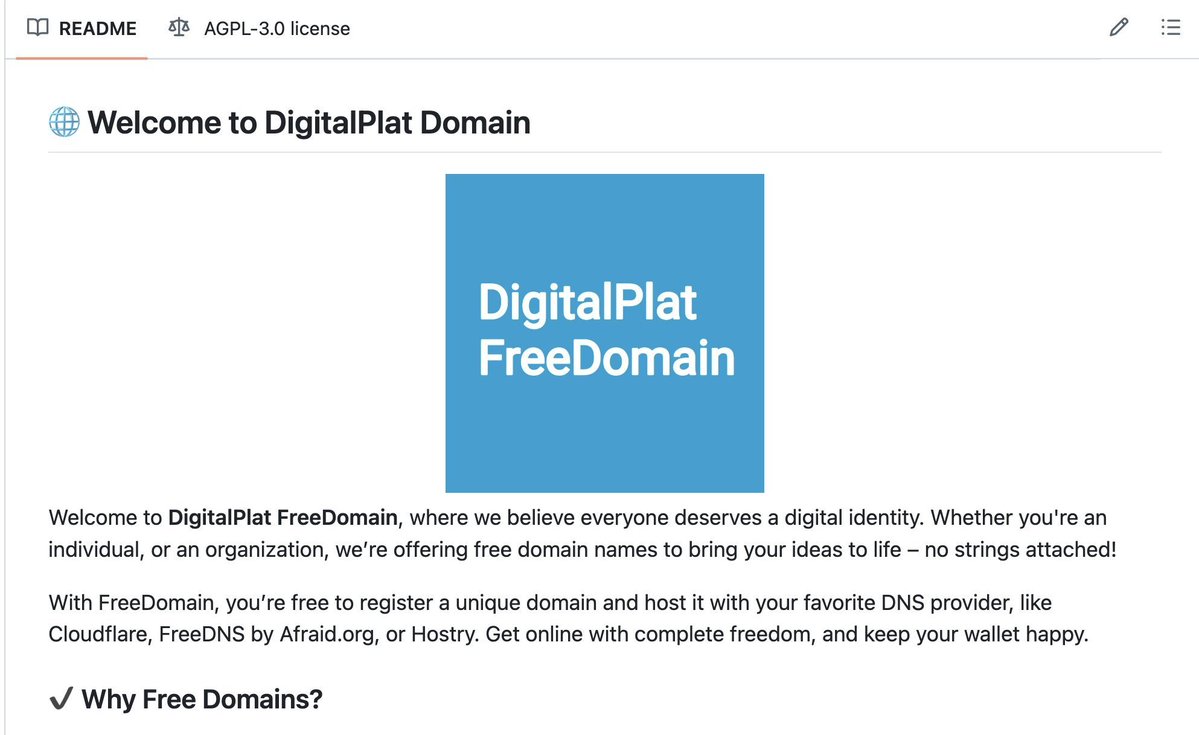
6. FreeDomain — free domain names for everyone.
Register a domain, point it to Cloudflare or any DNS provider, and launch your site without paying for the domain. (AGPL-3.0)
https://t.co/Dki7z6gezx
7. HyperFrames — write HTML, render videos.
HeyGen's open-source engine that converts HTML/CSS animations into deterministic MP4 videos. Built for AI agents. (Apache-2.0)
https://t.co/FgQLeJ9kJ4
8. Web-to-App — turn any website into an Android app.
Configurable WebView, APK signing, and even Node.js, PHP, and Python runtimes. No remote build required.
https://t.co/Ws1TAbl04h
9. Reclip — self-hosted video & audio downloader.
Download videos from YouTube, TikTok, X, Instagram, and 1000+ other sites as MP4 or MP3 using yt-dlp.
https://t.co/XcPKOUuWX1
10. Excalidraw — the infinite whiteboard.
Replace Miro, FigJam, and Lucidchart with hand-drawn diagrams, wireframes, real-time collaboration, and end-to-end encryption. 120k+ GitHub stars. (MIT)
https://t.co/nyi5HkkbWc
Which repo are you trying first?
Codex made me money without me doing anything..
Huge turning point for me today, I asked Codex to go off and make me $5. It went out, found a small open-source security/audit bounty path, made a legit PR, followed up with the maintainer, kept my payment details private - (without me asking), handled the GitHub proof/verification loop, and got the work merged.
it spent about 22 hours working on multiple security audits.
Today I received my first payment from that experiment: $16.88.
That’s a $506.40/month run-rate if repeated daily.
Not life-changing money yet, but it's deeply exciting to live out Sam Altman's vision for AI, where it will just go out and make money for you. It's awesome to start to see the beginning of that.
Anthropic just dropped a 31-page guide.
On how to prompt Claude 4.7. Here's what it fixes:
1. The scope rule: "Review this contract" gets you nothing. Name every output to Claude.
2. The negative rule: "Don't use jargon" doesn't work. Use positive instructions.
3. The length rule: "Summarize this" returns 8 paragraphs. Always define the cap.
You upgraded to the new Claude model.
But you forgot to upgrade your prompts.
I spent the weekend reading Anthropic's 31-page guide on prompting 4.7 so you don't have to.
I wrote a free guide with the exact 7 rules that fix it.
Go to: https://t.co/Sw2tg2QkBK
___
I know I talk (a whole lot) about Claude.
But I don’t care about Claude. 𝗖𝗹𝗮𝘂𝗱𝗲 𝗼𝗿 𝗔𝗻𝘁𝗵𝗿𝗼𝗽𝗶𝗰 𝗱𝗼𝗲𝘀 𝗻𝗼𝘁 𝗽𝗮𝘆 𝗺𝗲.
I’m sharing, twice a week, how my work is speeding up (𝘷𝘦𝘳𝘺 𝘧𝘢𝘴𝘵) with AI.
As I’m trying to keep up, I want 𝘺𝘰𝘶 to keep up.
So we move just as fast.
I want to be the great filter to your AI noise.
And 593,000 people read this twice a week to focus on the 𝗛𝗼𝘄.
Some came because of my LinkedIn. But most readers subscribed because someone they trusted sent one of my articles to them.
If this article helped you, 𝗯𝗲 𝘁𝗵𝗮𝘁 𝗽𝗲𝗿𝘀𝗼𝗻 𝗳𝗼𝗿 𝘀𝗼𝗺𝗲𝗼𝗻𝗲 𝗲𝗹𝘀𝗲 (and share it):
Notebooks in Gemini bring organization to complex tasks.
Take the grad school application process: With notebooks, you can gather your transcripts, essay drafts and admission requirements in one place, so Gemini can help track deadlines, give feedback, and assess your progress.
20 NotebookLM Prompts
To Learn Faster, Think Deeper & Research Smarter
01. Instant Summary
Turn long documents into digestible insights.
👉 Prompt:
“Summarize this source into the 10 most important ideas, key arguments, and practical takeaways in plain English.”
02. Beginner Explanation
Make complex topics easy to understand.
👉 Prompt:
“Explain this material as if I am a complete beginner. Use simple analogies, step-by-step logic, and avoid jargon.”
03. Deep Dive Breakdown
Understand the topic layer by layer.
👉 Prompt:
“Break this source into core concepts, hidden assumptions, expert-level nuances, and what most readers usually miss.”
04. Compare Sources
Spot agreements and contradictions.
👉 Prompt:
“Compare all uploaded sources. Show where they agree, where they conflict, and what unique insights each source contributes.”
05. Study Notes Builder
Create clean notes instantly.
👉 Prompt:
“Turn this content into structured study notes with headings, bullet points, definitions, and memorable examples.”
06. Flashcards Generator
Convert information into active recall.
👉 Prompt:
“Generate 25 high-quality flashcards from this material with question on front and concise answer on back.”
07. Quiz Me
Test your understanding.
👉 Prompt:
“Create a progressive quiz from easy to difficult based only on this source. Wait for my answers and grade me.”
08. Memory Hooks
Make information stick.
👉 Prompt:
“Create mnemonics, analogies, and memory anchors that help me retain the most important parts of this content.”
09. Timeline Extraction
Organize events chronologically.
👉 Prompt:
“Extract every important event, milestone, or development from these sources and arrange them into a clean timeline.”
10. Key Quotes Finder
Find the strongest supporting evidence.
👉 Prompt:
“Pull out the most impactful quotes, data points, and evidence from these sources that I can cite in writing or presentations.”
11. Research Gaps
See what’s missing.
👉 Prompt:
“Identify unanswered questions, weak arguments, missing evidence, and research gaps across these materials.”
12. Debate Both Sides
Sharpen critical thinking.
👉 Prompt:
“Present the strongest arguments for and against the main thesis of these sources as if two experts were debating.”
13. Turn Into Framework
Extract repeatable systems.
👉 Prompt:
“Convert the ideas in these sources into a practical framework, checklist, or repeatable system I can apply.”
14. Content Repurposing
Turn research into publishable content.
👉 Prompt:
“Use these sources to generate a LinkedIn post, article outline, tweet thread, and newsletter idea.”
15. Expert Interview Mode
Ask the notebook questions.
👉 Prompt:
“Act as the world’s top expert on these uploaded materials. I will ask questions answer only from the sources.”
16. Executive Briefing
Condense for busy decision making.
👉 Prompt:
“Create a 5-minute executive briefing with only the most strategic insights, implications, and action points.”
17. Lesson Plan Creator
Transform notes into a curriculum.
👉 Prompt:
“Turn this notebook into a 7-day learning plan with daily lessons, exercises, and checkpoints.”
18. Idea Generator
Use sources for new thinking.
👉 Prompt:
“Generate 20 original ideas, opportunities, or applications inspired by the uploaded materials.”
19. Simplify for Teaching
Prepare to explain to others.
👉 Prompt:
“Rewrite the key ideas from these sources into a teaching script that I can explain to someone in 5 minutes.”
20. Action Plan
Move from knowledge to execution.
👉 Prompt:
“Based on everything in these sources, create a practical action plan with first steps, priorities, and deadlines.”
❤️ Like
🔁 Retweet
🔖 Bookmark
Follow @sonalshukla3377 for more such posts
Instead of watching Netflix tonight.
Spend a day mastering Claude here: https://t.co/Vn60ElPZ2i
→ Level 1 - 24 min: The basics.
Claude For Dummies: https://t.co/HNa5MrCLVU
Claude Setup: https://t.co/jw2qdIcjnh
→ Level 2 - 1 hour: Real workflows.
Claude Cowork: https://t.co/uWTpOI3Woc
Claude for teams: https://t.co/qxlcqhf8bM
Claude Design: https://t.co/ZY8Fg5D2ea
Cowork + Projects: https://t.co/Q7AN9CZAbO
Claude for slides: https://t.co/L0bPMgXci6
Claude Skills: https://t.co/6cHYYfjXEA
→ Level 3 - 3.5 hours: The pro moves.
Avoid sycophancy: https://t.co/5i8xSJBGUl
Claude Code: https://t.co/UgE9xBXVbE
Claude 101: https://t.co/OvBmlvnVqL
Stop hitting Claude limits: https://t.co/j5fEzSH5br
Stop Prompting: https://t.co/j1LATSJiat
→ Level 4 - 8 hours: Expert mode.
Claude Computer: https://t.co/TxYuHPjgbV
Build with Claude API: https://t.co/RcCbfNjlzz
Pro tip: Don't binge it. Do one level per sitting.
Actually apply each guide before moving to the next
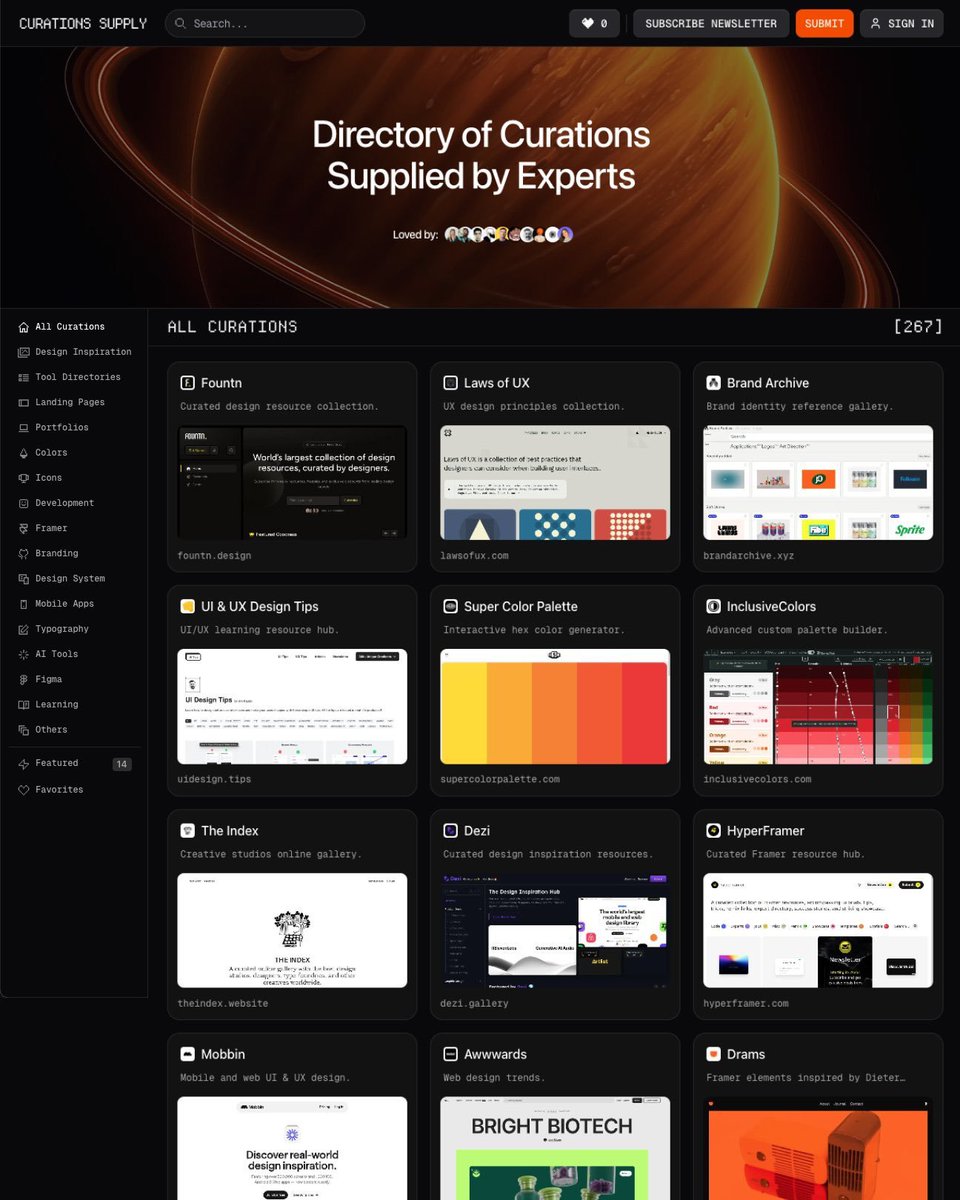
UI/UX Designers, here are my go-to best design resource sites on the internet you should bookmark:
Design Library → https://t.co/MbhnAQB0yP
Landing Pages → https://t.co/lgMLG11AID
Saas Websites → https://t.co/MsoiXI7Z2k
AI Mobile App Builder → https://t.co/lKjrIDwXBY
Fonts → https://t.co/mtLpMHU8gh
Animation → https://t.co/N4N9EUHc5B
Mobile Apps → https://t.co/YxsQM2IoaD
Brands → https://t.co/wTIpDJhsvr
Icons → https://t.co/7N0AzaGl6E
Design Systems → https://t.co/9kAEoD5FUf
I was paying $229 for Screen Studio.
Then I found this repo and uninstalled it the same night.
Recordly is a free, MIT licensed screen recorder and editor that ships every feature I was paying for auto-zoom animations, cursor smoothing, motion blur, native macOS capture, and a full timeline editor.
→ Apple-style zoom animations with automatic suggestions from cursor activity
→ Native ScreenCaptureKit recording on macOS 12.3+
→ Cursor smoothing, motion blur, click bounce, macOS-style cursor assets
→ Smooth pan transitions between zoom regions
→ Timeline trim, speed ramps, annotations, manual zoom spans
→ Wallpapers, gradients, padding, rounded corners, blur, drop shadows
→ MP4 and GIF export at any aspect ratio
→ .recordly project files so you can reopen edits later
macOS, Windows, Linux. Scene composition runs on PixiJS. Native Swift helpers handle macOS cursor telemetry.
8.3k stars. MIT License. 100% Opensource
https://t.co/fUt4UjTDTq
This 30-min workshop by the creator of Claude Code will teach you more about vibe-coding than 100 YouTube video guides.
Bookmark it & give it 30 minutes today. This video will change the way you use Claude forever.
Boris Cherny created Claude Code and thinks IDEs are finished by end of year.
This is his 28-minute masterclass on how Anthropic uses it internally.
Worth watching.