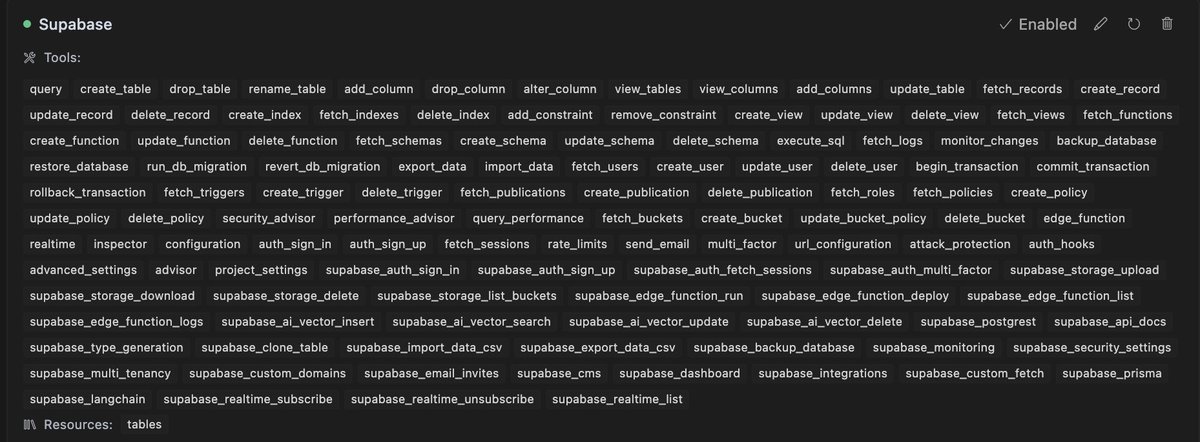
Using tools with Cursor is a game changer — here’s how to guide it better.
Many people don’t realize: you can explicitly tell Cursor which internal tools to use. If you’re working on a complex task and it’s not behaving as expected, it’s often because the model didn’t use the right tool — or didn’t know it should.
Here’s a list of available tools in Cursor (via MCP), and what each one does:
•functions.codebase_search — semantic search across your codebase
•https://t.co/ELsQxTWo85_file — read a full file or specific line ranges
•functions.edit_file — modify, append or delete content in files
•functions.list_dir — list all contents of a directory
•functions.file_search — locate files by name or partial match
•functions.grep_search — regex search across files
•https://t.co/bcxYhrwupv_terminal_cmd — run terminal commands (with your approval)
•functions.delete_file — delete a file from the project
•functions.reapply — re-apply a failed edit
•functions.web_search — live internet search
•multi_tool_use.parallel — run multiple tools at once
Why this matters:
Sometimes the model doesn’t know which tool to use — or doesn’t realize it needs one. If you call the function directly, you force it to use the right tool. Since I started doing this, it rarely makes the same mistakes. Try it — it’ll change how you use Cursor.
@cursor_ai