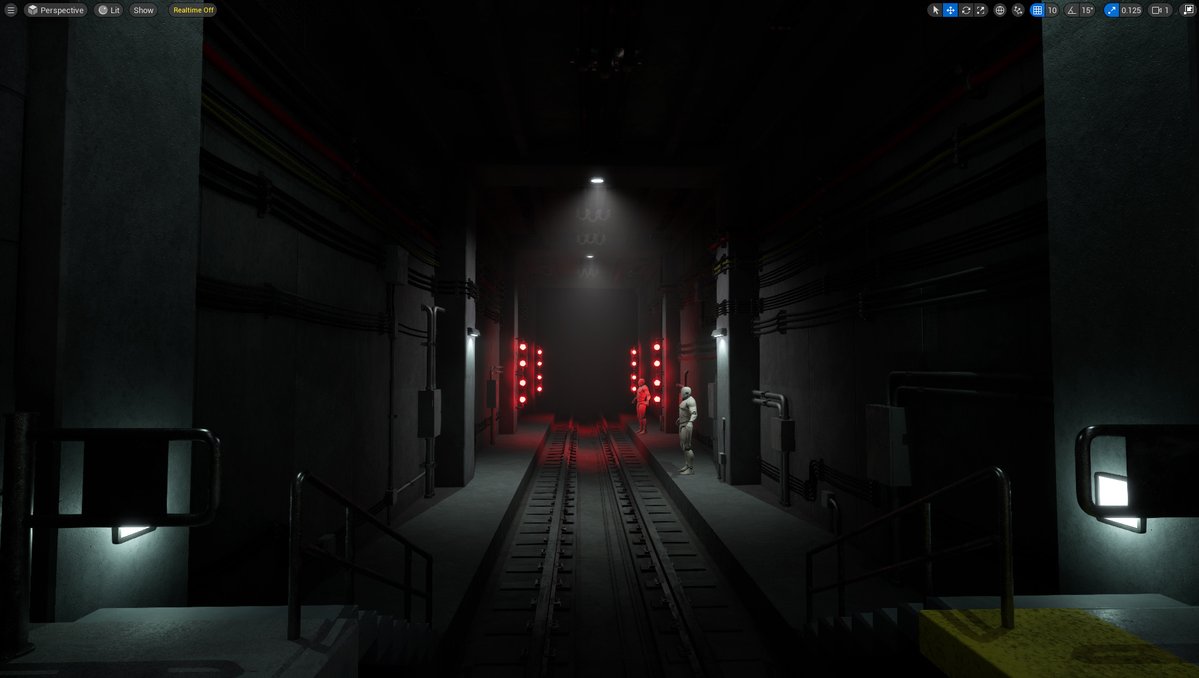
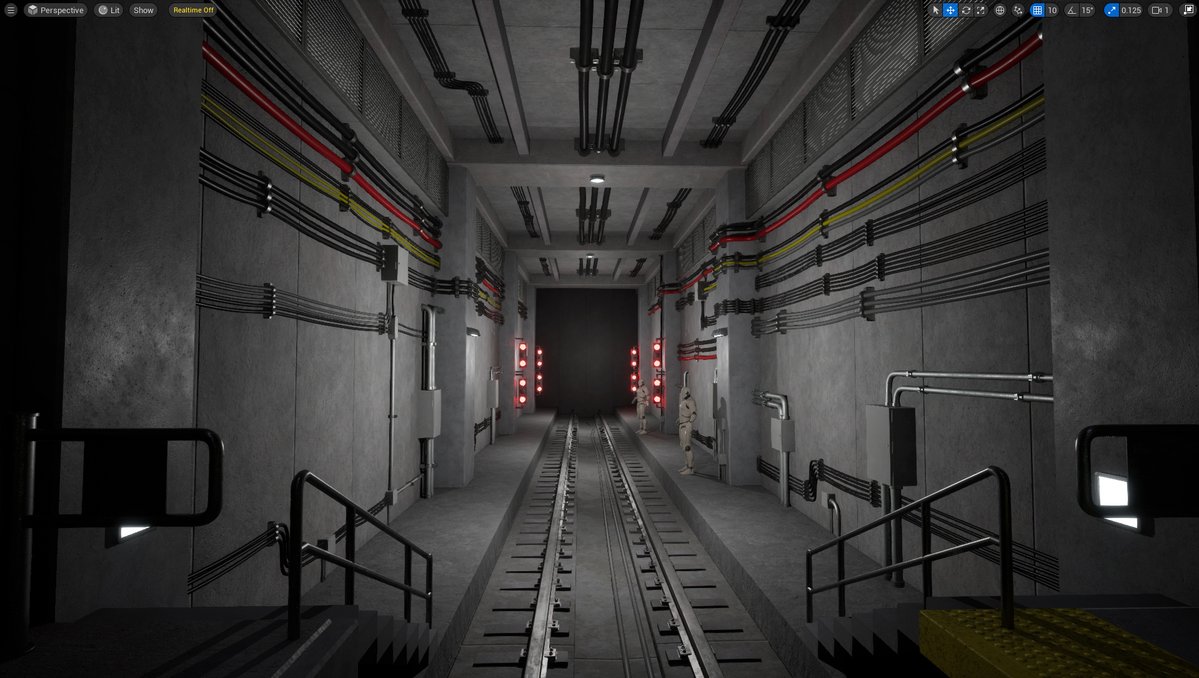
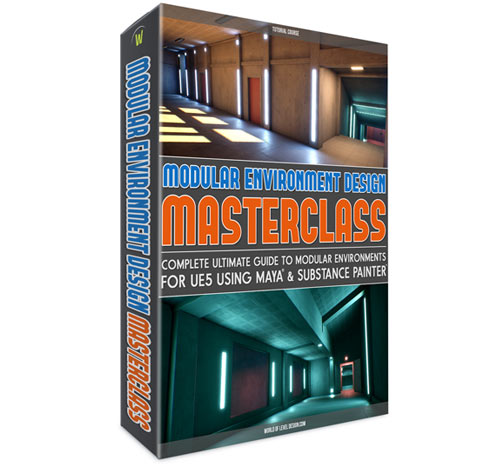
It has been 10 years after paperback & 15 years after original release of "Preproduction Blueprint".
And it continues to remain one of the best guides for anyone who wants to go from unfinished ideas to completed level designs & environment art projects.
https://t.co/ErgL3pM4ij
Get back making progress on larger environments again by isolating to a smaller, specific section of it and then getting it to 70-80% done. The results are not final yet, but it gets the work very close to the finish line and helps maintain momentum across the entire environment.
Nothing else adds cool stylistic effect to modern or sci-fi environments than LED Lights/Shapes.
Been using these in many of my environments.
Wanted to compile these together & provide them for you to use as well.
Get these UE5 assets on WoLD Patreon: https://t.co/HfoRmfkheQ
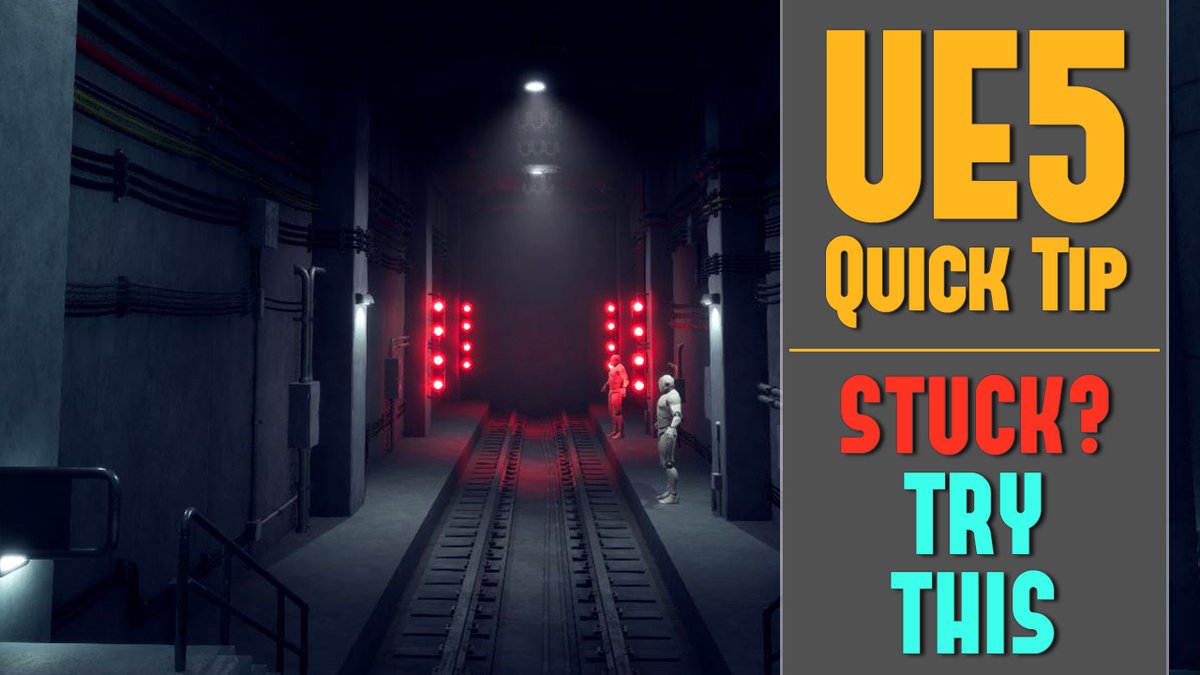
Tips on how to start using UE5 outliner to help you speed up your workflow and create better and faster environments.
Full Quick Tip on YT: https://t.co/yfx9sBPWgZ
UE5 lighting with Lumen, most expensive to most cheapest local lights to use in order are:
Rect Light (most expensive)
Point Light
Spot Light (least expensive)
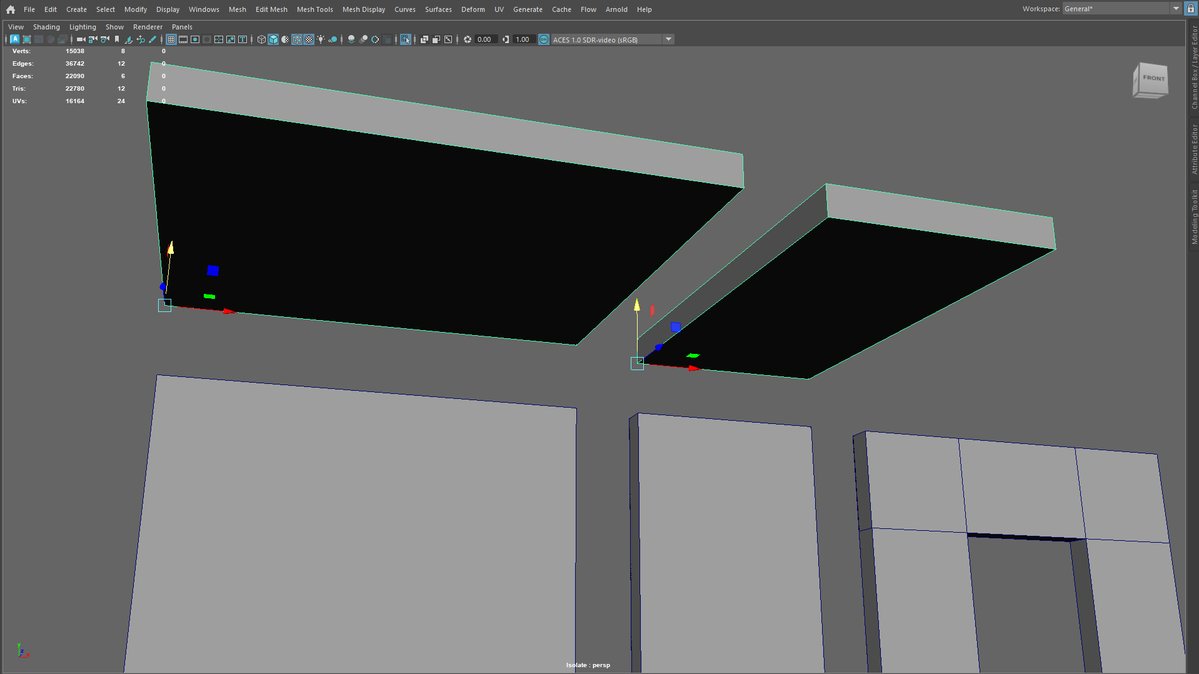
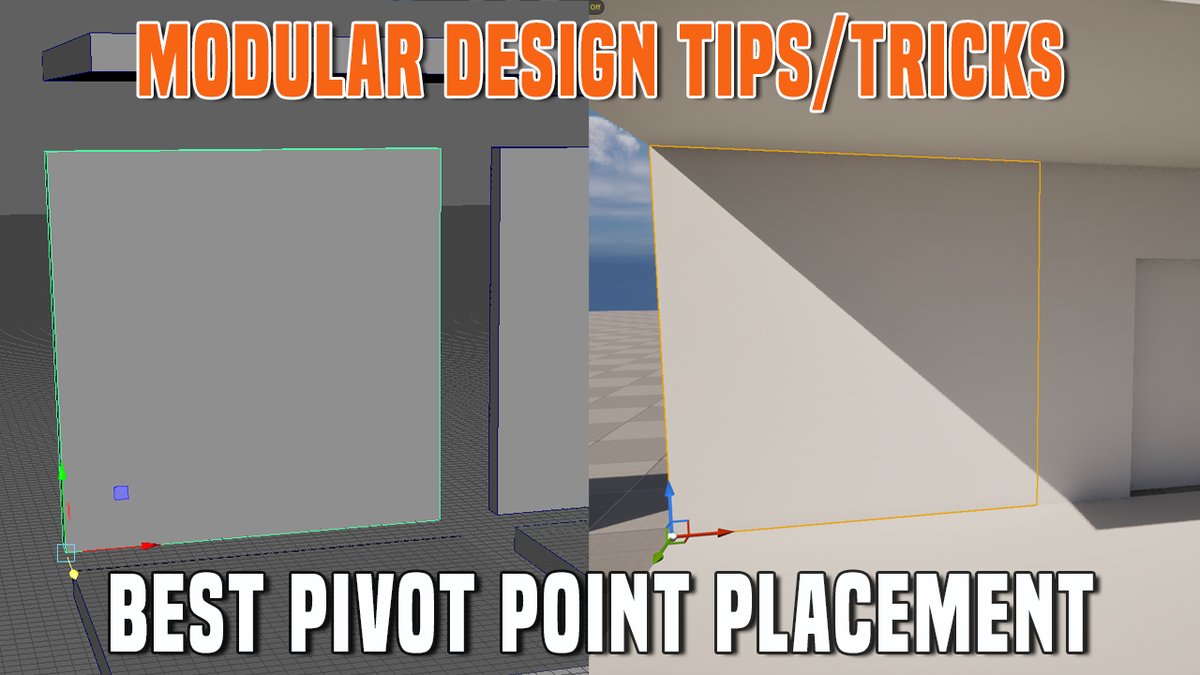
Best pivot point placement for modular assets:
Walls, doorways, windows: bottom corner front vert
Floors: top corner vert
Ceilings: bottom corner vert
Columns: either at bottom corner vert or bottom center
But these can vary if you know how these work.
https://t.co/VmBMww8Gmx
What is the best pivot point placement on modular assets that makes up your environment foundation?
Walls, floors, ceilings, doorways, doors, windows etc
Modular Tips & Tricks 1: Best Pivot Point Placement on Modular Environment Assets.
Breakdown on YT: https://t.co/VmBMww9ec5
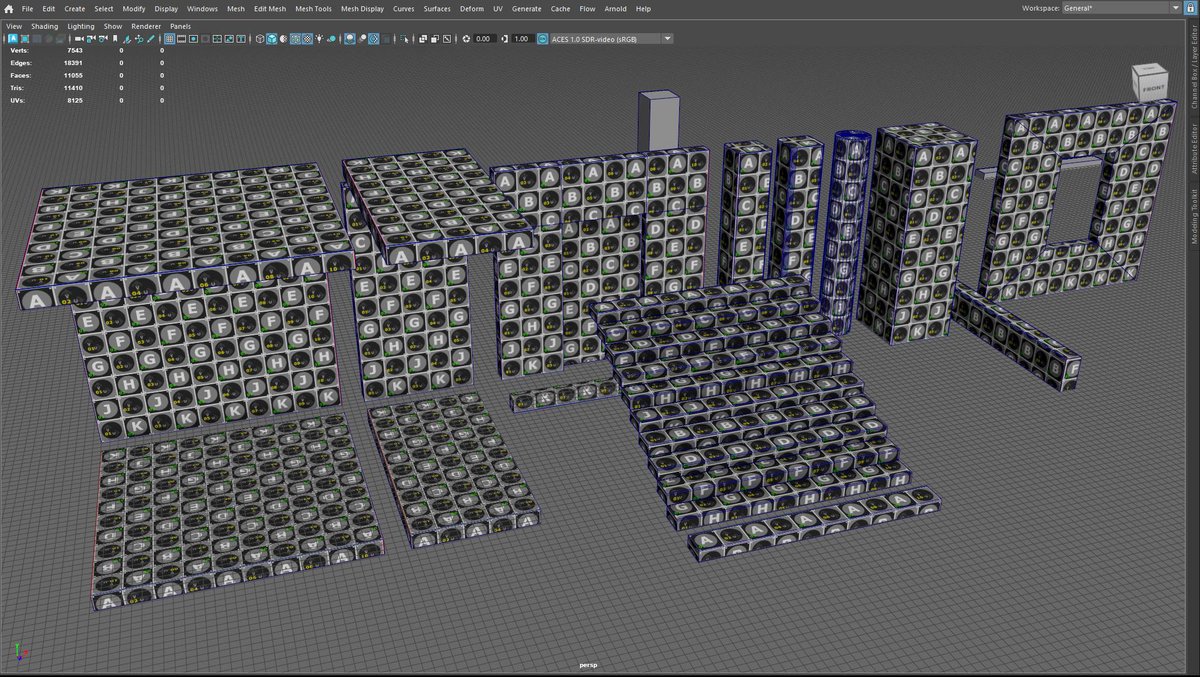
Download this Standard 32-Pieces Modular Base Mesh Kit.
Perfect for blockouts, prototyping and creating environment interiors, exteriors or both.
You get UE5.3+ assets. Maya scene file. FBX files.
Become WoLD Patreon supporter and download:
https://t.co/9MwSH9T4bA
Your roadmap to environment art.
1. Maya Foundation
2. Substance Painter Essentials
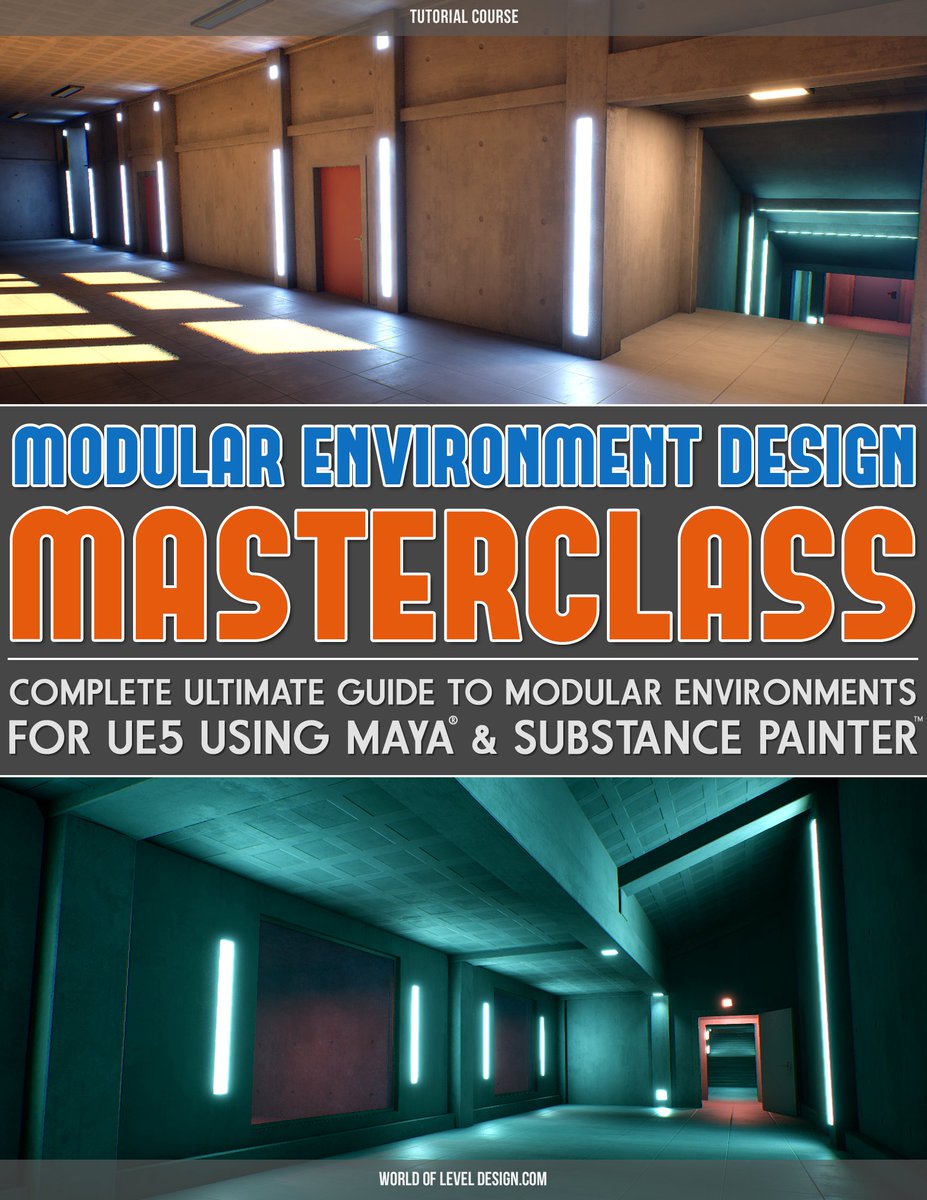
3. Modular Environment Design Masterclass*
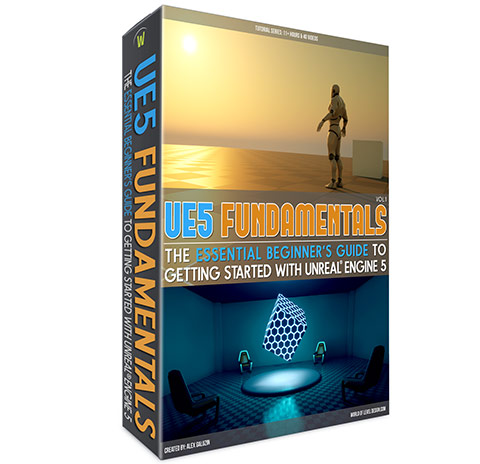
*If you never used UE5, then also UE5 Fundamentals Vol.1
Start today: https://t.co/ybTwDTiVZC
Need more of step-by-step?
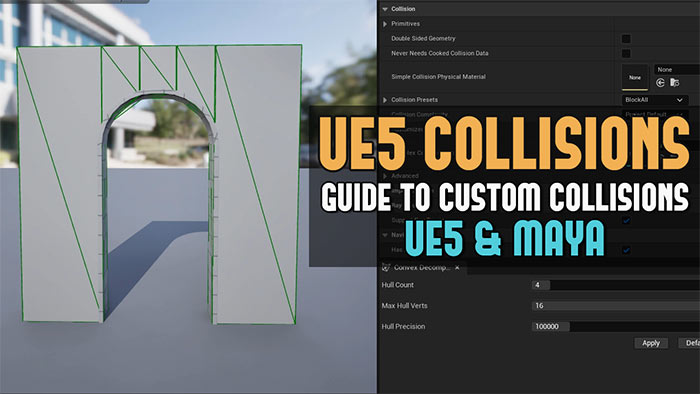
Check out this tutorial: UE5: Definitive Guide to Custom Collisions in Unreal Engine 5 for Static Meshes (UE5 and Maya)
https://t.co/GYmNZuH2lb
Maintaining similar texel density across all modular meshes helps to prevent & minimize texture inconsistencies.
This way textures appear at same level of detail across all meshes. This avoids texture on some meshes looking blurry & stretched while others look detailed & sharp.
You don't need much to begin with.
Standard default modular base mesh kit assets to start with for most interiors or exteriors.
Wall, floor, ceiling, column, doorway, door, window, stairs.
Create these then expand from here.