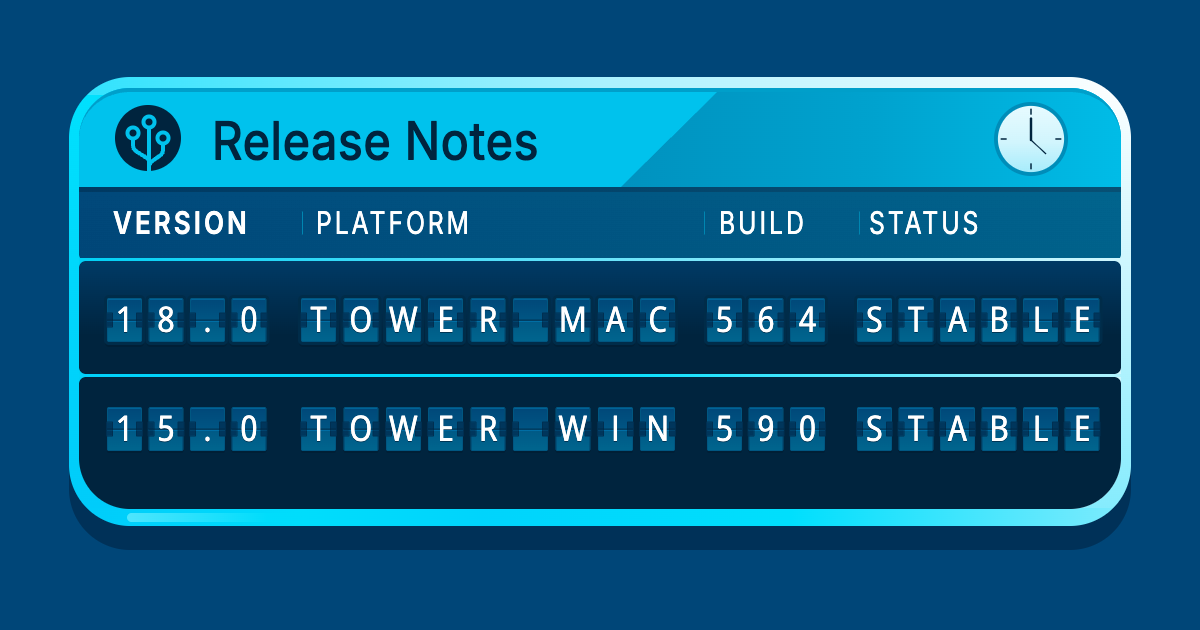
Tower 18 for Mac is here! 🥳
This release is all about the terminal: jump from the command line straight to History, Blame, the Working Copy, Branches Review, and more — all with a single command.
Even better: let your AI agent do it for you 😎
https://t.co/eYlRaDlwwx
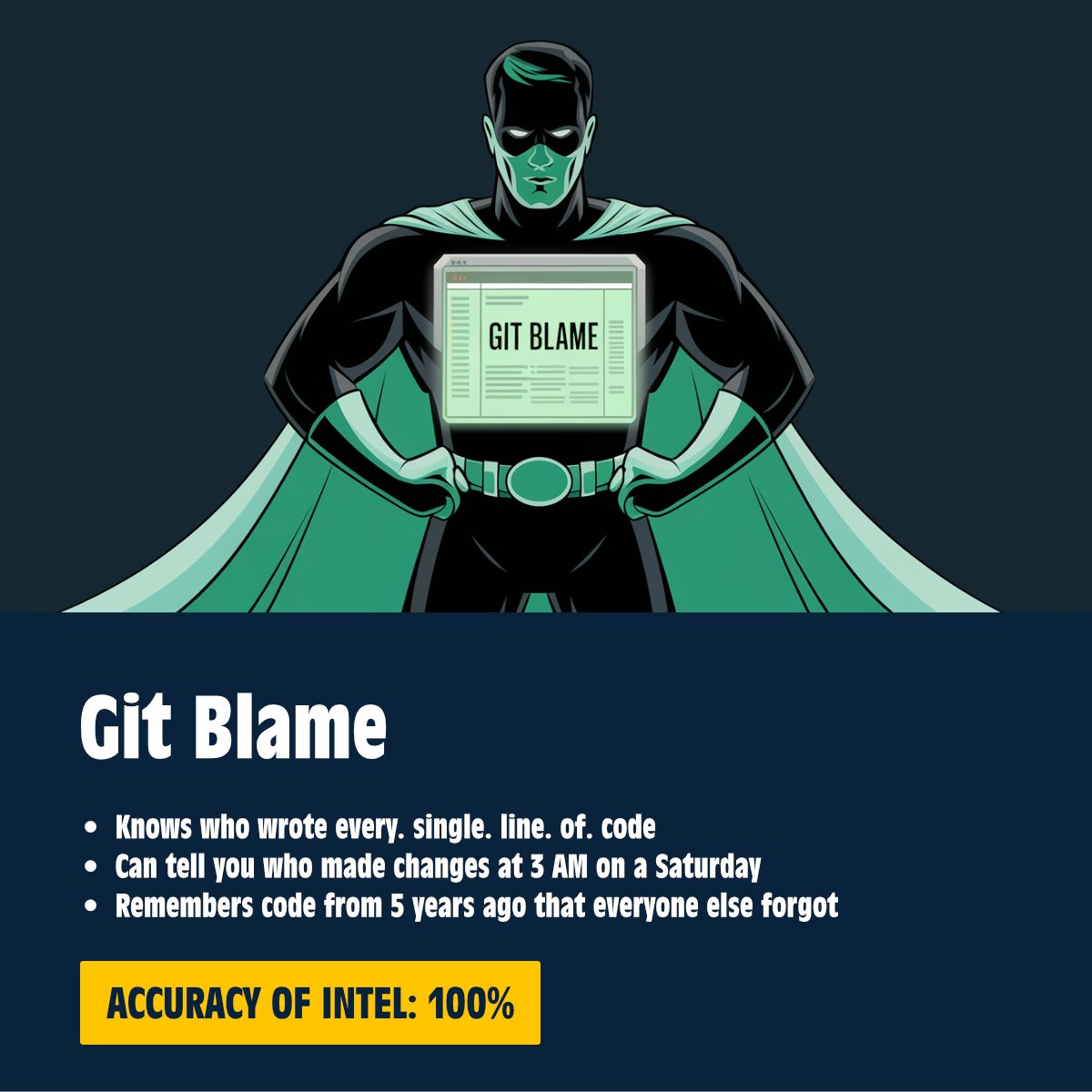
Reformatted the whole codebase, and now Git Blame points at you for every single line? 🙈
Git can skip those commits, so blame shows who actually wrote the code.
Here's how 👉 https://t.co/Zu9JMKxtCa
Some Git mistakes are easy to make — and painful to undo 😬
Force-pushing to a shared branch, committing API keys, a 2 GB binary in your repo...
Here are 7 Git mistakes every developer should avoid 👉 https://t.co/lEwp0WrpvG
Did you know? 🤔
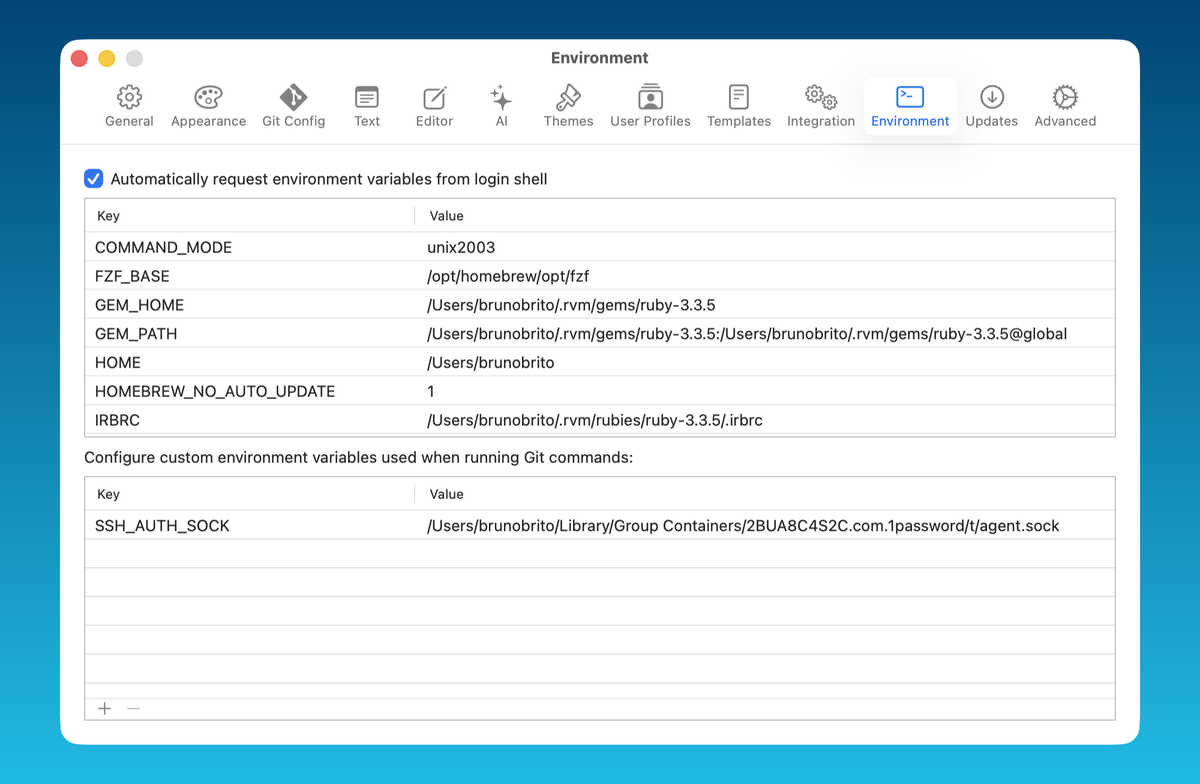
You can define custom environment variables right in the "Environment" tab of Preferences. No need to hand-edit a plist file anymore!
#gittowertips
Tower 18.5 for Mac is now in Beta! This update brings full support for Gitea, Forgejo, and Codeberg.
Add your accounts, browse your repositories, and create, review, and merge pull requests, all from the comfort of your favorite Git client 😎
https://t.co/fCzrD9oSzq
That's Tower 15 for Windows in a nutshell! Plus lighter large diffs and plenty of bug fixes.
Blog Post 👉 https://t.co/6hxeiqSI26
Release Notes 👉 https://t.co/dsQ1rBzgEf
Not a Tower user yet? Try it for FREE for 30 days!
Happy committing! 😊
8/8
Tower 15 for Windows is out, and it brings a splash of color! 🎨
Syntax highlighting, word-level highlighting, and themes you can make your own.
Here's everything you need to know 🧵
1/8
None of the themes quite match your taste? Create your own and tweak it until it looks just right 🎨
Themes are saved as .towertheme files, so you can export them and share them with your team.
7/8
Tower 15 for Windows is our most colorful update yet!
This release brings:
- Syntax Highlighting to your diffs
- Word-Level Highlighting for the changes
- Themes, so that you can import and export your own color schemes
Update today!
https://t.co/6hxeiqSI26
Still scrolling through pages of results for that one error message? 🔍
Operators, filters and tricks to find exactly what you need on Google — tailored for developers.
Search smarter 👉 https://t.co/Yd0z50fG5W
Did you know? 🤔
The "Sync" button does a pull followed by a push (if the pull succeeds) — perfect for grabbing remote changes and sending your local commits in one go.
Hold ⌥ while clicking for a Quick Sync of the HEAD branch.
#gittowertips
Big videos, PSDs or datasets slowing your repo down?
Git LFS swaps large binary files for lightweight pointers, so your repository stays fast while you keep working as usual.
Here's how to set it up 👉 https://t.co/JPm12ZSxb2
final.fig, final-v2.fig, final-FINAL-really.fig... 😩
Git isn't just for developers! Our guide shows designers how to track changes and collaborate with Git, GitHub and Tower.
Get started 👉 https://t.co/k1TmLXmnnK
"Works on my machine" stops being an excuse with Continuous Integration 🤖
Every change gets built and tested automatically, so problems show up early — not on release day.
What is CI? 👉 https://t.co/kWAMzsIuM0
"Please fix later" → "this one should work" → ... 😅
Denial, Bargaining and Bewildered Acceptance: the three phases of software development, told through 30 real commit messages from our community.
Which phase are you in? 👉 https://t.co/Kdqz7wzb3L
@Falkowski Hi Brendan, our affiliate program was terminated earlier this year. This email may have been sent automatically by our affiliate system; we will look into this. Our apologies and thank you for bringing this to our attention!