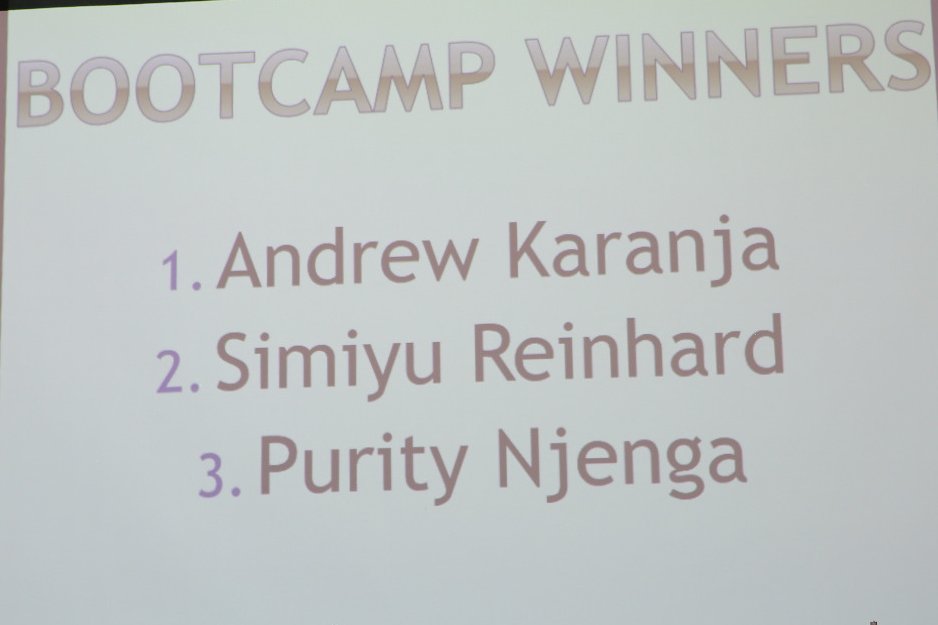
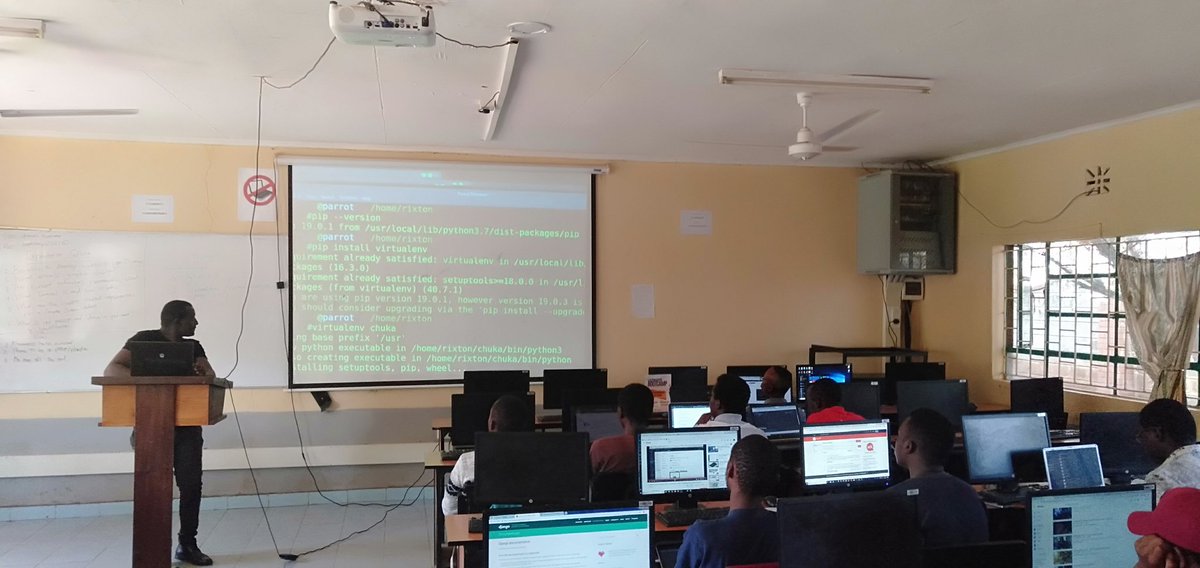
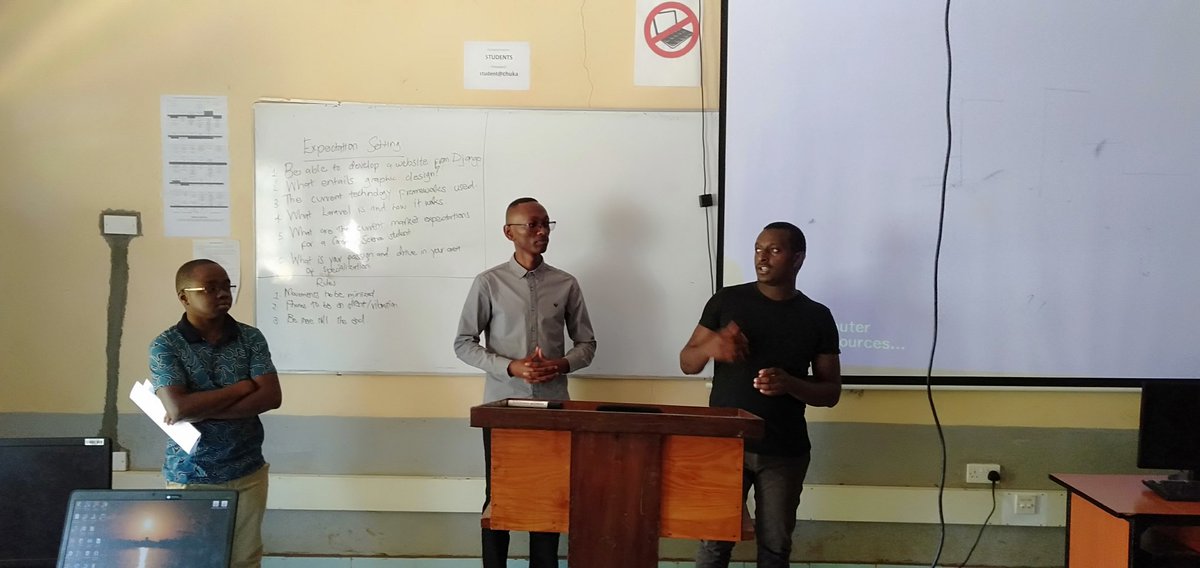
@CA_Kenya Cybersecurity Bootcamp Eldoret Edition 2023 Winners!
Join us in celebrating the remarkable achievements of our winners who have demonstrated exceptional skills and dedication in the world of cybersecurity.
Winners🥇
How does Google Authenticator (or other types of 2-factor authenticators) work?
Google authenticator is commonly used for logging into our accounts when 2-factor authentication is enabled. How does it guarantee security?
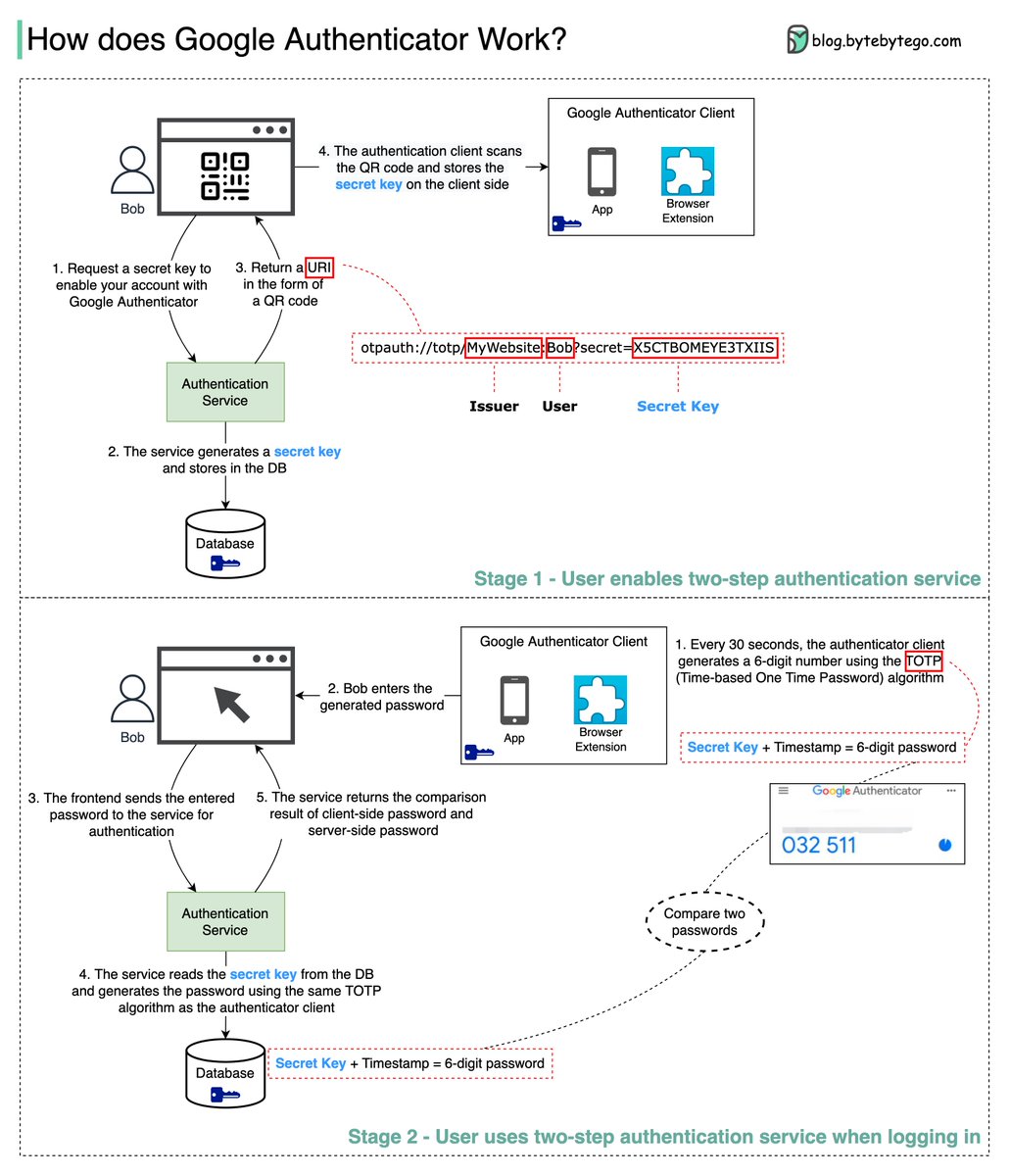
Google Authenticator is a software-based authenticator that implements a two-step verification service. The diagram below provides detail.
There are two stages involved:
Stage 1 - The user enables Google two-step verification
Stage 2 - The user uses the authenticator for logging in, etc.
Let’s look at these stages.
𝐒𝐭𝐚𝐠𝐞 1
Steps 1 and 2: Bob opens the web page to enable two-step verification. The front end requests a secret key. The authentication service generates the secret key for Bob and stores it in the database.
Step 3: The authentication service returns a URI to the frontend. The URI is composed of a key issuer, username, and secret key. The URI is displayed in the form of a QR code on the web page.
Step 4: Bob then uses Google Authenticator to scan the generated QR code. The secret key is stored in the authenticator.
𝐒𝐭𝐚𝐠𝐞 2
Steps 1 and 2: Bob wants to log into a website with Google two-step verification. For this, he needs the password. Every 30 seconds, Google Authenticator generates a 6-digit password using the TOTP (Time-based One Time Password) algorithm. Bob uses the password to enter the website.
Steps 3 and 4: The frontend sends the password Bob enters to the backend for authentication. The authentication service reads the secret key from the database and generates a 6-digit password using the same TOTP algorithm as the client.
Step 5: The authentication service compares the two passwords generated by the client and the server, and returns the comparison result to the frontend. Bob can proceed with the login process only if the two passwords match.
–
Subscribe to our weekly newsletter to get a Free System Design PDF (158 pages): https://t.co/RibM5u7UxP
On May 2nd, Christine Dela Rosa from Atlassian will be discussing various ways to develop and continually improve your team communication using tried and tested strategies and Plays from the Atlassian Team Playbook. RSVP Here:
https://t.co/kgVzNtjXfN
Ever thought that everyone comes with a user manual?
I guess not. But everyone does. So why not gel your team by coming up with a personal user manual with this Atlassian Team Playbook.
https://t.co/cOHs68j3Mf
Did you know that crypto ransomware can operate indefinitely on your systems while benefiting cybercriminals without your knowledge?? On today’s #CyberTipsKE we learn about crypto ransomware and how to mitigate them.
@CA_Kenya
Don't say I will never make it, say I did not plan well enough, don't say never at all, say I have not put my best effort yet. Don't put limits on yourself, set new targets. ~ @kevshakes
We wish @EliudKipchoge all the best in the #ineos159challenge#Eliud159#NoHumanIsLimited
It's finally here, Tharaka University College Career and Mentorship Day 2019 will be held on 10th October at the University Mess. #TharakaUniCMD2019#CustomerServiceWeek#TharakaUni @ Gatunga, Eastern, Kenya https://t.co/NzKtKb4Y7w