

Top Tweets for #MaterialMike


NVIDIA presents DLSS 5


I have been following this Orient UI @FlutterDev development. It is a fantastic UI set and idea, plus very well made. Awesome work, thanks for making and sharing it ❤️
Story journey and used approach rationale was also a great read! Loved it 🚀
💯% #MaterialMike approved! 😅💙
Story: I made a set of Flutter widgets that aren't Material or Cupertino.
I use Flutter for web and desktop a lot. And if you do too, you probably know the pain: Material works fine for mobile, but on web and desktop it screams Google. Cupertino doesn't even make sense on larger screens. So, if you want your app to look like your own brand, you're building everything from scratch.
I've done that for 2 years at @UserOrient: it has a web dashboard built entirely with Flutter. Our designer made a clean, neutral design for it, I implemented it, and people kept saying it looks good. At some point I looked at all these widgets I built and thought: "I keep reusing these across projects anyway, why not let others use them too?"
But I didn't want to make a package. See, these are widgets, pixels, and if you import a package, you can't change how a button works inside without forking the whole thing. Then remembered, a friend told me once about shadcn in the web world and how it just gives you the component as a file. That felt right.
Decided to start with CLI: activate it, run a command, and it drops a plain Dart file into your lib folder. That file is yours. Edit it, move it, rename it, whatever.
That's Orient UI. It gives you two things:
1. style.dart: colors, typography, radii, durations, breakpoints. One file. Works with or without Material.
2. Widgets: buttons, toggles, navbars, toasts, popups, search fields, tabs, more. 25+ of them. All tested. All responsive.
One thing I didn't expect: style.dart became useful way beyond Orient UI's widgets. In my apps, I started putting all custom colors and typography there. It's now basically my whole app's design tokens in one place, and it doesn't fight Material's ThemeData at all.
Here's how it works:
> dart pub global activate orient_ui
> orient_ui init // creates lib/style.dart
> orient_ui add button // creates lib/button.dart
You don't replace MaterialApp either. Keep your Scaffold, your Navigator, everything. Orient UI sits next to it. Use its button but Material's TextField. Mix however you want.
Here's some questions I got and decisions I made along the way:
- Is this a design system?
Not really. It's foundational building blocks. You can use Orient UI's button next to Material's TextField and they won't fight each other. Use what you need, ignore the rest.
- Why plain files, not a package?
If it's a package, you can't change a button's internal logic without forking the whole thing. With plain files, you open button.dart and change whatever you want.
- Will there be Orient UI v2, v3, breaking changes?
No. There won't be. These are neutral, foundational widgets. A button is a button. A toggle is a toggle. You get the file, it's yours forever.
- Why not OrientButton, OrientApp?
I almost did. Then I realized that's annoying. Nobody wants to type a prefix on every widget. So the button is just Button. The theme is just Style. Simple names, no conflicts with Material's ThemeData.
- How do widgets know light/dark mode?
I could do Theme.of(context).brightness but that ties you to Material. What if someone uses CupertinoApp or just a plain WidgetsApp? So I made Style an InheritedWidget. You wrap your app with Style(), pass brightness, done. And if you don't wrap, it defaults to light. So wrapping is optional too.
- How does the CLI work?
It fetches templates from GitHub. No code generation, no build runner. You run a command, you get a file. That file imports style.dart for colors and typography. You point that import to wherever you put style.dart and you're set.
Also, Flutter team recently separated Material and Cupertino into their own packages. Maybe there's room for a third option. Maybe this is it.
Links in the first comment 👇🏻

@kamranbekirovyz Been following this, it is absolutely brilliant and well made. Awesome work, thanks for making and sharing it.
Story journey and used approach rationale was also a great read! Loved it ❤️🚀
💯% #MaterialMike approved! 😅💙

Finally #MaterialMike started his own YouTube channel 😍 The long Github issues will be accompanied by detailed videos 🎉
Published some @FlutterDev videos that may help you understand the peculiar Material-3 seeded ColorScheme, with some tips and tricks on how you can tame it and maybe change it more to your liking.
Link to playlist in comment 💙😀 #Flutter

@ASalvadorini @ElisaOyj @Google @ulusoyapps Thanks for hosting the meetup @ASalvadorini and @ElisaOyj et co. Nice turnout too 🙂
To my surprise, as secret "DashWizard" aka #MaterialMike in disguise 🥸 I managed to win the 2nd quizz round, but of course abstained from coveted Dash bird 🐦 to pass it on to next in line 😊💙
#MaterialMike on stage!
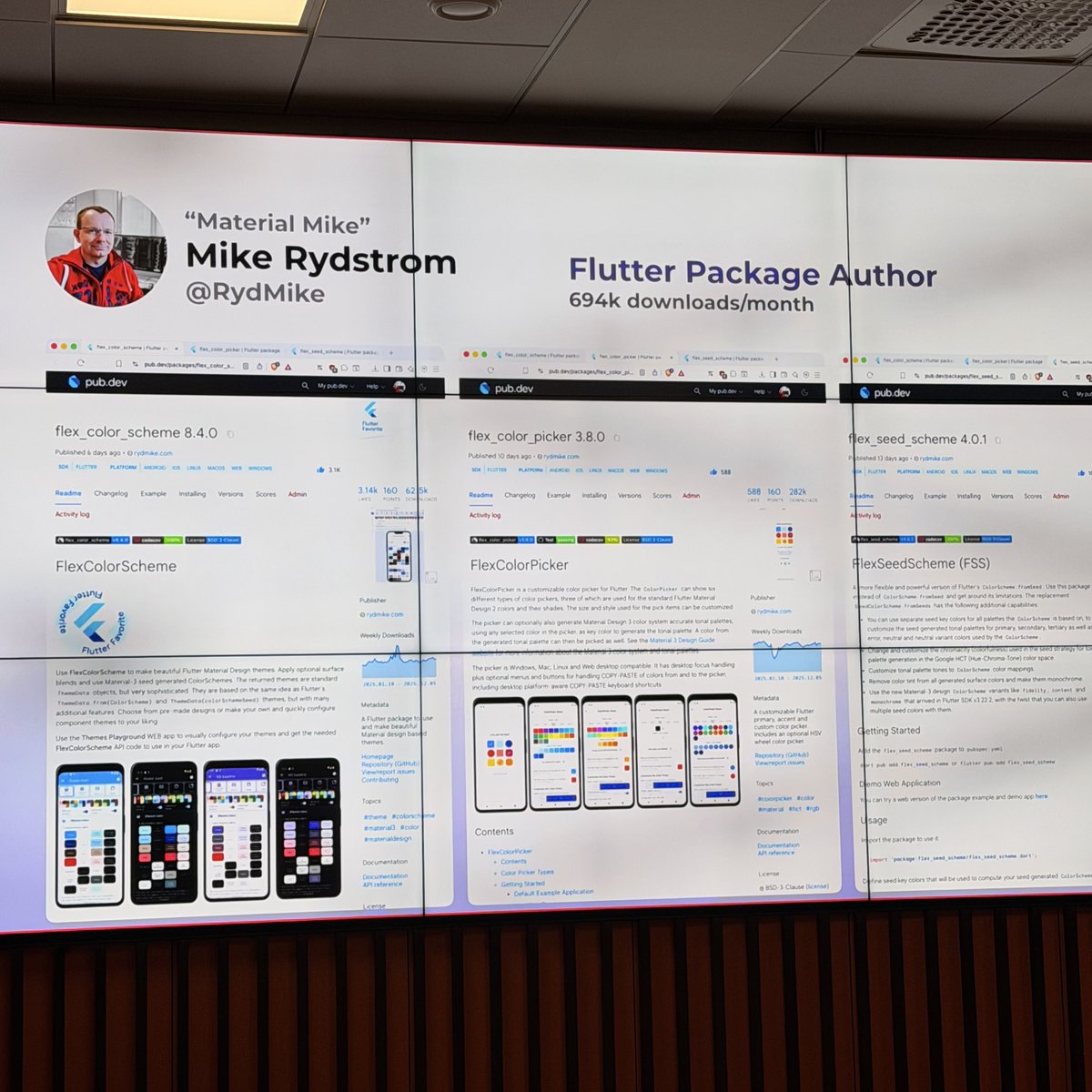

#materialMike on stage! 🔥🚀
After the couple, the decouple
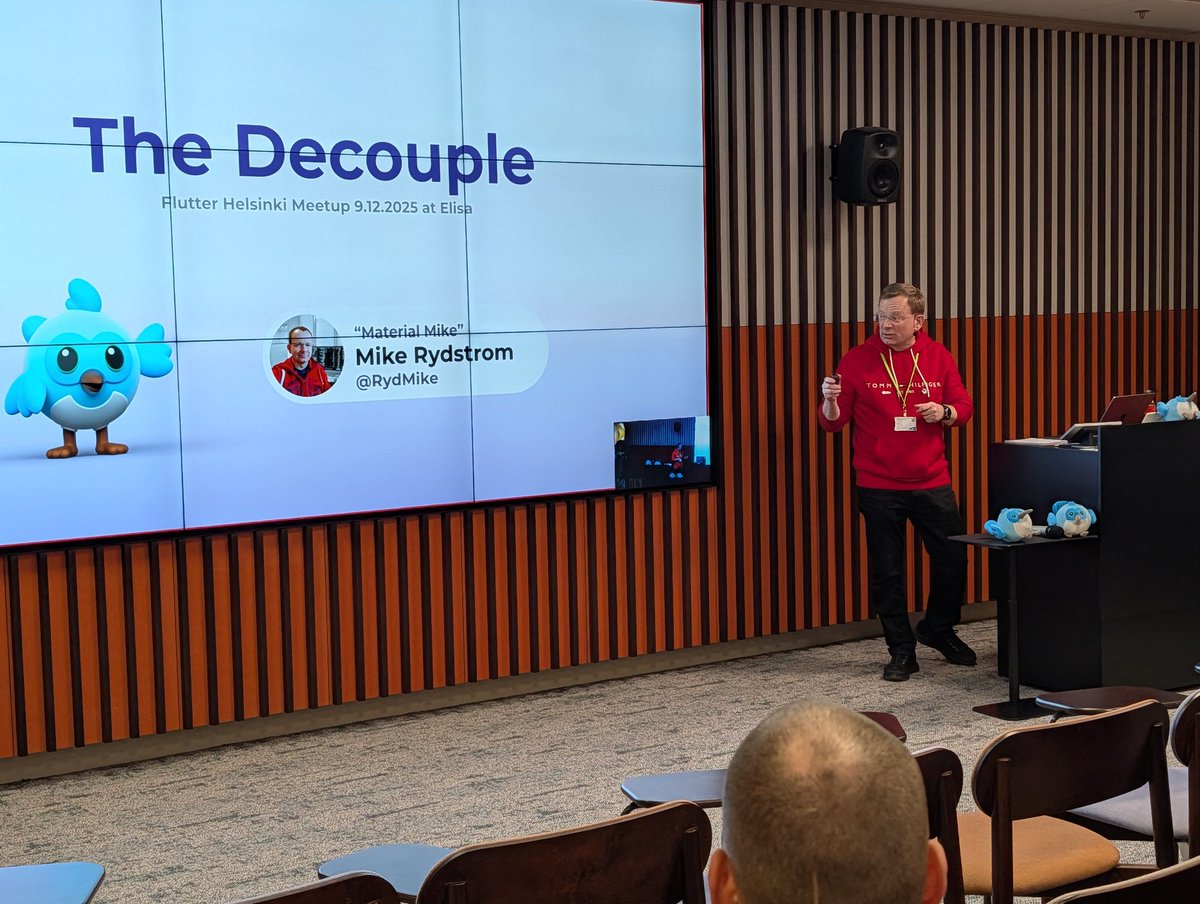
@exabyt3_ @nank1ro @shiweidu Lol, if I recall correctly #MaterialMike was first used and "introduced" by @ulusoyapps at a local meetup in Helsinki where I did a two part total 2h talk and demo about using Material and theming in Flutter, it kind of stuck after that 😅 https://t.co/Tya9Nm5u2S
@nank1ro @shiweidu Aww, thanks 🙏😇 GH handle is same as here and mentioned in profile, so not a big secret 😅
Not been very active recently with public Flutter work, busy 🫣 Mostly known for my work on Material in Flutter and reporting issues about it, so I was given the nickname #MaterialMike 😂

@RydMike #MaterialMike quietly updated #FlexColorScheme to Flutter SDK v3.35.0-0.0.pre.
https://t.co/6jyhiOe0D5
I like to lurk from time to time and see what's going on there.
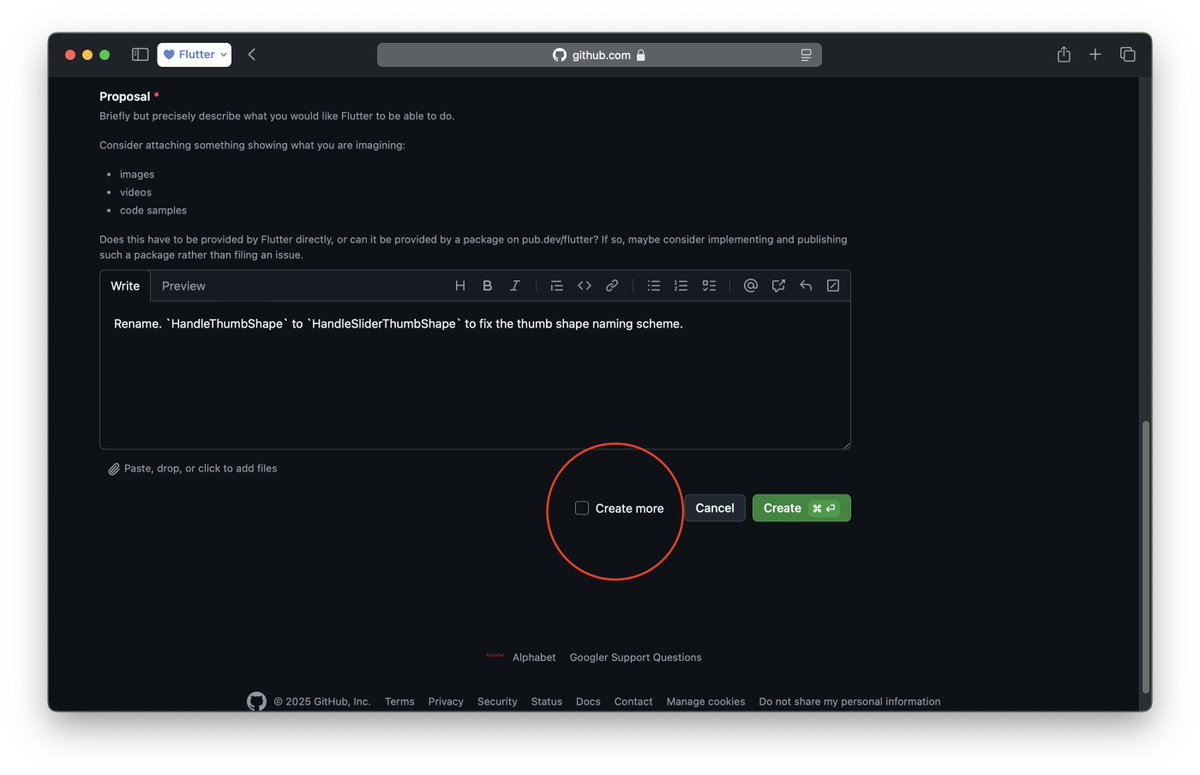
#GitHub preview allows creating issues back to back.
There is a good chance GitHub team saw @RydMike's issue threads here and added this feature. So #MaterialMike can create issue thread on GitHub directly.

This this this so much this! 👇👇👇
From our one and only #materialMike , V8 has come
#flutter #Flutterdev
Hey #FlutterDev:s, did you know that #Flutter #FlexColorScheme V8 has just been released? 🎉🍾
Package: https://t.co/bkgQYxYQzS
Playground: https://t.co/eXbnIjVCq2
Docs: https://t.co/AqlOhQSiy1
Short intro video and even more in the thread below ⬇️
Enjoy! 🙏😃💙
Trends for you
Most Popular Users

Elon Musk 
@elonmusk
240.7M followers

Barack Obama
@barackobama
119.2M followers

Donald J. Trump
@realdonaldtrump
111.7M followers

Cristiano Ronaldo
@cristiano
110.6M followers

Narendra Modi
@narendramodi
107M followers

Rihanna
@rihanna
97.7M followers

NASA
@nasa
92.2M followers

Justin Bieber
@justinbieber
90.9M followers

KATY PERRY
@katyperry
87.7M followers

Taylor Swift
@taylorswift13
81.5M followers

Lady Gaga
@ladygaga
73M followers

Virat Kohli
@imvkohli
69.9M followers

Kim Kardashian
@kimkardashian
69.8M followers

YouTube
@youtube
68.7M followers

Bill Gates
@billgates
63.9M followers

Neymar Jr
@neymarjr
62.6M followers

The Ellen Show
@theellenshow
62.4M followers

CNN
@cnn
61.9M followers

X
@x
60.8M followers

Selena Gomez
@selenagomez
60.8M followers