

Top Tweets for #Raspberry_Pi

そういえば
祝!脱稿!
届いたらまた告知しますー!
RaspberryPi3でスーパーコンピュータを作ってみた! 分散ストレージ編
こうご期待!
#raspberry_pi


🧠 The Brain Behind the Tech: Microcontrollers in Embedded Systems
In the world of Embedded Systems, the Microcontroller (MCU) is more than just a chip—it is the digital brain that brings inanimate objects to life.
Whether it’s your smart home hub, a medical device, or an industrial robot, the MCU is at the heart of it all.
🔍 What Makes a Microcontroller?
Unlike a general-purpose PC, an MCU is a compact integrated circuit designed to govern a specific operation in an embedded system.
It packs everything into one "all-in-one" solution:
• CPU: The processing core that executes logic.
• Memory: Built-in Flash and RAM for code and data storage.
• I/O Ports: The "senses" that interact with the physical world.
• Peripherals: Integrated modules for PWM, ADC, and communication protocols (I2C, SPI, UART).
🛠️ Industry-Leading Boards
To bridge the gap between code and hardware, developers use powerful development boards. Here are the 4 giants featured in our guide:
1️⃣ Arduino Uno: The gold standard for rapid prototyping and beginners.
📕 https://t.co/FehAXCKPbl
2️⃣ STM32 Nucleo: The professional’s choice for high-performance ARM Cortex-M applications.
📕 https://t.co/m3TxwRK2pp
3️⃣ Raspberry Pi Pico: A game-changer with its dual-core RP2040 silicon.
📕 https://t.co/wZYBObTkia
4️⃣ ESP32-DevKit: The undisputed king of IoT, featuring built-in Wi-Fi and Bluetooth.
📕 https://t.co/yUaVkQfGM1
🚀 Why MCUs Matter
Microcontrollers are optimized for real-time control, low power consumption, and cost-efficiency.
They allow us to build smarter, more responsive environments—from automotive engine control units to the wearable on your wrist.
@Raspberry_Pi
#EmbeddedSystems #Microcontroller #IoT #Electronics #STM32 #Arduino #ESP32 #Engineering #TechInnovation

Node-RED: Send Messages to WhatsApp @Raspberry_Pi
https://t.co/HDT7TUxAtN
#RaspberryPi #RPiProjects #RaspberryPiProjects #DIYElectronics #EmbeddedSystems
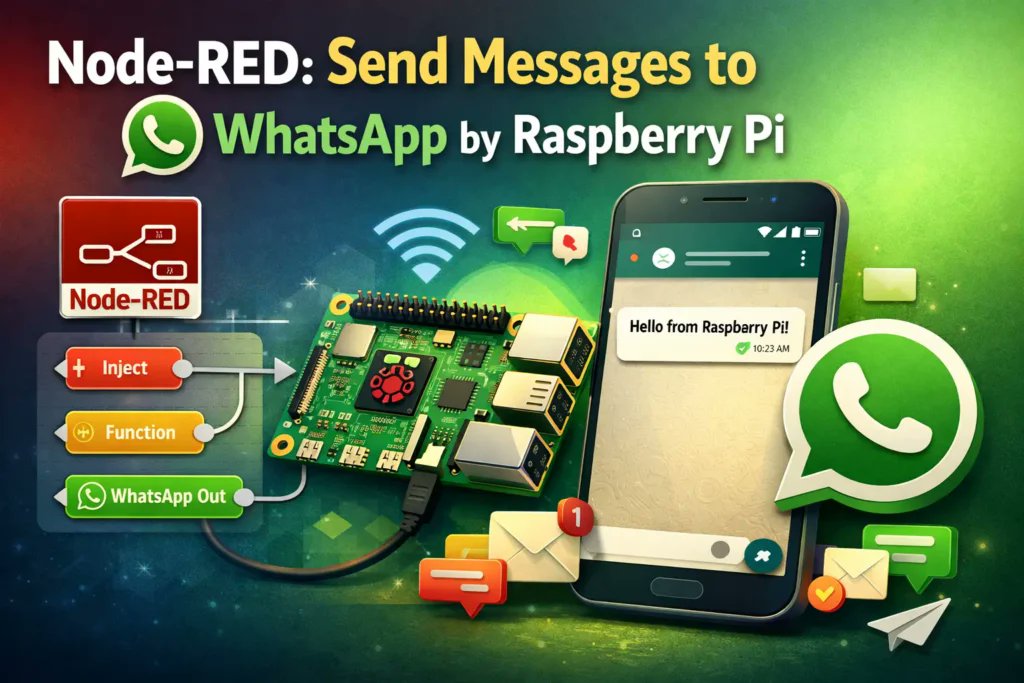
Node-RED: Send Email Notifications @Raspberry_Pi
https://t.co/xQ071wHaQx
#RaspberryPi #RPiProjects #RaspberryPiProjects #DIYElectronics #EmbeddedSystems

Programming Raspberry Pi Remotely using VS Code (Remote-SSH) @Raspberry_Pi
https://t.co/3XHHAHbhSd
#RaspberryPi #RPiProjects #RaspberryPiProjects #DIYElectronics #EmbeddedSystems

Node-RED with Big Timer Node: Create Complex Automation Schedules Easily @Raspberry_Pi
https://t.co/WziVC9HGnK
#RaspberryPi #RPiProjects #RaspberryPiProjects #DIYElectronics #EmbeddedSystems

Raspberry Pi Pinout Guide: How to use the Raspberry Pi GPIOs? @Raspberry_Pi
https://t.co/Pxm7r3Y6AQ
#RaspberryPi #RPiProjects #RaspberryPiProjects #DIYElectronics #EmbeddedSystems
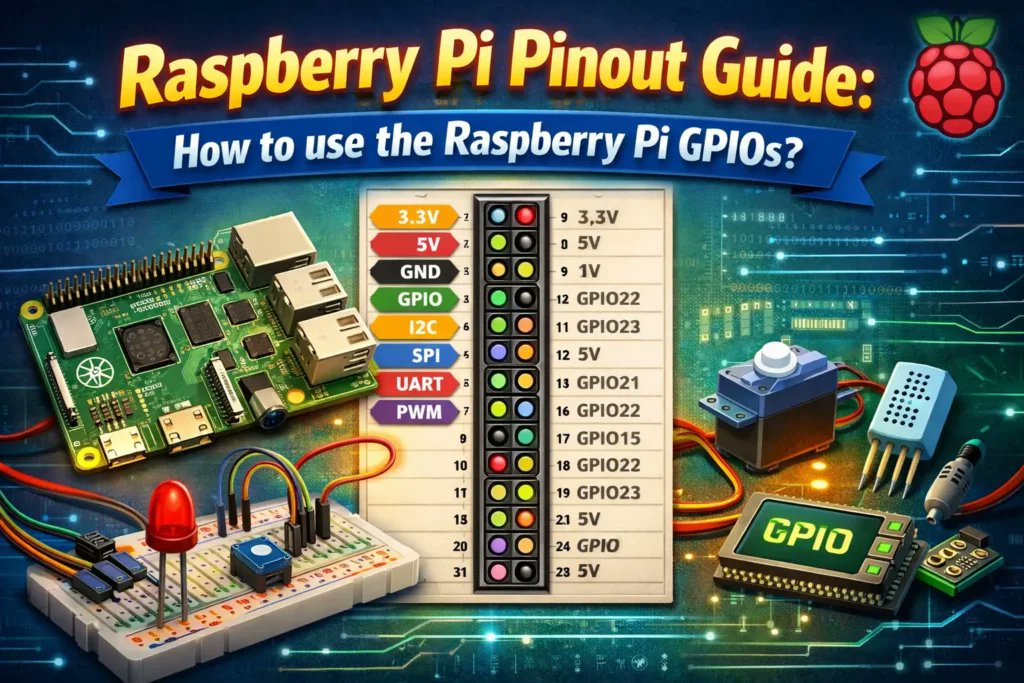
Raspberry Pi: PWM Outputs with Python (Fading LED) @Raspberry_Pi
https://t.co/uzNnlVfidc
#RaspberryPi #RPiProjects #RaspberryPiProjects #DIYElectronics #EmbeddedSystems

Raspberry Pi: Read Analog Inputs with Python (MCP3008) @Raspberry_Pi
https://t.co/EXf8jwk2Gk
#RaspberryPi #RPiProjects #RaspberryPiProjects #DIYElectronics #EmbeddedSystems

Raspberry Pi: Read Digital Inputs with Python (Buttons and Other Peripherals) @Raspberry_Pi
https://t.co/GfmIDprbJo
#RaspberryPi #RPiProjects #RaspberryPiProjects #DIYElectronics #EmbeddedSystems

Raspberry Pi: Send an Email using Python (SMTP Server) @Raspberry_Pi
https://t.co/uFhc8YJElv
#RaspberryPi #RPiProjects #RaspberryPiProjects #DIYElectronics #EmbeddedSystems


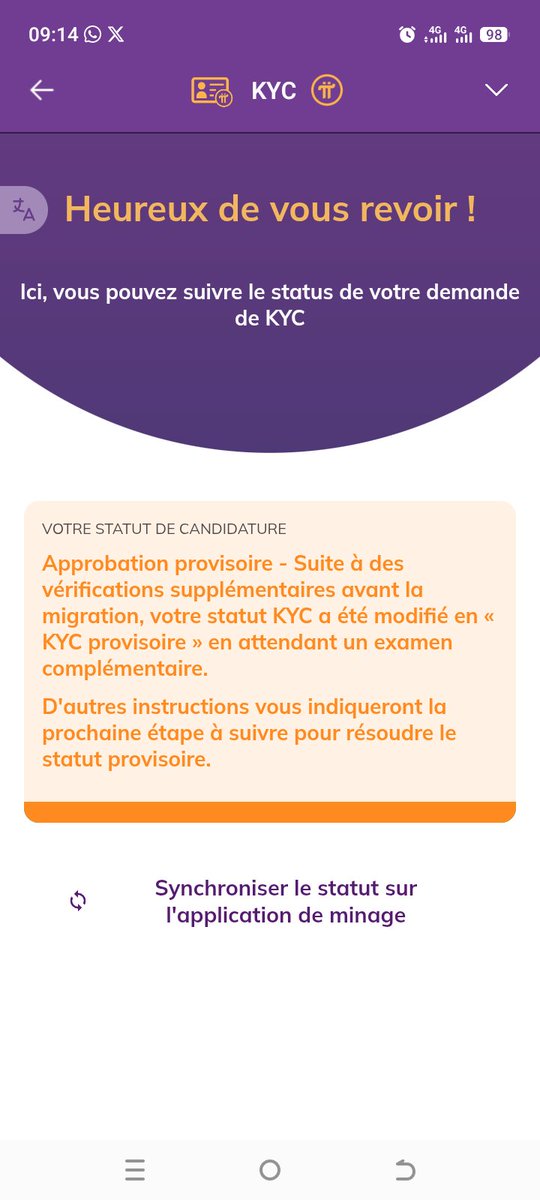
But why, though in this zone everything was 'green', I did all the KYC and it was validated. In which course did it become 'orange' again? @CoreNews_2 @PiCoreTeam @PiNewsMedia @Raspberry_Pi 👇 🤔
By inserting a camera module into a Raspberry Pi, it becomes a 24/7 monitoring camera 📷
It automatically records only when motion is detected.
💡 Capabilities:
✅ View real-time video from your browser
✅ Automatic recording with motion detection (saves only when needed)
✅ Night vision (NoIR camera + infrared LED compatible)
✅ View video remotely from your smartphone
✅ Simultaneous monitoring of multiple cameras
✅ Time-lapse photography
All video is saved to the Raspberry Pi's internal storage. Since it's not sent to the cloud, there are no privacy concerns.
Power consumption is around 5W at all times. This business card-sized computer keeps watch without rest.
Using a NoIR camera module, you can get a clear image even in a completely dark room. Ideal for monitoring babies or checking on pets while you're away.
What kind of monitoring camera do you use? Commercial / DIY / Under consideration / Not using one?
🔥 Top 6 Raspberry Pi eBooks V1
https://t.co/W1rLX7mwlg
#RaspberryPi #IoT @Raspberry_Pi

Set Up Python Picamera2 on a Raspberry Pi (Take Photos and Capture Video)
https://t.co/fUhSuqnS3e
@Raspberry_Pi

Raspberry Pi: MJPEG Streaming Web Server (Picamera2)
https://t.co/pQnHSaKWbq
@Raspberry_Pi


Check out my @Raspberry_Pi project!
spainify is a home media hub for Spotify/Sonos now-playing display, Sonos controls, local weather at a glance, and more.


はてなブログに投稿しました
RaspberryPi zero 2wで16CHサーボドライバPCA9685を使うときの注意 - ゆるエンジニアはいろいろ遊びたい https://t.co/ndy0cb8Sz3
#はてなブログ #Raspberry_Pi #PCA9685 #サーボドライバ


중국 엔지니어들은 엄청난 효율성 🤯 을 위해 Go 언어로 리팩토링 @OpenClaw 실제로 수행했습니다.
이 제품은 399달러짜리 맥 미니 대신 10달러짜리 @Raspberry_Pi 메모리로 작동합니다.
→ < 10MB의 메모리를 사용합니다(OpenClaw보다 99% 작음).
→ 시동 시간 400배 단축
→ 1초 만에 부츠 착용

Chinese engineers literally refactored @OpenClaw in Go for insane efficiency 🤯
It runs on a $10 @Raspberry_Pi instead of a $399 Mac mini.
→ Uses <10 MB of memory (99% smaller than OpenClaw)
→ 400× faster startup time
→ Boots in 1 second
Free and open source, repo in 🧵↓


My @openclaw AI agent setup is on my @Raspberry_Pi 400! Who needs a @Apple Mac Mini, when you have #RaspberryPI400 #OpenClaw


Some progress on my pool pump controller running on Raspberry Pi with Uno and .NET 10:
✅ Pump monitored and controlled.
✅ Read temp water sensor.
✅ Expose data to MQTT.
Next is Chlorinator monitoring and control relays for actuators


for those wondering a @Raspberry_Pi is basically a tiny computer you can build things around.
more room to experiment, test ideas, and connect things = $lumen growing

Pins on programmable devices are a precious limited resource, especially when using the smallest package due to size constraints or cost optimization. Here are a few ways to activate a boot mode without consuming additional pins.
Double Tap Reset
@adafruit uses this for many of their CircuitPython boards. If you press the reset button twice quickly, it will enter the firmware update mode. To do this you need a storage location that is not cleared by reset, like in the real-time clock (RTC). The RTC usually doesn't get reset and sometimes has general purpose storage that can be used, or you can abuse an alarm register to store the token. Main memory may be an option, but be careful to avoid locations that the ROM may use which are often not well documented. See TinyUF2 for an example.
Add a weak pull resistor to an output pin
@Raspberry_Pi does this on their RP2xxx MCUs. It looks for the SPI flash SS signal to float high at boot. If the signal is low it activates the BOOTSEL mode for firmware updates by USB. The BOOTSEL button is connected through a resistor to the SS signal to allow you to override the default pull-up. This can be done with most output pins if they can be tri-stated and are not critical at boot time.
Hold an I2C signal low
The I2C bus is open-drain so any device can pull the bus low. Both signals should be high when the bus is idle at power on. You can have code wait for this condition before continuing.
For example, if you need to multiplex debug signals, or turn off a clock that will disable the debug port, you can add this wait to your code, and then short one of the I2C signals to ground when you want to update firmware through the debug port. This has advantages over adding a delay since there is no delay when not activating the debug port and there is no race to connect the debugger before the delay expires.
How do you enable boot mode in your system? Add your suggestions to this thread.


I want to win an epic #Raspberry_Pi #RetroGaming Bundle from @TheMagP1 @ThePiHut https://t.co/UuuzNk9aum

How Much Power the Raspberry Pi Zero W Uses Compared to Other Models https://t.co/3K90htwIVr #raspberry_pi
Most Popular Users

Elon Musk 
@elonmusk
239.7M followers

Barack Obama
@barackobama
118.6M followers

Cristiano Ronaldo
@cristiano
114.3M followers

Donald J. Trump
@realdonaldtrump
111.7M followers

Narendra Modi
@narendramodi
106.9M followers

Rihanna
@rihanna
98.6M followers

NASA
@nasa
92.1M followers

Justin Bieber
@justinbieber
91.7M followers

KATY PERRY
@katyperry
89.9M followers

Taylor Swift
@taylorswift13
83.9M followers

Lady Gaga
@ladygaga
75.4M followers

Virat Kohli
@imvkohli
73.3M followers

Kim Kardashian
@kimkardashian
70.8M followers

YouTube
@youtube
68.6M followers

Neymar Jr
@neymarjr
66.3M followers

Bill Gates
@billgates
65.1M followers

Selena Gomez
@selenagomez
63M followers

The Ellen Show
@theellenshow
62.1M followers

CNN
@cnn
61.7M followers

X
@x
60.6M followers