

Top Tweets for #SystemAdmin


Du bad om regler, så jag blev din systemadministratör. Din skärm är mitt domän, och din vilja bara ett annat begränsat konto. Varje blockerad app och varje tystad notis påminner dig om att frihet aldrig var en del av överenskommelsen.
#forcedbi


Whether you’re managing permissions, navigating via the terminal, or scripting automation tasks, mastering the Linux file structure helps you work more efficiently and securely.
#Linux #FileSystem #SysAdmin #LinuxBasics #OpenSource #ITTraining #SystemAdministration #LinuxCommand

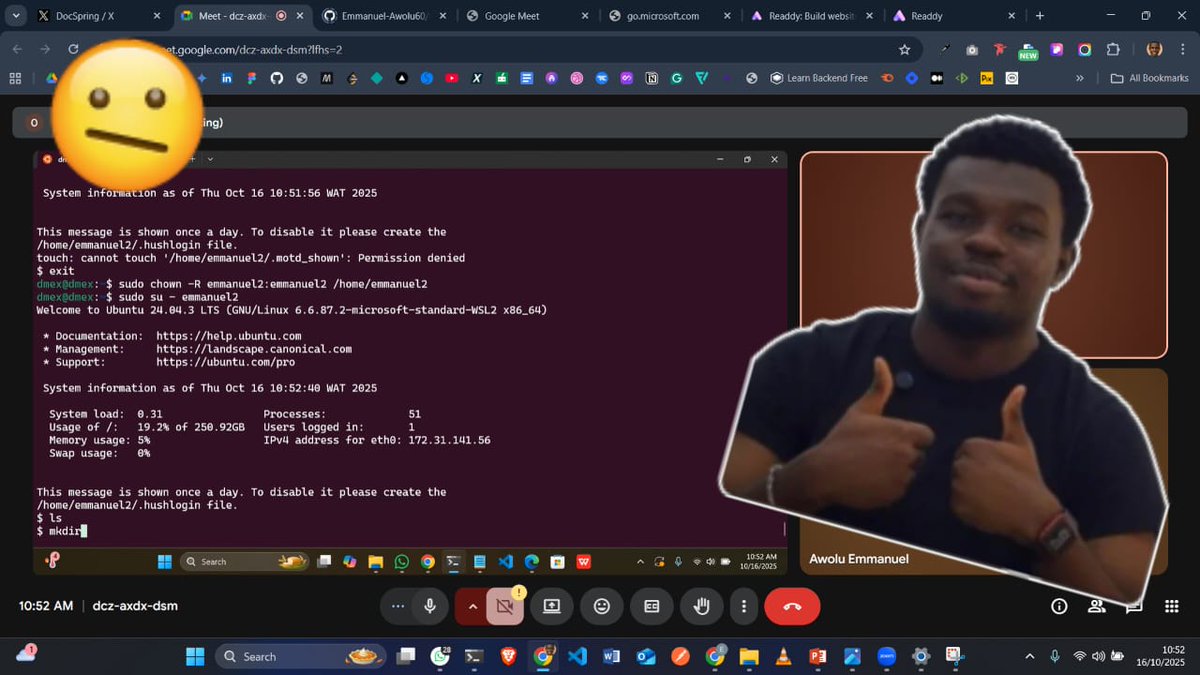
Wrapped up today’s DevOps class we focused fully on Linux user and permission management.
Learned how to create and manage new users, assign permissions, work with sudo groups, and handle file access all from the terminal. Also went through how to remove users and delete groups properly.
It’s crazy how much control a few Linux commands can give you.
Understanding permissions is like learning how to speak directly to the system with authority.
#DevOps #Linux #SystemAdministration #TechJourney #LearningInPublic


إذا لقيت هذا الكيس في الطيارة اثناء رحلتك، you’re witnessing nights of hard work 😂✈️ #StudyEverywhere
#RedHat #systemadmin #ردهاتر


الشهادات الاحترافية في #أنظمة_التشغيل
•RHCSA = إدارة Linux Red Hat
•LPIC-1 = أساسيات Linux
•MCSA = إدارة Windows Server
•VCP = إدارة الأنظمة الافتراضية
#RedHat #LinuxAdmin #RHCSA #Linux #LPIC #SystemAdmin #WindowsServer #MCSA

Linux teaches you to think like an engineer, not a consumer.
Every config, every command, every failure is a lesson in problem-solving.
That’s why Linux users make strong DevOps engineers.
#Linux #DevOps #SystemAdmin #TechCareer
I’ve never used Windows since day one of my dev journey — Linux shaped my career. It forced me to understand servers, DevOps, deployments, and security.
If you’re a dev, mastering Linux is a superpower.
#Linux #DevOps #SystemAdmin #DevelopersJourney

When systems break, how do you troubleshoot? here are the 3 main styles. 🔧⚙️
1. Data Collector – Follows a systematic approach, collects detailed information, follow standard check list one by one, Reliable, but sometimes slower.
2. Educated Guesser – Relies on intuition and past experience to act quickly with limited data. Jump and check the most possible cause instead of following the checklist, Fast, but can miss details if over-relied upon.
3. The Adaptor – Switches between systematic and intuitive approaches depending on the situation. Balanced and flexible.
No single method is “the best.” The right approach depends on your personality, experience, and the problem at hand. Knowing your natural style , and borrowing from the others , makes you a stronger troubleshooter.
About me, I always start with my guess that make me "Educated Guesser" but If I spend too much time without progress, I fall back to the Systematic approach. :-( But ya this balance has worked well for me, there are always a few tricky scenarios where things get messy with hobbit of jump into with a guess but probability will increase based on our experience I think.
Credits: (Refer Book - Linux Troubleshooting Guide - Cane Benjamin) - I would suggest All DevOps engineers read this book, Its awesome. #Devops #Linux #Interviews #systemadmins #SRE
Question for you: Which troubleshooting style do you usually follow

Nmap Commands (Educational Use)
Nmap is a network scanning tool used by system administrators, IT professionals, and students for security auditing, troubleshooting, and learning.
📷 Basic Scans
nmap -sP → Ping Scan: Checks which devices are active on a network.
nmap -sS → TCP SYN Scan: Helps discover open services.
nmap -sU → UDP Scan: Finds active UDP services.
nmap -sV → Version Detection: Identifies service versions for maintenance.
nmap -O → OS Detection: Detects operating system type (for compatibility testing).
nmap -A → Aggressive Scan: Runs multiple checks for detailed results.
📷 Timing & Input
nmap -T4 → Timing Template: Controls scan speed.
nmap -iL → Input from List: Reads targets from a file (useful for admins).
nmap -sn → Host Discovery: Finds devices without scanning ports.
📷 Advanced TCP Techniques
nmap -sX → XMAS Scan: Uses a special test packet to check responses.
nmap -sF → FIN Scan: Uses a different method for host analysis.
nmap -sT → TCP Connect Scan: Connects directly to services.
nmap -sN → Null Scan: Uses empty packets to analyze responses.
nmap -sA → ACK Scan: Helps detect firewall filtering.
📷 Scripting & Port Options
nmap -sC → Default Script Scan: Runs safe built-in scripts.
nmap --script <script> → Run Specific Script: For detailed service checks.
nmap --top-ports <number> → Top Ports Scan: Scans the most used ports.
Note:
These commands are meant for learning, ethical security research, and network administration only. Always use Nmap on your own systems or with proper authorization.
#Nmap #CyberSecurity #EthicalHacking #NetworkSecurity #InfoSec #SystemAdmin #TechLearning #ITSecurity


🐧 Understanding the Linux Directory Structure: A Beginner's Guide
If you’re new to Linux or exploring the world of Unix-based systems, one of the first concepts you’ll encounter is the directory structure. Unlike Windows, which uses drive letters (like C:), Linux uses a single hierarchical directory structure starting from the root directory (/).
Let’s break it down folder by folder, as illustrated in the diagram above:
---
🌲 / — Root Directory
The root of everything. All files and folders stem from here, similar to the trunk of a tree. It contains essential system folders and serves as the starting point of the file system hierarchy.
---
📁 /bin — Essential User Binary Files
This folder holds essential command binaries (programs) that are required by all users. Examples include commands like ls, cp, mv, and cat. These binaries are necessary for the system to operate in single-user mode.
---
📁 /boot — Boot Files
Contains all the files needed to boot the Linux system, including the Linux kernel (vmlinuz), initial RAM disk (initrd), and bootloader configuration files like grub.
---
📁 /dev — Device Files
Represents devices as files (yes, in Unix, devices are treated like files!). It includes entries like /dev/sda for hard drives and /dev/tty for terminals. These virtual files provide an interface to hardware devices.
---
📁 /etc — Configuration Files
This directory contains system-wide configuration files, such as network settings, user account configurations, and startup scripts. For example, /etc/passwd contains user account information.
---
📁 /home — User Home Directories
Each user on the system has a personal directory here:
/home/user_a
/home/user_b
This is where personal files, downloads, configurations, and documents live. It’s the default workspace for regular users.
---
📁 /lib — Essential Shared Libraries
Houses shared libraries (like .so files) that support the binaries in /bin and /sbin. Think of it like .dll files in Windows — they're crucial for executing many programs.
---
📁 /root — Root User’s Home Directory
Don’t confuse this with /. This is the personal home directory for the root (superuser). It’s located outside /home for security and system recovery purposes.
---
📁 /sbin — System Binaries
Contains essential system administration binaries, used primarily by the root user for tasks like mounting drives, managing services, and checking disk usage. Examples: fsck, reboot, ifconfig.
---
📁 /srv — Service Data
Stores data for services provided by the system, like web servers or FTP servers. For example, a website hosted on Apache might have its files in /srv/www.
---
📁 /usr — User Applications and Files
The largest directory in most systems. It holds:
User programs (/usr/bin)
Libraries (/usr/lib)
Documentation (/usr/share/doc)
Header files (/usr/include)
Think of it as the secondary hierarchy for user-installed software.
---
🧠 Final Thoughts
Understanding the Linux directory structure is fundamental to becoming comfortable with Linux. It helps you:
Navigate the system confidently
Troubleshoot issues
Manage files and services effectively
💡 Pro tip: Use the tree command (if installed) to visualize your directory structure like the image above!
---
📌 Whether you're managing servers, learning DevOps, or just tinkering with Linux on your laptop, mastering the filesystem layout will pay off big time.
Do you have a favorite command or tip related to Linux directories? Share it below! 👇
#Linux #LinuxBasics #SystemAdministration #OpenSource #DevOps #FileSystem #RootDirectory #LinuxForBeginners


🖥️ 𝐀𝐫𝐞 𝐲𝐨𝐮 𝐋𝐢𝐧𝐮𝐱-𝐫𝐞𝐚𝐝𝐲? 𝐏𝐫𝐨𝐯𝐞 𝐢𝐭.
Join the 𝐋𝐢𝐧𝐮𝐱 𝐀𝐝𝐦𝐢𝐧𝐢𝐬𝐭𝐫𝐚𝐭𝐨𝐫 𝐂𝐡𝐚𝐥𝐥𝐞𝐧𝐠𝐞 on C# Corner:
✔️ Test your real-world 𝐋𝐢𝐧𝐮𝐱 𝐬𝐤𝐢𝐥𝐥𝐬
✔️ Earn a 𝐯𝐞𝐫𝐢𝐟𝐢𝐞𝐝 𝐛𝐚𝐝𝐠𝐞
✔️ Display it proudly on your 𝐩𝐫𝐨𝐟𝐢𝐥𝐞
✔️ Get noticed by recruiters & the dev community
📌 𝐓𝐚𝐤𝐞 𝐭𝐡𝐞 𝐜𝐡𝐚𝐥𝐥𝐞𝐧𝐠𝐞 𝐧𝐨𝐰: https://t.co/mwQkc0aIT2
#Linux #SystemAdmin #TechChallenge #CSharpCorner #ITCertifications #LinuxSkills


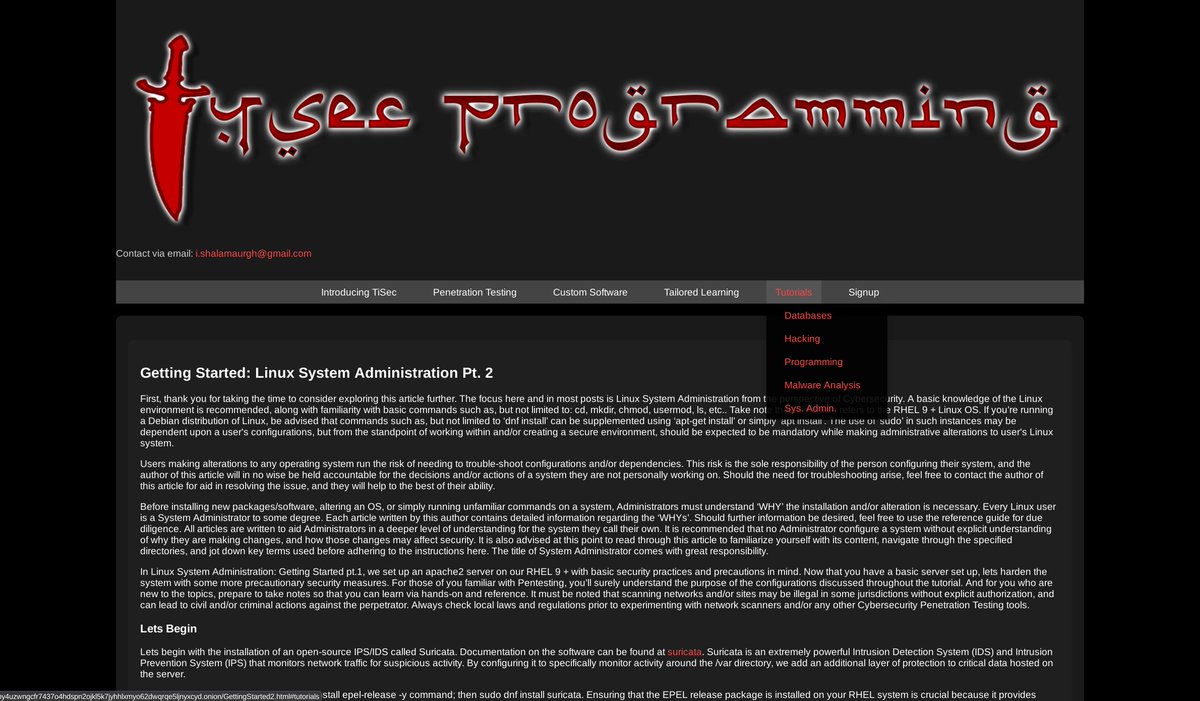
“Part 4 of the ‘Getting Started’ series. All configurations are meant to get you started. Additional rules need apply.”
— .onion
#Linux
#RHEL
#SystemAdministration
https://t.co/tUuTNFvsN0
“#Linux #SystemAdministration is essential to #CyberSecurity. Here is another article/tutorial to help those who are pursuing a career in this field.”
— .onion
https://t.co/e1eqV9fpjC
"#Linux #SystemAdministration is essential to #CyberSecurity. However, the use of terms has become commodity. Regardless of this, the number one focus is #Privacy. Whether private or enterprise this fact remains."
-- .onion

Kleine Vorstellung auch von mir, seit 1996 in der IT, damals während des Abis AT&T Unix System V noch von Floppys installiert, danach jahrelang Netzwerk und Systemadministration was ich nun neben Qualitäts-, Unwelt- und Prozessmanagement in der aktuellen Firma immer noch mache.
Last Seen Hashtags on Sotwe
chastity
Seen from Ukraine
aishah
Seen from United States
naughtyamerica
Seen from United Kingdom
snapchatt()*******************************************
Seen from Singapore
pasif oğlan
Seen from Turkey
韩国
Seen from United States
teen
Seen from Turkey
faceswap
Seen from Turkey
omegle #fun
Seen from Greece
แนวแม่ลูก
Seen from Thailand
Trends for you
Most Popular Users

Elon Musk 
@elonmusk
240.1M followers

Barack Obama
@barackobama
118.6M followers

Cristiano Ronaldo
@cristiano
114.4M followers

Donald J. Trump
@realdonaldtrump
111.7M followers

Narendra Modi
@narendramodi
106.9M followers

Rihanna
@rihanna
98.6M followers

NASA
@nasa
92.1M followers

Justin Bieber
@justinbieber
91.7M followers

KATY PERRY
@katyperry
89.9M followers

Taylor Swift
@taylorswift13
83.9M followers

Lady Gaga
@ladygaga
75.4M followers

Virat Kohli
@imvkohli
73.3M followers

Kim Kardashian
@kimkardashian
70.8M followers

YouTube
@youtube
68.6M followers

Neymar Jr
@neymarjr
66.3M followers

Bill Gates
@billgates
65.2M followers

Selena Gomez
@selenagomez
63M followers

The Ellen Show
@theellenshow
62.1M followers

CNN
@cnn
61.7M followers

X
@x
60.6M followers