A step-by-step tutorial on how to use the new Interactive Slides feature in PowerPoint Copilot, which is one of the best features I’ve ever seen! I’ll show you how to turn a simple prompt into interactive experiences for business, education, and just plain fun. Interactive Slides is now generally available.
https://t.co/vgJaG1BvM9
Nothing beats a summer read, and Reading Coach can help students stay engaged with their literacy development while discovering a passion for the written word. ☀️⛱️📖
Soak up some inspiration: https://t.co/phs8yROzLA
#MicrosoftEDU
Drumroll, please, for a very important announcement: Copilot Chat and Microsoft 365 Copilot will be available for students aged thirteen and up very soon! 🥁🎉
Find the details at the blog below.
#MicrosoftEDU https://t.co/9z6uKfXq5T
🎓✨ I’ll be speaking at FETC 2025! 🚀 Join me on January 14-17 as we explore the future of education.
Register with code 25SPEAKER for an additional 10% off!
https://t.co/wO7ZWlx0Ob
#FETC2025#EdTech#RegisterNow
POSTED! "What's New in #MicrosoftEDU" webinar recording for July 2024 🚀 PPT link in video description.
✈️ Copilot
✨ AI in Teams for EDU
🚀 Speaker & Math Progress
📖 Reading Coach & Reflect
📝 Clipchamp for EDU
➕ More
YouTube 📺 https://t.co/FQGjhLIra7
#edtech#MIEExpert
BSSD recently welcomed over 30 school districts for a cooperative K-12 STEAM (Science Technology Engineering Art & Math) Symposium in partnership with Sphero. Featuring BSSD’s Assistant Superintendent of Curriculum and Instruction Dr. Bryce Johnson as the keynote speaker, the symposium focused on coding skills and computational thinking concepts. Participants were able to attend sessions featuring new methods of hands-on-learning including robots that introduce these kinds of skills to K-3 learners, as well as ones that introduce block coding up to JavaScript for middle school-high school students.
The @Sphero Mission:
Sphero is transforming PK-12 education with accessible tools that encourage exploration, imagination, and perseverance through STEAM and computer science. With the help of educators around the world, we are empowering learners of all backgrounds and abilities to discover their interests and passions while equipping them with the skills they need to be the world’s future Changemakers.
Thank you to Sphero for your partnership in engaging and fun STEAM education.
#WeAreBSSD
Looking to go beyond mazes and puzzles? 🤖✨ Try these 4 activities for Sphero indi:
1️⃣ Sequences in Nature
2️⃣ Mini City
3️⃣ Story Path
4️⃣ indi Adds
Watch the full video guide: https://t.co/9cTwpCmZTB
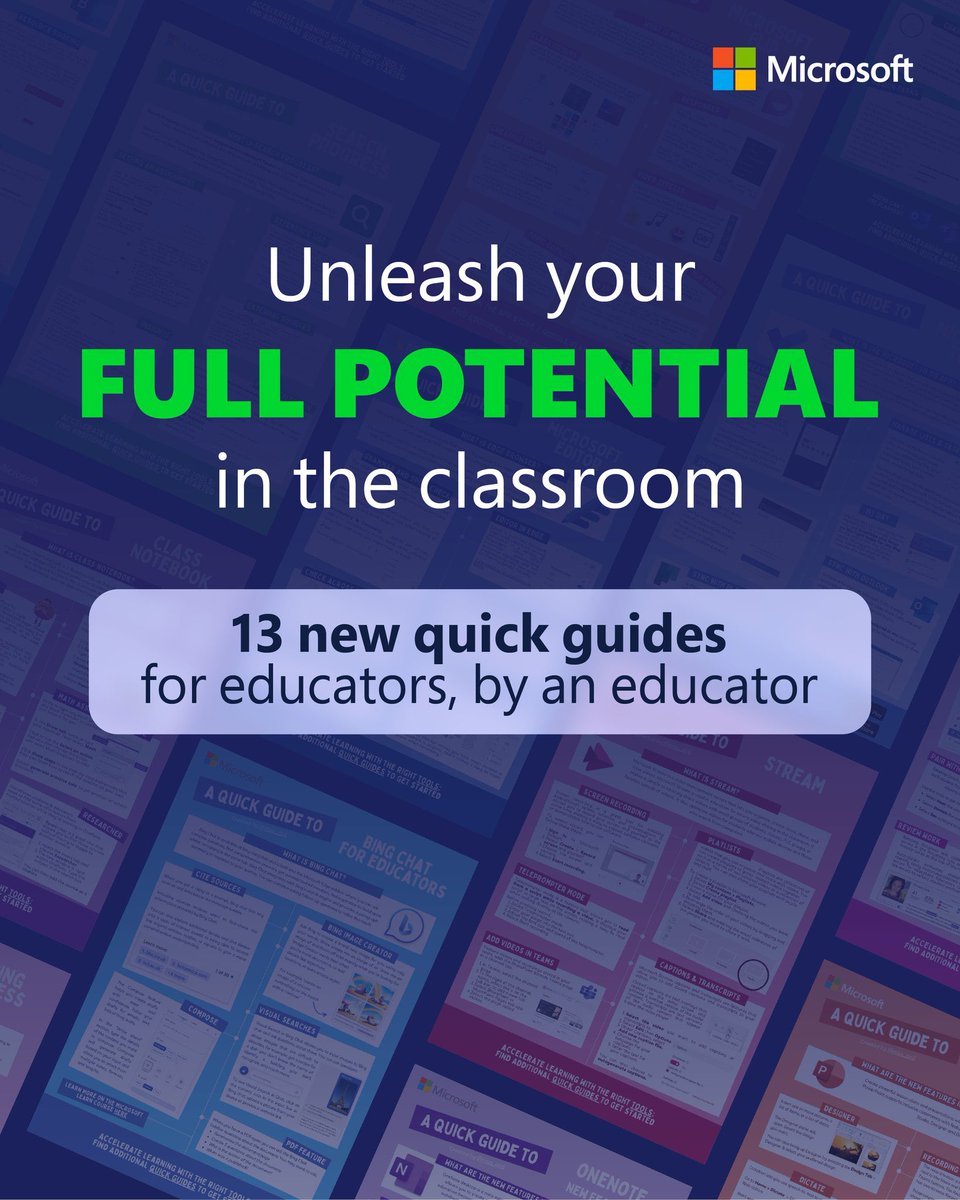
Love #MicrosoftEDU quick guides? There's more where those come from!
Check out #MIEExpert@miss_aird's latest and greatest guides for effortlessly navigating the landscape of Microsoft Education tools:
👉 https://t.co/s2vhz7SEkB
#edchat#cpchat
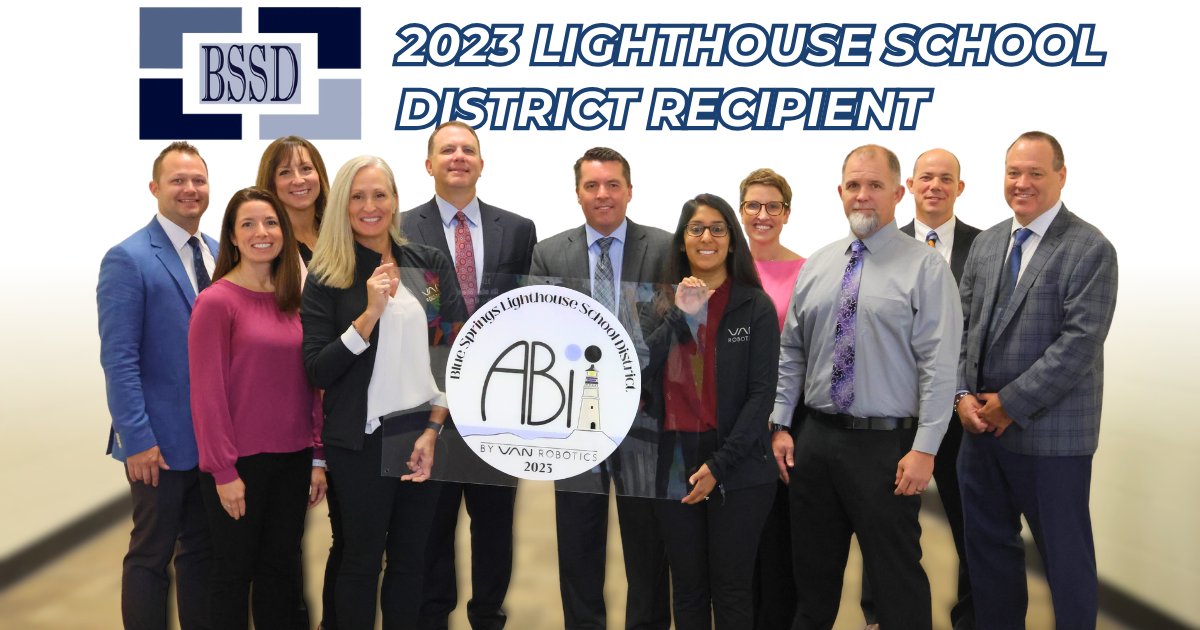
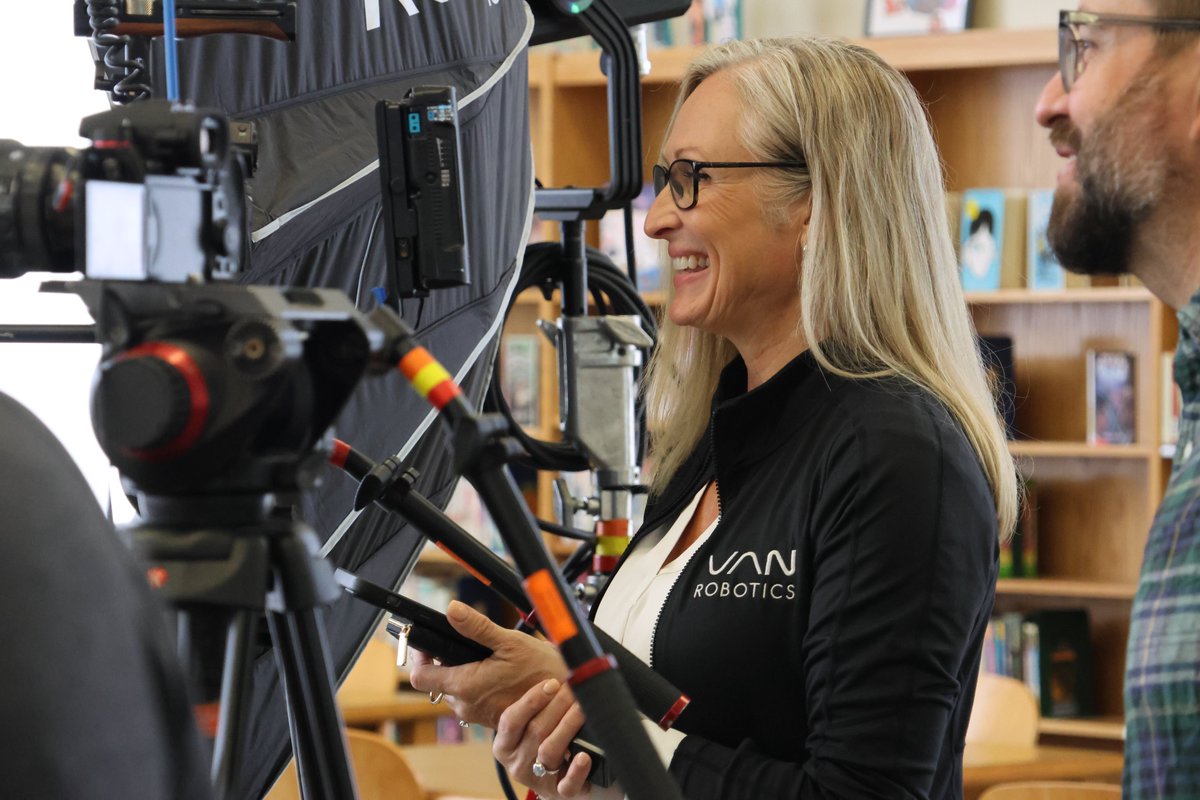
Thank you to @vanrobotics for honoring BSSD as a Lighthouse School District. Van Robotics created the ABii, a smart robot that personalizes K-5 math and reading and celebrates every success. You will find ABii’s in every elementary school throughout BSSD. ABii adjusts the pace and content of instruction based on student performance and attention. Founder and inventor Laura Boccanfuso stopped by to present the award and brought along a crew to capture the impact ABii is having in our schools.
#WeAreBSSD
Great news for Microsoft Forms users! You can easily and seamlessly create, share, and analyze the real-time data you collect during your presentations using forms and quizzes. Read for more details.
Blog: https://t.co/oDkheC10lT
#edtech#MIEExpert#MicrosoftEDU
A tutorial video 📽️ showing 7 new features in #OneNote 💜 Includes improvements for:
⚡ Quick Notes
➗ Math and graphing
✍️ Ink
🤝 Teams integration
➕ More
YouTube 📺 https://t.co/M10BSKuhkb
#edtech#MIEExpert#MicrosoftEDU
This Micro Tip will show you how to set your default start and end times for Outlook meetings 🛑
👉 https://t.co/G6Fa8NPvV6
#edtech#mieexpert#MicrosoftEDU
What's New in Microsoft Forms | January 2021 📝 Tons of new updates for Microsoft Forms!
Check out the details: https://t.co/OlAN5VclHI
#edtech#MIEExpert#MicrosoftEDU