@missfishclass I got started MANY years ago when we just had 2 computers in the classroom (not connected to the internet) - yes I'm that old. We used a couple great programs as stations or to display and work through as a class. Tom Snyder Prod. was my fav.
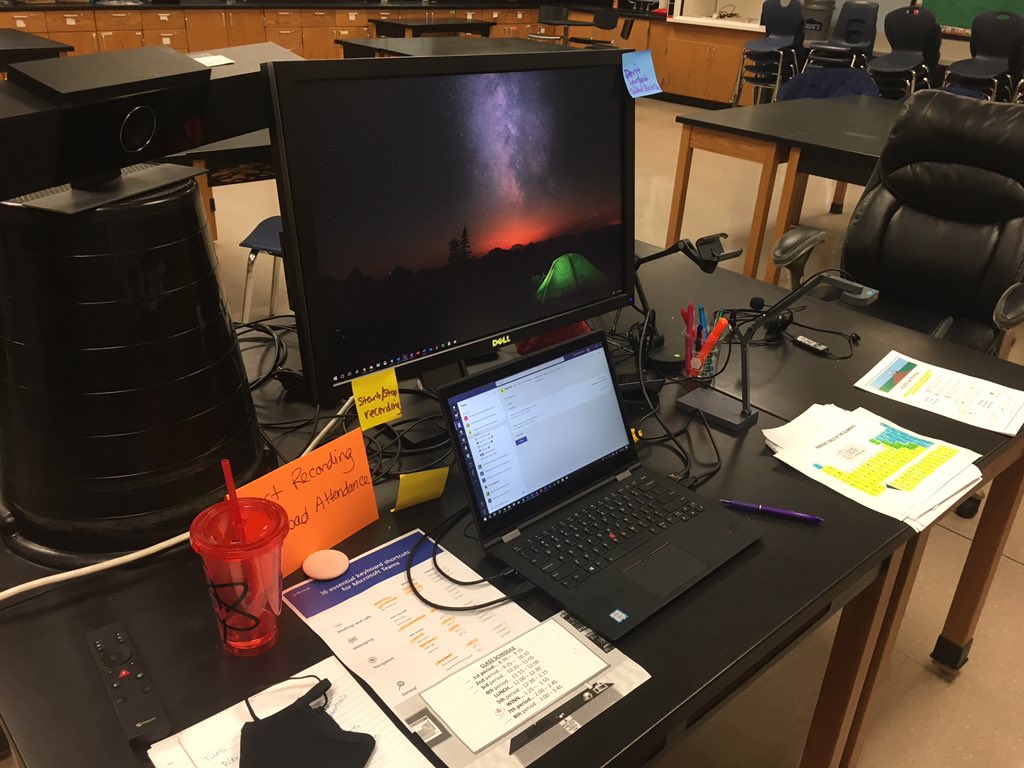
A6: A couple helpful things have been to have everything opened up and ready to navigate between to keep the flow Also using a second monitor so I can keep teacher things going on one while I share things in the other #fcsvanguard
A5: Along with the new MIE trainers in my building, we have done some PD sessions, shared resources and assisted teachers 1 on 1 and in small groups as requested. #fcsvanguard
A4: One of the things that has been helpful is assigning a responsible student to help let kids in from the lobby when they are late or drop off and return #FCSVanguard
A3: I haven't directly had too many challenges but the kids have had challenges on their end which makes it hard for them to access and complete tasks #FCSVanguard
@hodgeclass That is so very kind of you to say! I do it for the kids - just like you. I hope you have a smooth and meaningful start to your year. Your kids are lucky to have you.
@pperk2349@FCSVanguard You can. You need to turn on the new meeting experience to access the large gallery and together mode. Someone made this handy visual that should help you find it. After you restart it will be under the 3 dots during a meeting.
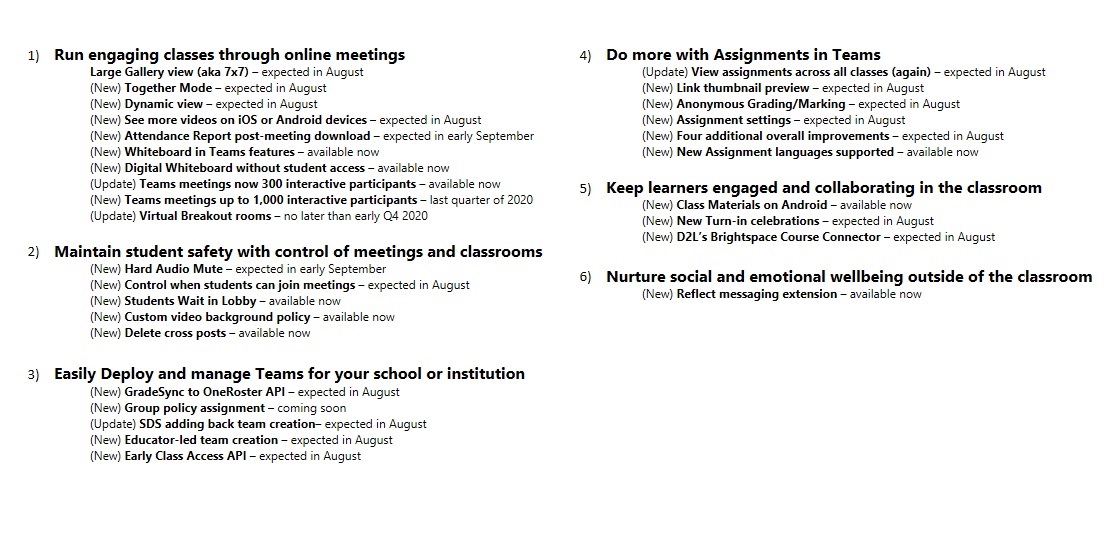
🚨 NEW! 25+ updates for #MicrosoftTeams for EDU 🚨
🔇 Hard audio mute
🛑 Students wait in lobby
📝 View assignments for all classes
❓ Anonymous grading
🖊 Whiteboard updates
➕ Lots more and a big list 👇
🔗 https://t.co/P2Lgu0ocaE
#edtech#edchat#MIEExpert#MicrosoftEDU