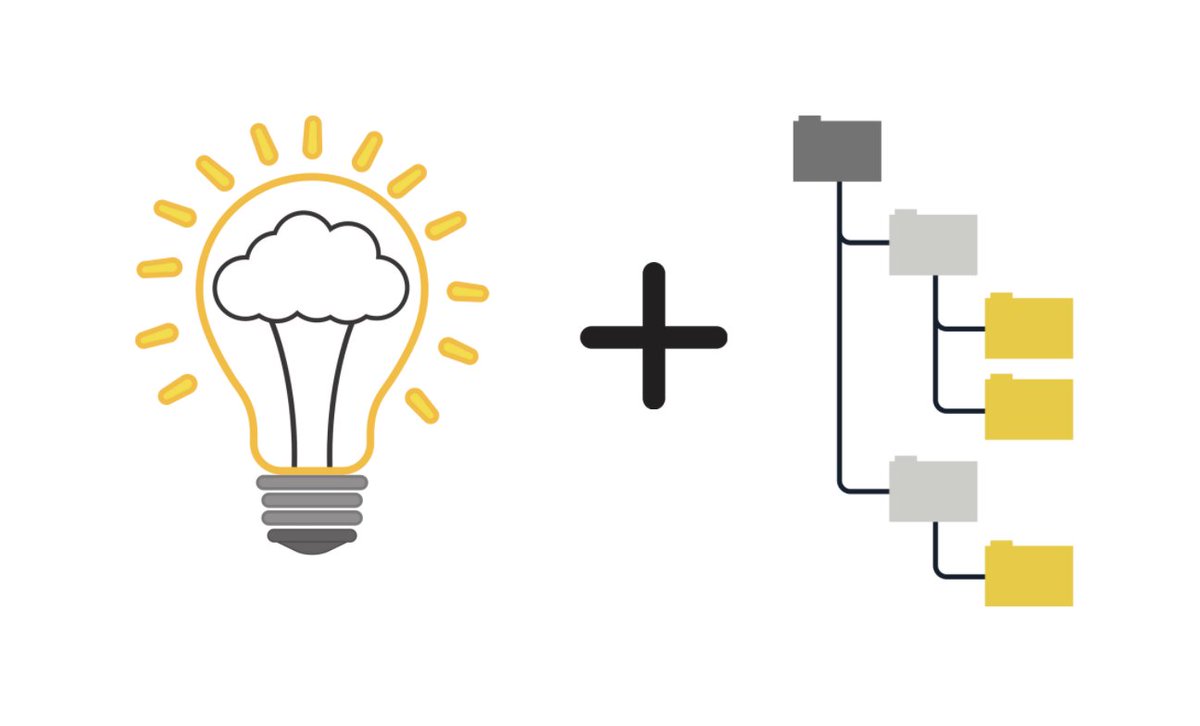
After 8 yrs as a history teacher, 10 as an edu tech consultant, and 2 months into Technology Director, I’ve landed on an approach to classroom tech to guide professions learning and to help educators determine if the technology should have a role in their classroom.
(Thread / 1)
An incredible project for PPS high school students in collaboration with @herringpondWT, Community Art Collaborative, and @PPS_Presents! Space is limited! Sign up today. https://t.co/zhasnLlYE0
End-of-the-Year Housekeeping: Reflect & Organize
https://t.co/ogouMyr3dj
Reflecting & organizing may feel like the last thing you want to do right now, but it will make planning for next year much easier in Aug!
#edchat#education#teaching#blendedlearning#school#TOSAchat
Bloom's Taxonomy is a powerful teaching and learning tool that can shape nearly everything that happens in your classroom. Here are 50 ways to begin. https://t.co/V7mSKjdojy
Equatio + Jamboard - what a great match! Since @texthelp offers Equatio FREE for Ts, what @ericcurts shares on his blog is totally accessible for any teacher! https://t.co/6HlmRyEDiY #Mathchat#Jamboard#edtech For free access: https://t.co/AZXQ8D4CJ6
If you missed Google's event last week where they announced TONS of exciting updates - I've summarized them in my latest blog post https://t.co/8kSr9U5TBg #GoogleEDU#GSuite#edtechchat
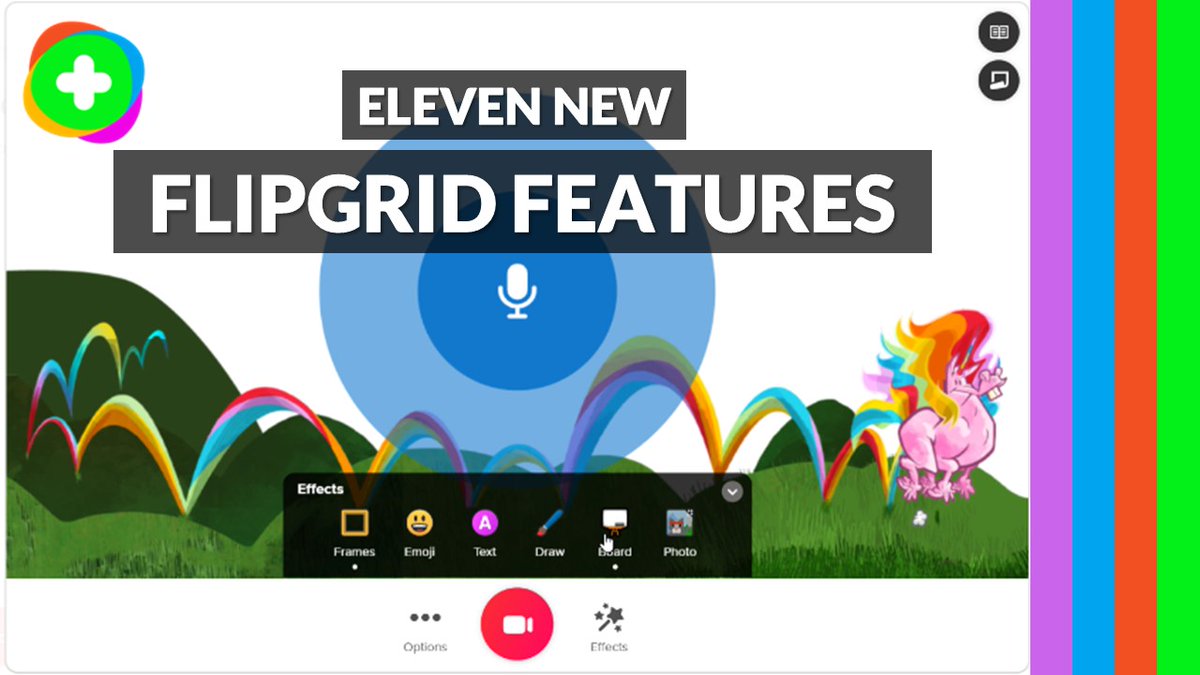
"11 New Flipgrid Features" - my new tutorial video on all the latest @Flipgrid updates 💚 Tons of great stuff to check out for both students and educators 🎉
YouTube 📺 https://t.co/HgNxQzXBxQ
#edtech#MIEExpert#FlipgridforAll
There are lots of reasons that you might need images with transparent backgrounds!
#StopMotionSlides!
A graphic design project!
A green screen video or image!
Whatever your reason, the easiest option is the same: Google Image Search!
#EduGIF#EduGIFs
https://t.co/Cf86fXVBDB
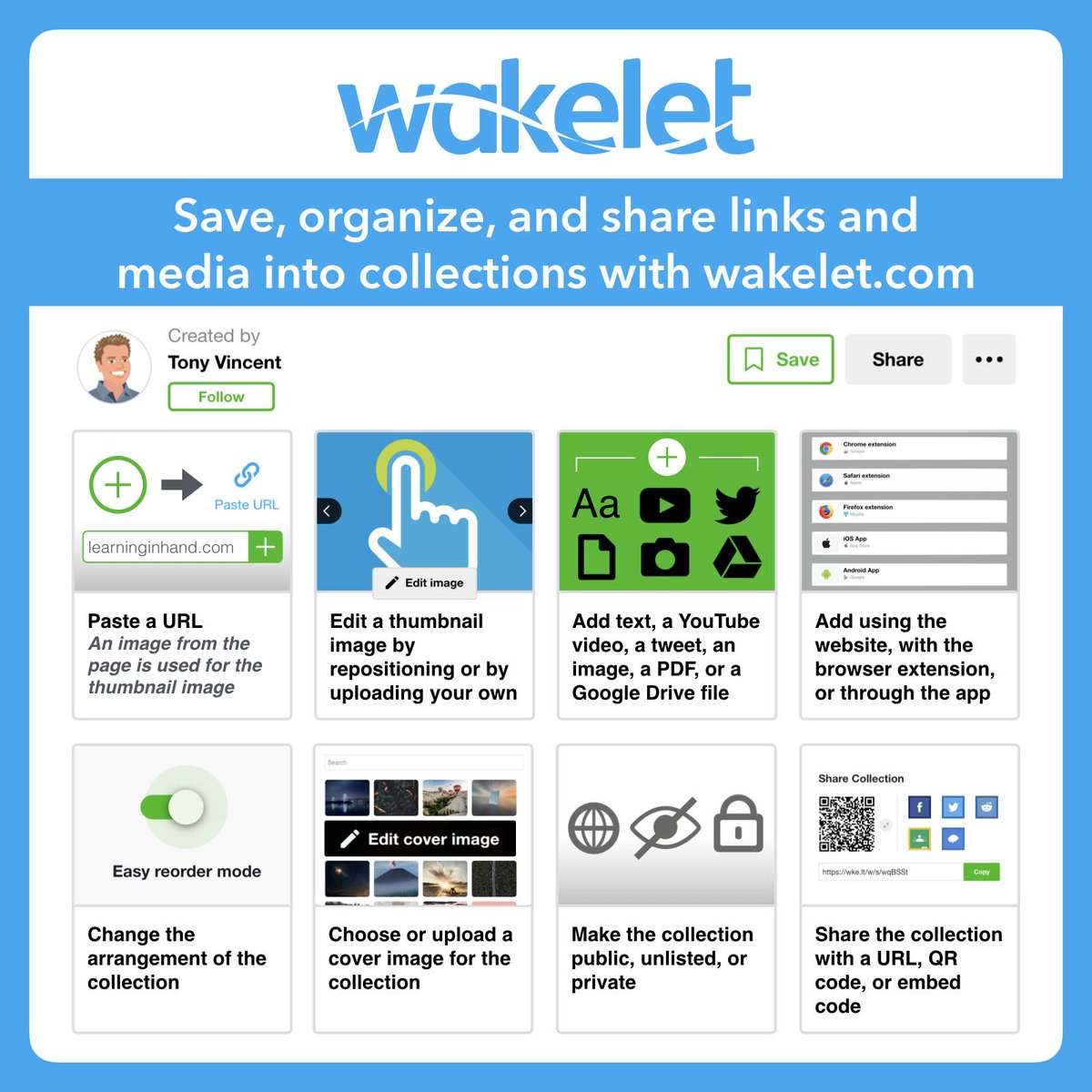
🌊 Bring together a bunch of links and media into collections with Wakelet. You can have private, unlisted, and public collections.
I like using the browser extension for easy saving and sharing. #GaETC20
https://t.co/iC89SiEQXH
How awesome is this!? If your students primarily access content for your class on their phone, you can use this #GoogleSlides template to creat a presentation that can be viewed like an app by your students! 🤯 #gSuiteEdu#GoogleEdu#EdTech#EdTechChat https://t.co/hU8THHAwwx
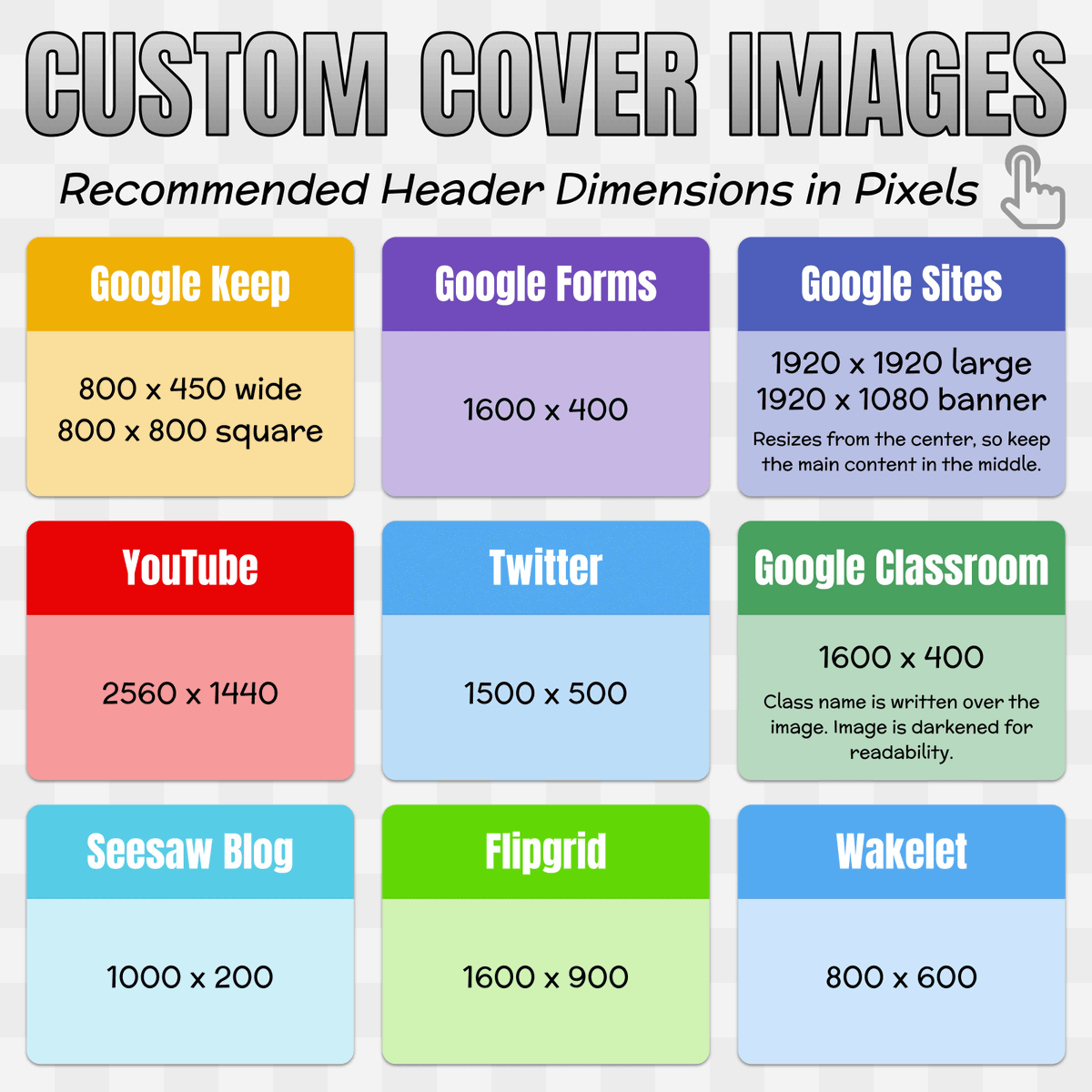
📏 Check out this chart that lists the recommended header sizes for sites and services you might use. #GAETC20
When creating custom headers, change the page or canvas size to the recommended dimensions in pixels. (In Google Slides go to File → Page Setup → Custom)