Super excited to announce the funnest thing I’ve ever worked on… AI views.
Think of it as vibe coding for teamwork.
It transforms boring data into whatever your team can imagine.
And it solves the 5 biggest problems with vibe coding team tools:
🚨 BREAKING NEWS!
As Snowflake CEO @RamaswmySridhar just mentioned in his Data Cloud Summit opening keynote, Coda and @SnowflakeDB have co-developed an all-new product: Coda Brain!
Coda Brain is a turnkey AI platform that lets you spend less time hunting for information—and more time putting data to work.
Learn more on our blog: https://t.co/sUoPoF33cr
What if you could ask your doc questions? Well, now you can.
Coda AI chat takes context from the page you're on or doc you’re in to give you the insights you need—right inside your doc.
Rolling out to workspaces over the next few weeks!
If you find yourself regularly searching for the Google doc or the Google sheet for the various projects your team is working on, you can now embed all of them in single team hub Coda doc for you team.
It has come to our attention that some people haven’t had enough of that sheet.
For those people specifically, we decided to make Google Sheet embeds fully editable in Coda.
Baby steps.
If your team has dozens of Google docs, and sheets and you can't find your way around them, put them in a Coda doc that can be your team central where everything lives. You can even fully edit them from within Coda.
This feature has been such a big game changer for us internally. Now teams can have their figma mocks, Miro drawings, Mode dashboards, and so many other tools as full page embeds all together in one doc.
🚨 Exciting news: your favorite tools can now be interactive pages in your Coda docs!
Reduce tab switching by embedding @figma@MiroHQ@ModeAnalytics or even other @coda_hq pages into your favorite all-in-one doc.
Try it today—all you need is a link.
https://t.co/lJrDUndRQC
Very excited about this update. This update allows you create relations between data in different tables and edit them on both sides, making it very easy to work with them.
Accurately reflect the connections between your data—and generate linked columns in two tables on the fly—with new relations and linked relations. 🔗
They’re replacing lookup as a column type, and canvas control will give you more power over how your data connects.
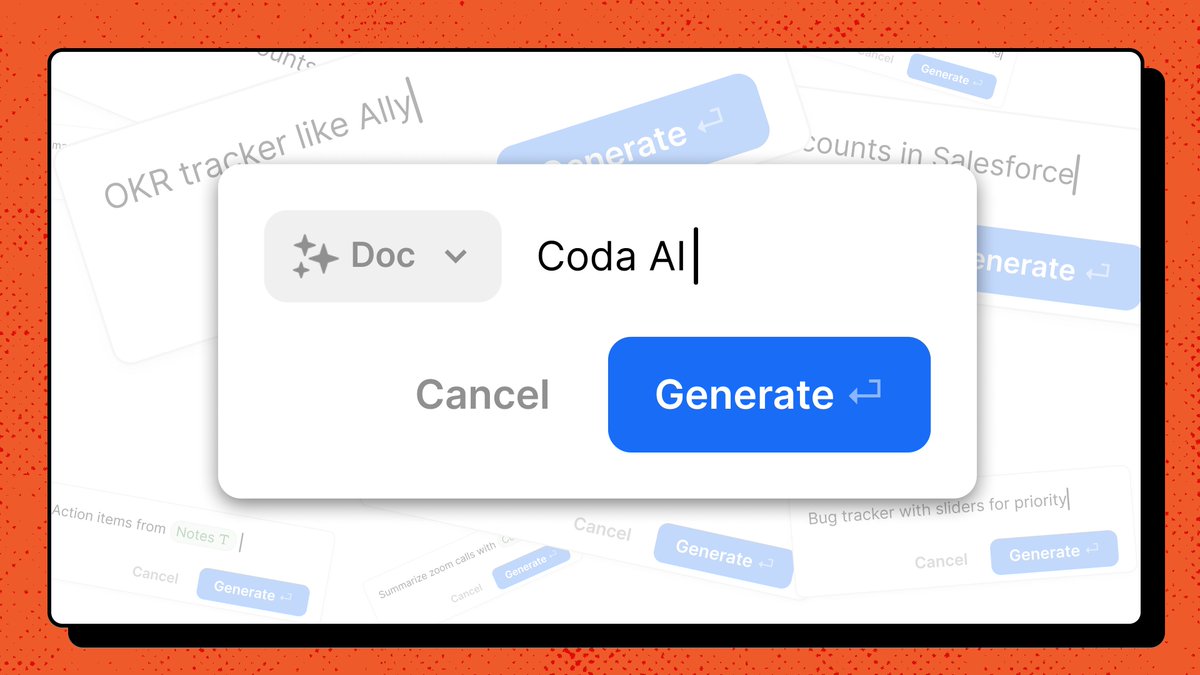
Exciting update – today the team unveiled the vision for where we’re headed with AI in Coda.
I’ve been using Coda AI internally for a while, it has fundamentally changed the way I use Coda. I believe it has the potential to change the future of productivity. A short thread 👇
Say hello to your new virtual assistant: Coda AI.
✨ Summarize meeting notes & transcripts in a snap.
✨ Quickly prep for customer calls.
✨ Whatever you dream up – it’s stackable with Coda’s other building blocks like tables, controls, text, & formulas.
https://t.co/O2M6v6P7JZ
Really excited about this launch! Now you can build a pack to connect your coda doc to the service you use so you can have all your data in one place, and then make the pack available to others for purchase in the marketplace!
🚨 Big, big news:
Coda's Pack marketplace is officially open for business. This launch opens new opportunities for both doc and Pack makers.
👉 Pack makers: Sell your Packs in our Gallery
👉 Doc makers: Trial & buy any Pack, regardless of plan
The impact:
🧵 (1/7)
I’m using this for my personal finances and it’s awesome! If you want to create a custom tailored financial tool or augment what you already do in something like Truebill or Mint, highly recommend!
Big news: we’re pleased to introduce the all-new Coda 3.0 — the doc that brings it all together.
With a brand new editor, an open Packs platform, and hundreds of your most requested updates, Coda 3.0 is ready for your team.
Read more about Coda 3.0:
https://t.co/qZAMM8EZmH
Coda Block Party is on Wednesday! Our first one was in 2018, before we even shipped Coda 1.0. Really excited to bring the Coda community together for a great round of updates and talks from some amazing leaders. Registration link 👇🏾
Learn @coda_hq in 10 tweets. You’ll feel like you have superpowers, and your team will thank you. 🧵 👇
Format stolen from @sethkramer and help from @thatdudedenis and the #nocode community! 🙏