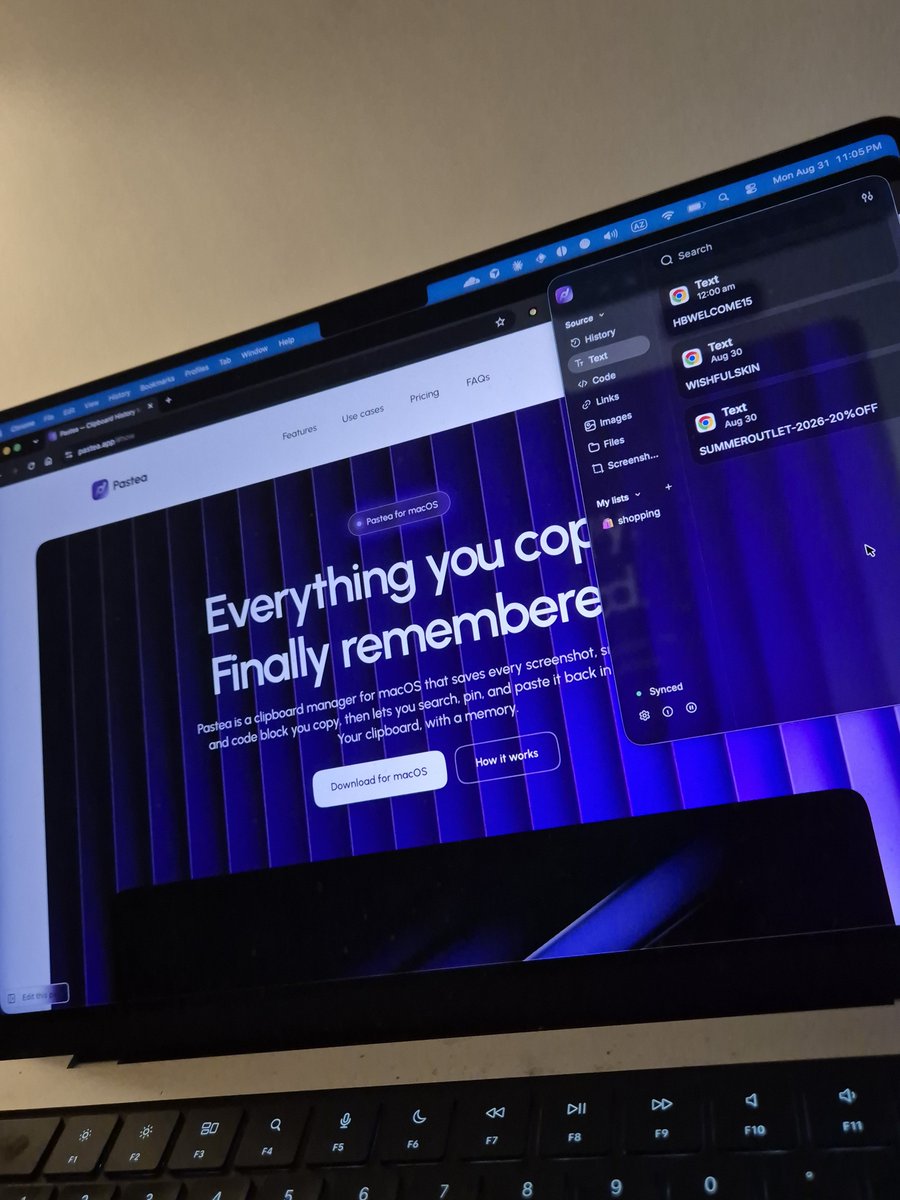
Moving structured data between apps is still way too repetitive.
With Sequence Paste, you can collect info from different apps and paste it into a table in one go, or copy a whole spreadsheet column and paste each cell into different fields, one by one.
https://t.co/cnUI2a6ysN
How To Use Pastea for Research
A simple research workflow with Pastea, collect quotes, links, screenshots, and notes into one place, preview saved sources, jump back to the exact passage you copied, and clean up notes as you go.
Collect. Trace. Use.
https://t.co/U6eK41aTaj
#Research #Researchers #Clipboard #Clipboardmanager #Pastea #Productivity #MacApps
Stop switching back and forth just to fill a table
Copy all the information you need first, then paste each item in sequence using the same shortcut.
Pastea automatically moves to the next item, and you can rearrange the order before you start.
Download https://t.co/U6eK41aTaj
#productivity #macOS #support #table
Finding something in your clipboard history is useful.
But sometimes you need to know where it came from.
With Open Origin in Pastea, you can jump straight back to the original app or webpage, with the copied text highlighted.
Find the clip. Find the context.
Download https://t.co/p3t2jnZnGN
#productivity #macOS #Obsidian #Openorigin
Your best ideas shouldn’t get buried in random notes, screenshots, or clipboard history. 📚
With Pastea, everything I copy while researching—quotes, notes, screenshots—can go straight into one collection automatically.
Less organizing. More reading. ✨
https://t.co/zpCj2aolhR
Your best ideas shouldn’t get buried in random notes, screenshots, or clipboard history. 📚
With Pastea, everything I copy while researching—quotes, notes, screenshots—can go straight into one collection automatically.
Less organizing. More reading. ✨
https://t.co/zpCj2aolhR
A faster way to access Pastea
We’ve added a few improvements to make Pastea easier to access while you work, jump back to where a clip came from, open Pastea directly from the edge of your screen, and choose where the panel appears.
Update https://t.co/aLdY6auyc6
#productivity #macOS #Pastea
I got tired of privacy tools feeling complicated. So I've been building Nox.
The goal is simple:
Private by default.
Fast enough to disappear into your workflow.
No unnecessary complexity.
Finally starting to feel like the product I imagined.
https://t.co/pnn9VygKGX
🚨 SCAM ALERT
An account is impersonating Pastea and promoting a fake $PASTEA crypto token.
Pastea has NO cryptocurrency or token and is not affiliated with this project.
Our only official X account is @pasteaapp.
Please report the fake account and stay safe.
@pasteaapp lmao 😭 they really spent money getting verified just to impersonate a clipboard app and launch a fake crypto token. The commitment to the scam is crazy 💀
🚨 SCAM ALERT
An account is impersonating Pastea and promoting a fake $PASTEA crypto token.
Pastea has NO cryptocurrency or token and is not affiliated with this project.
Our only official X account is @pasteaapp.
Please report the fake account and stay safe.
Reading or researching?
With Pastea, I start a collection and just keep going
Copy a quote, note, or screenshot, it goes straight into the same list automatically
No stopping to organize. Everything’s already there when I’m done
https://t.co/nTMHWiXAof
#macOS#Productivity
Find anything you copied, faster 🔎
With Pastea’s Smart Search, filter your clipboard history by:
• Content type
• App
• Date
• Character count
No more digging through endless clips.
https://t.co/nTMHWiXAof
#Pastea#MacOS#Productivity#ClipboardManager#MacApps
Pastea 🥤 is live on Product Hunt!
We built a smarter clipboard for macOS to make copy & paste faster and less painful.
Check it out and let us know what you think 👇
https://t.co/352mCxSAzL
🥤 Pastea is live on Product Hunt today!
We built it to make copy & paste smarter, faster, and way less frustrating.
Would love your support ♥️
https://t.co/ULGQh0G4KI
I built a website directly from my clipboard using AI + MCP.
I saved research, images, colors, and links in a Pastea list, then asked an AI coding agent to turn it into a responsive website.
No manual copy-pasting.
https://t.co/zpCj2aoT7p
#MCP#AI#BuildInPublic
I built a website directly from my clipboard using AI + MCP.
I saved research, images, colors, and links in a Pastea list, then asked an AI coding agent to turn it into a responsive website.
No manual copy-pasting.
https://t.co/zpCj2aoT7p
#MCP#AI#BuildInPublic