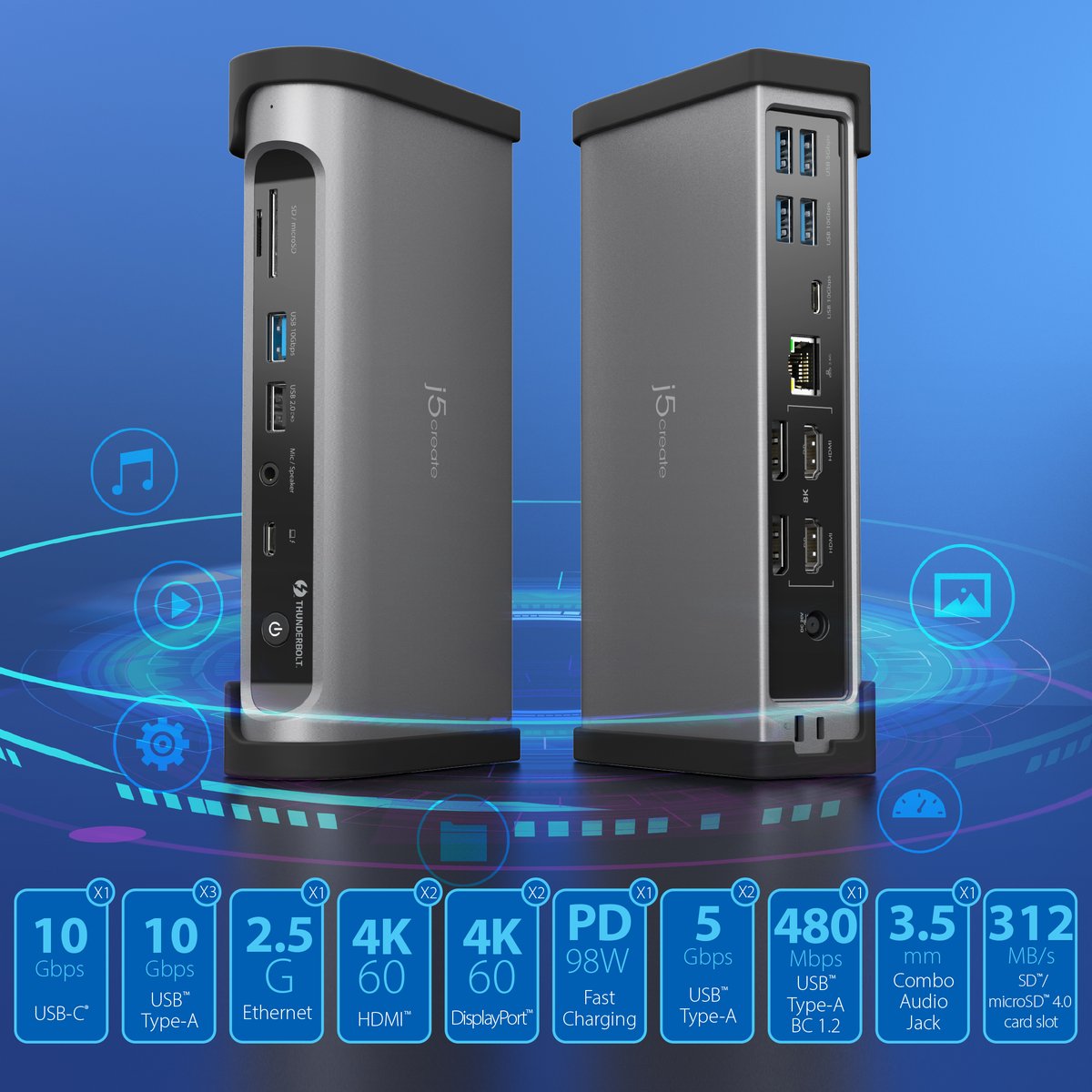
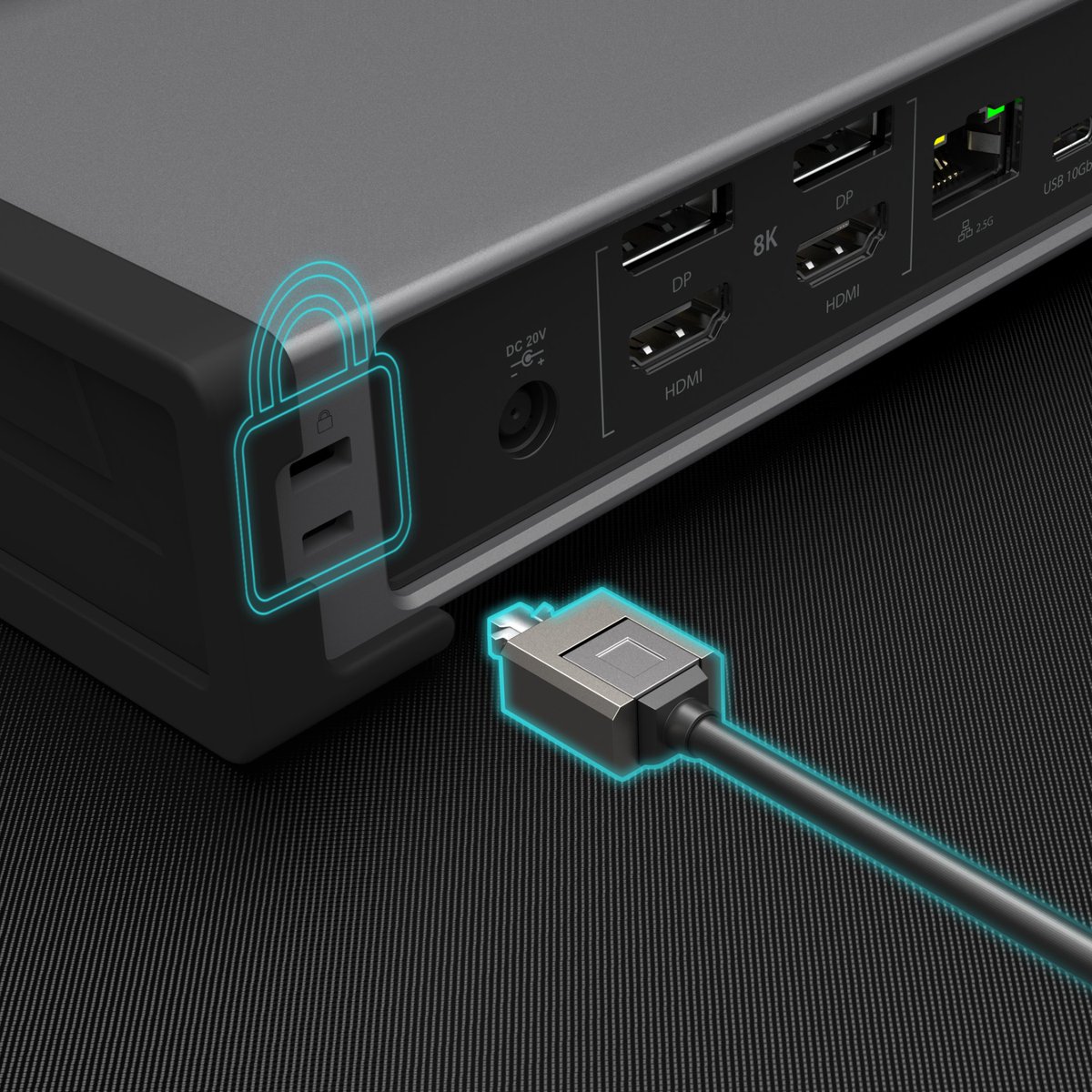
Upgrade your workflow with the JTD568 Thunderbolt™ 4 Dock! Powers up to four 4K displays and delivers 98W charging all through a single connection⚡️
Learn More: https://t.co/txPWwtiIJc
#j5create#Thunderbolt4#DeskSetup#Workstation
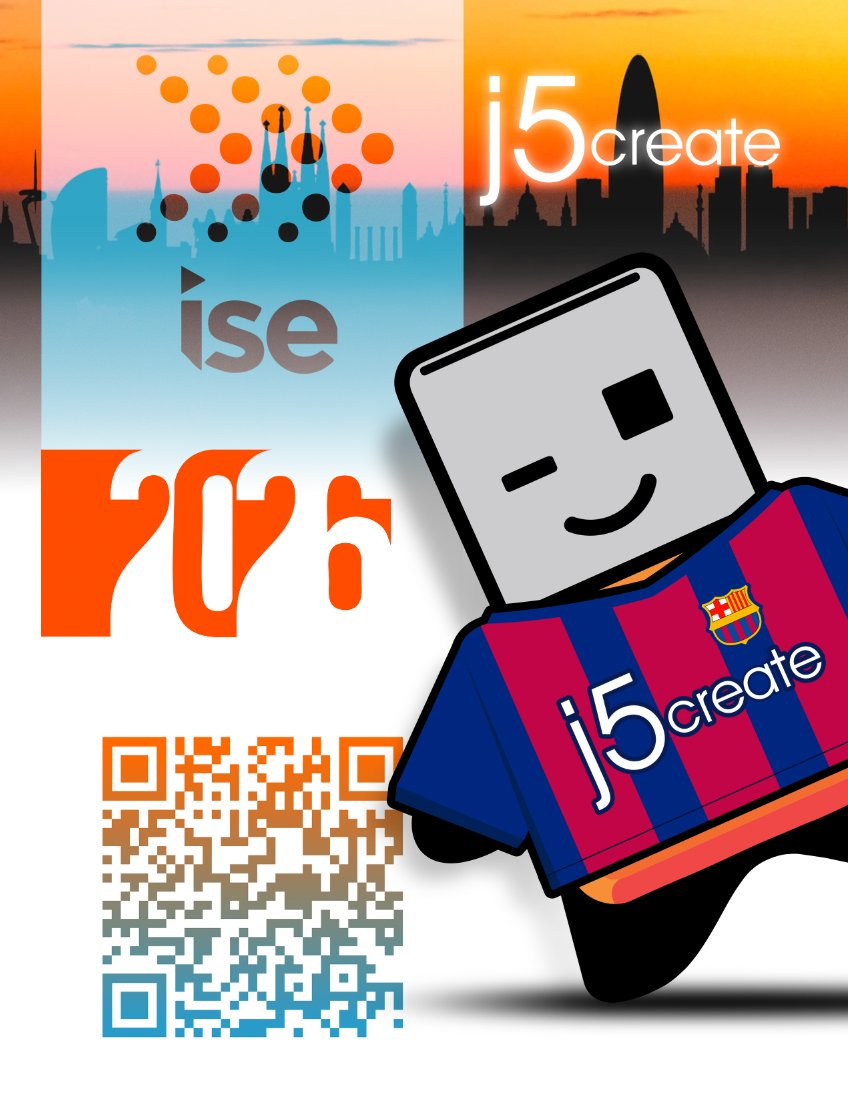
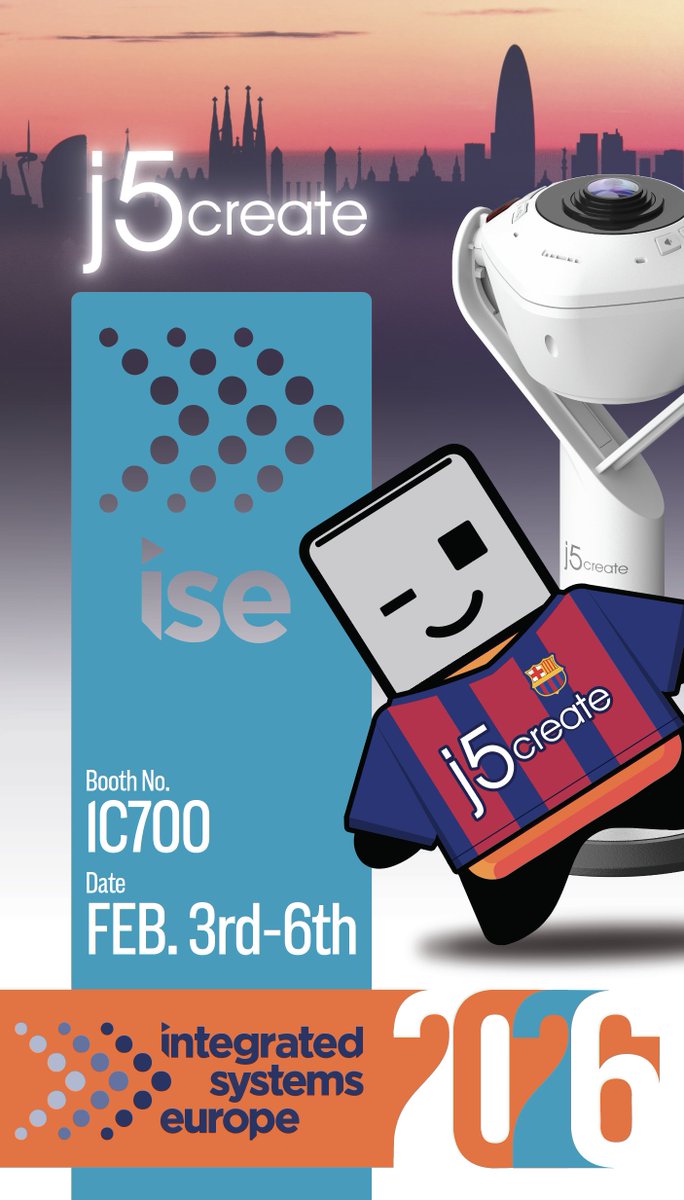
Couldn’t make it to ISE this year? Or want a recap of what we featured?
Scan the QR code to view our latest products and explore the newest additions to our lineup.
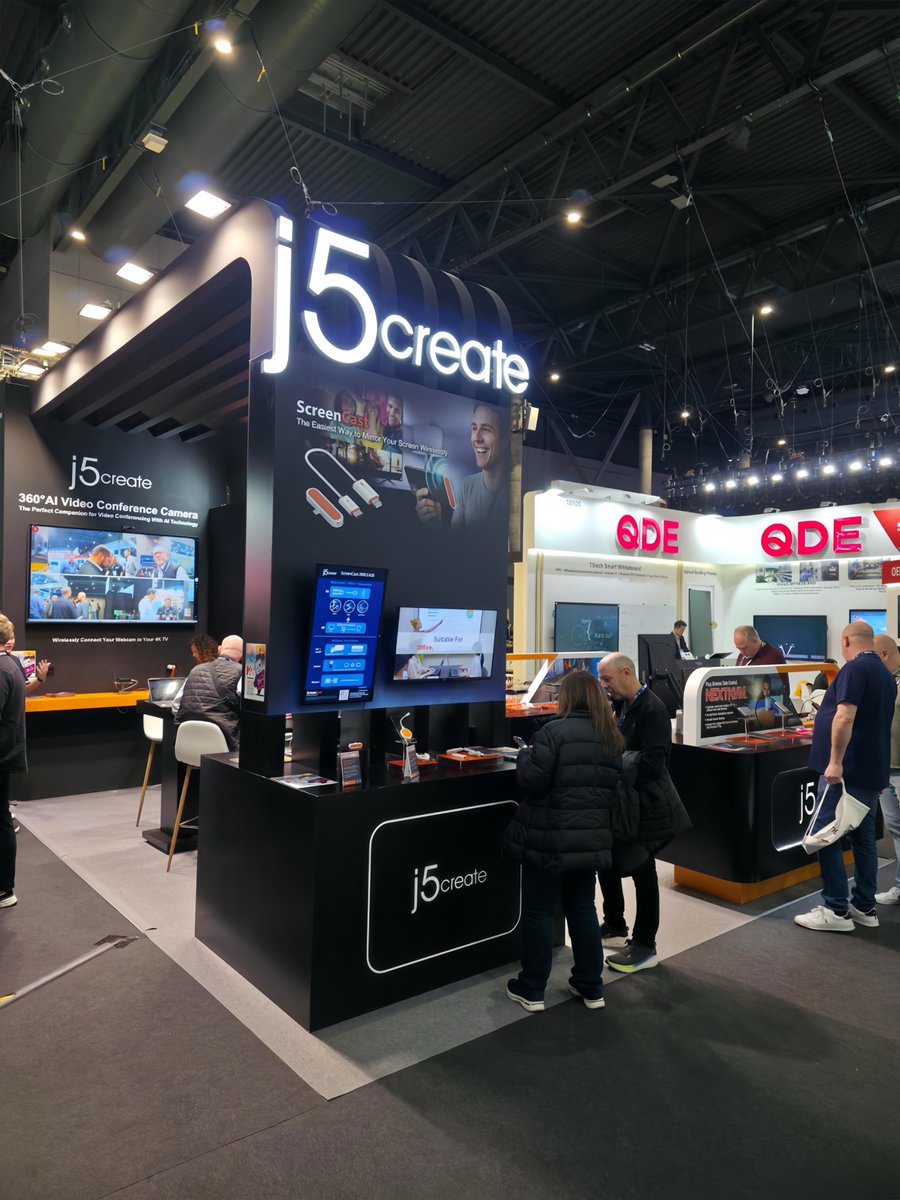
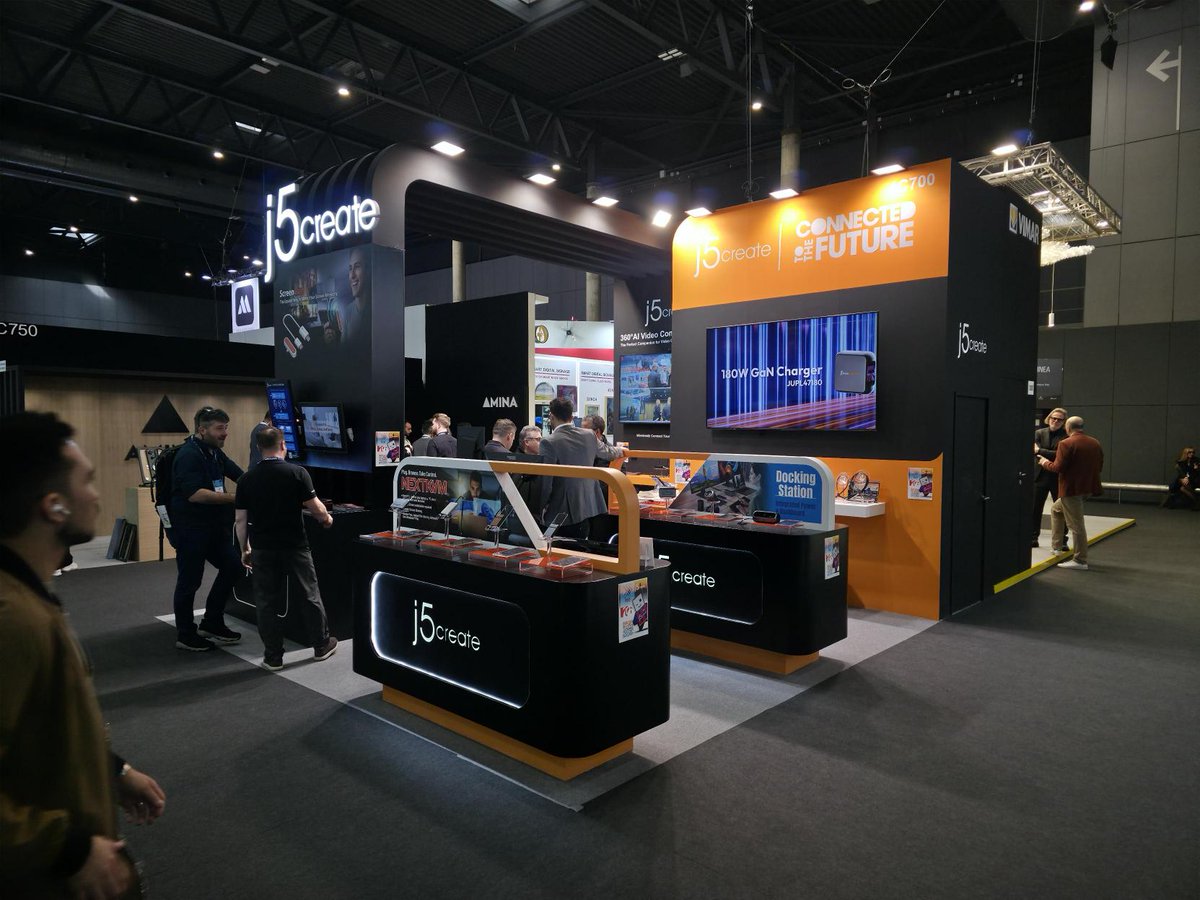
From the ISE 2026 show floor!
Alex joined rAVe [PUBS] to talk j5create's JUPL3567C 67W GaN USB-C Three-Port Power Display Charger and newest power lineup.
See below:
https://t.co/VQJFuWFeSA
We love seeing our AERO DROP CrossLink Wireless Dongle (JUAW22) recognized by @techedt for cross-platform innovation and wireless collaboration!
Read more: https://t.co/GuNtwODpN5
#j5create#WirelessTech#CrossPlatform#CES2026
I just want to give a huge shoutout to @j5create and special thanks to @RealGrxnt for making this giveaway possible🫶🏼🙌🏼 I can’t explain how fortunate I am in receiving such an awesome bundle, and thank you Grxnt for the amazing streams😎🌟 👑#fortnitegiveaway#Fortnite#xbox
@DashMartin Go to Settings > System > Display and look at the resolution options for the display. Try setting a resolution that closely matches your TV’s native resolution while maintaining the correct aspect ratio (e.g., 1920×1280 for 3:2).
@MadScientist_42 I apologize that you feel this way about our j5create product. The 3199 and 3198 both requires an installation of a driver to obtain dual displays. One video port is a PnP, while the other requires a driver. If you have any question, please let me know. Thank you.
@KarlaGrzNFT Hi Karla, Please contact j5create Technical Support Team, so that they can get more information from you. Their information can be found on our website under the "Support" tab and a specialist will be ready to assist you. Thank you
j5create will be at the Department of Defense Intelligence Information System Worldwide Conference in Portland, OR from December 12-14, 2023. Booth number 346.
https://t.co/3GlMh9gvSw