I'm a boomer with finance: I download monthly expense CSV from Chase, Amex, WF, BoA, merge them, and then manually tag. Always preferred this to Mint, etc.
For years this meant 30 minutes/month of pure frustration with clicking through archaic banking interfaces to download the right CSV. Tried computer use several times for this past couple years, never worked consistently till now.
@arix@JamesZmSun and team are absolutely cooking and CUA is really turning a page.
@businessbarista https://t.co/RWn5kY9hbO is shutting down, but this was a big use case for us! people would share out their usernames, and find an accountability and track together.
heard of a few people become friends over this!
Fun fact I built / experimented / shipped this feature as a newbie PM to @ChatGPTapp entirely thanks to Codex
If you're a PM (or designer!) try prototyping + shipping directly to the codebase
The hardest part often the local build and the good news is Codex can help there too
we shipped a new version of gpt-5.5 instant today. the previous model was too bullet pilled. the new one improves on some other important dimensions: sycophancy, factuality, and multilingual performance. hope you'll like it! always interested in feedback
Initially heard about this idea from here: https://t.co/ZnpkR71ASR and also @alexalbert__https://t.co/EwunujPdMG
When I worked at Meta, I used Claude Code for this. Both tools can do the job and quality seems comparable, with a couple key deltas:
1. Codex is cheaper/more token efficient: on a recent batch of 60 screenshots: Codex used 1/4 as many tokens - 31K (5.5 High) vs. 115K (Sonnet 4.6 High)
2. IMO Claude Code provides more friendly/understandable updates for non-technical users
One of the bigger shifts for me with Claude Code over the past few months has been shutting down that initial dismissal I have when a task feels "not worth my time"
Like I'll think "it would be nice to rename all my screenshots with what's actually in them" and immediately move on. Now I just ask Claude and it takes one minute to find out if it works.
When I zoom out, it gets kind of dizzying. Almost anything you can imagine doing on a computer is quickly becoming available if you can just string together the right words to describe it.
My desktop is a wasteland of product onboarding flow screenshots and old receipts.
Codex: “Rename the screenshots on my Desktop based on what's in the actual image.”
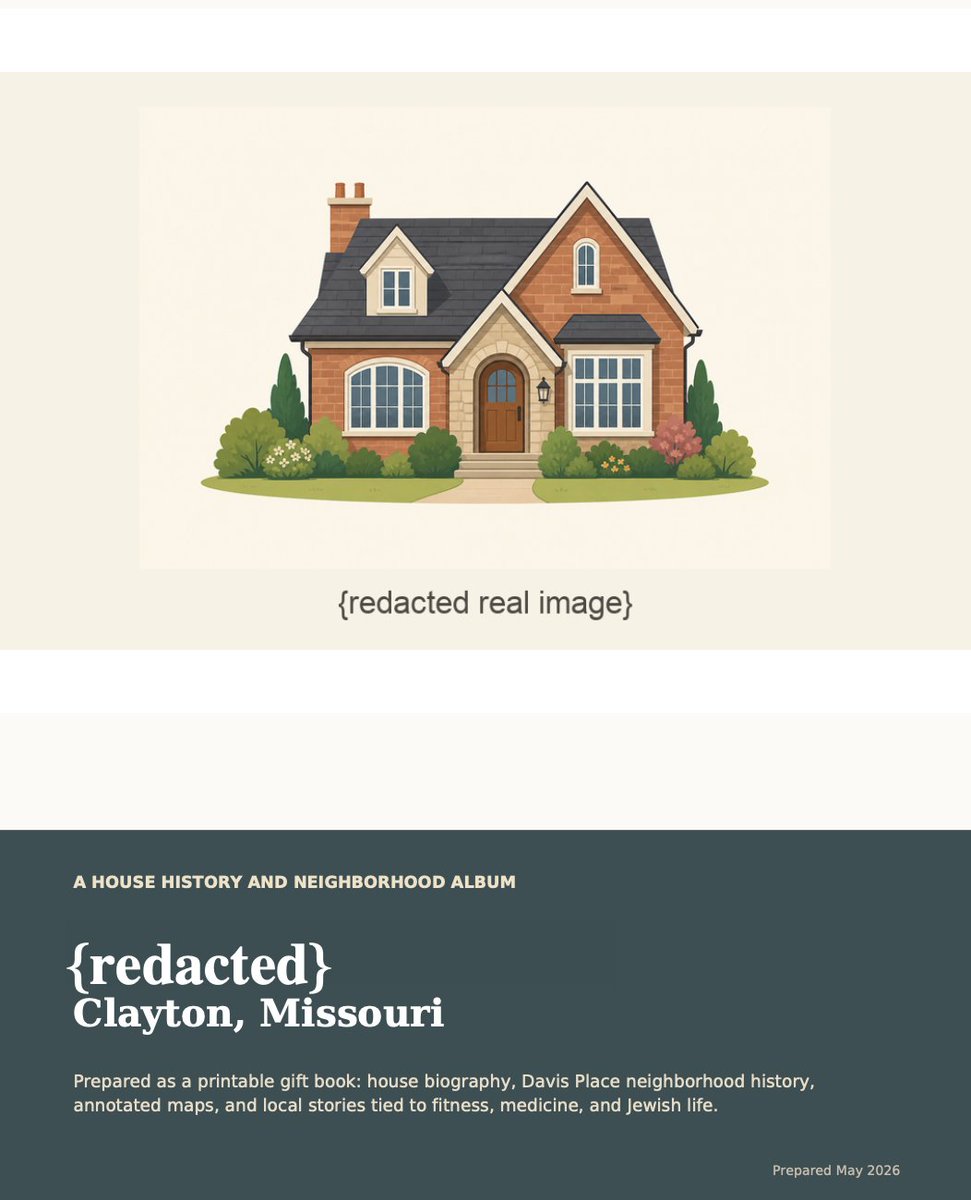
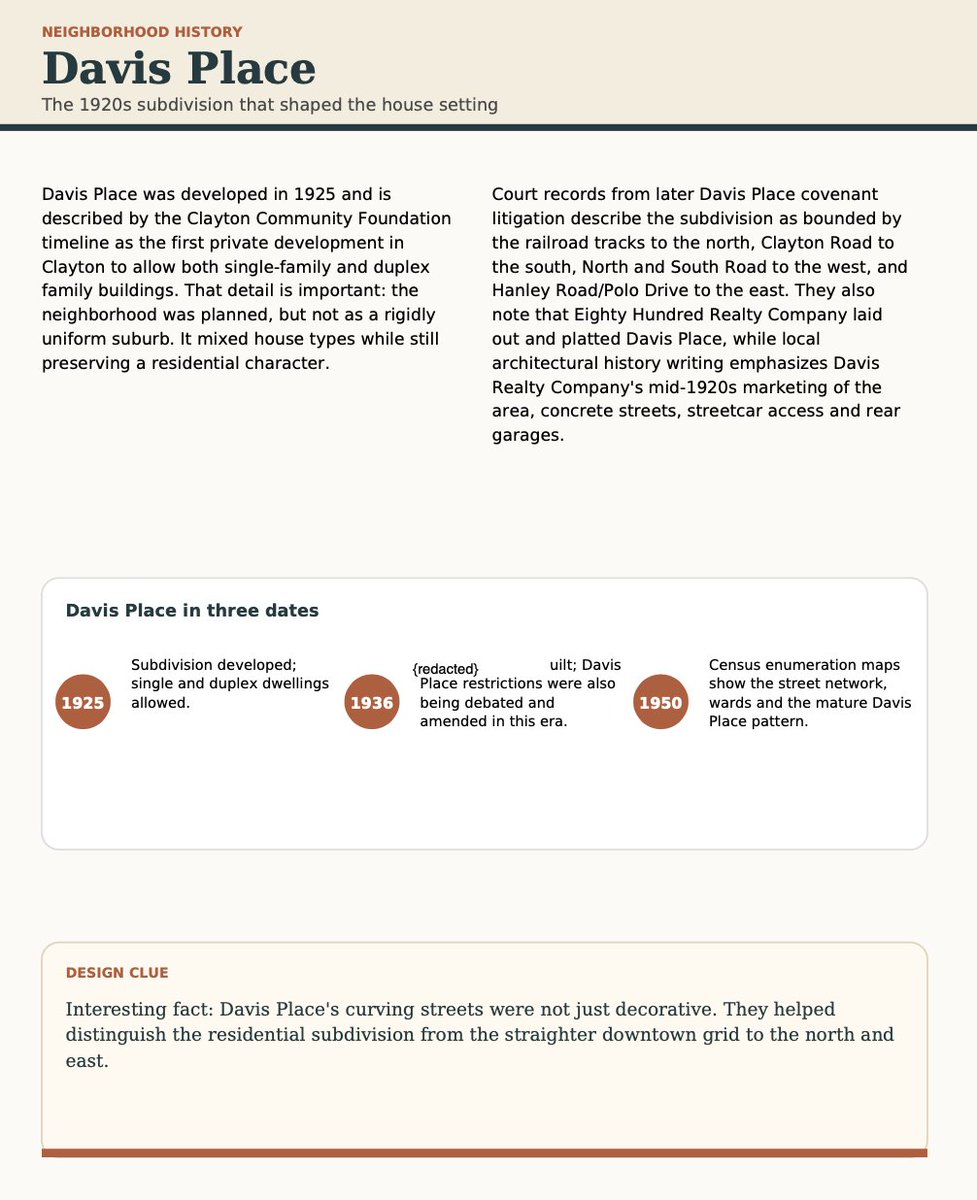
Sure you can use GPT 5.5 Pro for frontier math... but you can also use it to make a coffee table book with the history of your home.
Here's my neighborhood in St. Louis in 1941.
Prompt: "You are an expert St. Louis Historian and should use all resources available to you. Included is the public record for {redacted address}. Reference these to help you speed up/direct your research.
My parents own {redacted} address.
For a house gift, I want to make a report which talks about the history of their house/neighborhood. I will print this report at Fedex, bind in spiral book and give to them as a gift. It should include things like
1. old photos of house/street/neighborhood
2. old maps, where possible annotated with historically interesting/relevant facts
3. interesting facts about the house, street and neighborhood
Other tips - if you are struggling to find info on S Meramec Ave,, discussing Clayton, Davis Place and N Meramec is also useful. Their interests include fitness, medicine, judaism. If there is anything about these topics in clayton, be sure to include. Constraints - report should be interesting and visually appealing, not strictly a table of facts - output in multiple ways
1/ in PDF
2/ content in thread here
3/ downloadable .md markdown file.
You are an expert St. Louis Historian and should use all resources available to you. Included is the public record for {redacted address}. Reference these to help you speed up/direct your research."
Optionally, attach a public record of your address for better result (download for $1 online).
Spreadsheet++:
I used to live in spreadsheets. Now, when I’m labeling data or auditing LLM judges, I ask Codex to spin up a custom UI with filters, side-by-sides, etc.
These UIs never get committed - they just make reviewing data +50% faster and more fun.
@maxjendrall@Kareld Agree re: expanded support for markdown/in-app tools!
All feedback is appreciated - here or wherever you end. But probably the best way to make sure your feedback is captured is to use "/feedback" in Codex! I personally read lot of the feedback that come through!
Data pipelines on demand:
In the past, I’d punt when a “quick analysis” required joining sheets, rater campaigns, CSV exports, and internal tools. Too messy and tedious. Now I ask Codex to fix row IDs, check missing columns, find duplicates, and move everything into a standard schema.