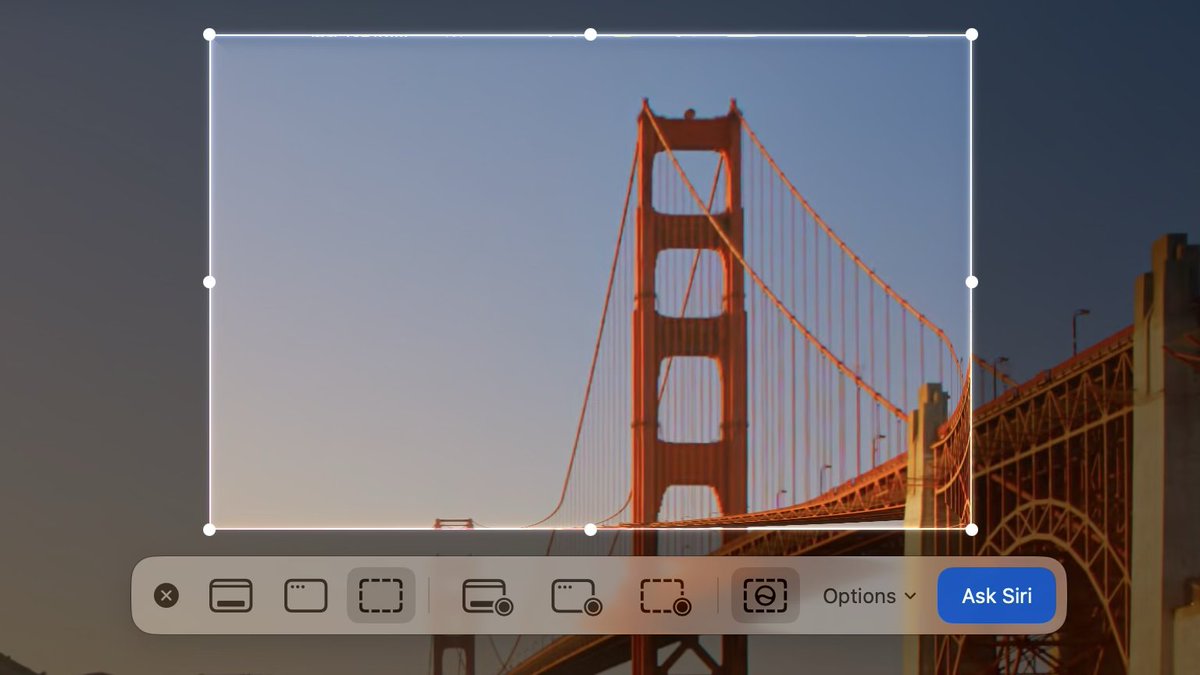
Do you keep getting “Ask Siri” when you use the Screenshot app in macOS 27.2? Here’s how to fix it.
Pressing ⌘ now toggles between Capture and Ask Siri in the Screenshot app, even if you use ⌘ + Shift + 4.
You can disable Ask Siri by running this command in the Terminal:
sudo mkdir -p /Library/Preferences/FeatureFlags/Domain && \
sudo defaults write /Library/Preferences/FeatureFlags/Domain/ScreenCapture VisualIntelligence -dict Enabled -bool false
then restart your Mac. The command will disable the ⌘ toggle, remove the Ask Siri button from the Screenshot app, and disable the ⌘ + Shift + 6 and ⌘ + Shift + Space shortcuts for Ask Siri.
If you ever want to get Ask Siri back in the Screenshot app:
sudo defaults delete /Library/Preferences/FeatureFlags/Domain/ScreenCapture VisualIntelligence
M4 iPad Pro: has 12GB RAM, but Apple’s artificially locked it to 8GB
iPad mini 8: has a 120Hz display, but Apple’s artificially locked it to 60Hz
i don’t care if it’s LTPS or LTPO, they should let the user decide the refresh rate
Apple can’t keep getting away with this.
They already gatekeep a ton of software features for no valid reason, and now they’re locking down hardware too?