Had a great afternoon with our preservice teachers exploring and working out how to plan to use digital technologies tools. We have to remember that our young teachers haven’t ever learned coding so we can all learn with each other. Laughter + learning 😀
Found an amazing resource to do coding with young students. We have introduced Cubetto. Perfect blend of physical and digital for very young learners. Preservice teachers loved it! Thanks @primotoys
Spent the afternoon guiding preservice teachers through a process of reviewing and critiquing contemporary classrooms and then using @PicCollage to design their ultimate classroom. Great ideas and discussions around spaces, pedagogy and technology.
Excellent new resource for parents and educators. Sensible advice and easy to follow suggestions. Help parents navigate online worlds safely. Online safety for under 5s booklet | eSafety Commissioner https://t.co/n1xX7KIx7Y
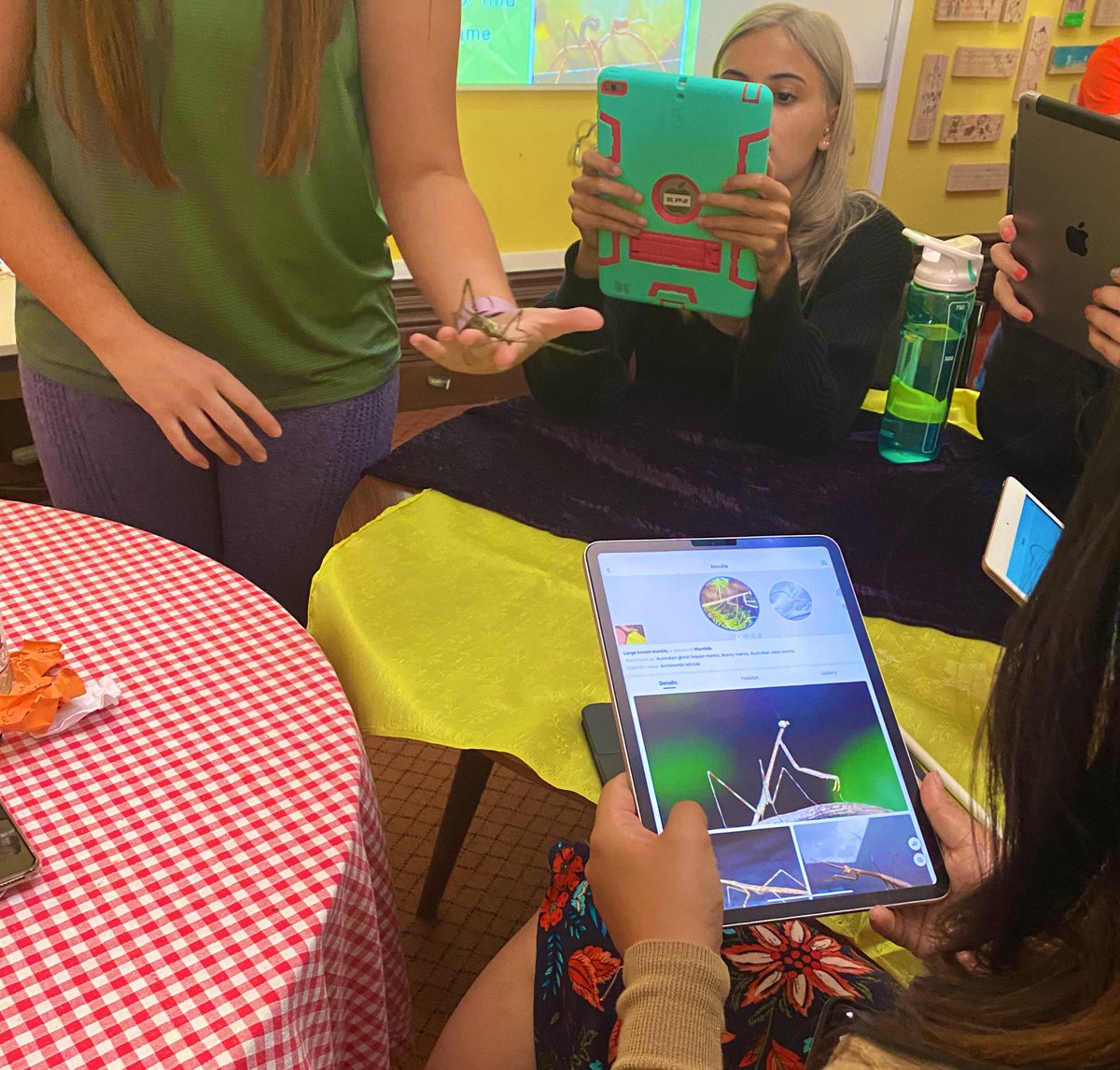
Love connecting physical and digital - leaf insects scanned using Picture Insect app to find out name, habitate and facts about our animals. #stickinsects#UNDAfreo
Loving the morning set up for the KTscience day in Perth. Thanks to @Shell_Lloyd70 and @AETCEWA5 @AETCEWA81 for the amazing set up today. People are loving the discussions.
Went to a student art exhibition in Singapore last night. They used the @ArtiviveApp to create layers and interactivity. Amazing way to showcase the art.
Thanks to @sparvell for an interesting lecture this evening on the impact of AI on education. Great reminder about all the accessibility features in devices and how we can use them with students.
Two more amazing additions to the Content Coalition (Mathematics)! Explore the multi-touch books created by @StHelenasCPS educators @mferrinda and Benjamin Saulsman for Year 6 Maths @CatholicEdWA @CathDigLearn
https://t.co/xJw293yZAH
https://t.co/GlcfG64OWr
Looking for an amazing example of how to teach Data Representation and Interpretation to Year 7 students? Check out this course created by outstanding #maths educator @platta4 from @CorpusCCC - part of the @CatholicEdWA Content Coalition. @AppleEDU https://t.co/bX8n7ahbWy
The #EveryoneCanCreate Design Workbook is an interactive #Pages document that students can use for any project, individually or in groups. Show learners how to draft plans, write creative briefs, and scaffold their ideas to new levels! https://t.co/WFbKWdj4ji #EdTech#iPadEd
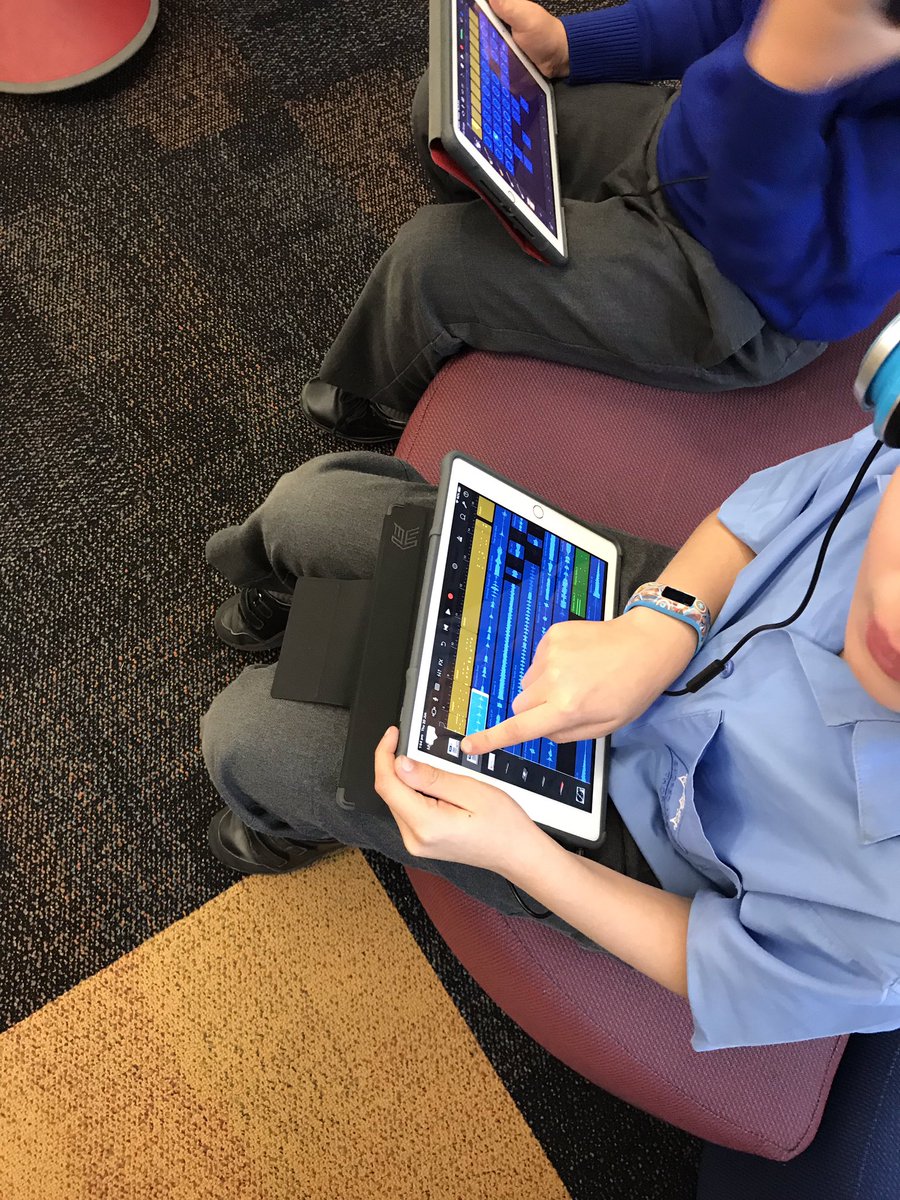
Year 4s are exploring Garage Band. They are building a rap song to ‘outrap’ the assistant principal. Strong motivation to nail it. Amazing ontask behaviour from the boys! #everyonecancreate#AppleEdu
5 steps to using #iMovie green screen. 1. Draw something in #keynote connected to video layer 2. Add actions 3. Change to green background 4. Export as Movie 5. Add to video as Green Screen.....Watch process below. @AppleEDU#EveryoneCanCreate