🗂 @ShakeUpLearning shares 13 tips to organize your Google Drive. My favorites include:
🔎 Use file and folder descriptions
🌈 Color-code folders
👍 Add emojis and special characters
🏷 Try hashtags
📂 Add files to multiple folders
https://t.co/n3zjFZP6Jt
This is the kind of stuff I do at 11:30 at night. This is @quivervision’s “Monarch Butterfly Life Cycle” augmented reality page. It’s really quite wonderful - you can also zoom in on eggs, caterpillar, and even the beautiful chrysalis. Print, color, scan - and it’s all free!
📣Hey #FlipgridAR fans...
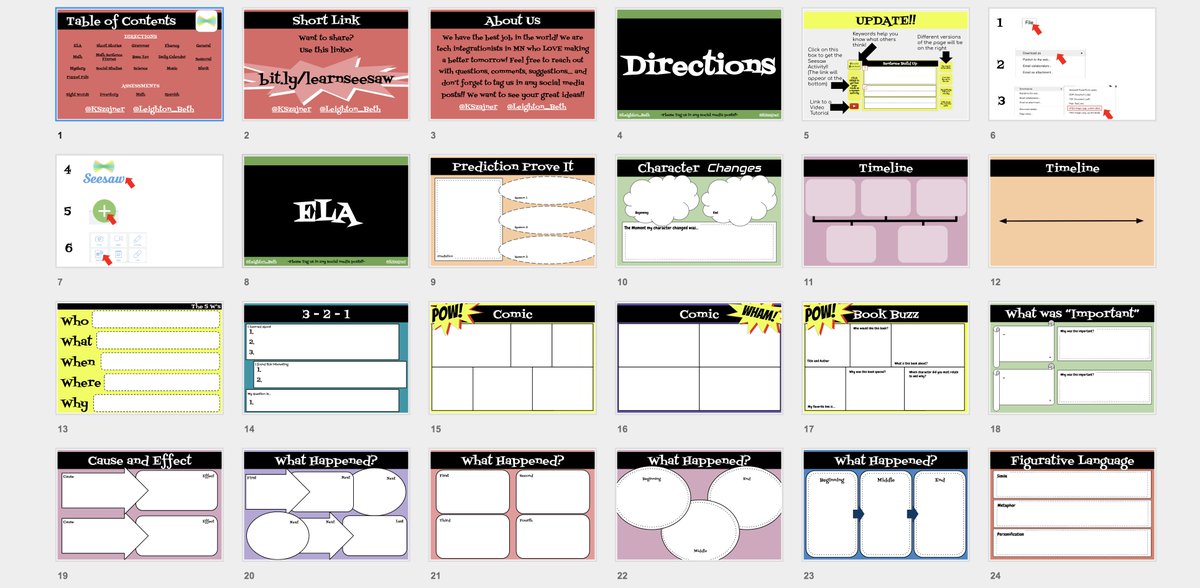
I am happy to share that I made the granddaddy of all @Wakelet collections for you!
It has every slide from my webinar, & lots of ideas from teachers who have been trying them! Let me know when U find others I should include!
https://t.co/T8pb9j3Nwo
✨ @meredithakers
shares a template for "magically" revealing answers in Google Slides.
🔍 The answer text is the same color as the background. The magnifying glass image is layered behind the text, so when moved, the text can be seen.
https://t.co/k7bkxsexnW
Please take a minute to watch this and if you can, take a few seconds to retweet this using the #retweet4good
All the money goes to a great organization for the immediate needs and the recovery efforts for the #CampFireParadise
Thank you 🙏🏻 #ButteStrong#payitforward