.NET dev friends - I'm exploring what would make great starter templates for .NET + AI, both called from the `dotnet new` CLI and in @VisualStudio. What would you like to see? A simple chat UI seems like an obvious choice, but what else would be helpful?
Watch a new episode of Three Minute Thursdays with @jmillerdev and learn how to create a new Blazor web page that runs in a Microsoft Teams app using Teams Toolkit for Visual Studio and .NET!
#Microsoft365Dev#TeamsToolkit#VisualStudio
Create your own bot for Microsoft Teams using the Teams AI Library to connect with the OpenAI Assistants API for a custom copilot-like experience - and do it in Teams Toolkit for @VisualStudio and @dotnet!
#Microsoft365Dev#MicrosoftTeams#OpenAI
Get started with Teams Toolkit using the new AI Assistants template to create an app like copilot for Teams using OpenAI and Teams AI Library.
#Microsoft365Dev#Copilot#MicrosoftTeams
Very excited to ship a preview of our new Unity extension for Visual Studio Code. This is the result of a great collaboration with a fantastic teams (@sailro and many more) and our partners at @unity (@xoofx, @sferquel and many more)! #unity#vscode https://t.co/qRaHH1HYGT
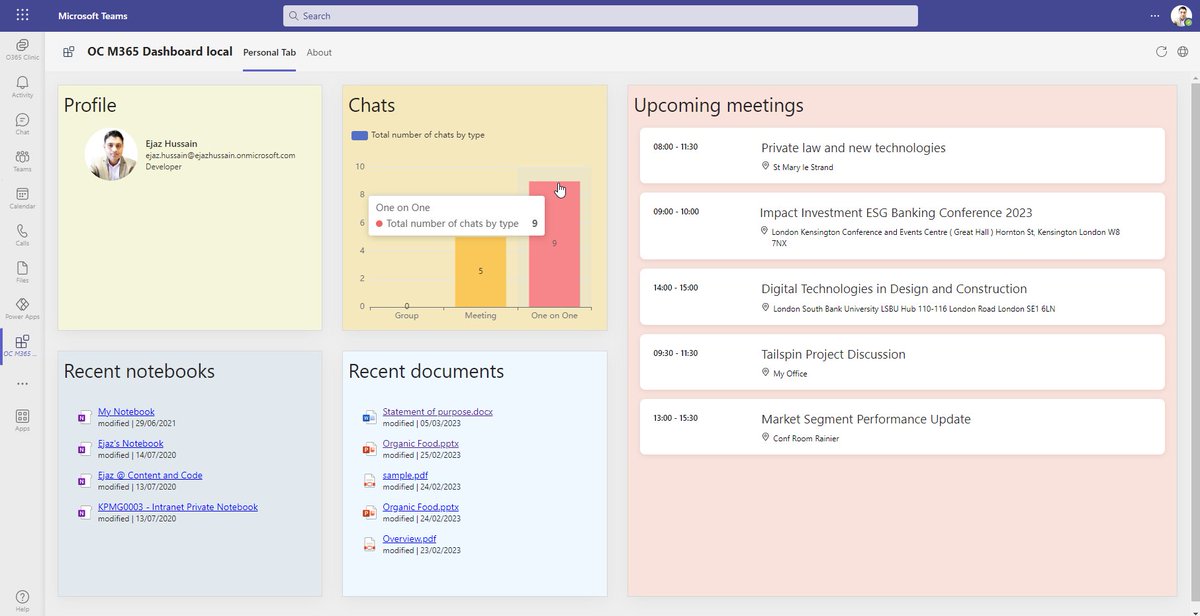
Team Toolkit 5.0 pre-release is amazing. I was able to use my existing Azure resources as well as plug in my own Ngrok. Thanks to @aycabs for sharing the sample dashboard. Below is a screenshot of the dashboard I have created.#TeamsToolkit#MicrosoftTeams#Microsoft365dev
@marknadig @aycabs They both use ngrok for tunneling to allow debugging, but in VSC we depend on the npm package to do it automatically. In VS, its more obvious and manual. We're working to support VS dev tunnels which will be smoother.
@CetinKaanTweets Great! I work on the product team for Teams Toolkit. Would love to chat more with you about your experience and Teams development. My DM is open if you are willing to chat more about it. 🙏
@svrooij@pierceboggan The recommended approach is to instead check if the API you want to use `isSupported`. Check out this for more info: https://t.co/mdUBgreW2I
If you're wondering where to learn everything you'd want to know about Visual Studio 2022 or need to recommend a resource to someone, check out Hands-On Visual Studio 2022. https://t.co/KwRe05hyFX
Discover how to get started with Teams Toolkit for Visual Studio and build your first Teams tab to boost your productivity (by @aycabs): https://t.co/7TSn5DxNj6
#Microsoft365Dev#TeamsToolkit#VisualStudio
Learn how simple it is to get started building apps for Teams with .NET using Teams Toolkit for Visual Studio.
https://t.co/oW4RoAPgyf
#Microsoft365Dev#TeamsToolkit#VisualStudio
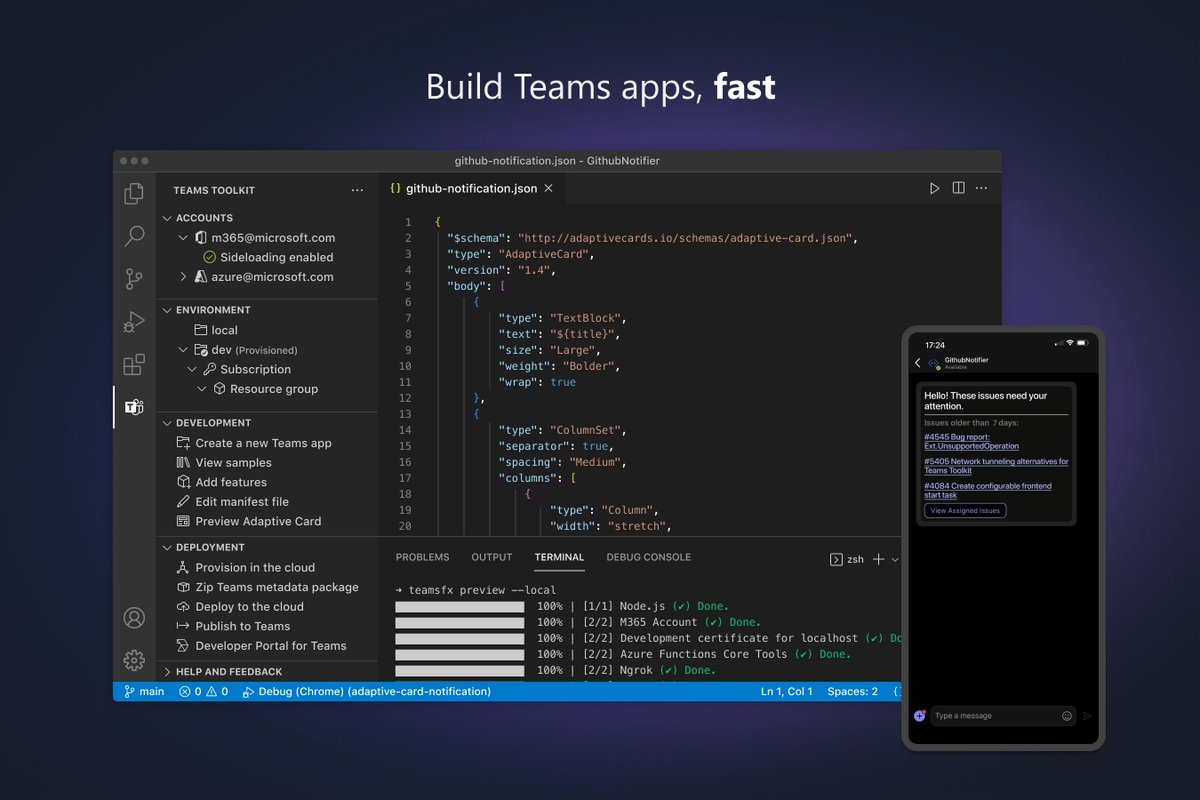
Teams Toolkit for Visual Studio Code & CLI are now GA 🎉
Create, debug, test, & deploy Teams apps, fast.
New in this release:
🚨Notification bots
✅Command bots
📧Debug apps in Outlook & Office
#Microsoft365Dev
Try now: https://t.co/6mko4dAJop