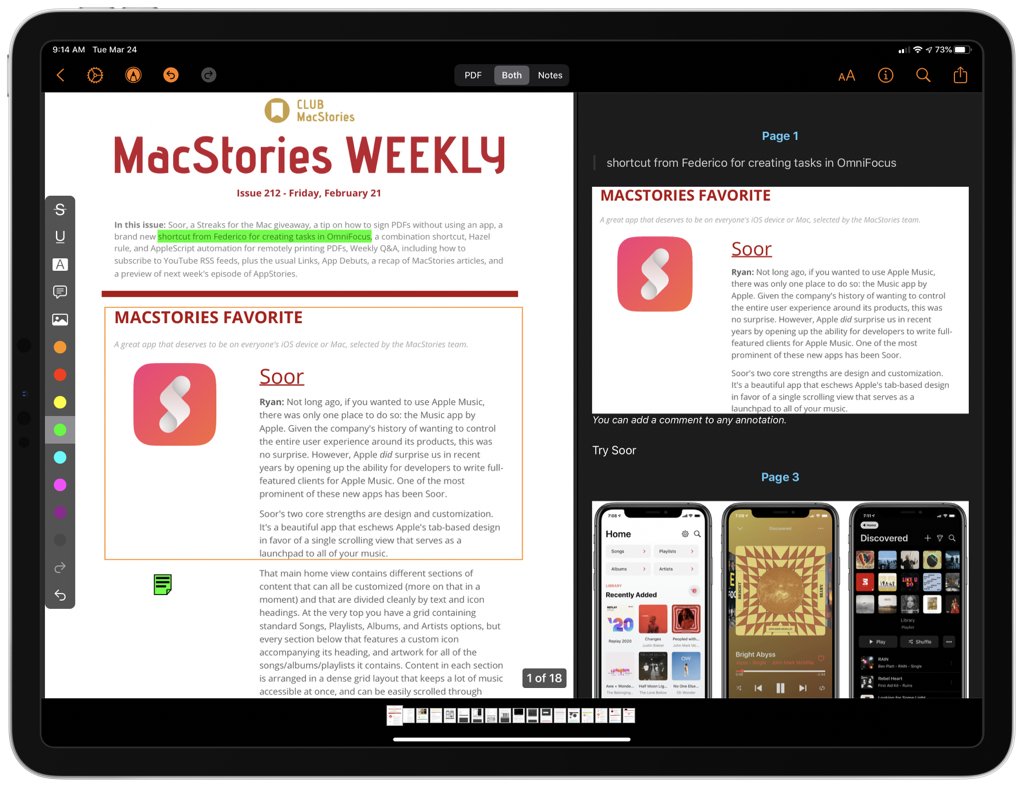
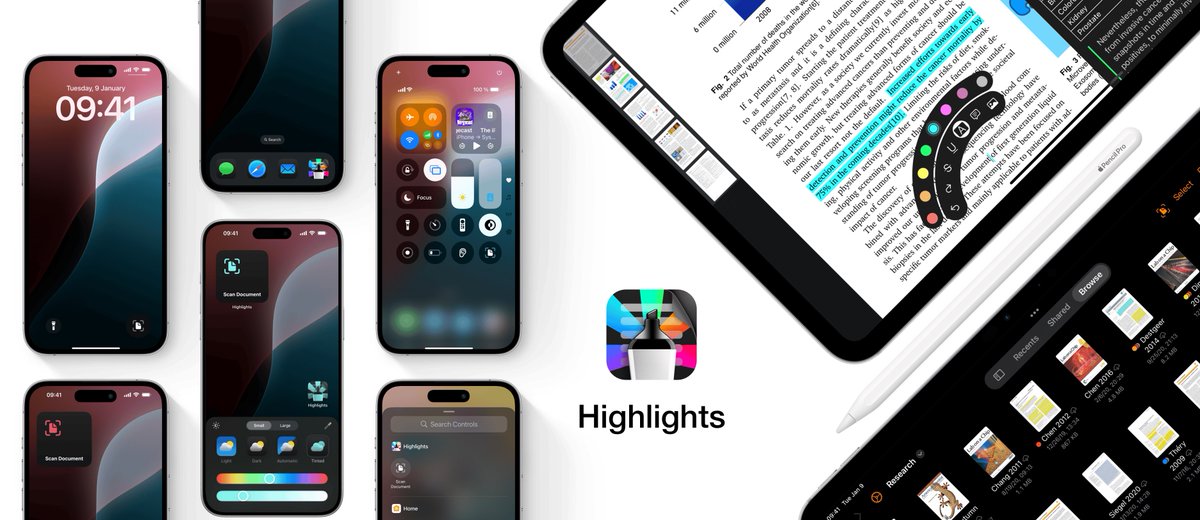
Highlights has been on the Mac for quite a while and now it’s a universal purchase with iPhone and iPad versions. It’s a powerful utility perfectly suited to the iPad too. My review:
Highlights for iPhone and iPad: An Excellent Companion for Researchers https://t.co/2rwbK1kKm7
Highlights 2024.1 is out with support for dark and tinted app icons, Control Center widgets and Lock Screen controls on iOS and iPadOS 18✨
+ A whole new experience annotating with the Apple Pencil using hover previews and the new floating tool palette
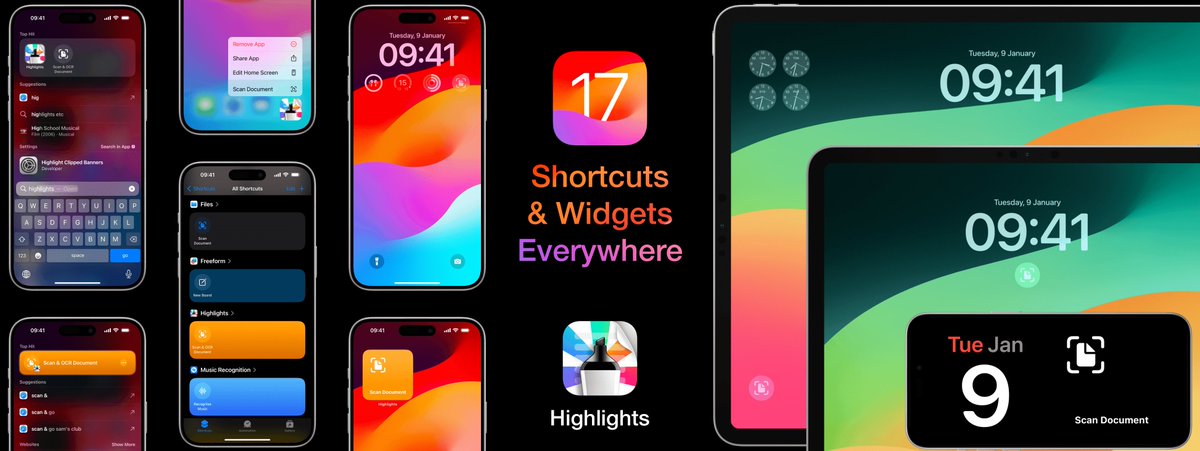
@Andrew_OSU@highlights_app is a PDF reader that let’s you scan and OCR documents from many new places thanks to the new Widgets & Shortcuts in iOS 17!
Highlights 2023.2 is out with support for widgets and shortcuts on iOS and iPadOS 17✨
Quickly launch the document scanner from widgets on your Home Screen, Lock Screen and even StandBy. Or run the shortcut from the Shortcuts app, through Spotlight search or by asking Siri.
@joforselldev I don’t think your test is wonky! Total conversion includes downloads/impressions from people who just download without looking at your product page and will therefore be much lower
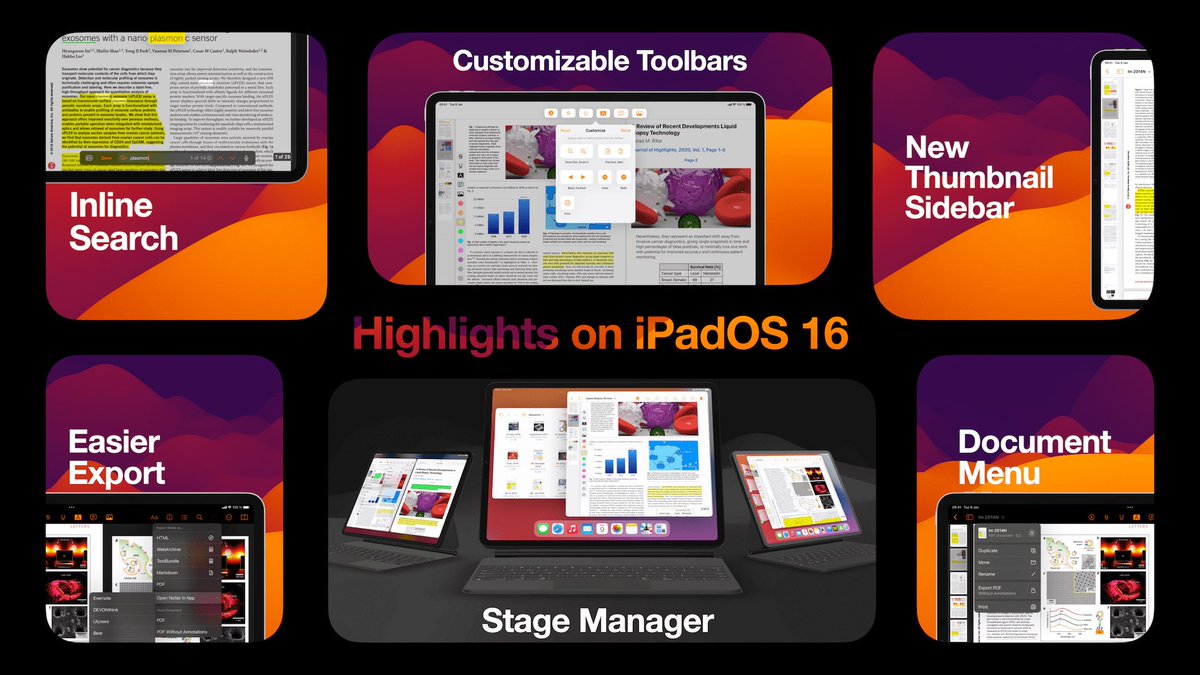
@CraigGrannell I redesigned @highlights_app for the iPad to become a Desktop-class PDF reader with a Customizable Toolbar, Document menu with file actions, a new thumbnail sidebar and support for Stage Manager https://t.co/iZmCb85dMY
@dsteppenbeck Not sufficient! My M1 Air with 8GB RAM swaps constantly when switching between Xcode and Safari. Swap is fast, but creates an unnecessary bottleneck. My Mac Studio has 64GB and never makes me think about swap.
@stroughtonsmith I have made @highlights_app a Desktop-class iPad app with a Customizable Toolbar, Document menu with file actions, a new thumbnail sidebar and support for Stage Manager https://t.co/iZmCb7OaKY
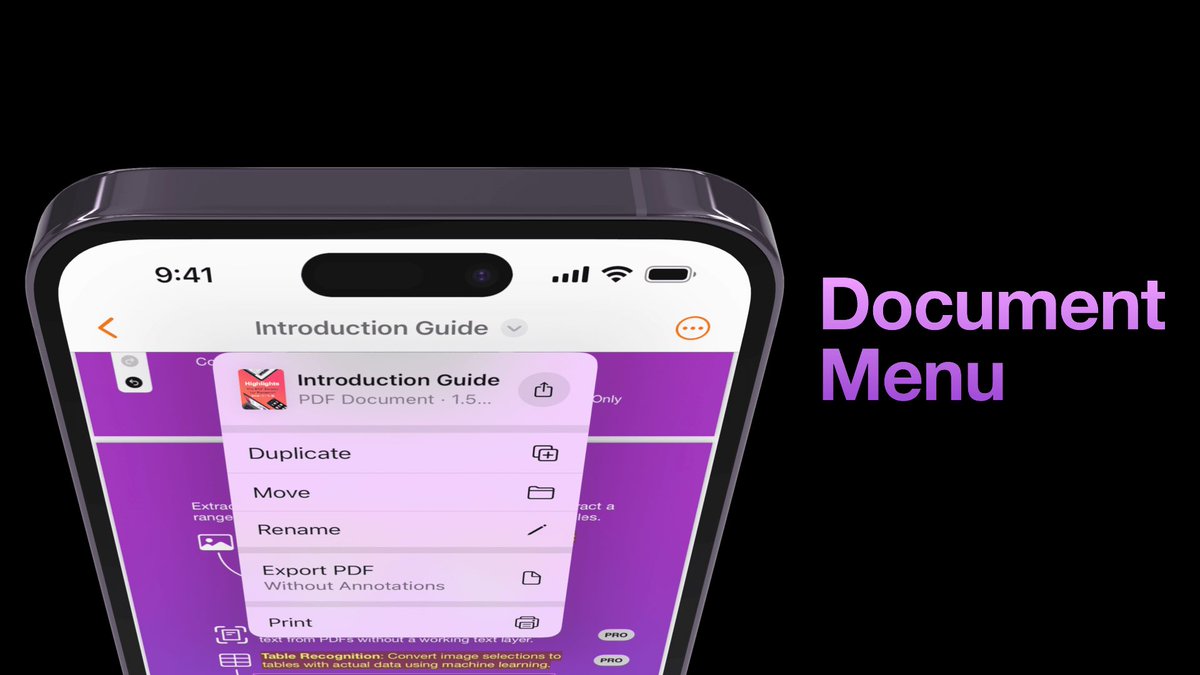
iOS 16 is out and Highlights has been updated with a new design to take advantage of the new features! The document title is now visible in the top toolbar and gives you easy access to file actions like duplicate, move and rename.
https://t.co/rG6aklxCWp
@simonbs Not solved it, but if they are available from the keyboard shortcuts menu, I think that’s as close to matching the desktop experience you can get right now..? The problem is of course that you need a keyboard to show and use that, unlike the menu bar on the Mac.
@BenRiceM Try uploading them again through a Product Page A/B test. The review times are faster and you can set them as the default screenshots once the test is running. https://t.co/6AUcrkJ7YK
Highlights has been updated for iOS 15 with support for Quick Note and the new keyboard shortcuts menu on iPad, Live Text and a new search and document settings
experience on iPhone with flexible sheets✨
https://t.co/p2pMFbccns
2021.1.2 is out for iOS! This brings improvements to keyboard shortcuts on iPadOS and makes Highlights ready for the whole new keyboard shortcut menu in iPadOS 15✨ https://t.co/yM3B7CwHvb
@sarthakt15 It’s my main development machine. I wouldn’t be surprised if it improves further in future updates, but it is no longer out of control. With how I use it and this limited amount of memory I do expect a lot of swapping.
After a week with macOS 11.4 it seems clear that the SSD thrashing issue has *finally* been resolved on my M1 MBA and I can stop running smartctl on a regular basis😅