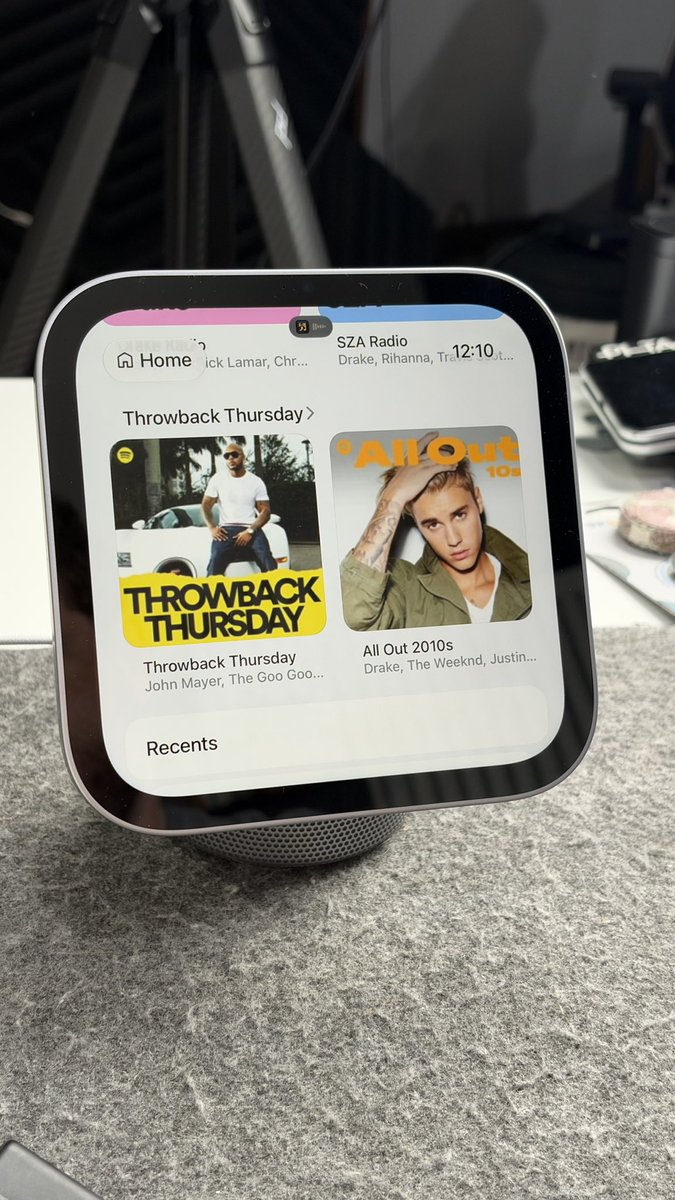
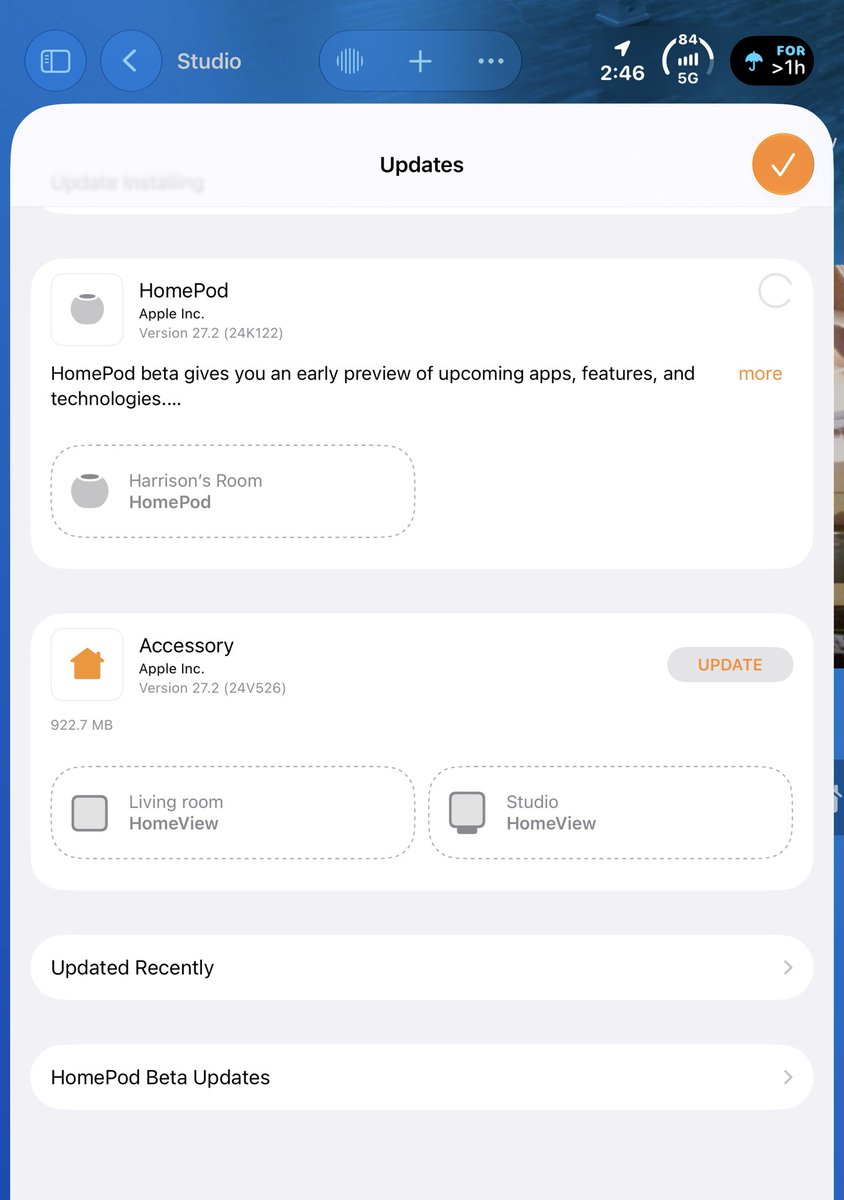
Here are some of my favorite widgets so far for Apple HomeView. You can add to the Modular face or in the app selector. They support Smart Stacks, too, with auto-rotation.
@mikeasmart Yes, depending what you want to do. Won’t be able to use Siri on the remote or Find My, but you can get one with physical buttons that some people prefer to use.
@_njsn@DominicFleshman The Apple TV 4K? Yeah, just say "Siri, turn on the TV" and the Apple TV 4K will wake up. Then you can say "find the remote" or whatever else you wanted to ask it.
@chrisbweaver It has the Apple TV app, so Apple TV shows and any channels you subscribe to THROUGH the Apple TV app will work. For me, that's Paramount+ shows. For YouTube, you have to cast it via AirPlay for now.
@johnbarker Omg it's going to be a huge night and day difference. I notice a massive difference just from the last-generation device to the new one. Booting, waking, launching apps, just tapping play/pause feels more instant.
@spresso_x4 I'm literally posting a short about it right now! I didn't think I would, but turns out I like it a whole lot. The rear speakers add a lot, even above a Dolby Atmos soundbar. I like I can boost the rear volume too or switch to whole room audio at night
Hey @mehul, think you could do a small form factor for Matic so it will work with HomeView? It supports Matter & Apple Home, but having a dedicated widget could show extra information like battery status, quick launch for certain rooms, water level, or which bag is installed.
@schwabsauce Technically you could set them up as a user, but it has a guest mode to use core features and is an AirPlay device so they can cast their personal audio and video to it.
@DominicFleshman Great question! I put it in my review, but what happens is that when the TV is asleep and off, it is ONLY listening for the wake words. Nothing else, including home commands, will work. You first have to wake the TV and then tell it do anything else, including finding the remote.
@KjellRules@DavidMosco One and the same! It's using the CarPlay version of audio and video apps, so you'll have a similar experience with MLB, Audible, etc.
@DavidMosco That's a good question! What happens is it will recognize her face when she goes to use it. It will show that Spotify is playing from your phone. If she taps into Spotify, it will be her Spotify app and show her content. If she plays something, it will just replace your track.
Some widgets still don't work, like @FedEx, so devs will need to update them, but until Apple supports more apps, this is the way to get interactive apps on HomeView. Let me know if you have any other favorites!