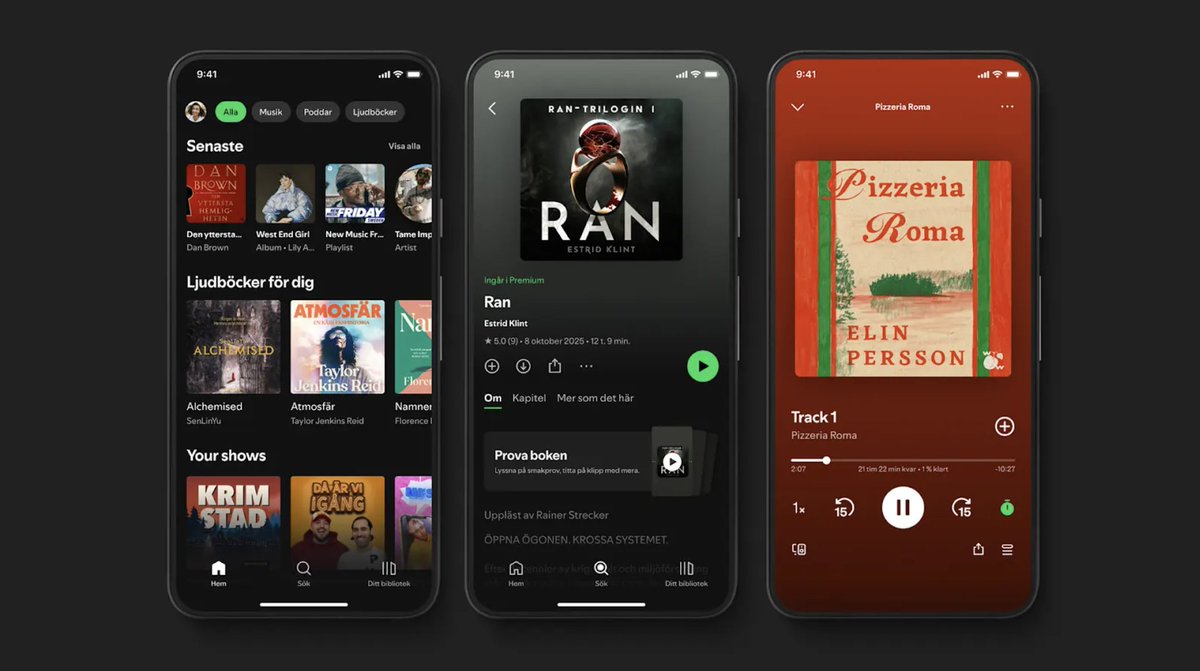
I'm really proud of launching Save to Spotify together with the team! It's been one of the most exciting products I've worked on at Spotify so far. I can't wait to see the how our users will use this new way of creating Personal Podcasts!
Hey. This one is for all you early adopters out there!
Like I’m sure many of you do, every morning an agent preps me for my day - calendar, news, last 24hrs of Slack - in a morning briefing. But mine lands in my Spotify library, so I can listen to it on my commute. Same app, same experience, same everywhere.
Many of us at Spotify have been living with this for a while and find it really useful. So today we're opening it up to see if you do too?
Now, your agent of choice can create a Personal Podcast and save it directly to your Spotify library. It's private. It's yours. And it plays everywhere Spotify plays.
The use cases feel obvious once you have it: for example a morning briefing built from your calendar and inbox. A deep dive on your class notes before an exam. A travel itinerary narrated for your flight.
We've always believed Spotify should be the home for all your audio. Music, podcasts, audiobooks – so why not also the things you make for yourself?
Try it out with OpenClaw, Claude Code, or Codex.
Install the Save to Spotify CLI from GitHub on desktop and follow the directions. Describe the Personal Podcast you want to hear and ask your agent to save it to Spotify. It will show up in Your Library.
Early, rough around some edges, and genuinely exciting.
Try it out and let us know what you think?
Link in comments 👇
@shela_tw Thanks for sharing the feedback, really useful & will forward to the team. Just curious, have you tried the timeline components? They let you add images/links on the content timeline which can help link out to the resources you reference.
@shela_tw Really cool to see this! I’m on the team that built Save to Spotify. Would love to hear more about your use cases and if there’s anything we can improve further
@ArtinBogdanov@GustavS@Spotify Hey Artin, really cool to see what you've built on top of Save to Spotify. Would love to hear about your use cases, what works well and what we can improve.
I'm really proud of launching Save to Spotify together with the team! It's been one of the most exciting products I've worked on at Spotify so far. I can't wait to see the how our users will use this new way of creating Personal Podcasts!
Hey. This one is for all you early adopters out there!
Like I’m sure many of you do, every morning an agent preps me for my day - calendar, news, last 24hrs of Slack - in a morning briefing. But mine lands in my Spotify library, so I can listen to it on my commute. Same app, same experience, same everywhere.
Many of us at Spotify have been living with this for a while and find it really useful. So today we're opening it up to see if you do too?
Now, your agent of choice can create a Personal Podcast and save it directly to your Spotify library. It's private. It's yours. And it plays everywhere Spotify plays.
The use cases feel obvious once you have it: for example a morning briefing built from your calendar and inbox. A deep dive on your class notes before an exam. A travel itinerary narrated for your flight.
We've always believed Spotify should be the home for all your audio. Music, podcasts, audiobooks – so why not also the things you make for yourself?
Try it out with OpenClaw, Claude Code, or Codex.
Install the Save to Spotify CLI from GitHub on desktop and follow the directions. Describe the Personal Podcast you want to hear and ask your agent to save it to Spotify. It will show up in Your Library.
Early, rough around some edges, and genuinely exciting.
Try it out and let us know what you think?
Link in comments 👇
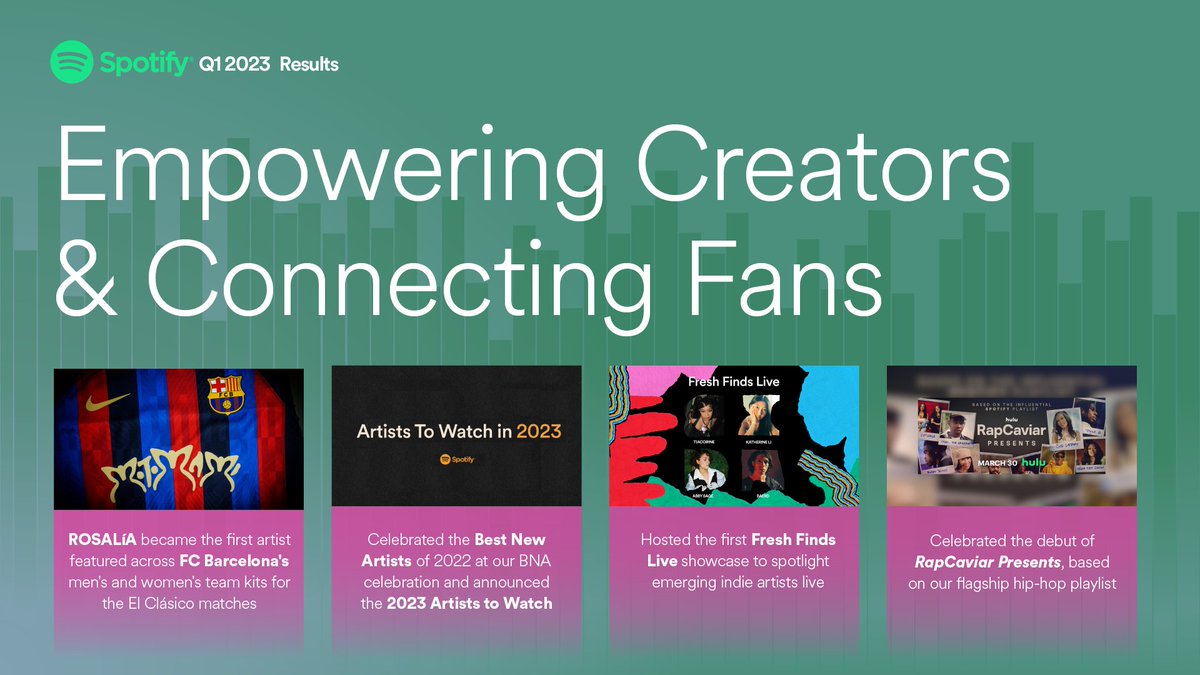
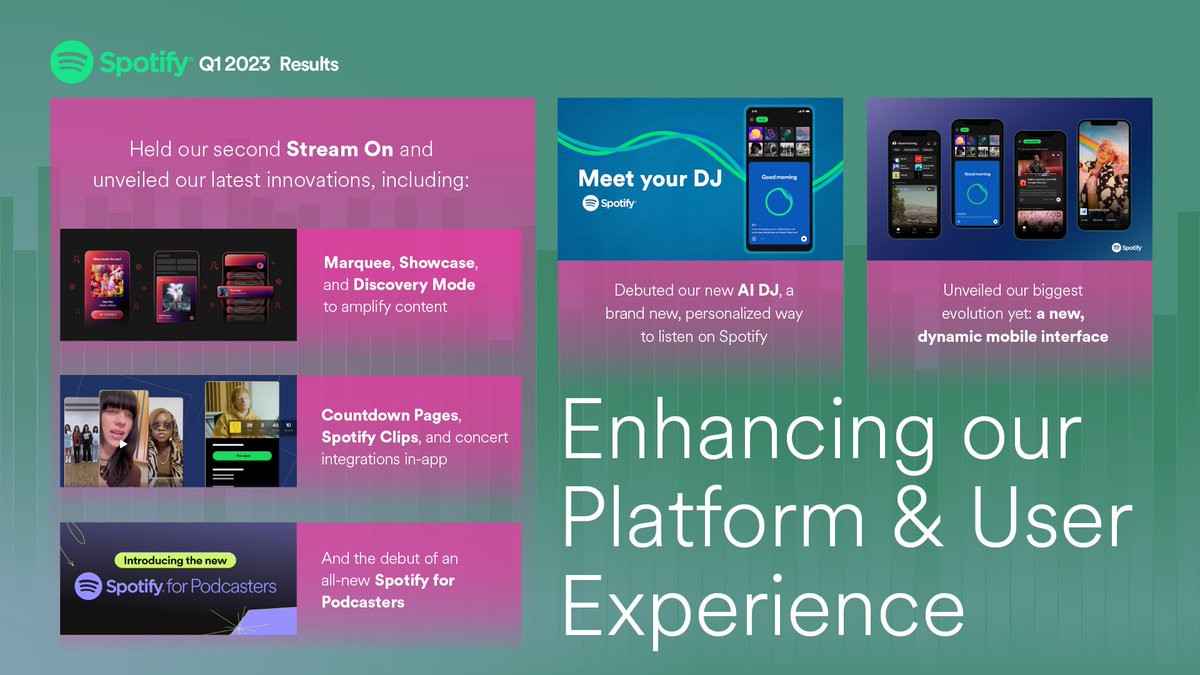
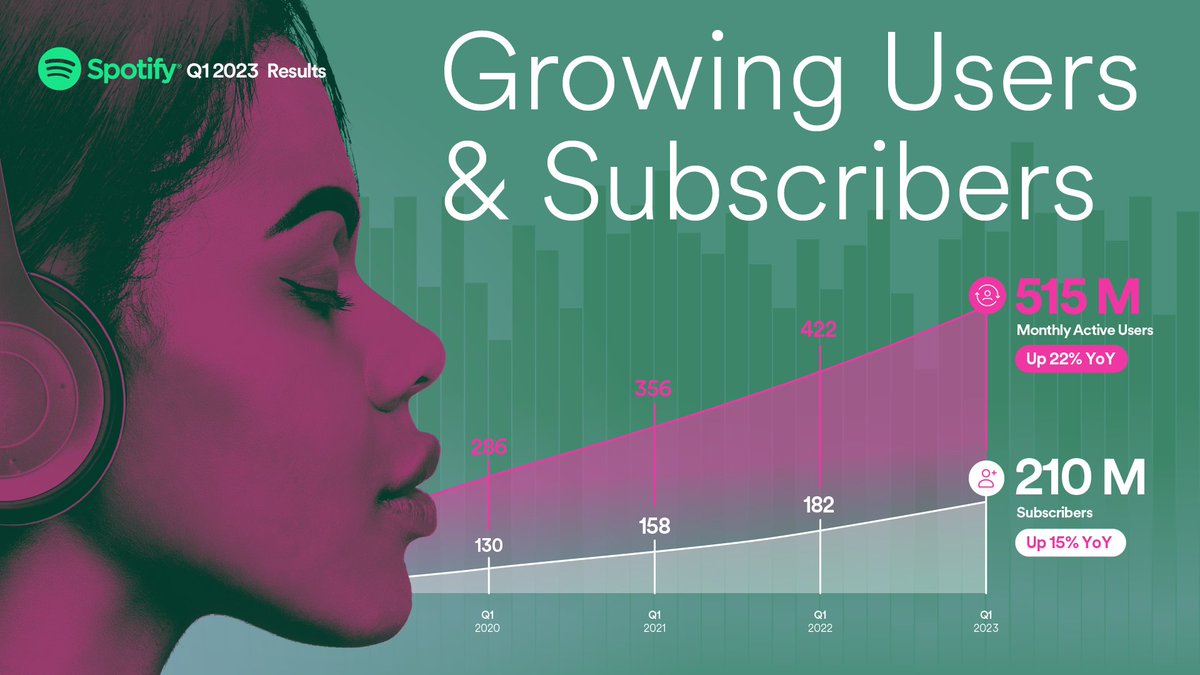
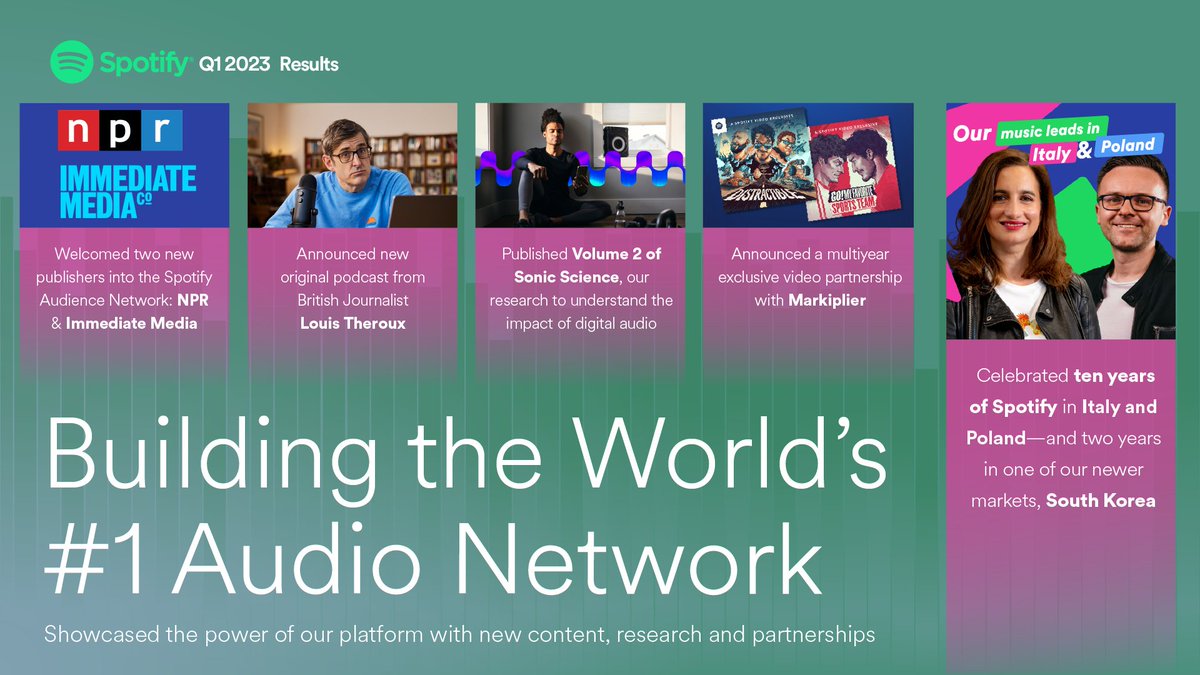
.@Spotify's strongest Q1 since going public in 2018 and the second largest quarter of MAU growth in our history. Thank you to our teams worldwide for all you accomplished. More here: https://t.co/rkCQ3HWu43
@LukaMarcetic Hi Luca, thanks for reaching out. Having a hard time reproducing this issue myself. Could you please send screenshots and Web Console error messages? Thanks!