1/4 Website Menu Design Tips:
Choosing between short-width and full-width menus? Let's explore the pros and cons of each to help you create a seamless user experience Don't forget to follow me for more tips on the user experience #uiuxdesign#UserExperience#website#webdesign
4/4 Conclusion: Design your menu based on what you want to achieve. If your website has lots of stuff, go for a full-width menu that stretches across the page. If you like things simple and your website doesn't have much, pick a small menu. Make it easy for people to use.
3/4 Full-Width Menus:
✅ Modern and visually striking
✅ Great for showcasing many options
✅ High visibility for user engagement
❌ Takes up more space; can be overwhelming with fewer options
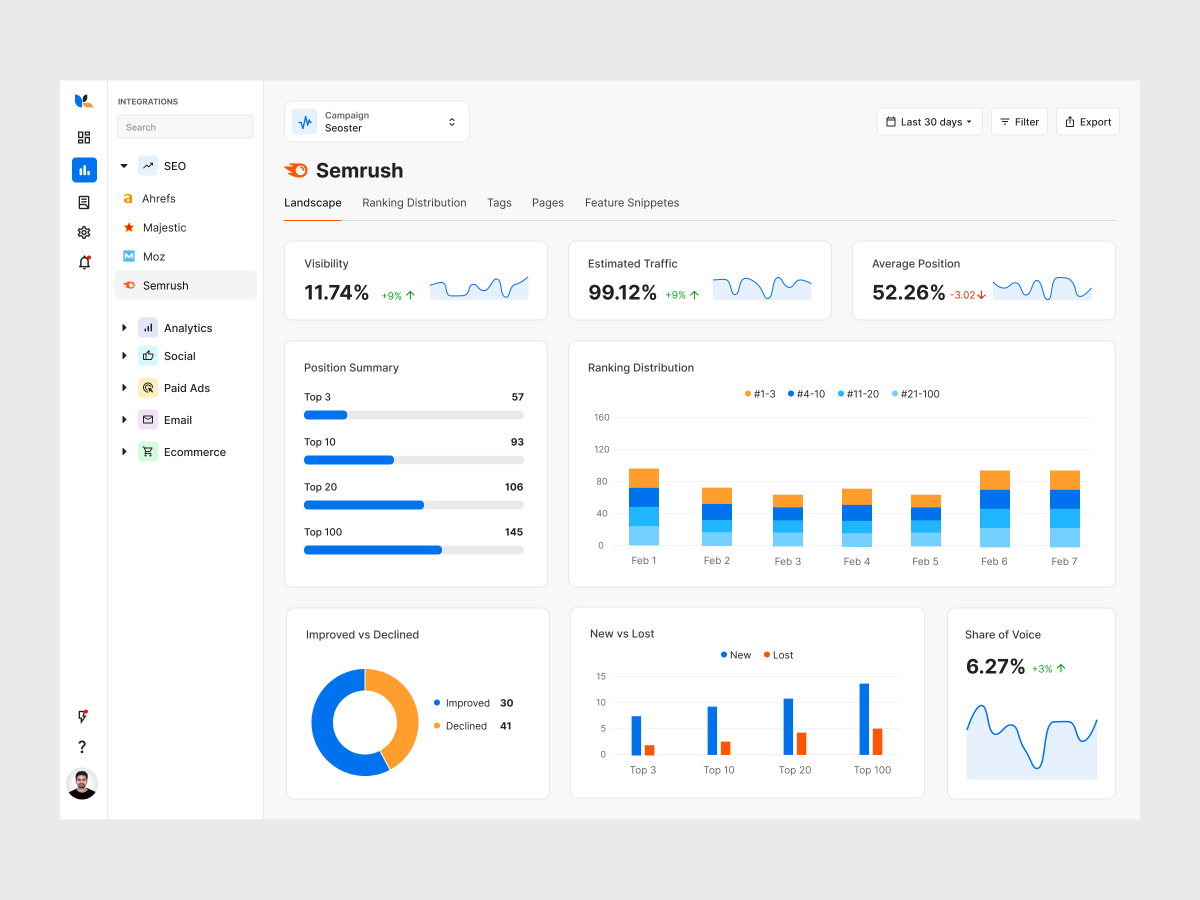
There are many quality SEO reporting tools on the market. Find the right SEO reporting tool for you and your team with this list. https://t.co/iCC3QWkpcP via @SEOBrock, @sejournal
New in today’s release of Adobe XD — you can now animate strokes and paths using Auto-Animate. See how you can use Auto-Animate to bring motion to your designs: https://t.co/xBZRWIEhIb